

 v0.3.0
flutter_file_info
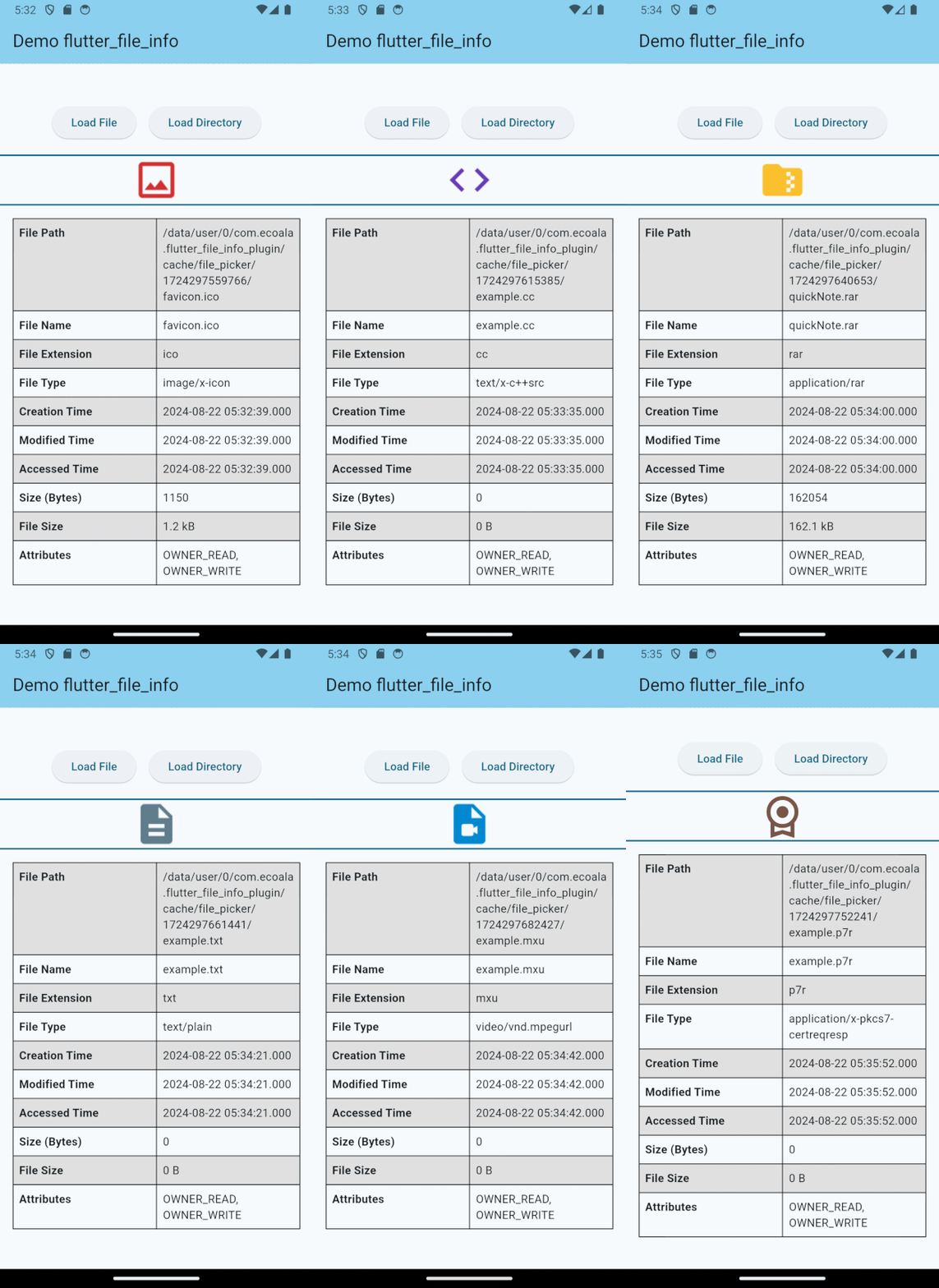
A Flutter plugin for retrieving detailed file metadata, including native icons assigned by file type.
11Likes 23330-day downloads130Pub points
AndroidiOSmacOSWindows
A Flutter plugin for retrieving detailed file metadata, including native icons assigned by file type.

English project snapshot. Visit GitHub for the latest content.



A Flutter plugin for retrieving detailed file metadata, including system-native file icons. You can retrieve the native icon assigned to a file based on its type, ensuring a consistent visual representation across platforms. Perfect for applications that require access to file details and icons.
| API | Android | iOS | Linux | macOS | Windows | Web |
|---|---|---|---|---|---|---|
| getFileIconInfo() | :heavy_check_mark: | :heavy_check_mark: | :x: | :heavy_check_mark: | :heavy_check_mark: | :x: |
| getFileInfo() | :heavy_check_mark: | :heavy_check_mark: | :x: | :heavy_check_mark: | :heavy_check_mark: | :x: |
This plugin requires a minimum iOS deployment target of 13.0. Ensure that your project is configured correctly by following these steps:
Update the Podfile
In the ios/Podfile file, set the deployment target:
platform :ios, '13.0'
After making this change, run:
cd ios && pod install
Update Xcode Project Settings
These steps ensure that your project is compatible with the required iOS version.
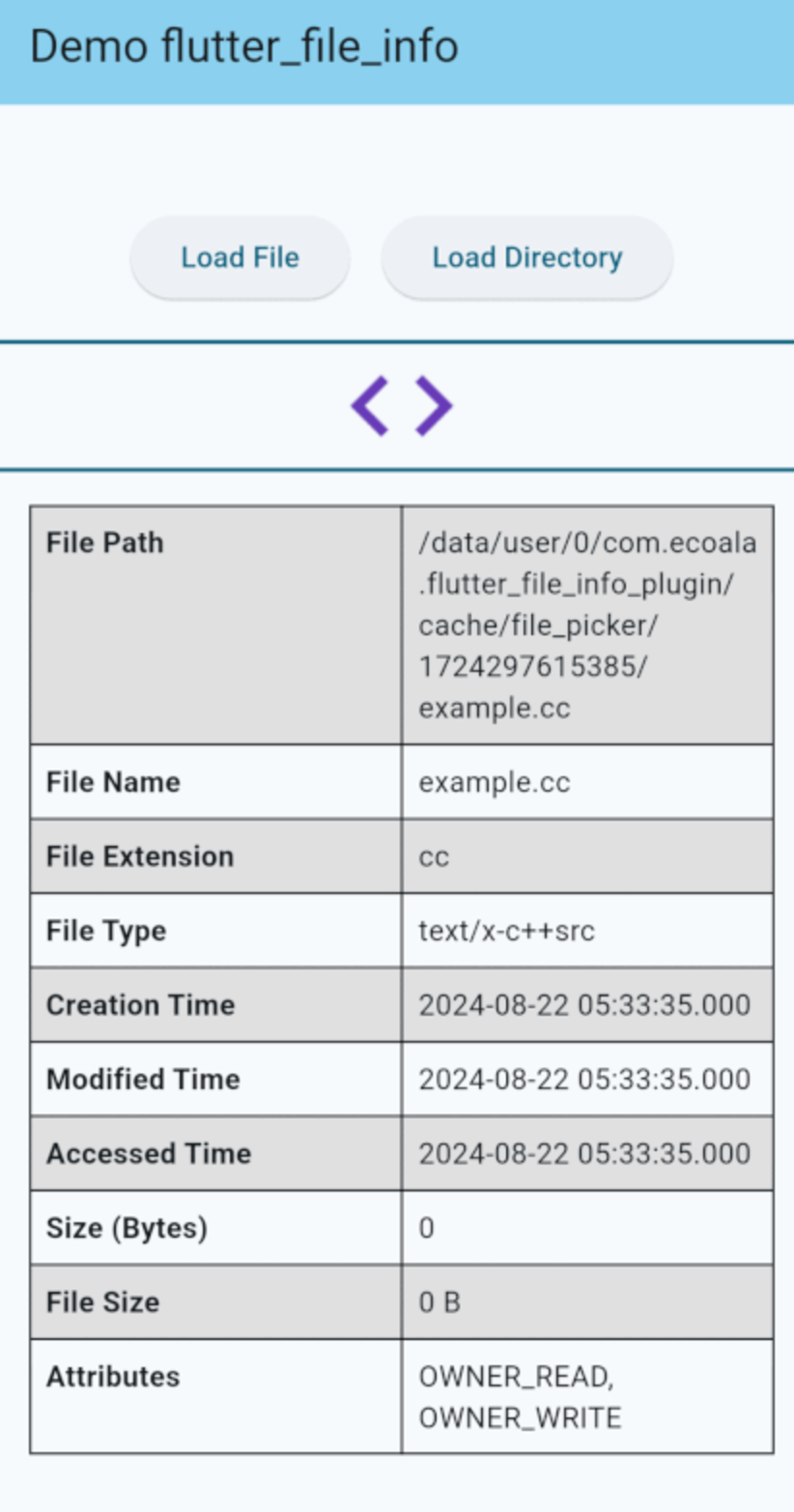
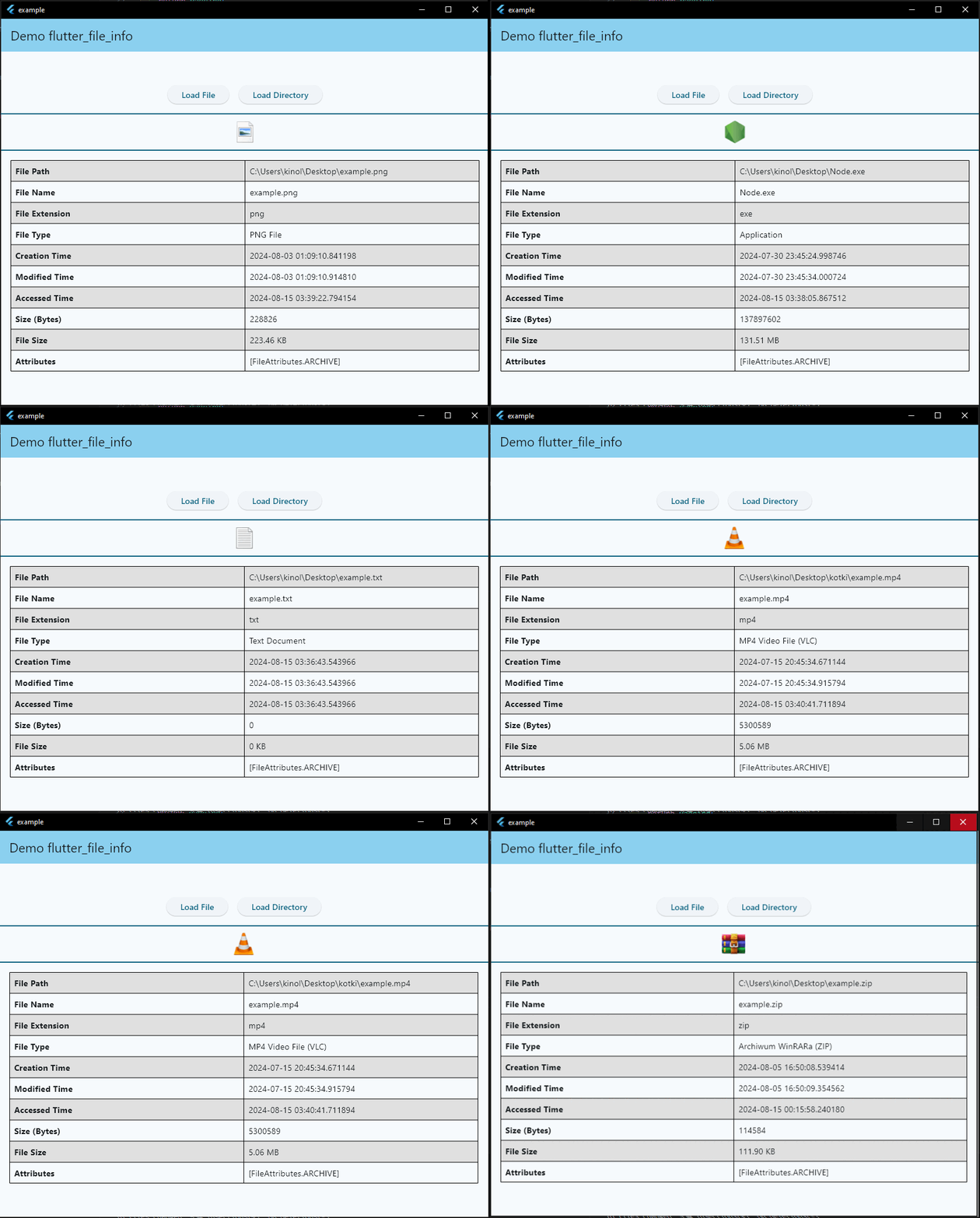
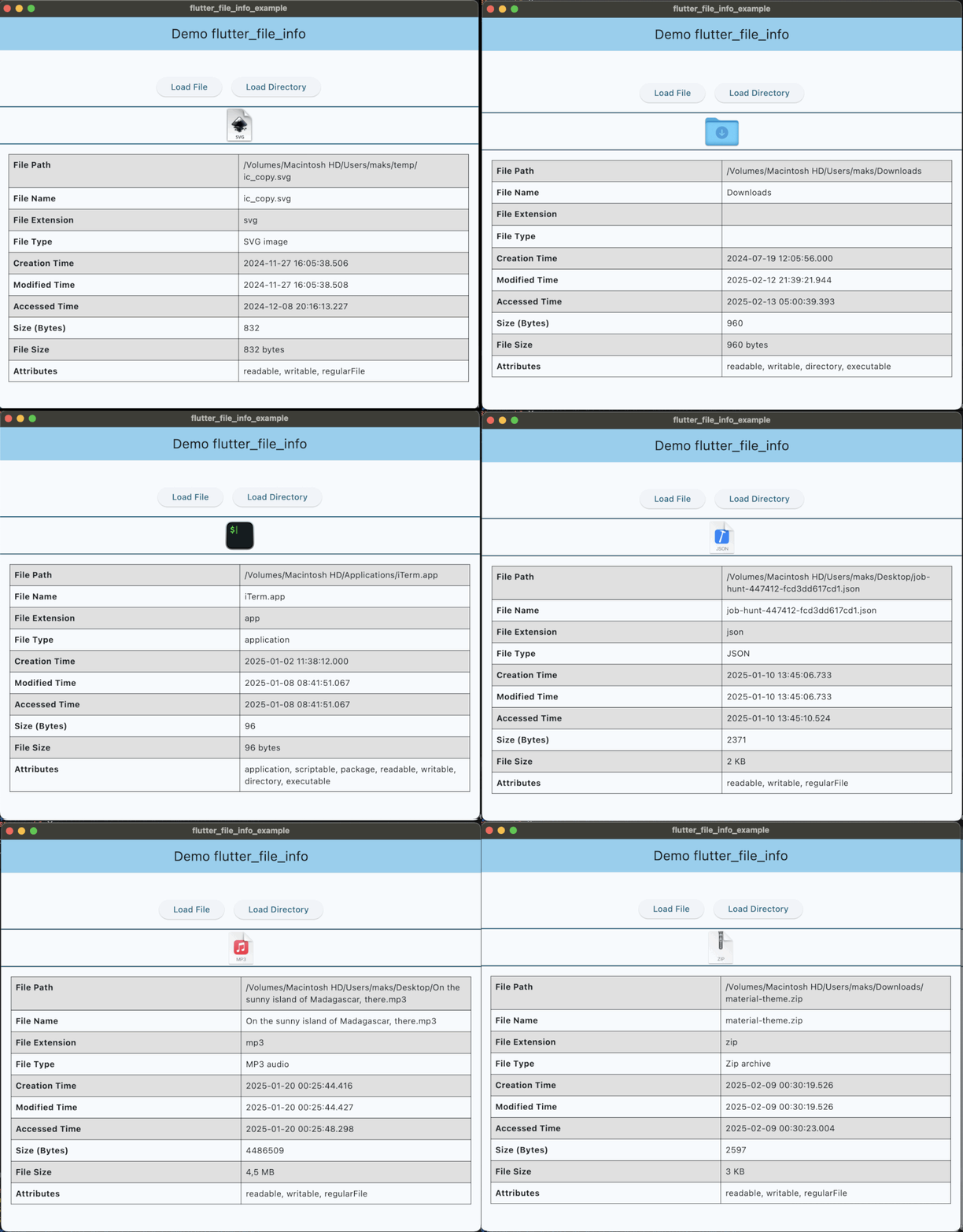
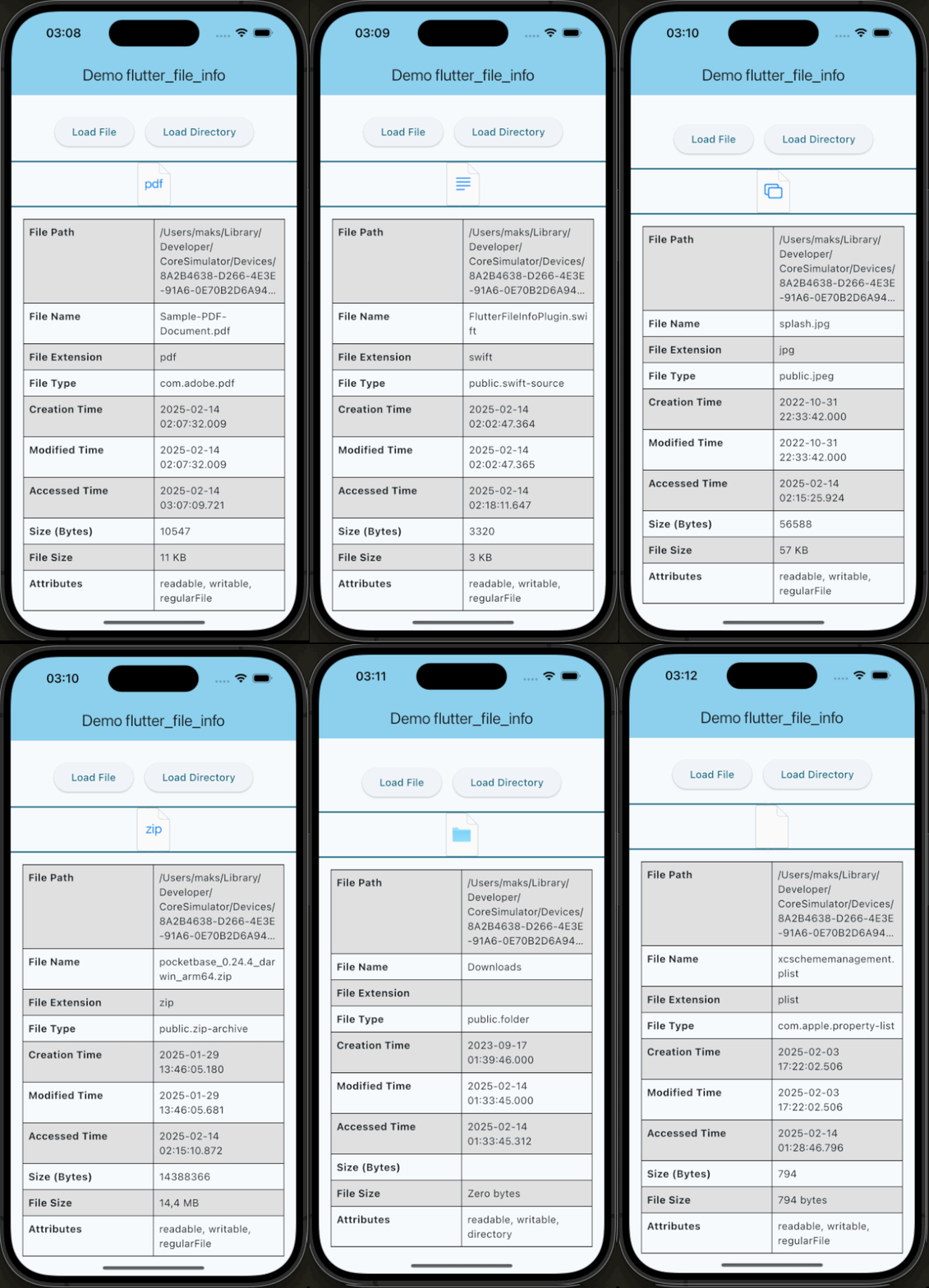
Quick simple usage example:
IconInfo? iconInfo = await FileInfo.instance.getFileIconInfo('path/to/example/file.txt');

Widget _buildFileIcon() {
    if (iconInfo == null) return const SizedBox.shrink();
    return Image.memory(
      iconInfo!.pixelData,
      width: iconInfo!.width.toDouble(),
      height: iconInfo!.height.toDouble(),
    );
  }
FileMetadata? fileMetadata = await FileInfo.instance.getFileInfo('path/to/example/file.txt');

if (fileMetadata != null) {
    print(fileMetadata.fileName);                    // Output: file.txt
    print(fileMetadata.fileExtension);               // Output: txt
    print(fileMetadata.fileType);                    // Output: TextDocument
    print(fileMetadata.creationTime?.toString());    // Output: 2024-08-01 17:16:26.500018
    // ...
}
If you would like to contribute to the development of this plugin, please fork the repository and submit a pull request. For detailed contribution guidelines, please refer to the CONTRIBUTING.md file.
This plugin is licensed under the MIT License.
Dependency list 10 items
{"sdk":"flutter"}^2.0.2^2.0.5^2.1.3^4.2.0^5.5.4{"sdk":"flutter"}^3.0.0^5.4.4^2.4.11Start with your use case, compare repository activity, and check the original project before adopting it.
“A repository is the most basic element of GitHub.”
GitHub Docs — About repositories ↗