

v2.1.0
rubber
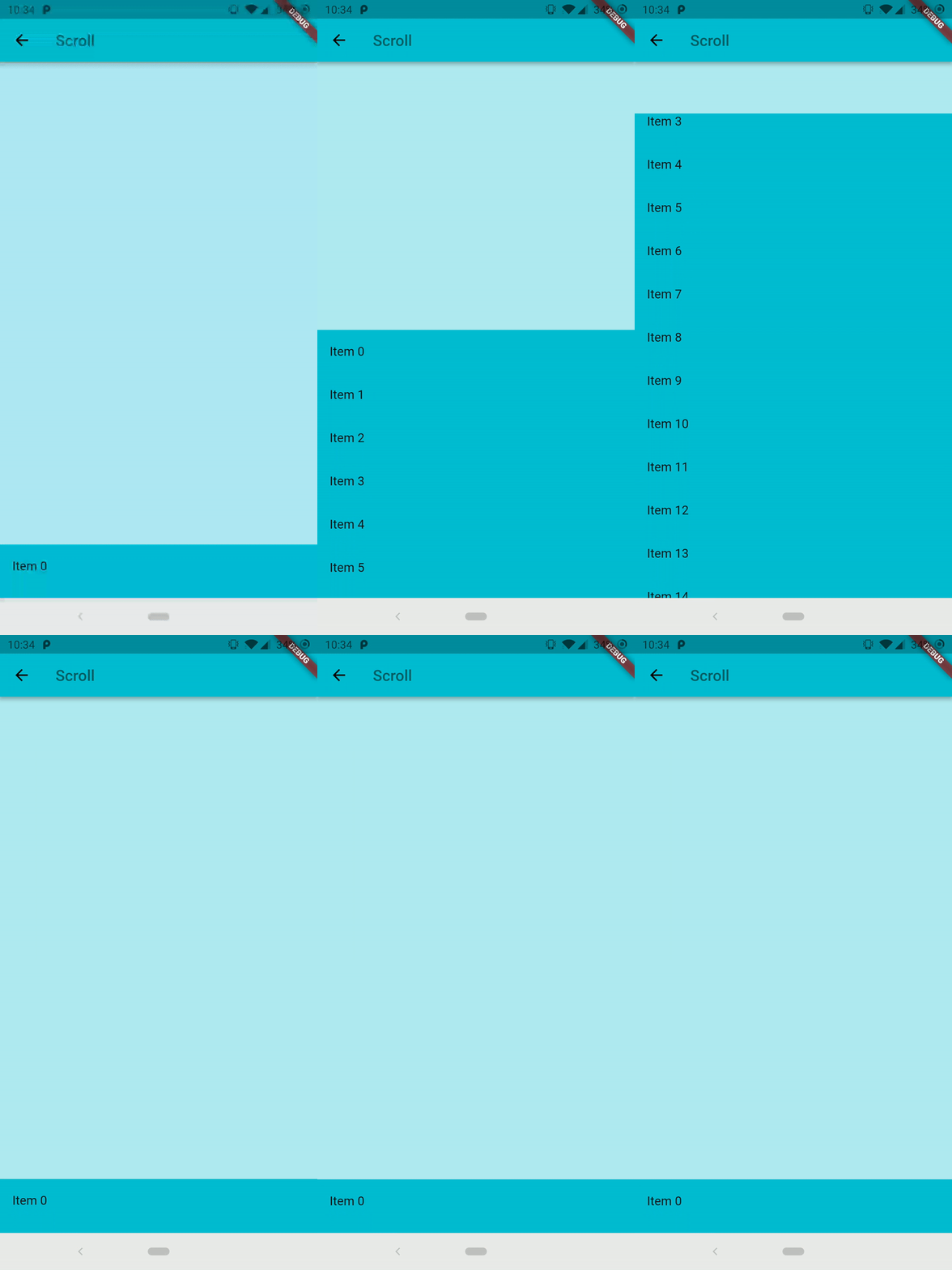
Rubber is an elastic bottom sheet widget with the customizable material spring animation.
356Likes 11K30-day downloads160Pub points
AndroidiOSWebmacOSWindowsLinux
An elastic material bottom sheet implementation for Flutter.

English project snapshot. Visit GitHub for the latest content.


An elastic material bottom sheet implementation for Flutter.
Requires Flutter 3.44 or later and Dart 3.12 or later.
This is still an early preview, some behaviors can change or being removed. Every feedback, bug report or feature request is welcome, please send it at the issue tracker
Follow the Quick Start to add it to your project. Is also available the complete example in the repository to preview the library on your device.
Common interaction options can be configured directly on the sheet:
RubberBottomSheet(
  animationController: controller,
  lowerLayer: const MyBackground(),
  upperLayer: const MySheetContent(),
  draggable: true,
  snapThreshold: 0.4,
  minFlingVelocity: 700,
  completeFlingVelocity: 5000,
  scrimColor: Colors.black54,
  onScrimTap: controller.collapse,
);
Use strict bounds when the elastic overscroll effect is not appropriate:
final controller = RubberAnimationController(
  vsync: this,
  duration: const Duration(milliseconds: 250),
  boundsBehavior: RubberAnimationBoundsBehavior.strict,
);
Use controller.addListener(...) to observe the position continuously. Status
listeners report direction and boundary transitions (forward, reverse,
completed, and dismissed). Pixel bounds are automatically recalculated
after size and orientation changes.
 |
 |
Dependency list 3 items
{"sdk":"flutter"}{"sdk":"flutter"}^6.0.0Start with your use case, compare repository activity, and check the original project before adopting it.
“A repository is the most basic element of GitHub.”
GitHub Docs — About repositories ↗