
v7.1.0
cloud_firestore
Flutter plugin for Cloud Firestore, a cloud-hosted, noSQL database with live synchronization and offline support on Android and iOS.
3.8KLikes 1.6M30-day downloads150Pub points
AndroidiOSWebmacOSWindows
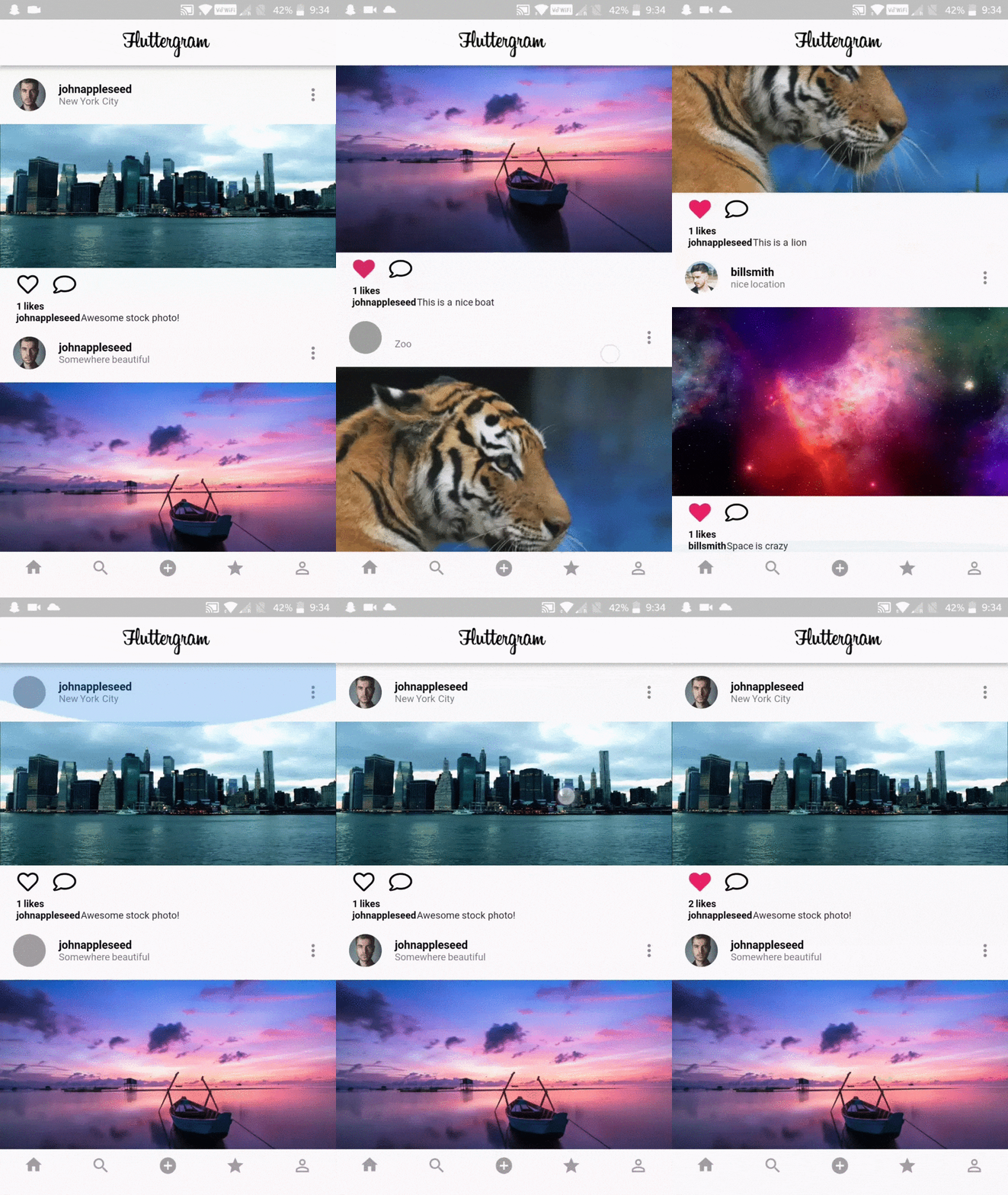
A fully functional Instagram clone written in Flutter using Firebase / Firestore
English project snapshot. Visit GitHub for the latest content.
A working Instagram clone written in Flutter using Firebase / Firestore
I built Fluttergram as a way to learn Flutter when it was still in Beta V1. At this time, Flutter was in its really early stages, and best practices were not yet established. As such, this repo does not reflect the current Flutter best practices and is not at a high code quality standard. That said, it still has merit in being a complete example of what can be done in Flutter.
Download the release APK to try out Fluttergram
I update Fluttergram with new features and bugs fixes, but the apk may be behind master. Take a look at the changelog to see the most recent additions to the apk.


$ git clone https://github.com/mdanics/fluttergram.git
$ cd fluttergram/
firebase initfunctions/lib/index.js to your firebase project's functions/index.jsgetFeed with firebase deploy --only functions In the output, you'll see the getFeed URL, copy that._getFeed function in feed.dart with your cloud function url from the previous step.If this does not work and you get the error Error: Error parsing triggers: Cannot find module './notificationHandler' Try following these steps. If you are still unable to get it to work please open a new issue.
You may need to create the neccessary index by running firebase functions:log and then clicking the link
If you are getting no errors, but an empty feed You must post photos or follow users with posts as the getFeed function only returns your own posts & posts from people you follow.
keytool -exportcert -list -v \
-alias androiddebugkey -keystore ~/.android/debug.keystore
google-services.json into /android/app/.Double check install instructions for both

Flutter plugin for Cloud Firestore, a cloud-hosted, noSQL database with live synchronization and offline support on Android and iOS.
Flutter plugin for Firebase Auth, enabling authentication using passwords, phone numbers and identity providers like Google, Facebook and Twitter.
Flutter plugin for Firebase Core, enabling connecting to multiple Firebase apps.
Flutter plugin for Firebase Cloud Messaging, a cross-platform messaging solution that lets you reliably deliver messages on Android and iOS.
Flutter plugin for Firebase Cloud Storage, a powerful, simple, and cost-effective object storage service for Android and iOS.
 v2.0.0
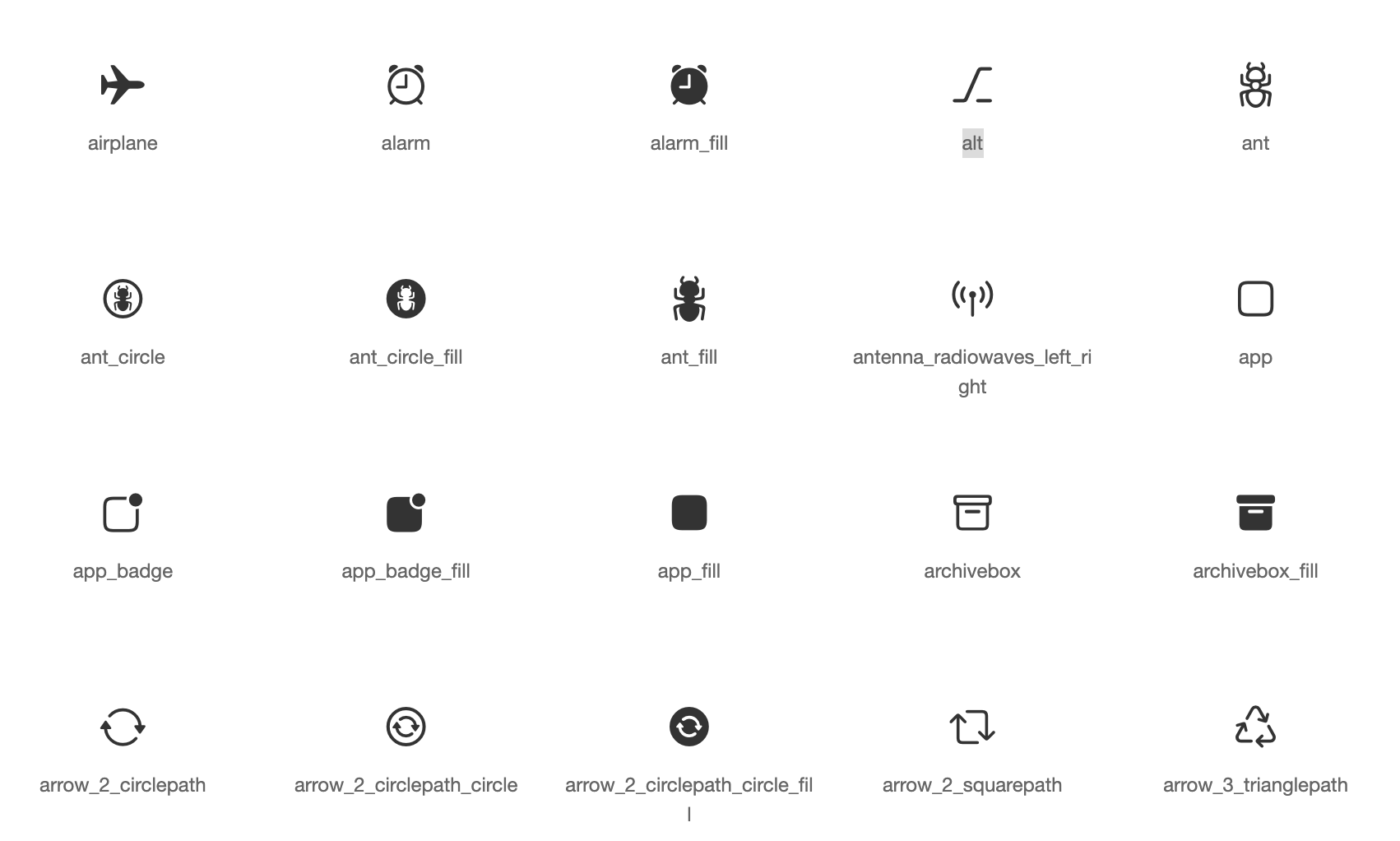
Default icons asset for Cupertino widgets based on Apple styled icons
Flutter plugin for Google Sign-In, a secure authentication system for signing in with a Google account.
Flutter plugin for selecting images from the Android and iOS image library, and taking new pictures with the camera.
Flutter library to load and cache network images. Can also be used with placeholder and error widgets.
Vector design and runtime animation for Flutter.
Dart Image Library provides server and web apps the ability to load, manipulate, and save images with various image file formats.
 v10.0.2
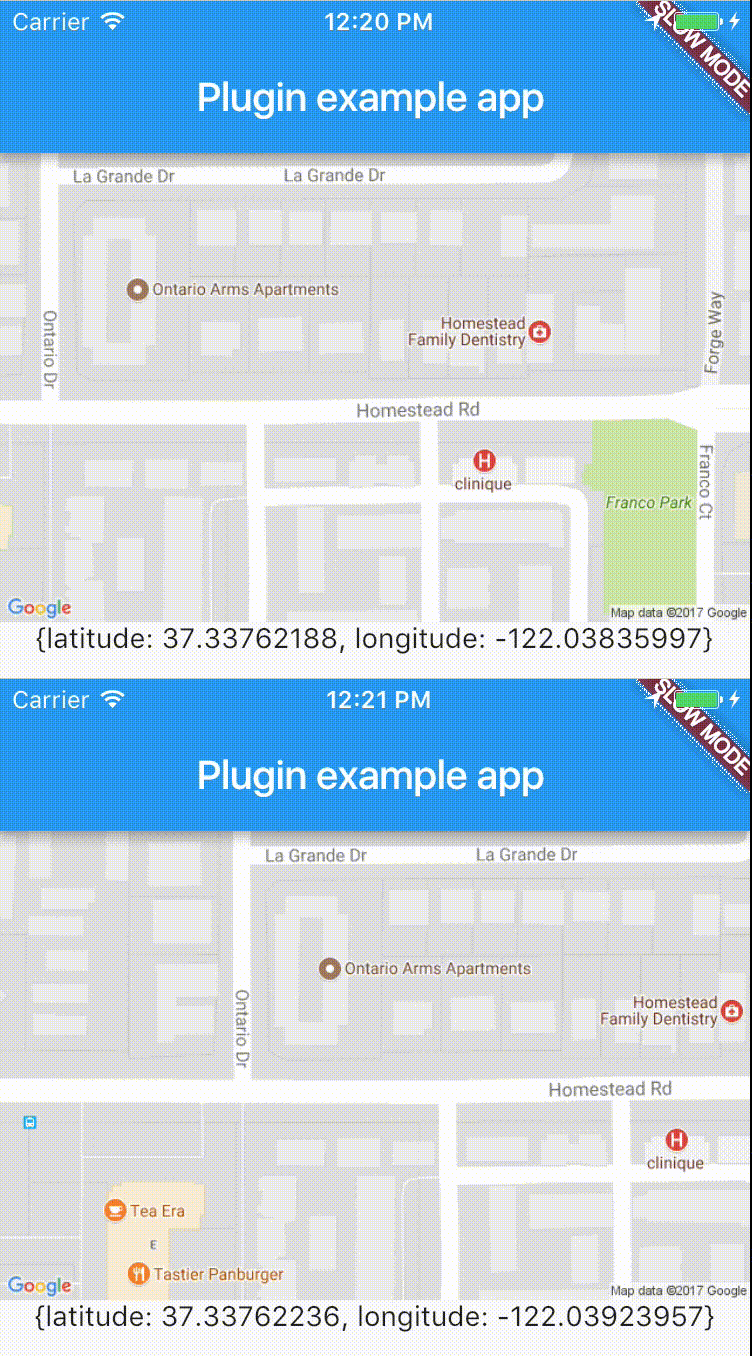
Cross-platform plugin for easy access to device's location in real-time.
Dependency list 19 items
{"sdk":"flutter"}^1.0.1^1.0.1^0.7.2+1^8.0.0^1.0.1^5.0.0^3.0.1^3.0.1^8.5.0^2.4.0^0.13.0^2.0.4^2.0.0^9.0.0^4.1.1^0.2.1^2.0.6^1.0.2Start with your use case, compare repository activity, and check the original project before adopting it.
“A repository is the most basic element of GitHub.”
GitHub Docs — About repositories ↗