

v0.1.18
auto_app_translate
It is a library that translates apps into 80 languages and automates settings.
38Likes 12330-day downloads115Pub points
AndroidiOSmacOSWindowsLinux
melodysdreamj/auto_app_translate open-source repository details.

English project snapshot. Visit GitHub for the latest content.

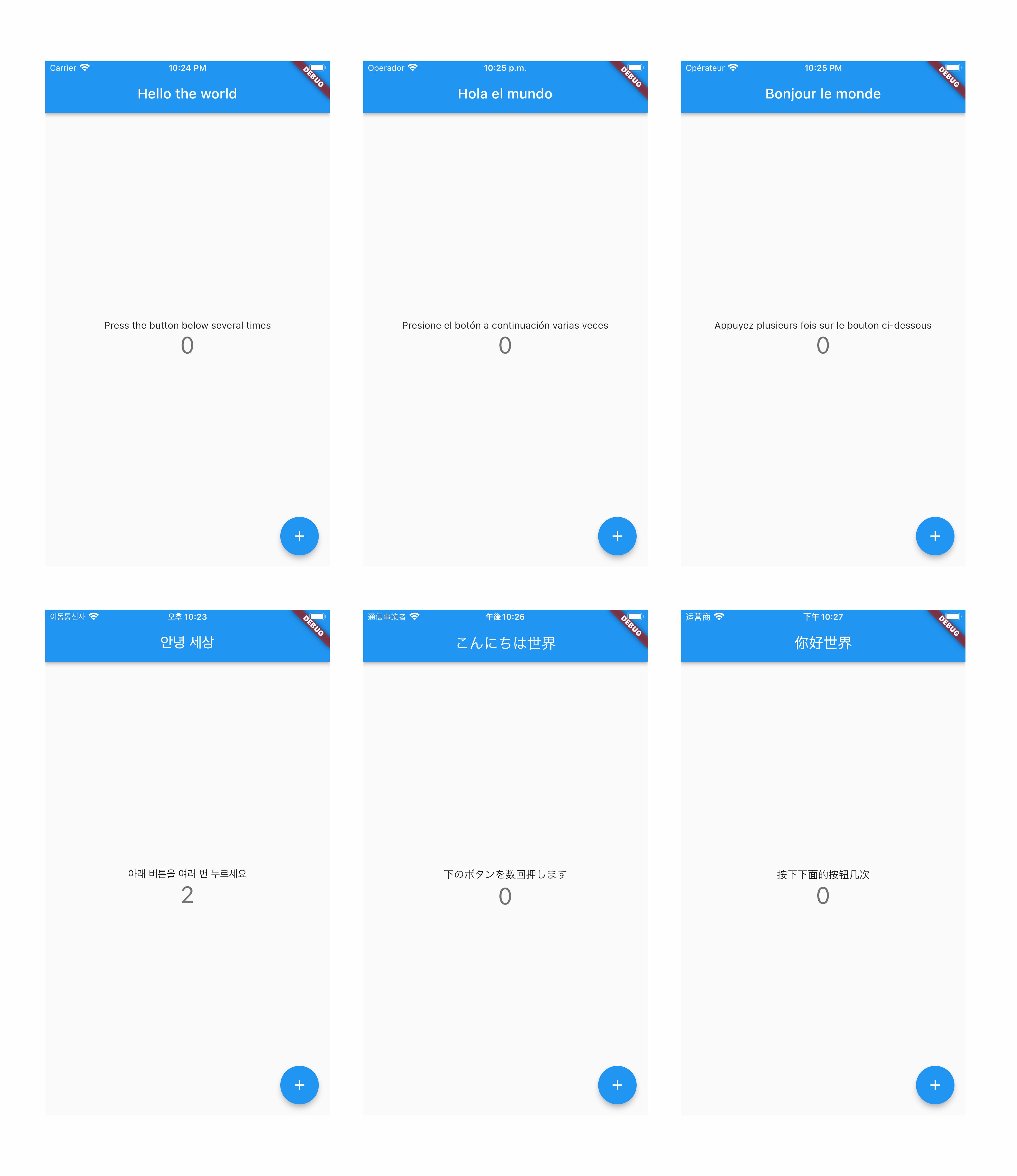

dependencies:
  easy_localization: ^3.0.3
  easy_localization_loader: ^2.0.0
  auto_app_translate:

flutter:
  assets:
    - assets/localization.csv

lozalization.csv file download
import 'package:auto_app_translate/callable/core_my/my_language_code/entity/flutter_support_language_locale.dart';
import 'package:easy_localization/easy_localization.dart';
import 'package:easy_localization_loader/easy_localization_loader.dart';
import 'package:flutter/material.dart';

void main() async {
  WidgetsFlutterBinding.ensureInitialized();
  await EasyLocalization.ensureInitialized();
  runApp(
    EasyLocalization(
        supportedLocales: flutterLocalizeSupportLanguagesLocale,
        path: 'assets/localization.csv',
        assetLoader: CsvAssetLoader(), // <- important option for translation
        fallbackLocale: const Locale('en', 'US'),
        child: MyApp()
    ),
  );
}

class MyApp extends StatelessWidget {
  @override
  Widget build(BuildContext context) {
    return MaterialApp(
        localizationsDelegates: context.localizationDelegates,
        supportedLocales: context.supportedLocales,
        locale: context.locale,
        home: MyHomePage()
    );
  }
}
Fill in str for the key value and the standard language (start translate language) column.


import 'package:easy_localization/easy_localization.dart';

tr('hello world')
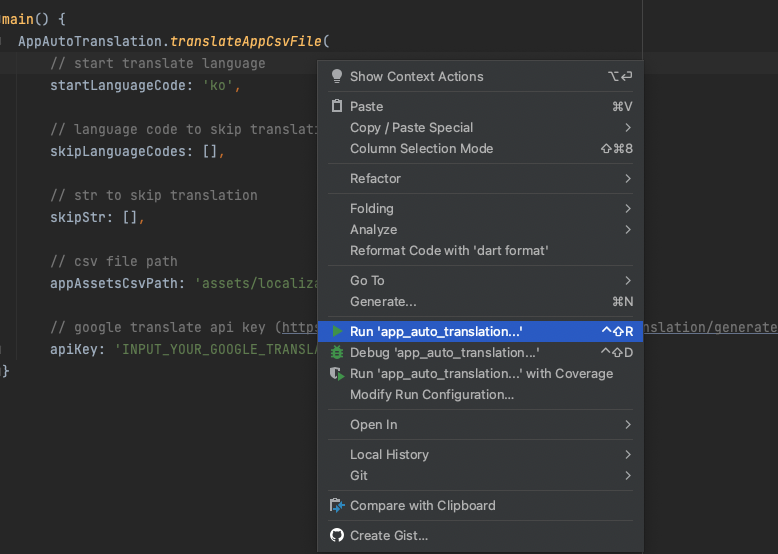
create auto_translation folder in your project root, and create auto_translation.dart file. and then copy paste code below.
import 'package:auto_app_translate/auto_app_translate.dart';

main() {
  AutoAppTranslate.translateAppCsvFile(
    // start translate language
    startLanguageCode: 'en',

    // language code to skip translation
    skipLanguageCodes: [],

    // str to skip translation
    skipStr: [],

    // csv file path
    appAssetsCsvPath: 'assets/localization.csv',

    // google translate api key (https://translatepress.com/docs/automatic-translation/generate-google-api-key/)
    apiKey: 'INPUT_YOUR_GOOGLE_TRANSLATE_API_KEY');
}
It works even if you don't put the Google Translate api key, but you will soon reach the free limit.
For a guide to getting the Google Translate api key, please refer to this document.
Dependency list 9 items
{"sdk":"flutter"}^5.0.1^3.0.1+1^5.3.3^5.4.4^1.1.0^1.8.2{"sdk":"flutter"}^2.0.0Start with your use case, compare repository activity, and check the original project before adopting it.
“A repository is the most basic element of GitHub.”
GitHub Docs — About repositories ↗