

v4.1.1
fading_edge_scrollview
Package providing FadingEdgeScrollView which allows you to build scrollable views with fading edges
129Likes 176K30-day downloads160Pub points
AndroidiOSWebmacOSWindowsLinux
Flutter library for displaying fading edges on scroll views

English project snapshot. Visit GitHub for the latest content.
Package providing FadingEdgeScrollView which allows you to build scrollable views with fading edges
Create FadingEdgeScrollView by calling one of constructors depending on your scroll view class. Unfortunately scrollable view don't share same interface so there are separate constructors for:
FadingEdgeScrollView.fromScrollViewFadingEdgeScrollView.fromSingleChildScrollViewFadingEdgeScrollView.fromPageViewFadingEdgeScrollView.fromAnimatedListFadingEdgeScrollView.fromListWheelScrollViewView passed as child MUST have controller set.
See documentation and example folder for more information
Field shouldDisposeScrollController was removed. I was not realizing how widgets should work when I added it.
If you were using it - move scrollController creation and disposal to some StatefulWidget.
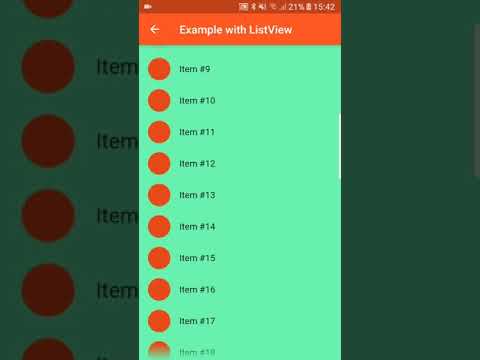
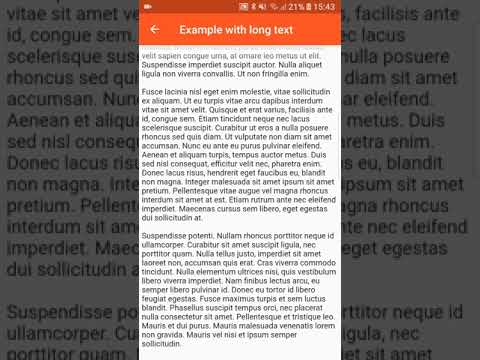
Click to see on Youtube:


Dependency list 3 items
{"sdk":"flutter"}{"sdk":"flutter"}^3.0.1Start with your use case, compare repository activity, and check the original project before adopting it.
“A repository is the most basic element of GitHub.”
GitHub Docs — About repositories ↗