

 v1.0.1
cli_spin
A Dart package that enhances the user experience by displaying a sleek terminal spinner for both sync and async operations.
33Likes 9.9K30-day downloads150Pub points
AndroidiOSmacOSWindowsLinux
A Dart package that enhances the user experience by displaying a sleek terminal spinner for both sync and async operations.

English project snapshot. Visit GitHub for the latest content.
A Dart package that enhances the user experience by displaying a sleek terminal spinner for both sync and async operations.
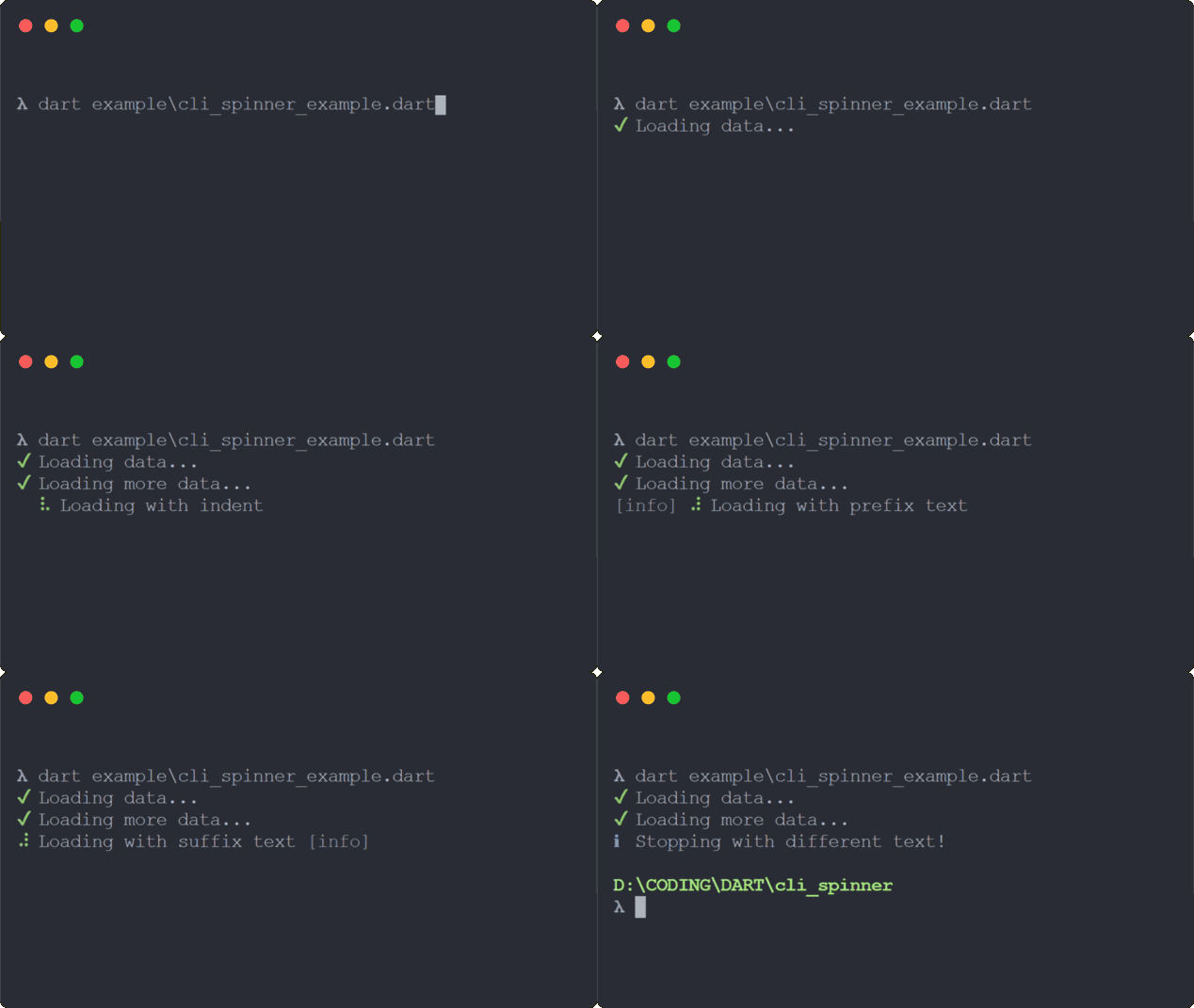
CliSpinnersCliSpinnerColor helpersuccess, fail, warn and info methods (cross-platform compatible)TODO: List prerequisites and provide or point to information on how to start using the package.
import 'dart:async';
import 'package:cli_spin/cli_spin.dart';

void main() {
  // Instantiate spinner
  final spinner = CliSpin(
    text: 'Loading data...',
    spinner: CliSpinners.line,
  ).start(); // Chaining methods

  Timer(Duration(milliseconds: 1000), () {
    // Change spinner color
    spinner.color = CliSpinnerColor.yellow;

    // Change spinner text
    spinner.text = 'Still loading, please wait...';

    Timer(Duration(milliseconds: 1000), () {
      // Alias for `stopAndPersist(...)` method
      spinner.success('Data loaded successfully.');
    });
  });
}
Inspired by the ora library written in Javascript.
Start with your use case, compare repository activity, and check the original project before adopting it.
“A repository is the most basic element of GitHub.”
GitHub Docs — About repositories ↗