


 v2.3.3
gal
Flutter plugin to save images/videos to photos gallery with permission handling
595Likes 707K30-day downloads160Pub points
AndroidiOSmacOSWindows
How to Save Image or Video to Photo Gallery in Flutter

English project snapshot. Visit GitHub for the latest content.




Please support our volunteer efforts by giving us a LIKE👍 and STAR⭐️.
| Android | iOS | macOS | Windows | Linux | |
|---|---|---|---|---|---|
| Support | SDK 21+ | 11+ | 11+ | 10+ | See: gal_linux |
Support means that all functions have been tested manually or automatically whenever possible.
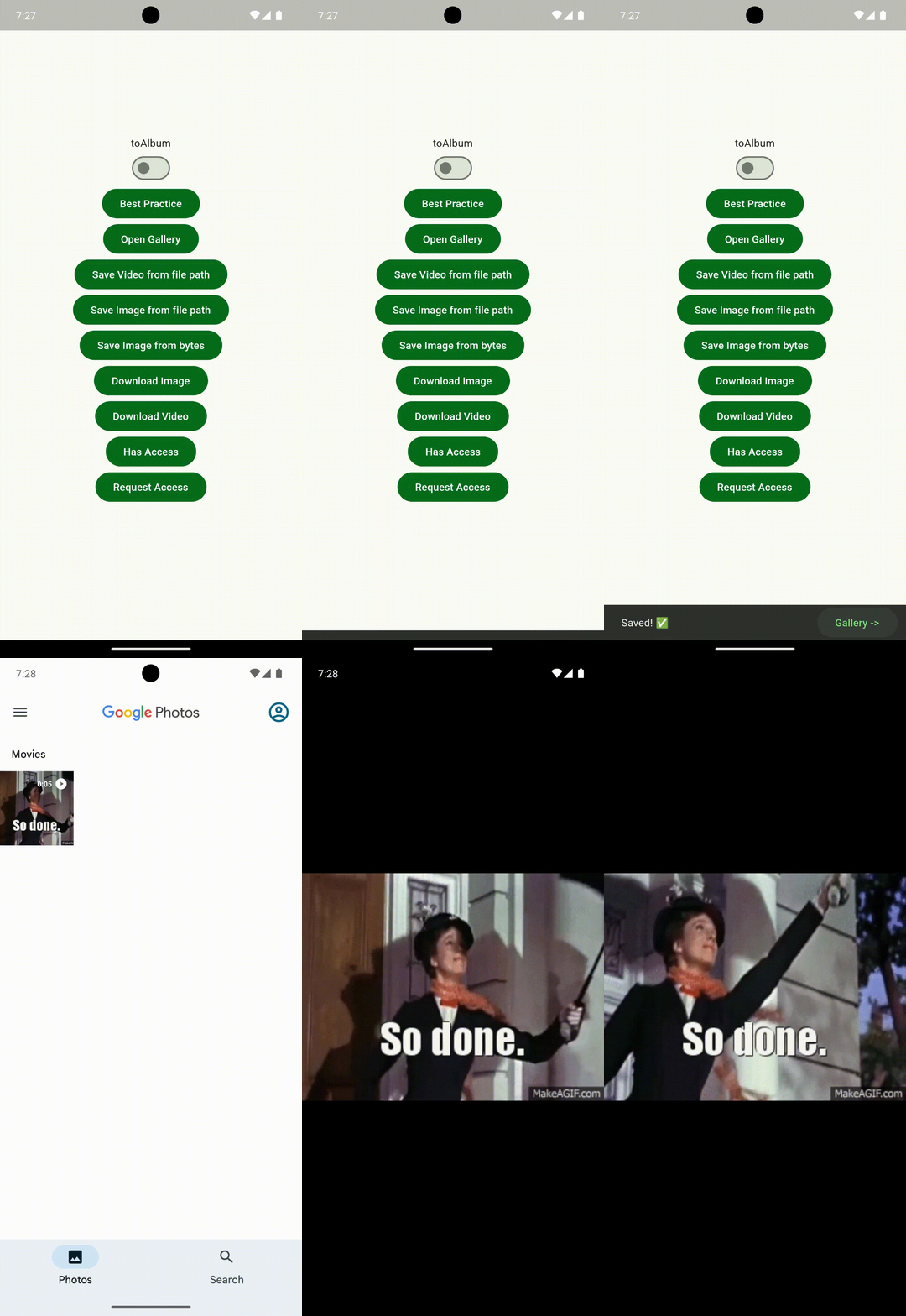
| iOS | Android | |
|---|---|---|
| Example | 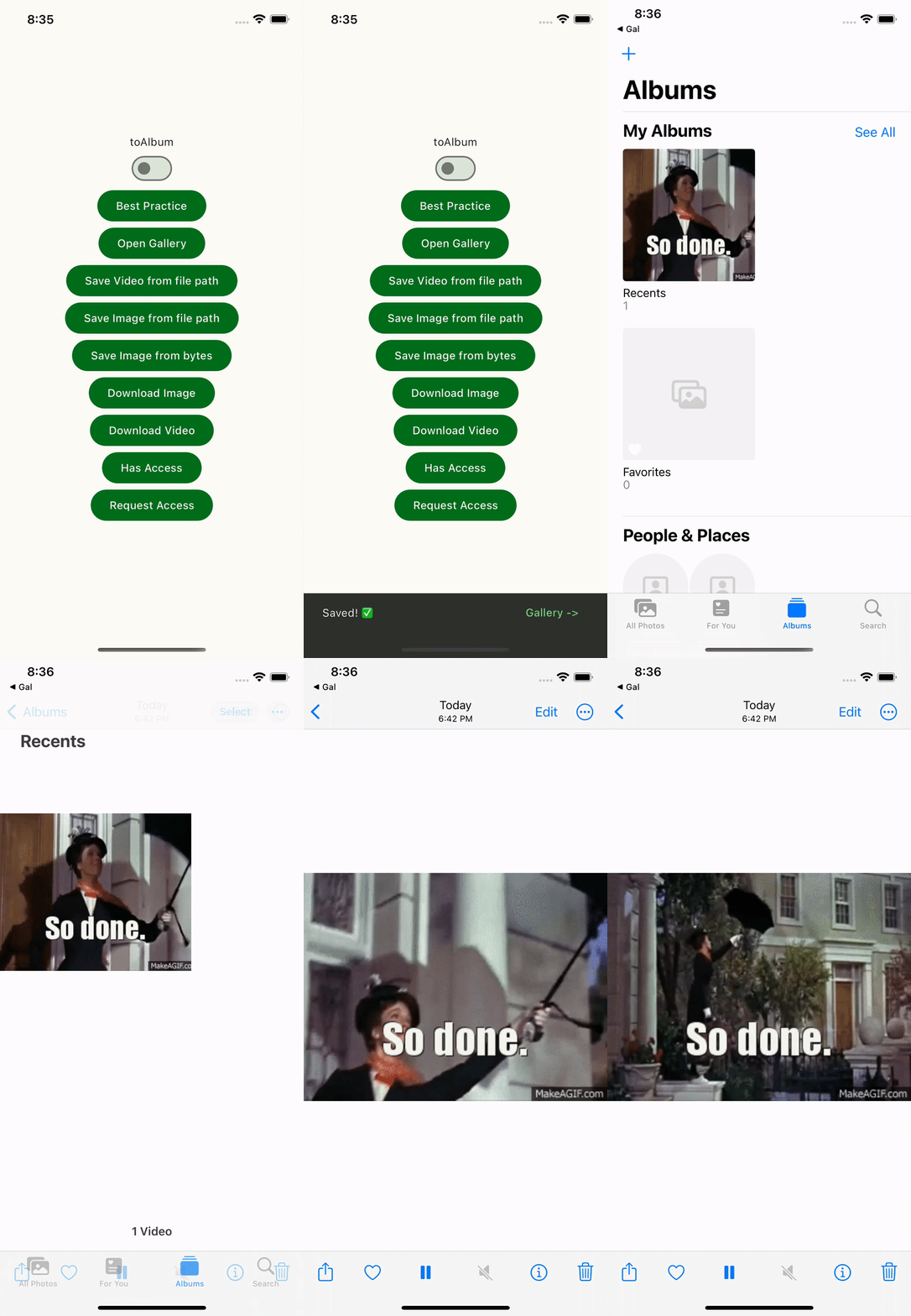 |
 |
Add the latest stable version of gal to your dependencies:
flutter pub add gal
Add the following keys to ios/Runner/Info.plist:
<key>NSPhotoLibraryAddUsageDescription</key> Required<key>NSPhotoLibraryUsageDescription</key> Required for iOS < 14 or saving to albumYou can copy from example's Info.plist.
Add the following keys to android/app/src/main/AndroidManifest.xml:
<uses-permission android:name="android.permission.WRITE_EXTERNAL_STORAGE" android:maxSdkVersion="29" /> Required for API <= 29android:requestLegacyExternalStorage="true" Required for saving to album in API 29You can copy from example's AndroidManifest.xml.
[!WARNING] Android emulators with API < 29 require SD card setup. Real devices don't.
Add the following keys to macos/Runner/Info.plist:
<key>NSPhotoLibraryAddUsageDescription</key> Required<key>NSPhotoLibraryUsageDescription</key> Required for saving to albumYou can copy from example's Info.plist.
[!WARNING] Flutter currently has a fatal problem for loading info.plist, which may cause permission denials or app crashes in some code editors.
Update Visual Studio to the latest version for using C++ 20.
[!TIP] If you can't compile, try downloading the latest Windows SDK:
- Open Visual Studio Installer
- Select Modify
- Select Windows SDK
Linux is not officially supported, but can be added through a non-endorsed federated plugin. See: gal_linux
// Save Image (Supports two ways)
await Gal.putImage('$filePath');
await Gal.putImageBytes('$uint8List');

// Save Video
await Gal.putVideo('$filePath');

// Save to Album
await Gal.putImage('$filePath', album: '$album')
...
flutter pub add dio
// Download Image
final imagePath = '${Directory.systemTemp.path}/image.jpg';
await Dio().download('$url',imagePath);
await Gal.putImage(imagePath);

// Download Video
final videoPath = '${Directory.systemTemp.path}/video.mp4';
await Dio().download('$url',videoPath);
await Gal.putVideo(videoPath);
flutter pub add image_picker
// Capture and Save
final image = await ImagePicker.pickImage(source: ImageSource.camera);
await Gal.putImage(image.path);
flutter pub add camera
// Record and Save
...
final video = await controller.stopVideoRecording();
await Gal.putVideo(video.path);
// Check Access Permission
final hasAccess = await Gal.hasAccess();

// Request Access Permission
await Gal.requestAccess();

// ... for saving to album
final hasAccess = await Gal.hasAccess(toAlbum: true);
await Gal.requestAccess(toAlbum: true);
// Save Image with try-catch
try {
  await Gal.putImage('$filePath');
} on GalException catch (e) {
  log(e.type.message);
}

// Exception Type
enum GalExceptionType {
  accessDenied,
  notEnoughSpace,
  notSupportedFormat,
  unexpected;

  String get message => switch (this) {
        accessDenied => 'Permission to access the gallery is denied.',
        notEnoughSpace => 'Not enough space for storage.',
        notSupportedFormat => 'Unsupported file format.',
        unexpected => 'An unexpected error has occurred.',
      };
}
If you write an article about Gal, let us know in the discussion and we'll post the URL in the wiki or readme 🤝
Although Gal has only been released for a short time, it's already trusted by major projects.
and more...
Dependency list 2 items
{"sdk":"flutter"}>=4.0.0 <7.0.0Start with your use case, compare repository activity, and check the original project before adopting it.
“A repository is the most basic element of GitHub.”
GitHub Docs — About repositories ↗