
 v6.2.1
responsive_navigation_bar
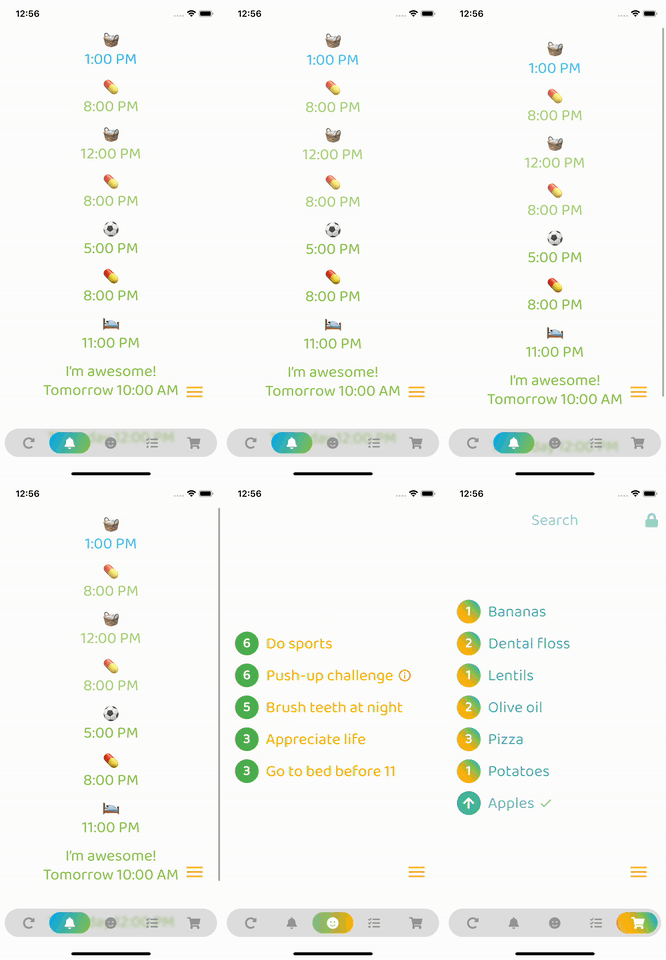
A responsive bottom navigation bar. Very beginner friendly. Feel free to contribute.
83Likes 76530-day downloads160Pub points
AndroidiOSWebmacOSWindowsLinux
nohli/responsive_navigation_bar open-source repository details.
English project snapshot. Visit GitHub for the latest content.
Very easy to set up, beginner friendly
Everything is documented + you will be asked to add required values - the rest is optional (with sound null safety)
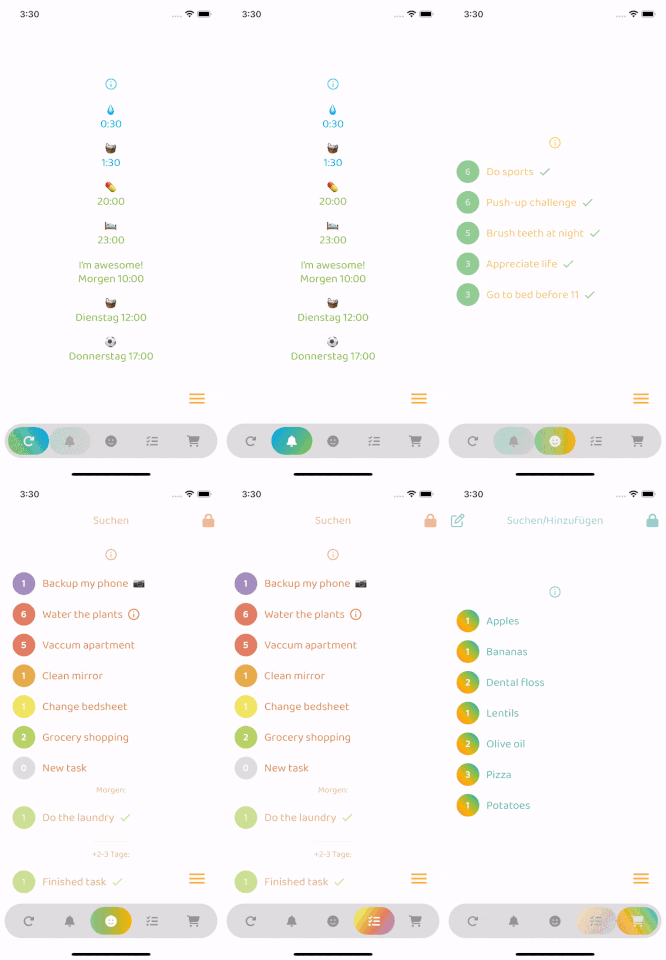
By default, fontSize, iconSize and padding are responsive (change size with screen size)
Set iconSize to control icon size independently (defaults to fontSize if not specified)
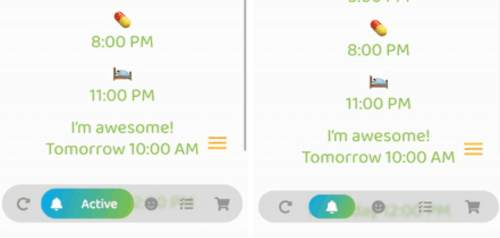
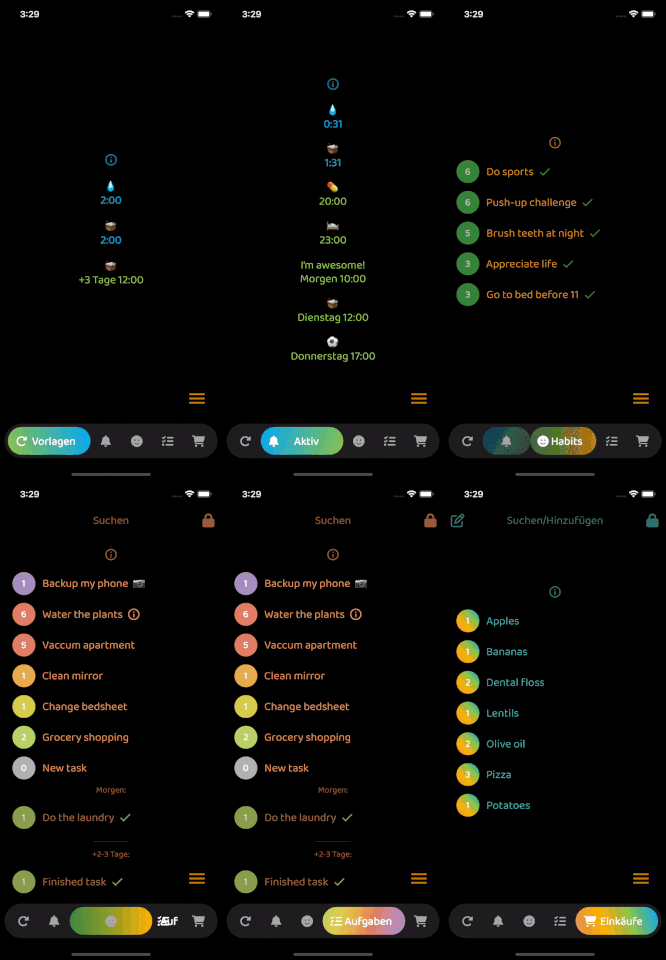
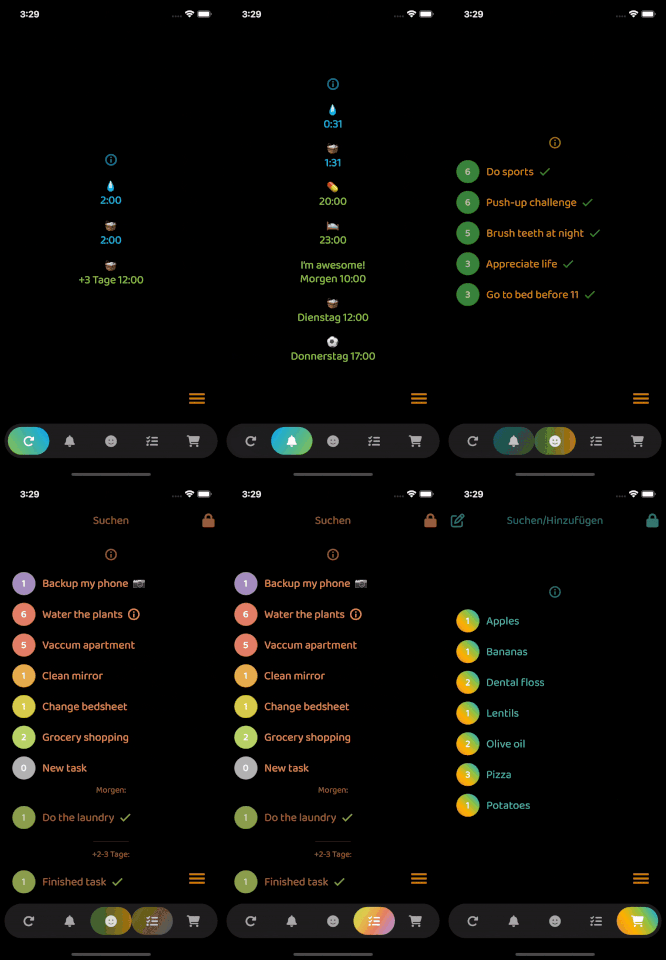
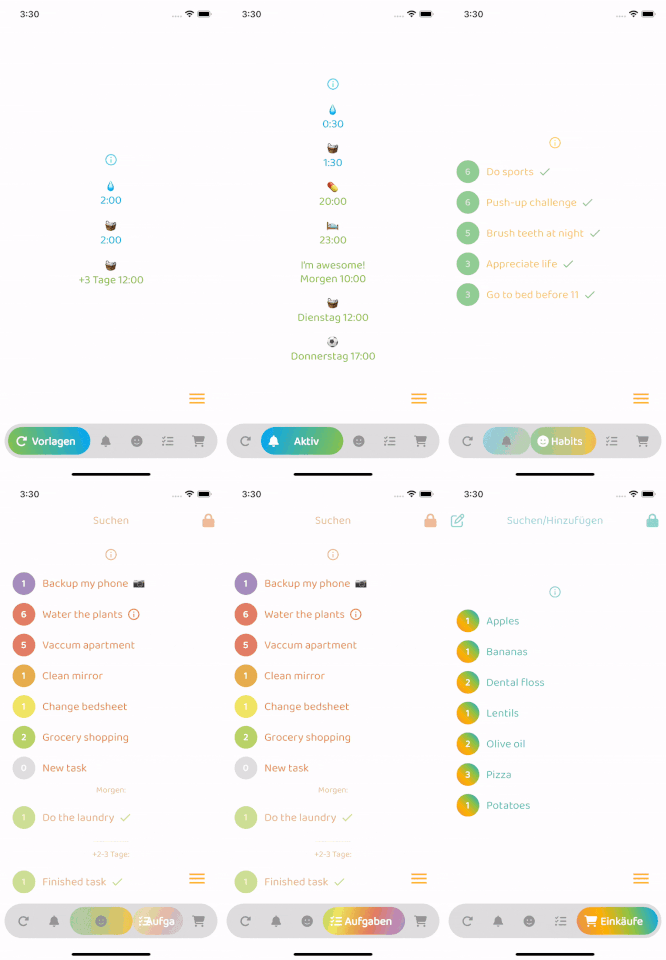
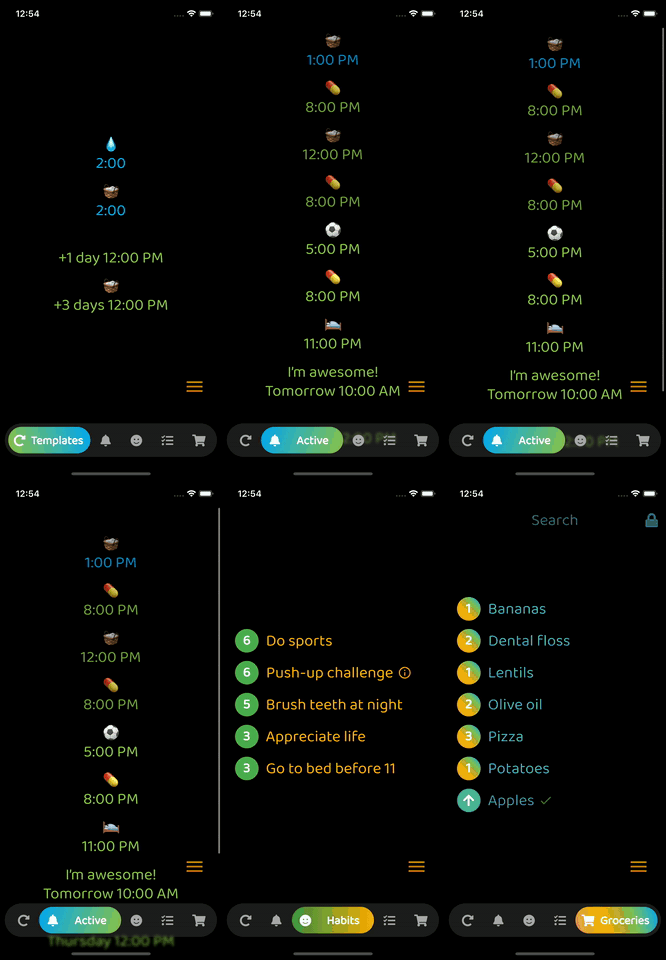
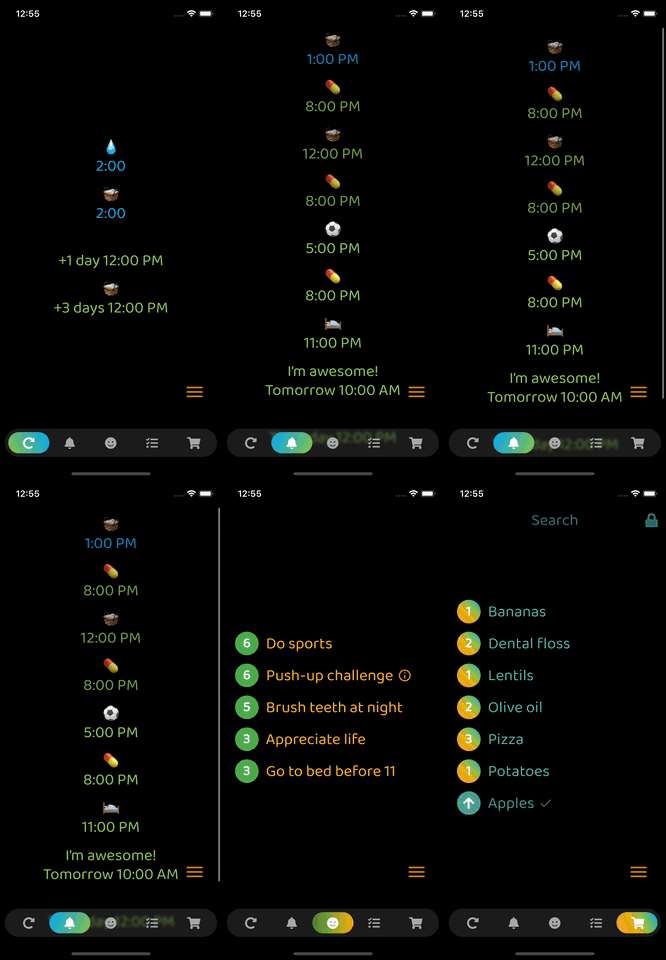
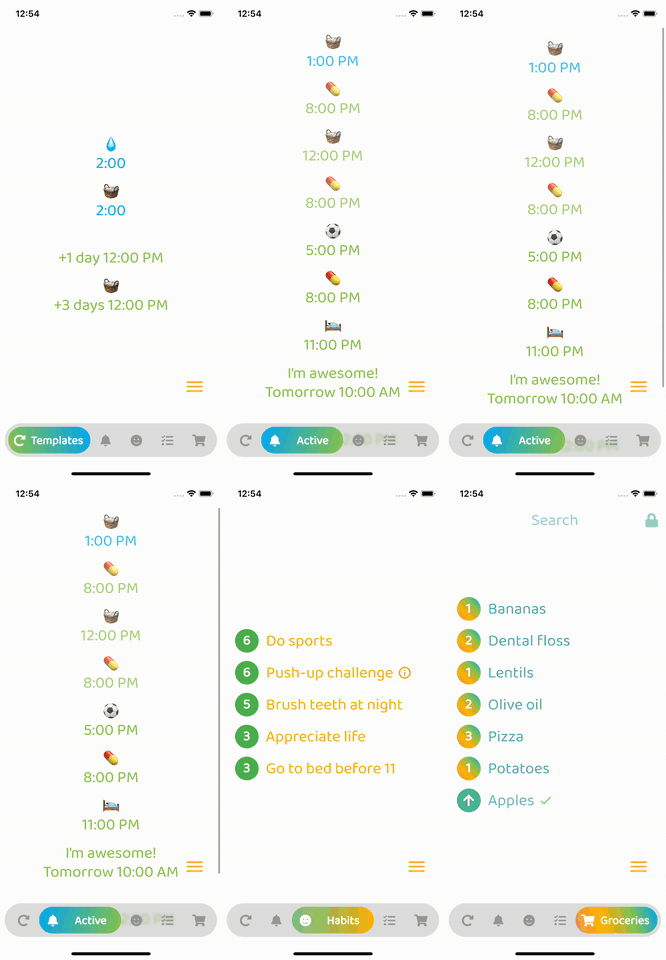
Optional: Beautiful gradient (backgroundGradient) for navigation bar and/or buttons (or solid colors)
Optional: Colored borders (border) for navigation bar and/or buttons
Optional: Change the opacity (backgroundOpacity) of the menu bar
Optional: Blurred background (backgroundBlur) from the top of the navigation bar to the bottom of the screen
Optional: Separate border radius controls (borderRadius, buttonBorderRadius)
Optional: Control button spacing (buttonSpacing)
By default shows text on selected button, optionally show on inactive buttons too (showInactiveButtonText)
Only StatelessWidgets
How to make the bottomNavigationBar float above the Scaffold's body:
Scaffold(
  extendBody: true,
  body: SafeArea(bottom: false, ...),
  bottomNavigationBar: ...
  ...
)
backgroundColor:
    Theme.of(context).brightness == Brightness.dark
        ? const Color(0xff3c3c3c)
        : const Color(0xffbebebe),
inactiveIconColor:
    Theme.of(context).brightness == Brightness.dark
        ? const Color(0xffaaaaaa)
        : const Color(0xff969696),

Dependency list 3 items
{"sdk":"flutter"}^6.0.0{"sdk":"flutter"}Start with your use case, compare repository activity, and check the original project before adopting it.
“A repository is the most basic element of GitHub.”
GitHub Docs — About repositories ↗