 v2.0.0
pull_to_refresh
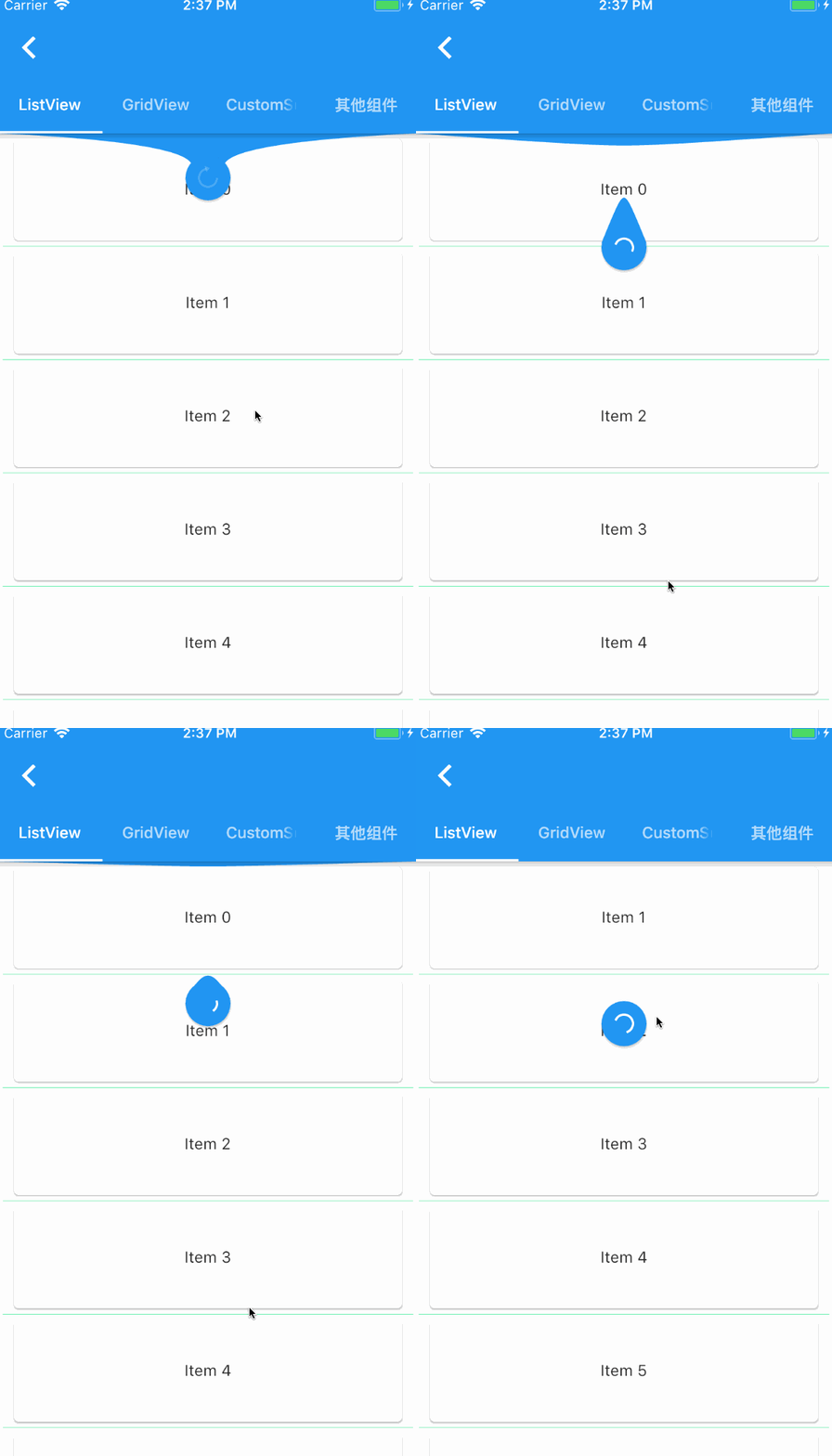
a widget provided to the flutter scroll component drop-down refresh and pull up load.
2.8KLikes 178K30-day downloads140Pub points
AndroidiOSWebmacOSWindowsLinux
Clubhouse clone written in Flutter using Firebase/Firestore and Agora services.

English project snapshot. Visit GitHub for the latest content.
Clubhouse clone written in Flutter using Firebase/Firestore and Agora services.
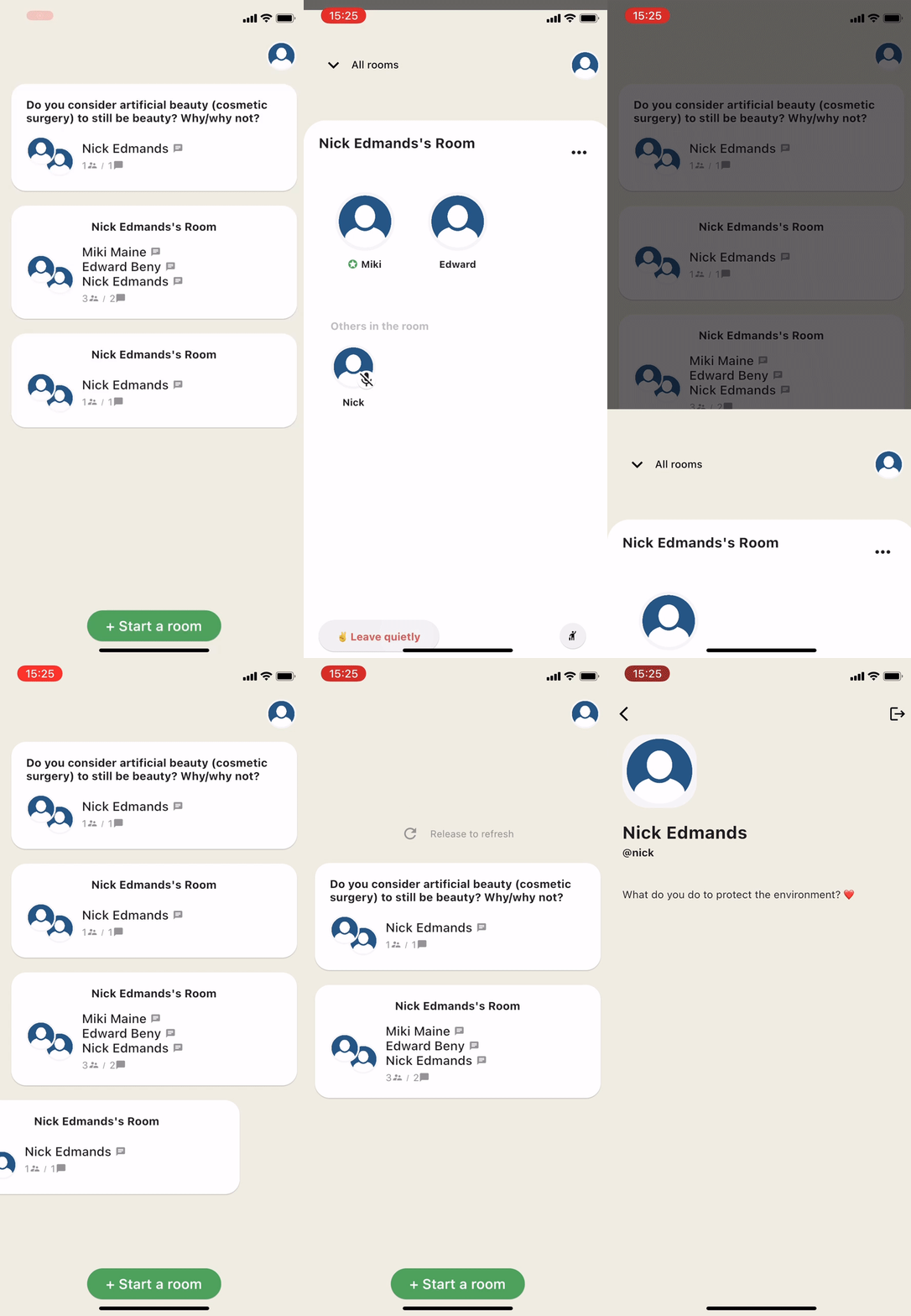
Part 1 - Setup Flutter project and create Clubhouse clone app UI
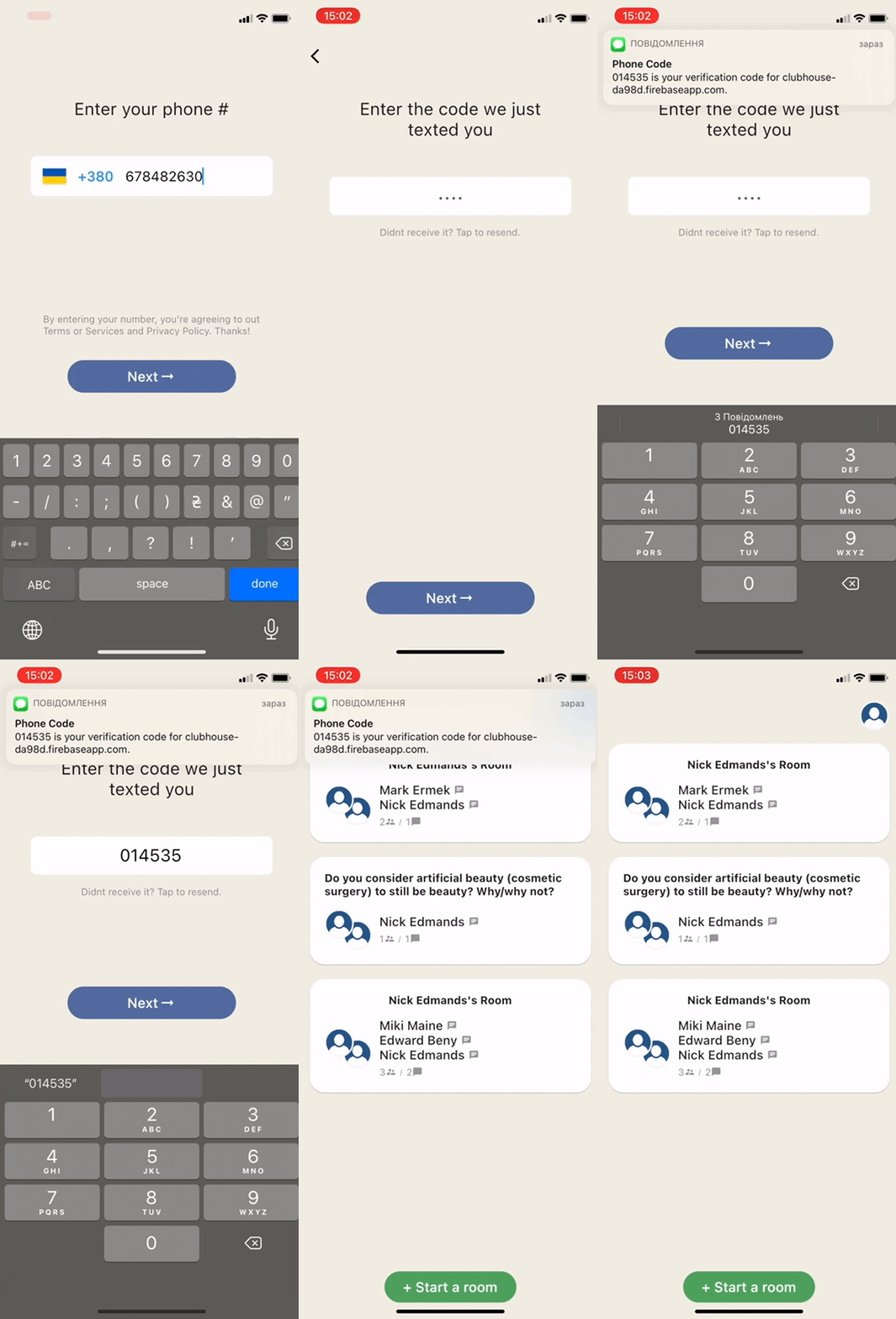
Part 2 - User login and registration with Firebase
Part 3 - Voice calling functionality with Agora
agora_rtc_engine: https://pub.dev/packages/agora_rtc_engine
permission_handler: https://pub.dev/packages/permission_handler
firebase_auth: https://pub.dev/packages/firebase_auth
cloud_firestore: https://pub.dev/packages/cloud_firestore
country_code_picker : https://pub.dev/packages/country_code_picker
pull_to_refresh : https://pub.dev/packages/pull_to_refresh
$ git clone https://github.com/perpetio/clubhouse.git
flutter pub get.Create your own Firebase project.
Once your Firebase instance is created, you'll need to enable Phone authentication.
const APP_ID = '';
const Token = '';
const channelName = '';
flutter run or using your IDE's tools.a widget provided to the flutter scroll component drop-down refresh and pull up load.
Flutter plugin of Agora RTC SDK, allow you to simply integrate Agora Video Calling or Live Video Streaming to your app with just a few lines of code.
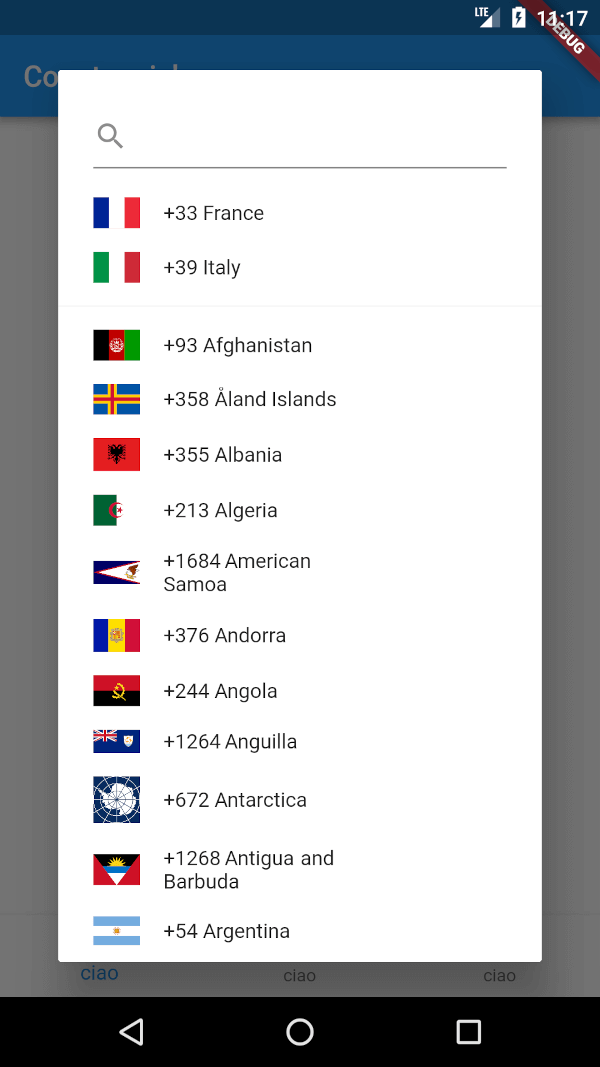
A flutter package for showing a country code selector. In addition it gives the possibility to select a list of favorites countries, as well as to search using a simple searchbox
Dependency list 10 items
{"sdk":"flutter"}^1.0.0^3.2.1^5.0.0—^0.4.4^0.12.9^2.0.1^1.6.4{"sdk":"flutter"}Start with your use case, compare repository activity, and check the original project before adopting it.
“A repository is the most basic element of GitHub.”
GitHub Docs — About repositories ↗