
GitHub repositorysameersingh2704/glitcheffect

glitcheffect

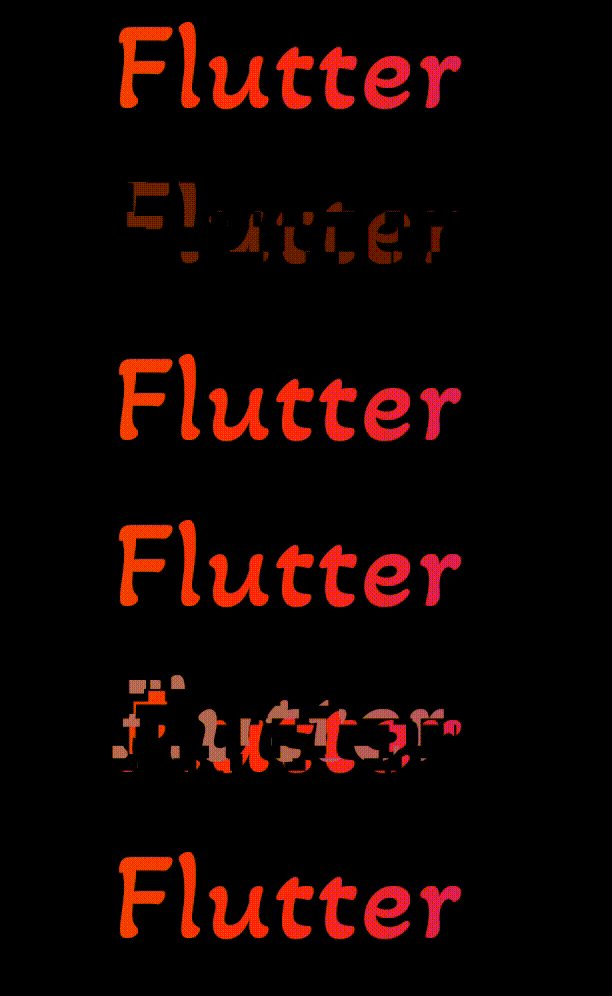
A Flutter widget that will give a Glitch Animation Effect to it's child widget.

glitcheffect project cover
Stars
7
Forks
3
Last push (UTC)
Feb 22, 2023
Project status
Active

Original README

English project snapshot. Visit GitHub for the latest content.

GlitchEffect

A Flutter widget that will give a Glitch Animation Effect to it's child widget.

Installation

  1. Add the latest version of package to your pubspec.yaml (and rundart pub get):
dependencies:
  glitcheffect: ^1.1.1
  1. Import the package and use it in your Flutter App.
import 'package:glitcheffect/glitcheffect.dart';
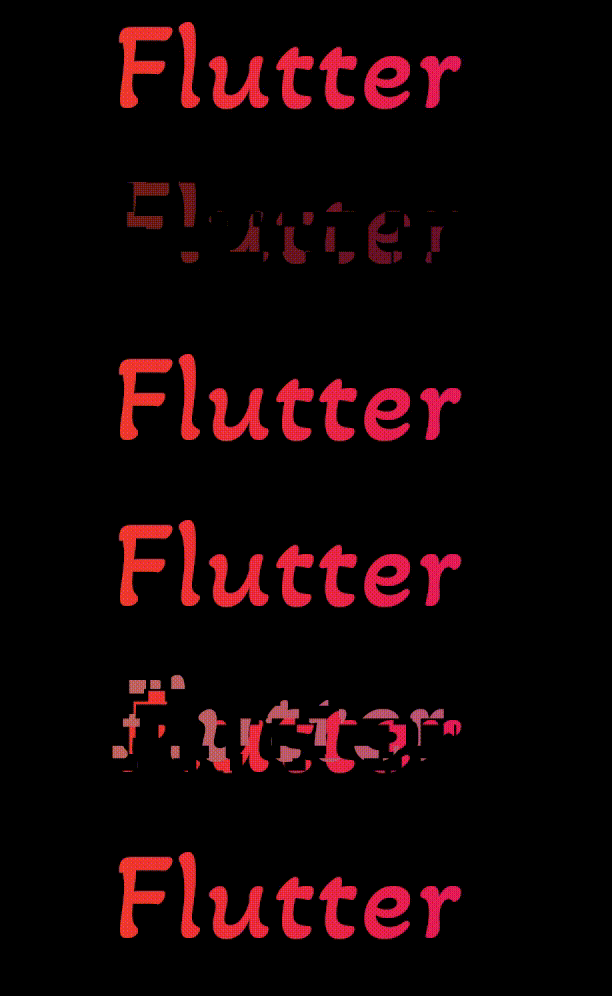
  1. There are a number of properties that you can modify:
  • child : Widget on which you want a glitch effect.
  • repeat : Whether the glitch effect should play once or play over and over. [default value is true].
  • duration : How long it should take until the glitch effect repeats itself [default value is 3 seconds].
  • colors : List of colors that you want to use for glitch effect. [default colors are Black, Grey and White].
Preview

alt-text


Example

class GlitchEffectExample extends StatelessWidget {
  const GlitchEffectExample({Key? key}) : super(key: key);

  @override
  Widget build(BuildContext context) {
    return GlitchEffect(
      child: Text(
        'Flutter',
        style: TextStyle(fontSize: 30, color: Colors.red),
      ),
    );
  }
}

Contributors

Sameer Singh GitHub avatar
GitHub author

Sameer Singh ↗

A quick learner with experience in multiple technologies.

Unthinkable Solutions LLPGurgaon, HR, INOfficial website ↗
LanguagesDart

Categories

Packages published by this repository

Dependencies used

Dependency list 3 items

  • flutter{"sdk":"flutter"}
  • flutter_testDevelopment{"sdk":"flutter"}
  • flutter_lintsDevelopment^1.0.0

How do I choose a repository?

Start with your use case, compare repository activity, and check the original project before adopting it.

  1. Search by repository name, owner or description, then narrow the results by topic.
  2. Compare stars, forks and recent pushes. Stars show community interest, not a guarantee of quality.
  3. Read the README, license and issues on GitHub before using a project.

Sources and maintenance

“A repository is the most basic element of GitHub.”

GitHub Docs — About repositories ↗