

v0.0.3
multi_image_crop
A flutter package to crop multiple images at a time on iOS and Android.
29Likes 1430-day downloads125Pub points
AndroidiOS
A flutter package to crop multiple images at a time on iOS and Android.

English project snapshot. Visit GitHub for the latest content.
A flutter package to crop multiple images at a time on iOS and Android.
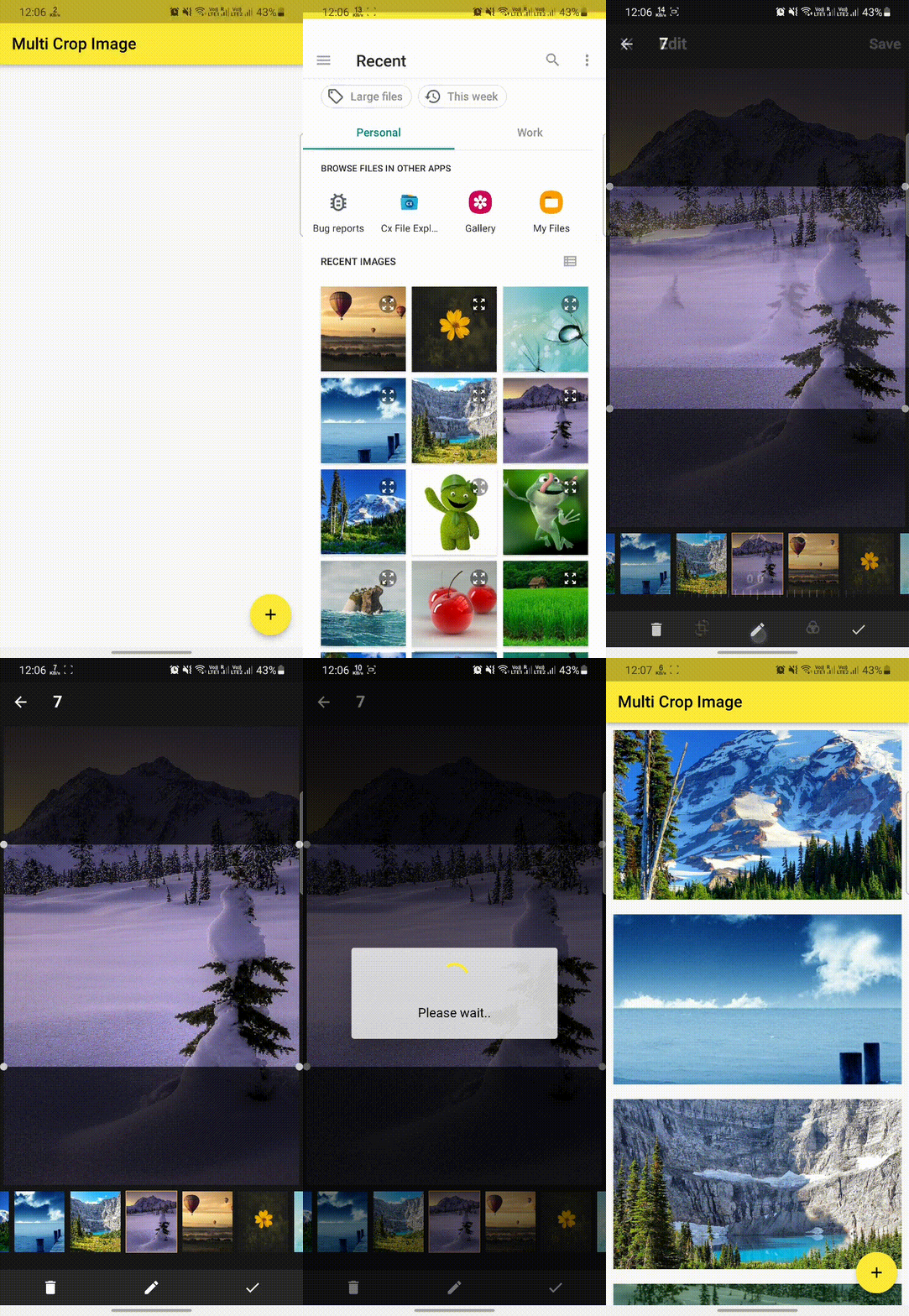
The package comes with a MultiImageCrop.startCropping() method. The method crop and filter only images.
The package is working with files to avoid passing large amount of data through method channels. Files are stored in cache folders of iOS and Android. Thus if there is a need to save actual croped image, ensure to copy the file to other location.
All of the computation intensive work is done off a main thread via dispatch queues on iOS and cache thread pool on Android.
This package use image_crop plugin, original credits goes to him. This plugin fundamentally good in our opinion. The main differences in this package include:
Note: This package is still under development, some features are not available yet and testing has been limited.
Create a method and pass list of image or a single image to crop:
MultiImageCrop.startCropping(
    context: context,
    aspectRatio: 4 / 3,
    activeColor: Colors.amber,
    pixelRatio: 3,
    files: List.generate(
        receivedFiles!.length, (index) => File(receivedFiles![index].path)),
    callBack: (List<File> images) {
      setState(() {
        croppedFiles = images;
      });
    });
The following support channels are available at your fingertips:
This package is released under Apache 2.0 License.
Dependency list 7 items
{"sdk":"flutter"}{"git":"https://github.com/tsafundzic/image_crop.git"}^0.2.0^3.0.1{"sdk":"flutter"}^2.0.3^5.7.2Start with your use case, compare repository activity, and check the original project before adopting it.
“A repository is the most basic element of GitHub.”
GitHub Docs — About repositories ↗