
flutter_firebase_ai_logic_ai_agents
Flutter AI Agents is a project which Flutter app with Firebase Ai Logic.

- Stars
- 2
- Forks
- 1
- Last push (UTC)
- Sep 2, 2025
- Project status
- Active
Original README
English project snapshot. Visit GitHub for the latest content.
Flutter AI Agents
Flutter AI Agents is a project which Flutter app with Firebase Ai Logic.
It uses Gemini Ai Api and Vertex Ai Api.
As a POC that Mobile Apps can use Ai Agents directly in app.
Screenshots

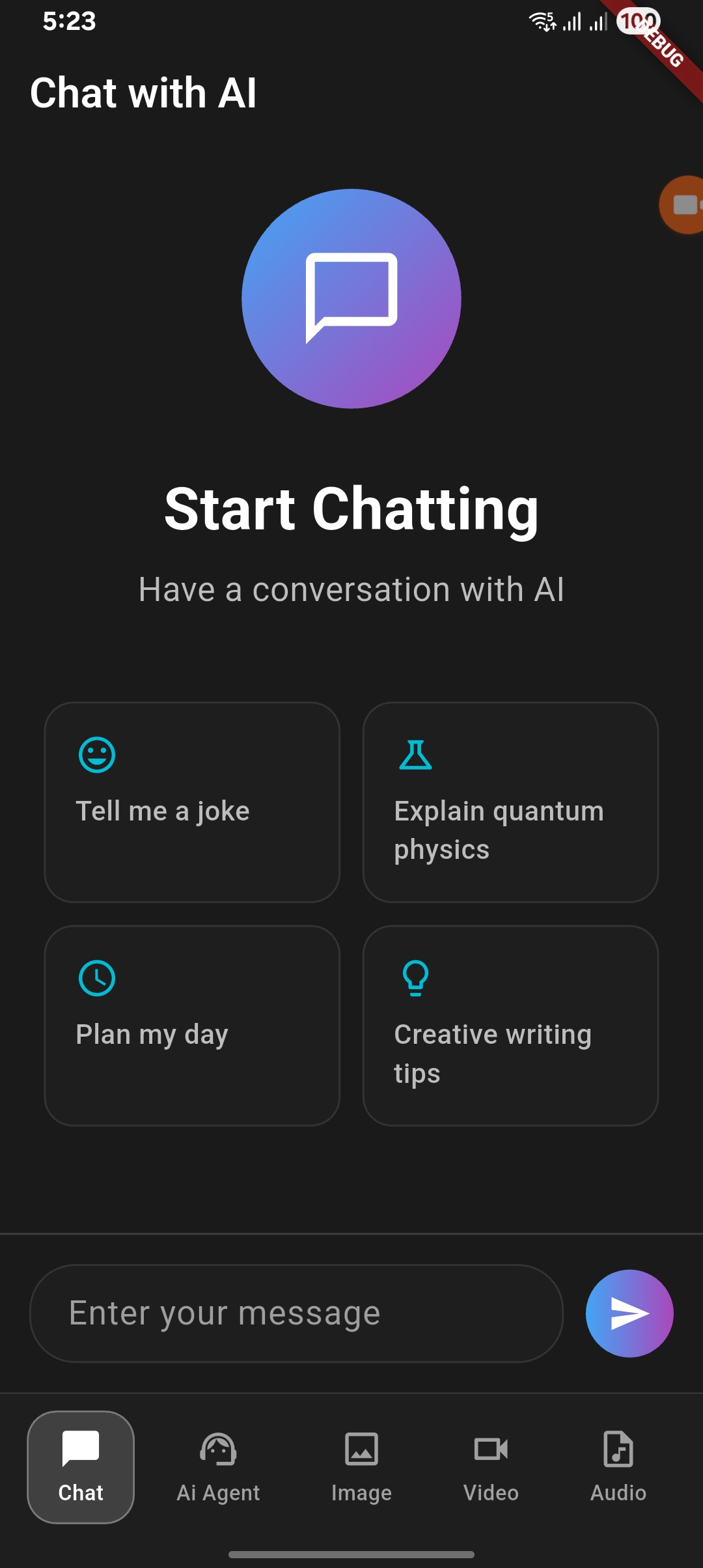
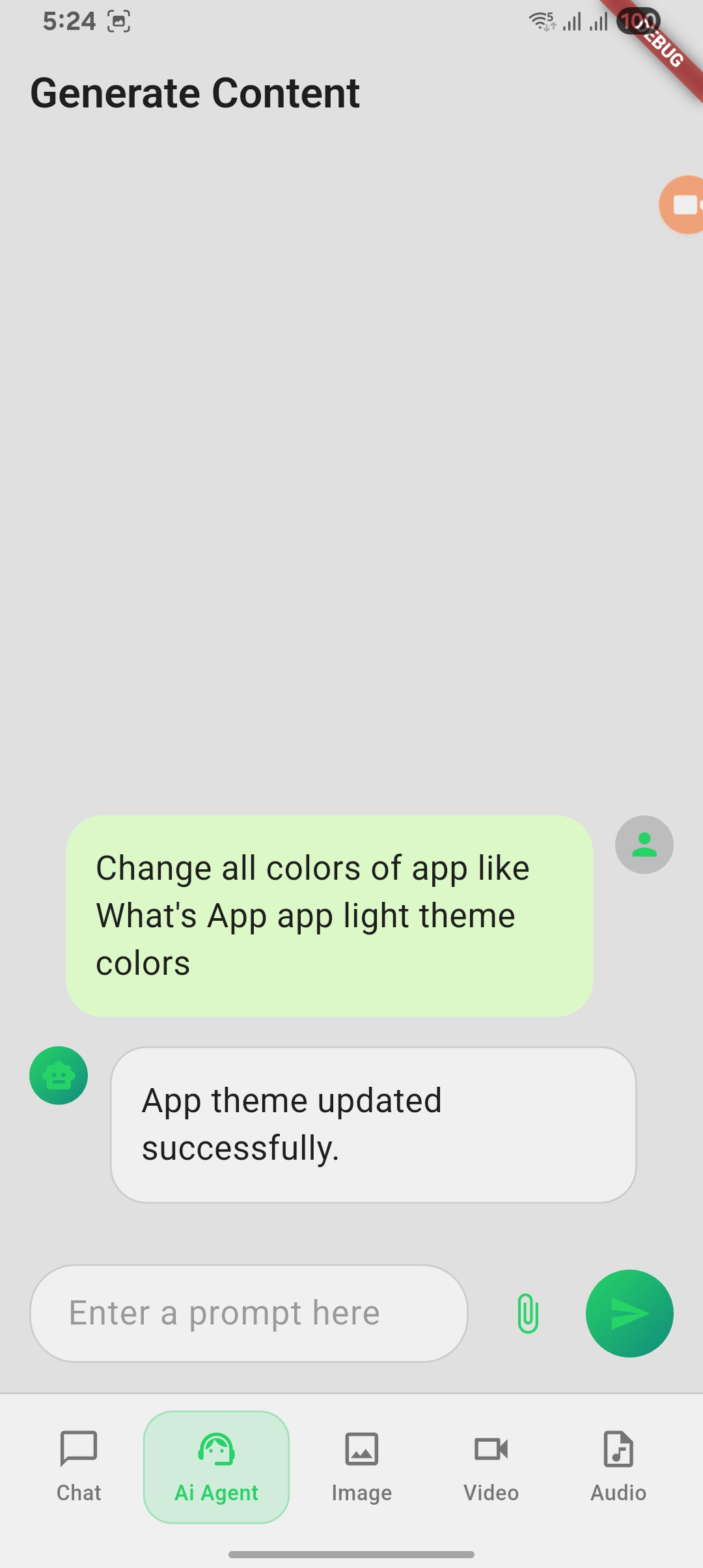
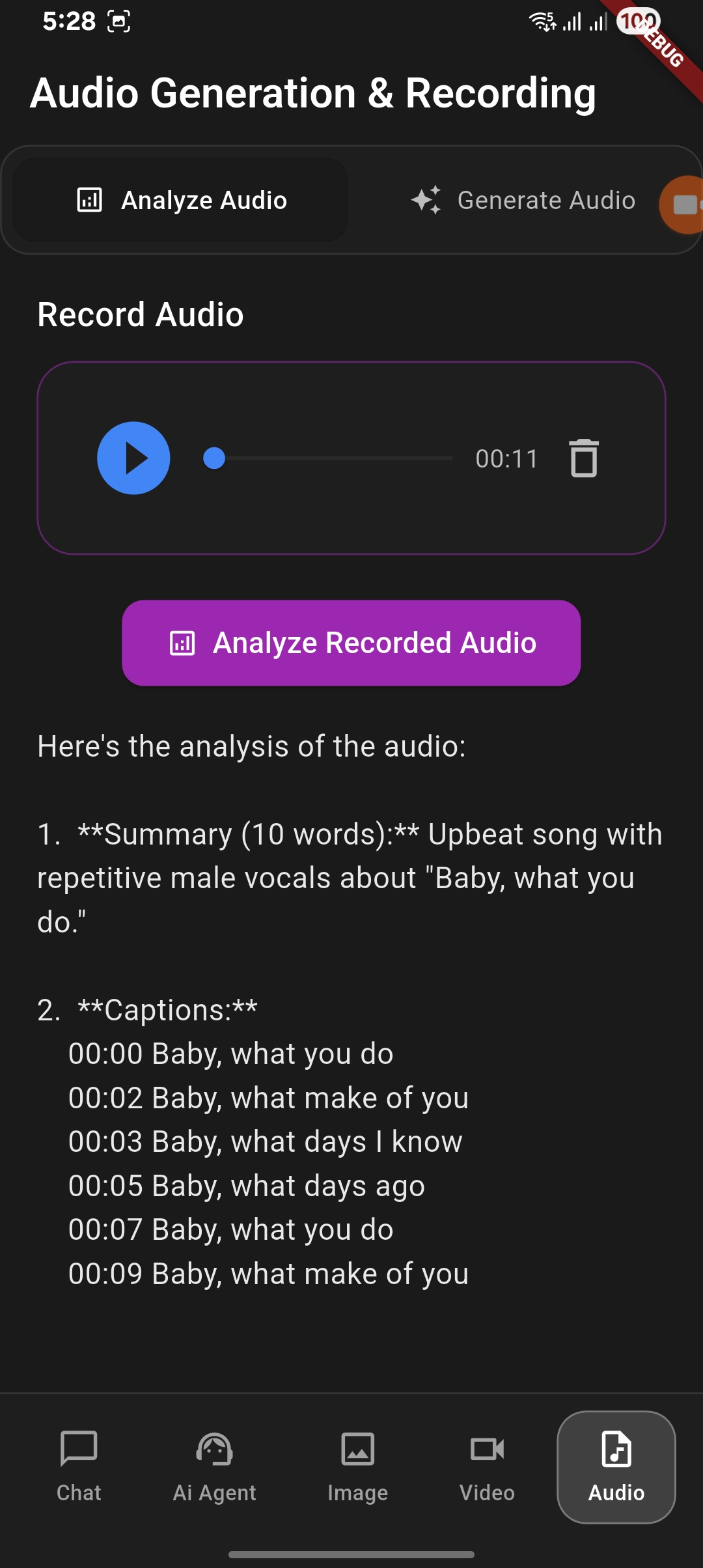
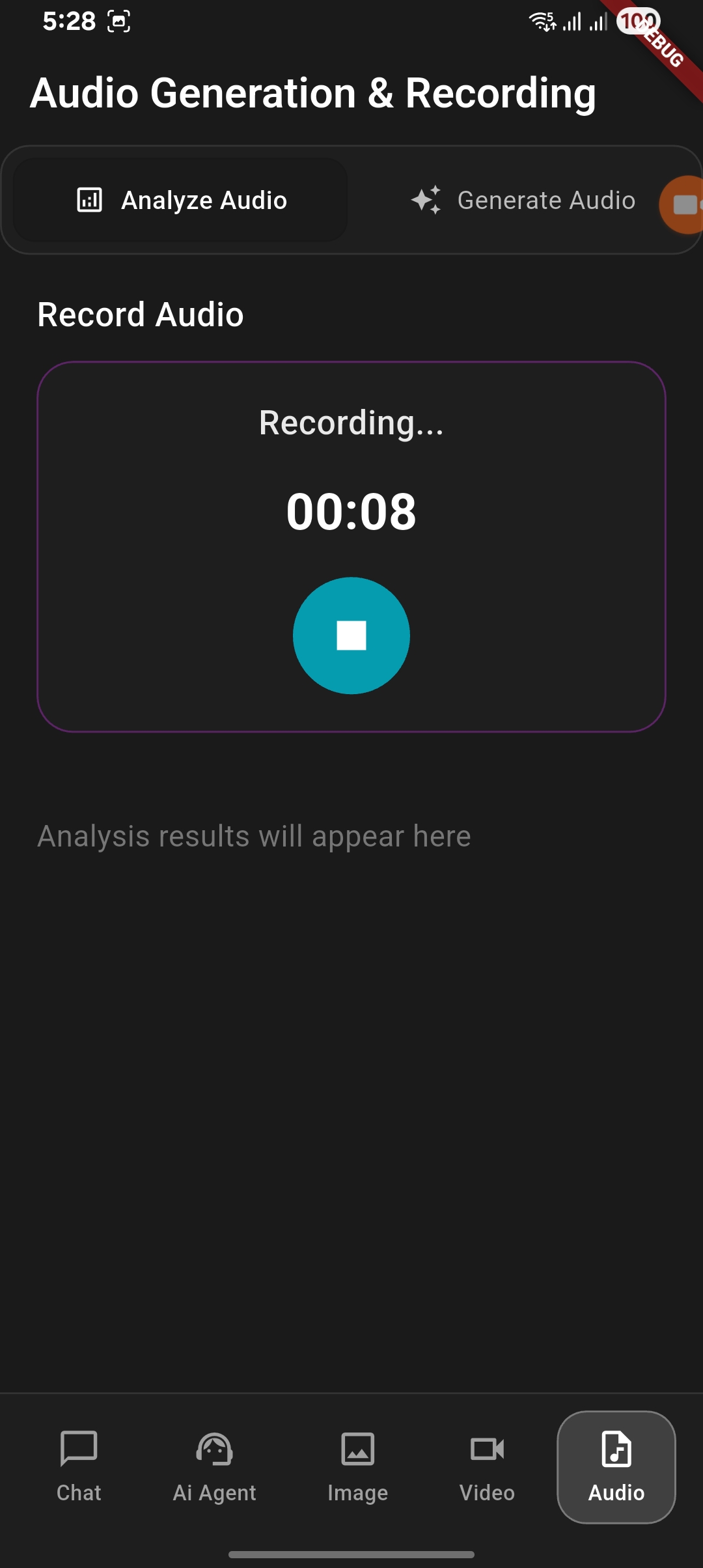
Features in project
1. Normal chat with Gemini Ai and Vertex Ai
2. Chat Agent
- Text Content Generation
- Ai Agents - Grounding (Coming soon...)
- Ai Agents - Document Generation
- Ai Agents - Document Analyze
3. Image Generation and Analyze
- Image Generation with user prompt
- Image Analysis with give image
4. Video Generation and Analyze
- Video Generation with user prompt
- Video Analysis with give video (Coming soon...)
5. Audio Generation and Analyze
- Audio Generation with user prompt (Coming soon...)
- Audio Analysis with recorded audio
How to setup and run the project
- Clone the repository
- Run
flutter pub getto install dependencies - Create
.envfile in the root directory:ANDROID_API_KEY= ANDROID_APP_ID= MESSAGING_SENDER_ID=your_firebase_messaging_sender_id PROJECT_ID= - Create new project in Firebase Console
- Add Package name
com.example.flutter_app_vertex_ai_agentandSHA1in Firebase project settings - Add required keys in
.env - Run the app using
flutter run
Reach me:


GitHub author
shivam srivastava ↗
LanguagesDartC++CMakeSwiftRubyCHTMLKotlinObjective-C
Categories
Dependencies used
Dependency list 15 items
- flutter
{"sdk":"flutter"} - cupertino_icons
^1.0.2 - image_picker
^1.0.7 - firebase_ai
^3.2.0 - firebase_core
^4.1.0 - path_provider
^2.1.5 - flutter_dotenv
^5.2.1 - video_player
^2.10.0 - audioplayers
^6.5.0 - record
^6.0.0 - permission_handler
^11.3.1 - file_saver
^0.3.1 - file_picker
^10.3.2 - flutter_testDevelopment
{"sdk":"flutter"} - flutter_lintsDevelopment
^5.0.0
How do I choose a repository?
Start with your use case, compare repository activity, and check the original project before adopting it.
- Search by repository name, owner or description, then narrow the results by topic.
- Compare stars, forks and recent pushes. Stars show community interest, not a guarantee of quality.
- Read the README, license and issues on GitHub before using a project.
Sources and maintenance
“A repository is the most basic element of GitHub.”
GitHub Docs — About repositories ↗