

 v0.0.2+1
time_picker_sheet
Time picker sheet library, allows you to have beauty time picker sheet with customable design to align with your requirements.
26Likes 730-day downloads70Pub points
Platforms unavailable
Time picker sheet library

English project snapshot. Visit GitHub for the latest content.
A Time picker sheet library for flutter. You can also customize the widget inside the sheet to align with your requirement.
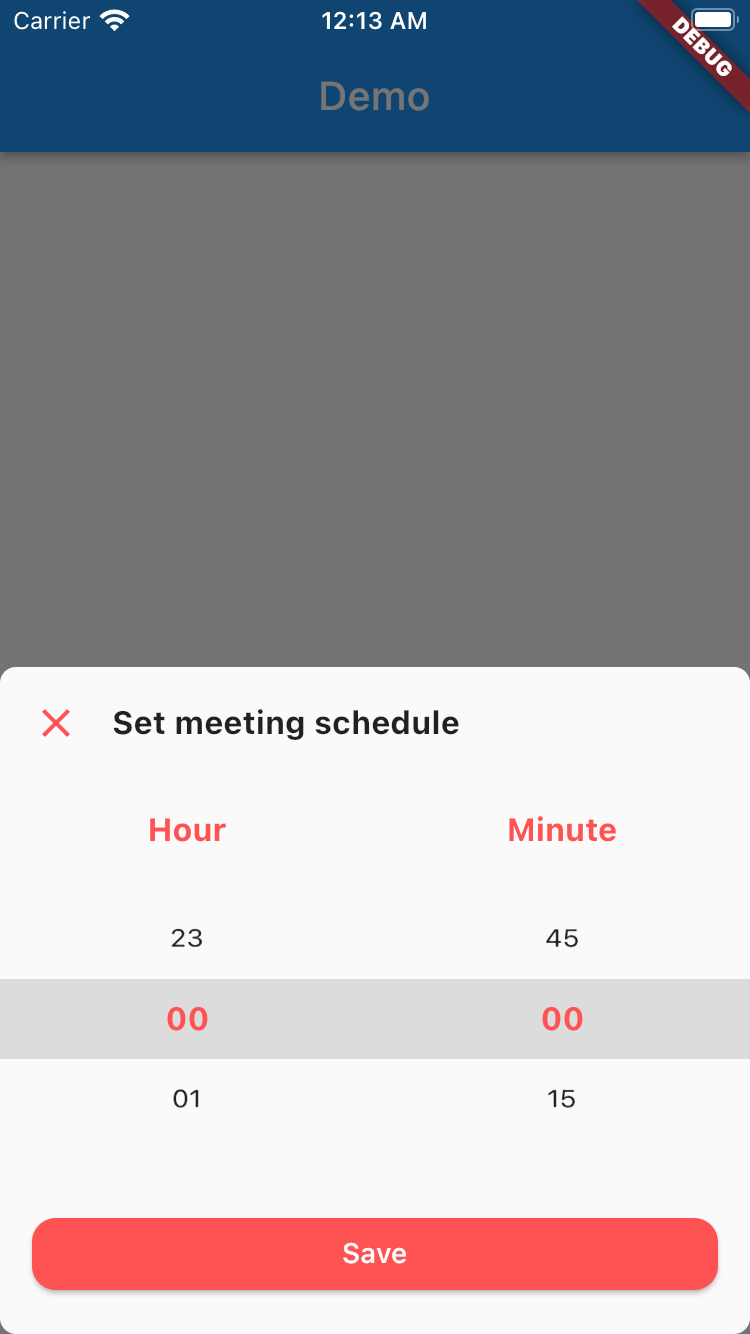
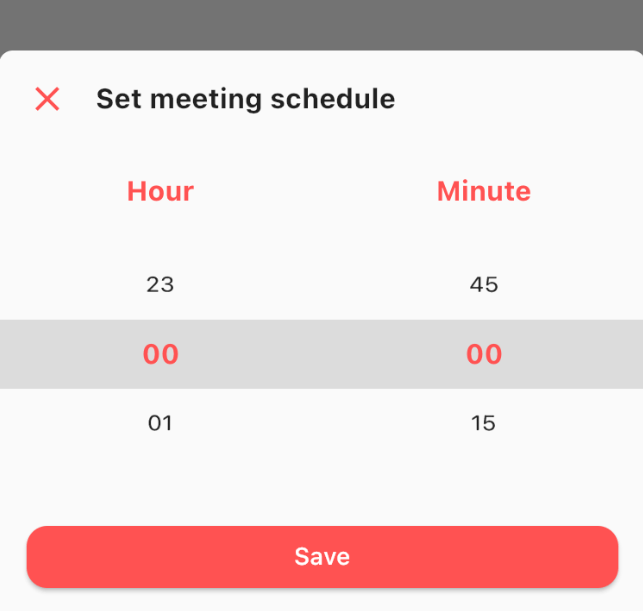
This is really simple and to the point actually, simply by doing this then your time picker sheet will goes up.
TimePicker.show(
    context: context,
    sheet: TimePickerSheet(
        sheetTitle: 'Set meeting schedule',
        hourTitle: 'Hour',
        minuteTitle: 'Minute',
        saveButtonText: 'Save',
    ),
);
If you wanna get the result from the time picker sheet then what you have to do is await the result. As you know if we wanna await the result we need to do it as an async process right? so please make sure to do so. The code must be like this
final result = await TimePicker.show<DateTime?>(
    context: context,
    sheet: TimePickerSheet(
        sheetTitle: 'Set meeting schedule',
        hourTitle: 'Hour',
        minuteTitle: 'Minute',
        saveButtonText: 'Save',
    ),
);
the result from the sheet is should be nullable DateTime, if user closed the sheet the result will be null, but if the user click on the save button
then the result should be the selected time as a DateTime, so you can get the hour & the minute.
What you can customize?
All these things already have default value, so if you want to change one of them please make sure to set it via constructor.
Dependency list 4 items
{"sdk":"flutter"}^1.0.2{"sdk":"flutter"}^1.0.0Start with your use case, compare repository activity, and check the original project before adopting it.
“A repository is the most basic element of GitHub.”
GitHub Docs — About repositories ↗