

 v0.7.2
tap_to_expand
此包旨在用极少的代码行快速轻松地构建可展开小部件,您还可以根据需要进行自定义!
98喜欢 100近 30 天下载150Pub 分数
AndroidiOSWebmacOSWindowsLinux
此包可让您仅用几行代码快速轻松地构建可展开小部件,并且您可以根据需要进行自定义!

以下为英文项目原文快照,最新内容请访问 GitHub。


This package provides an easy and fast way to build expandable widgets with minimal code. You can customize these widgets according to your needs.
isScrollable parameterTo use this plugin, add tap_to_expand as a dependency in your pubspec.yaml file.
dependencies:
  tap_to_expand: ^1.0.0
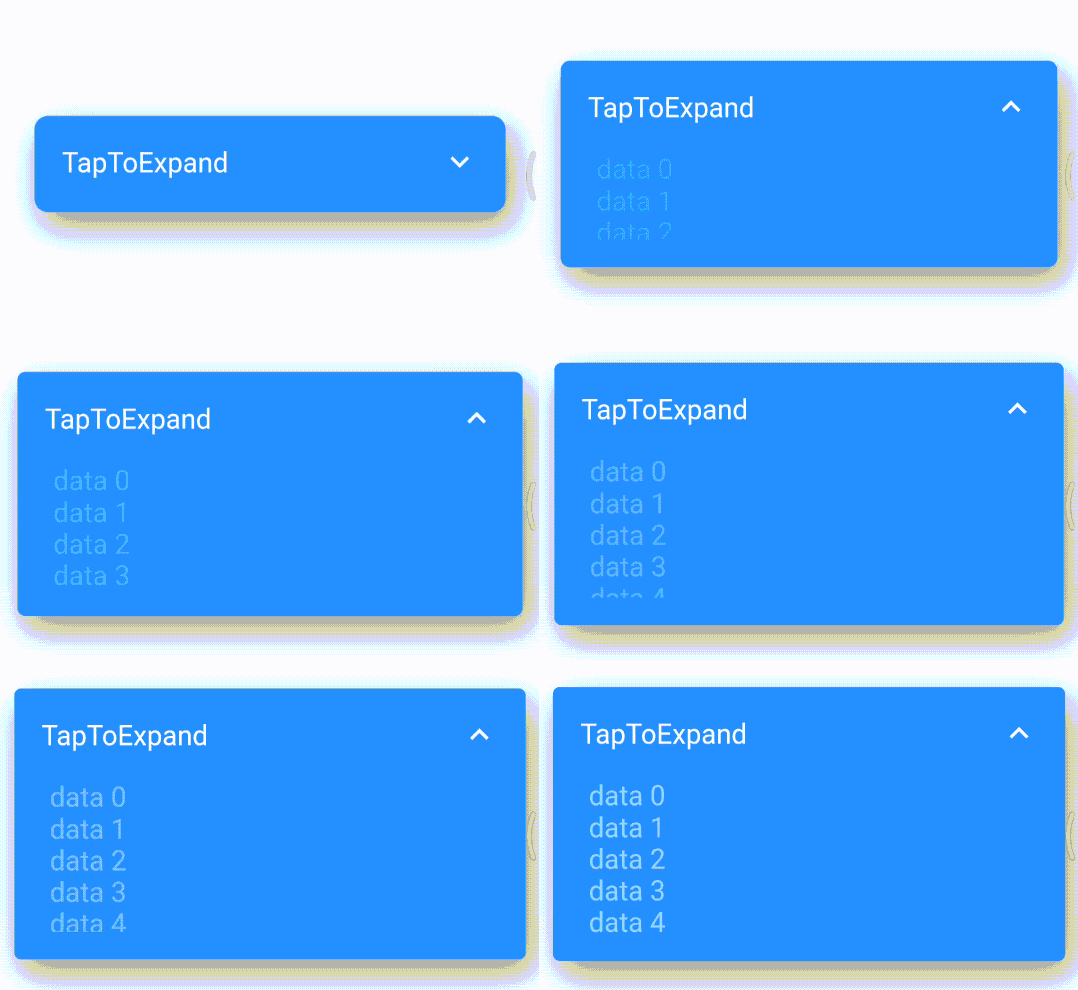
Here is How to use TapToExpand class, You can find Package Api HERE
Center(
        child: TapToExpand(
          content: Column(
            children: <Widget>[
              for (var i = 0; i < 20; i++)
                Text(
                  "data $i",
                  style: const TextStyle(color: Colors.white, fontSize: 20),
                ),
            ],
          ),
          title: const Text(
            'TapToExpand',
            style: TextStyle(
              color: Colors.white,
              fontSize: 20,
            ),
          ),
          onTapPadding: 10,
          closedHeight: 70,
          scrollable: true,
          borderRadius: 10,
          openedHeight: 200,
        ),
      ),
For more information and customization options, visit the TapToExpand GitHub repository.
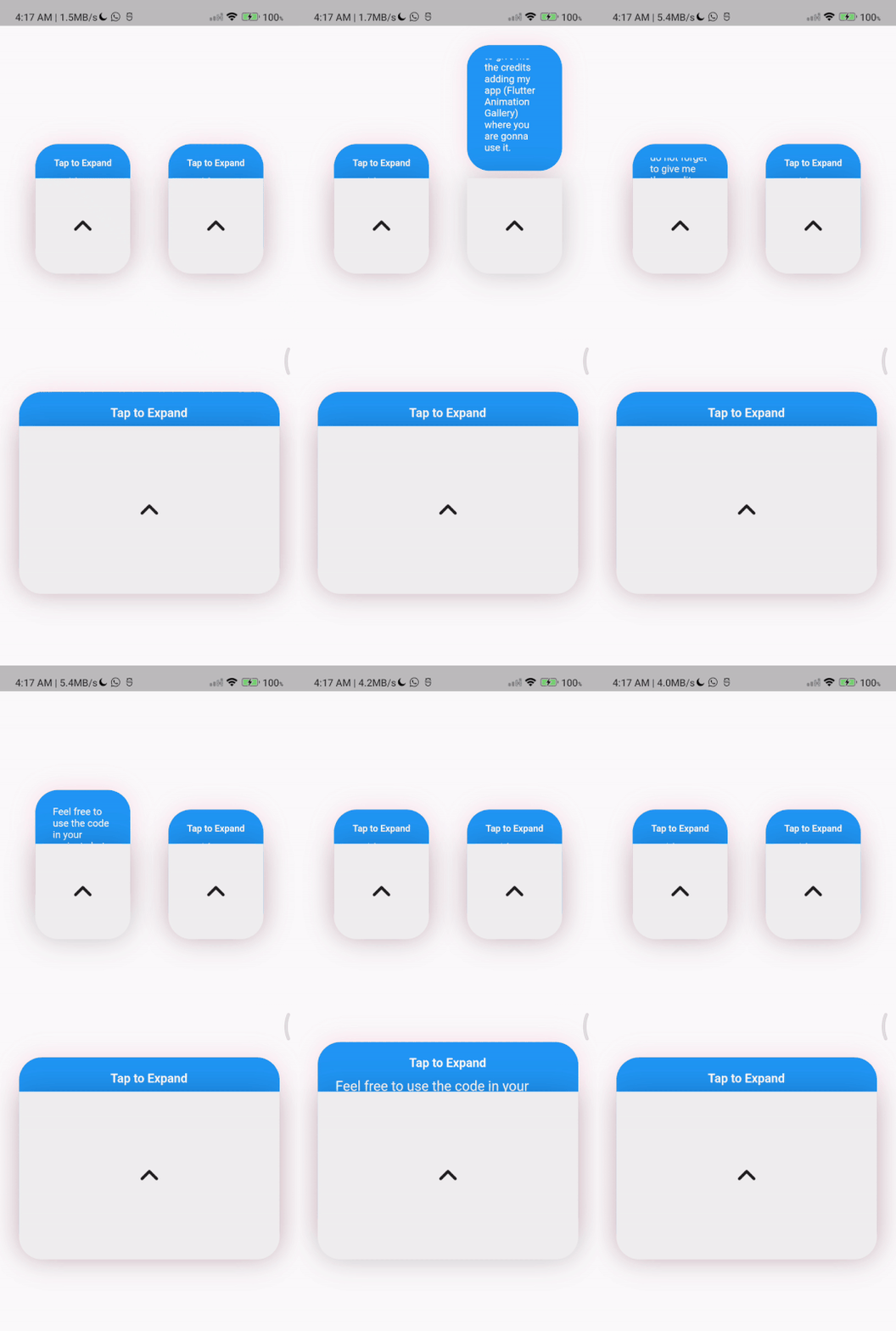
TapToExpandLetter(
                // autoClose: false, default is true
                title: const Text(
                  'Tap to Expand',
                  style: TextStyle(
                      color: Colors.white,
                      fontSize: 16,
                      fontWeight: FontWeight.w600),
                ),
                content: Column(
                  children: const [
                    Text(
                      'Feel free to use the code in your projects but do not forget to give me the credits adding  (Flutter Animation Gallery) where you are gonna use it.',
                      style: TextStyle(
                        color: Colors.white,
                        fontSize: 18,
                        fontWeight: FontWeight.w400,
                      ),
                    ),
                    // Image.asset(
                    //   'assets/image_ex.png',
                    //   width: 150,
                    //   height: 150,
                    // ),
                  ],
                ),
                centerWidget: const Icon(
                  Icons.expand_less_rounded,
                  size: 50,
                ))
          ],
        ),
依赖清单 4 项
{"sdk":"flutter"}{"sdk":"flutter"}^1.0.0^1.24.9先按使用场景筛选,再比较项目活跃情况,最后到原始仓库核对使用要求。
“A repository is the most basic element of GitHub.”
GitHub Docs — About repositories ↗