

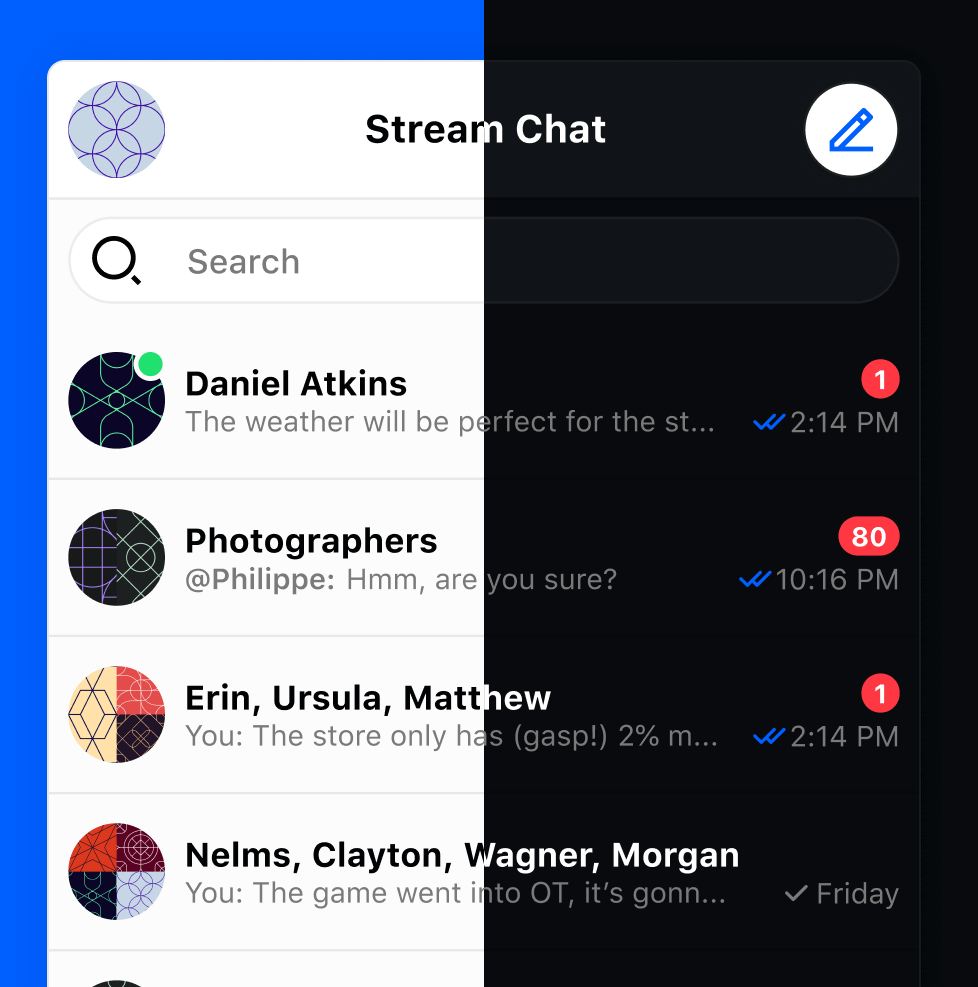
 v9.23.0
stream_chat_flutter
Stream Chat 官方 Flutter SDK。使用 Dart 和 Flutter 构建您自己的聊天体验。
390喜欢 4.2万近 30 天下载120Pub 分数
AndroidiOSWebmacOSWindowsLinux
Flutter 聊天 SDK - 使用 Dart、Flutter 和 Stream 聊天消息 API 构建您自己的聊天应用体验。

以下为英文项目原文快照,最新内容请访问 GitHub。
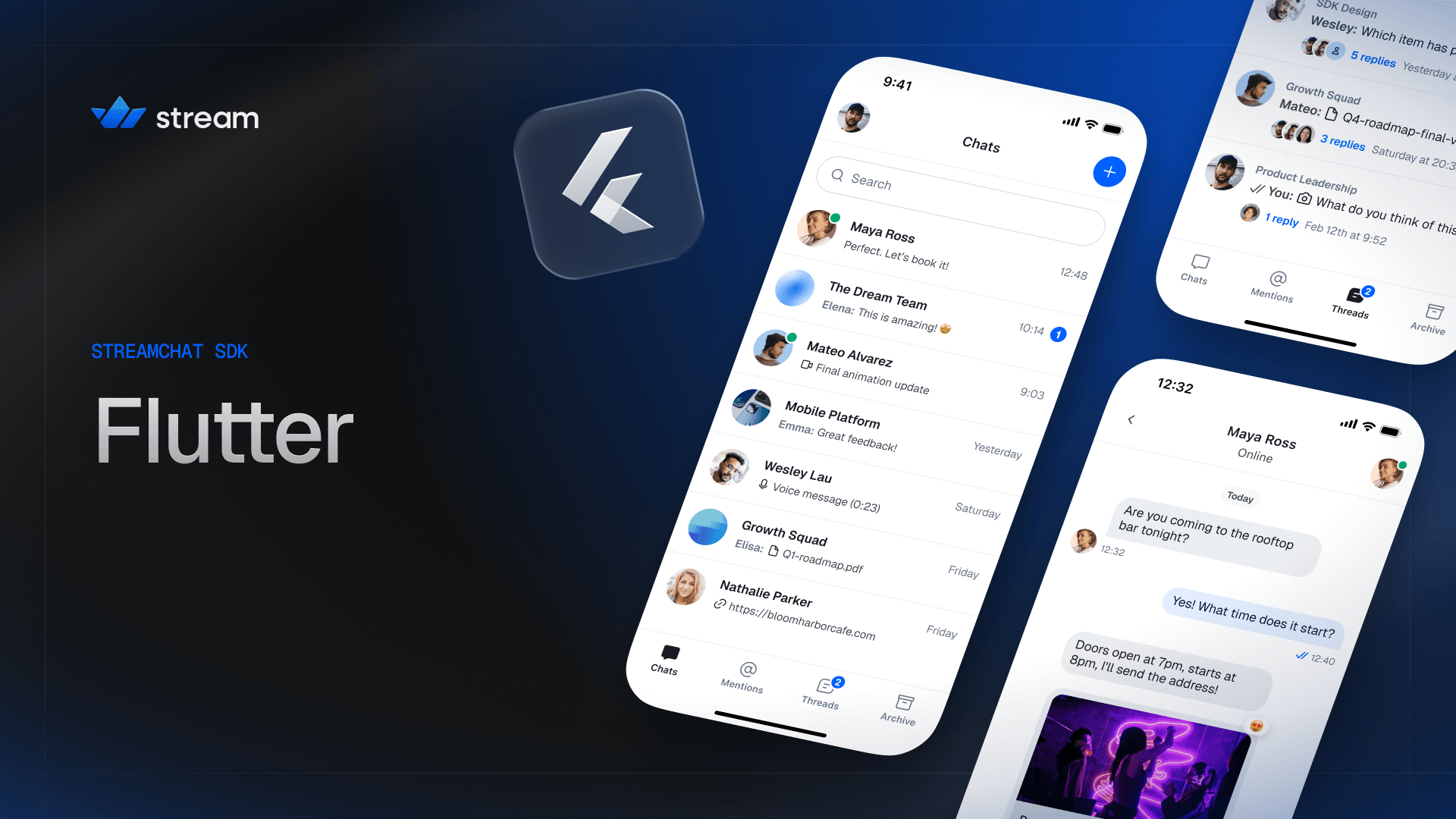


V10 brings a modern redesign, a unified design system shared across all Stream SDK platforms, and improved developer experience.
Quick Links
Version 10 is a major update to the Stream Chat Flutter SDK:
StreamTheme, a Flutter ThemeExtension registered on MaterialApp.theme.StreamMessageComposer, StreamChannelListItem).StreamComponentFactory — a single customization entry point that replaces the scattered builder slots that previously lived on each widget.See the V10 Migration Guide for a full list of breaking changes and upgrade instructions.
The UI package ships an extensive set of performant and customizable widgets:
@ mentions, / commands)Check out the sample_app in this repository — a fully functional messenger built with stream_chat_flutter that demonstrates the SDK's core features end to end. It is the recommended reference when wiring things up in your own app.
For more sample apps and demos, visit GetStream/flutter-samples.
Stream is free for most side and hobby projects. To qualify, your project/company needs to have fewer than five team members and under $10,000 in monthly revenue. For complete pricing details, visit our Chat Pricing Page.
Stream Chat Dart is a monorepo built using Melos. Individual packages can be found in the packages directory; configuration and top-level commands live in melos.yaml.
The SDK is layered — each package builds on top of the previous:
stream_chatThe low-level client (LLC), a pure Dart package that wraps the Stream Chat API. Use it directly if you want to build your own UI and state layer.
stream_chat_flutter_coreProvides the business logic, controllers, and builders required to integrate Stream Chat into a Flutter app, without shipping any UI of its own.
stream_chat_flutterThe full UI SDK. Includes a set of reusable and customizable UI widgets on top of the core and low-level client packages. This is the recommended starting point for most apps.
stream_chat_persistenceProvides a Drift-backed persistence client for offline storage. Plugs into any of the packages above.
stream_chat_localizationsProvides a set of localizations for the UI SDK.
We recommend using stream_chat_flutter for most apps. Unless your UI is completely different from the common industry standard, you should be able to customize the built-in widgets to match your needs.
stream_chat_flutter_core if you need full UI control but want the data/state logic handled for you.stream_chat directly for maximum control over architecture, UI, and data.You can also mix and match — it is common to use the UI SDK for most screens and drop down to the low-level client for specific operations.
To get started, run bootstrap after cloning the project:
melos bootstrap
The best place to start is the Flutter Chat Tutorial. It teaches you how to use this SDK and shows how to make frequently required changes.
Every package folder also includes a fully functional example with setup instructions.
All of the Stream Chat packages follow semantic versioning:
Occasionally, the SDK can include visual changes (whitespace, color, sizing) in minor versions as we continuously improve the default look of our UI widgets.
See the installation docs and the releases page for the full version history.
We've recently closed a $38 million Series B funding round and we keep actively growing. Our APIs are used by more than a billion end-users, and you'll have a chance to make a huge impact on the product within a team of the strongest engineers all over the world.
Check out our current openings and apply via Stream's website.
Stream Chat 官方 Flutter SDK。使用 Dart 和 Flutter 构建您自己的聊天体验。
Stream Chat 的官方 Dart 客户端,用于构建聊天应用程序。
Stream Chat Flutter 的官方本地化,用于构建聊天应用的服务
Stream Chat 官方 Flutter SDK。使用 Dart 和 Flutter 构建您自己的聊天体验。
Stream Chat 官方 Flutter SDK 核心。使用 Dart 和 Flutter 构建您自己的聊天体验。
依赖清单 6 项
^4.10.1^3.0.1^6.2.0^1.9.0^4.1.0^3.1.3先按使用场景筛选,再比较项目活跃情况,最后到原始仓库核对使用要求。
“A repository is the most basic element of GitHub.”
GitHub Docs — About repositories ↗