

v0.0.12
holdable_button
一个 Flutter 插件,允许用户创建带有长按手势的按钮,在按住时触发按钮周围的加载动画。
30喜欢 84近 30 天下载140Pub 分数
AndroidiOSWebmacOSWindowsLinux
一个允许用户创建按住手势按钮的 Flutter 插件

以下为英文项目原文快照,最新内容请访问 GitHub。
Holdable Button is a Flutter plugin that allows you to create interactive buttons with a unique animation. It enables users to hold a button, displaying a loading animation along its border, and then triggering a callback once the animation completes.
edge loading type:

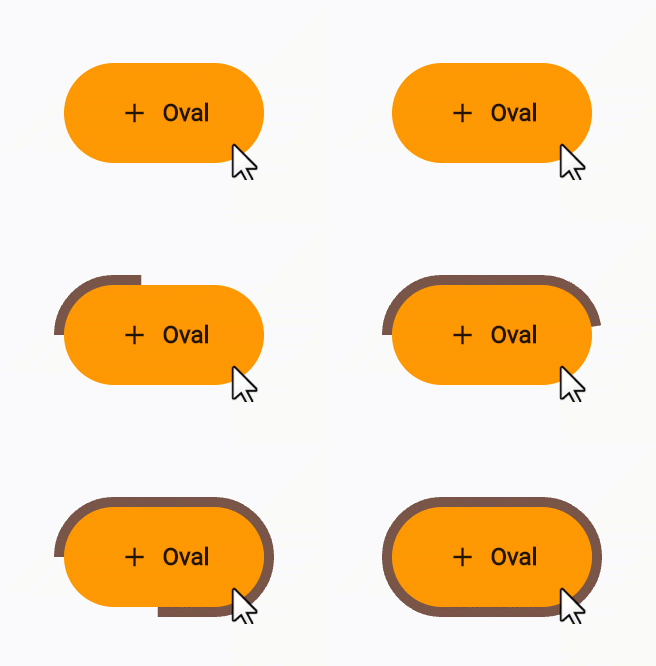
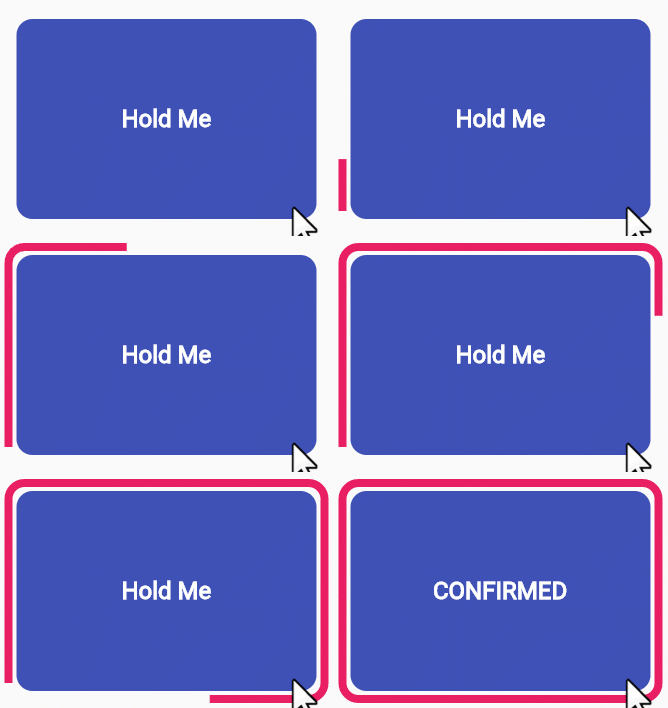
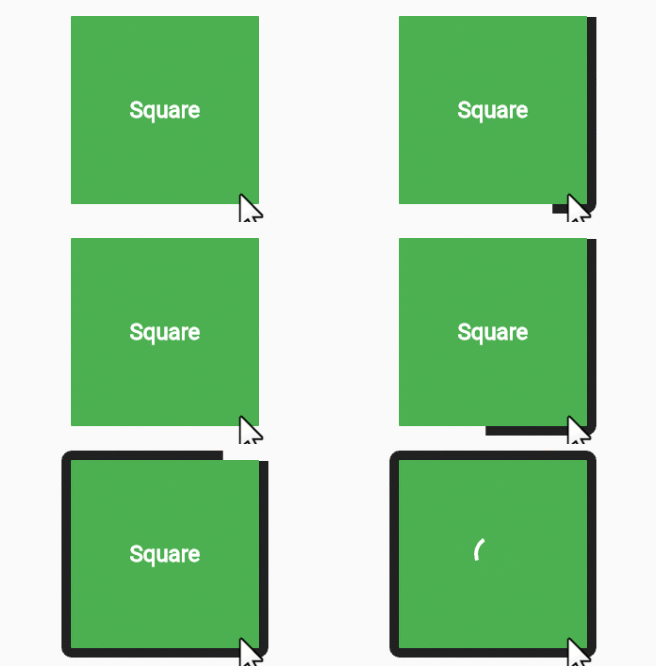
filling loading type:
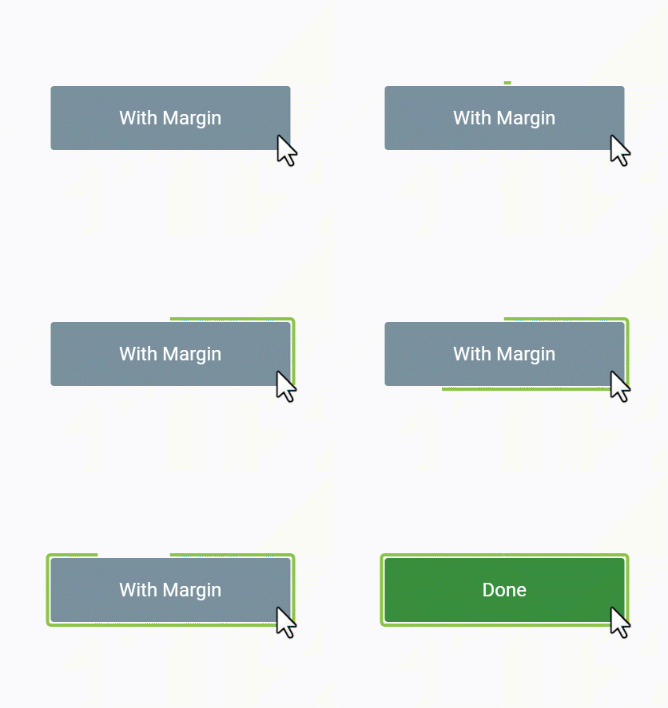
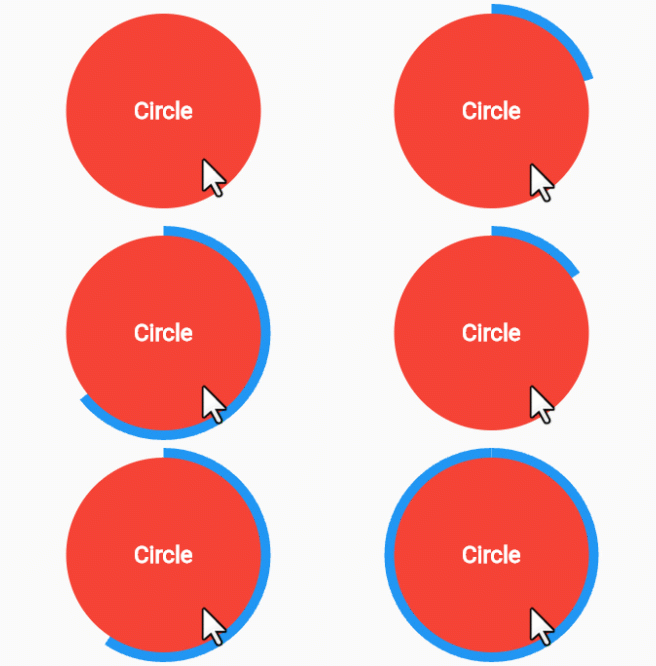
Interactive Animation: Engage users with a button that responds to long presses, offering an interactive and visually appealing experience.
Customizable: Tailor the button to match your app's design by adjusting parameters such as button color, loading color, border radius, child widget, animation duration, and start position.
User Engagement: Encourage users to interact with your app by introducing a novel way to trigger actions.
Add the Holdable Button plugin to your pubspec.yaml file:
dependencies:
  holdable_button: any
Install the plugin by running:
flutter pub get
Import the package in your Dart code:
import 'package:holdable_button/holdable_button.dart';
Implement the HoldableButton widget:
HoldableButton(
  loadingType: LoadingType.edgeLoading,
  width: 300,
  height: 200,
  buttonColor: Colors.blue,
  loadingColor: Colors.white,
  radius: 15.0,
  child: Text('Hold Me'),
  duration: 5,
  startPoint: 0.25,
  hasVibrate: true,
  onConfirm: () {
    // Callback when animation completes
  },
)
The HoldableButton widget supports the following parameters:
loadingType: the loading type: edgeLoading or fillingLoading.buttonColor: The color of the button.loadingColor: The color of the loading animation.radius: The border radius of the button.child: The widget inside the button.duration: The duration of the animation in seconds.startPoint: Start position in edgeLoading type.hasVibrate: Enable Vibration after loading complete.onConfirm: Callback when the animation completes.Feel free to experiment with these parameters to achieve the desired look and behavior.
Contributions are welcome! Please feel free to submit issues or pull requests.
依赖清单 6 项
{"sdk":"flutter"}{"sdk":"flutter"}^2.1.7^1.0.0{"sdk":"flutter"}^3.0.0先按使用场景筛选,再比较项目活跃情况,最后到原始仓库核对使用要求。
“A repository is the most basic element of GitHub.”
GitHub Docs — About repositories ↗