

v0.1.1
cross_scroll
CrossScroll 是一个 Flutter 包,允许其子视图进行垂直和水平滚动。
40喜欢 5840近 30 天下载145Pub 分数
AndroidiOSWebmacOSWindowsLinux
CrossScroll 是一个 Flutter 包,允许其子视图进行垂直和水平滚动。这一点非常重要,因为在许多情况下,您需要内容在两个方向上都能滚动。
以下为英文项目原文快照,最新内容请访问 GitHub。
A CrossScroll is a flutter Package that permits it’s child views to be scrolled vertically and Horizontally. This is important because in many cases you need content to be scrolled on both side.
SingleChildScrollView have.


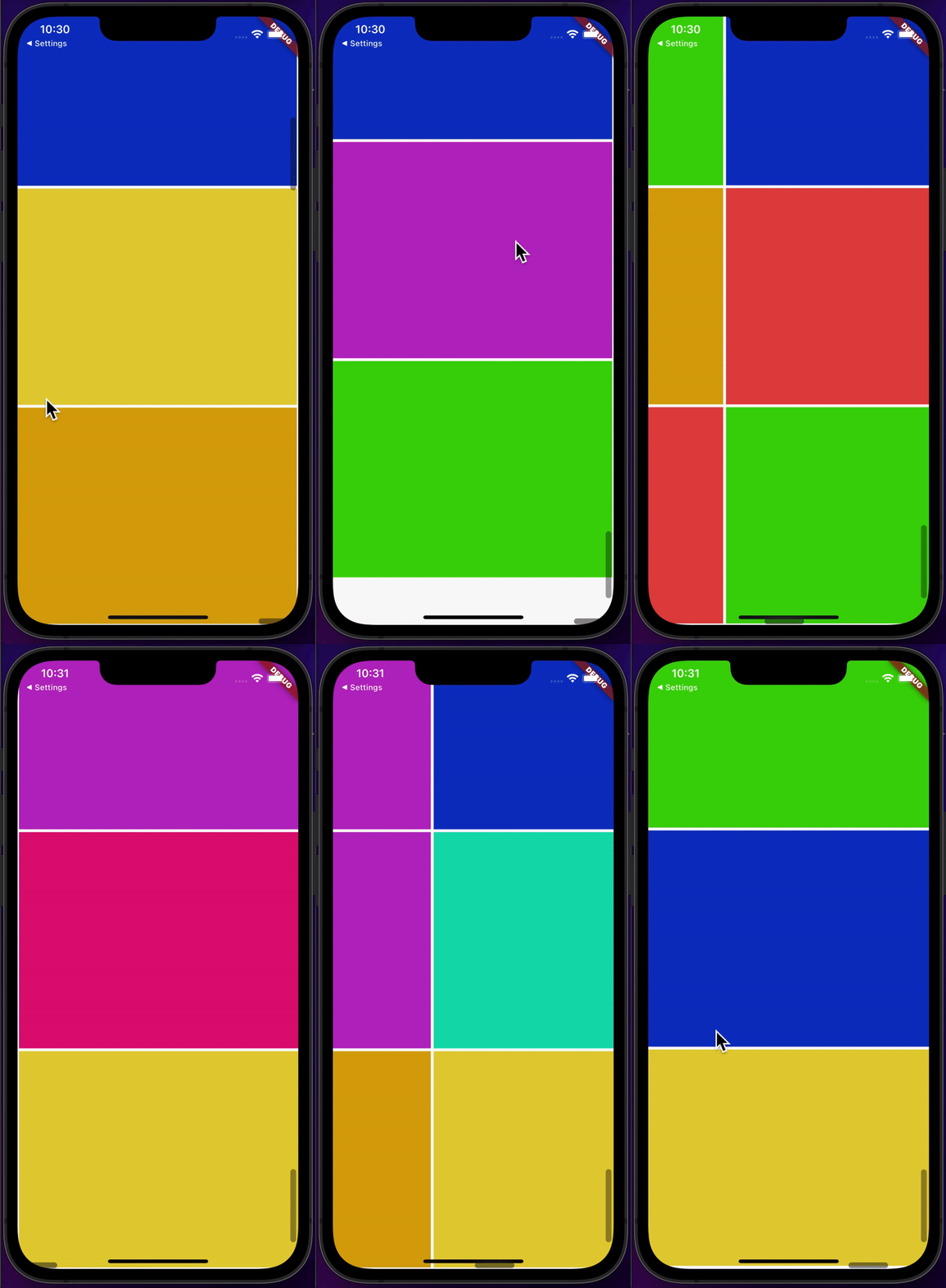
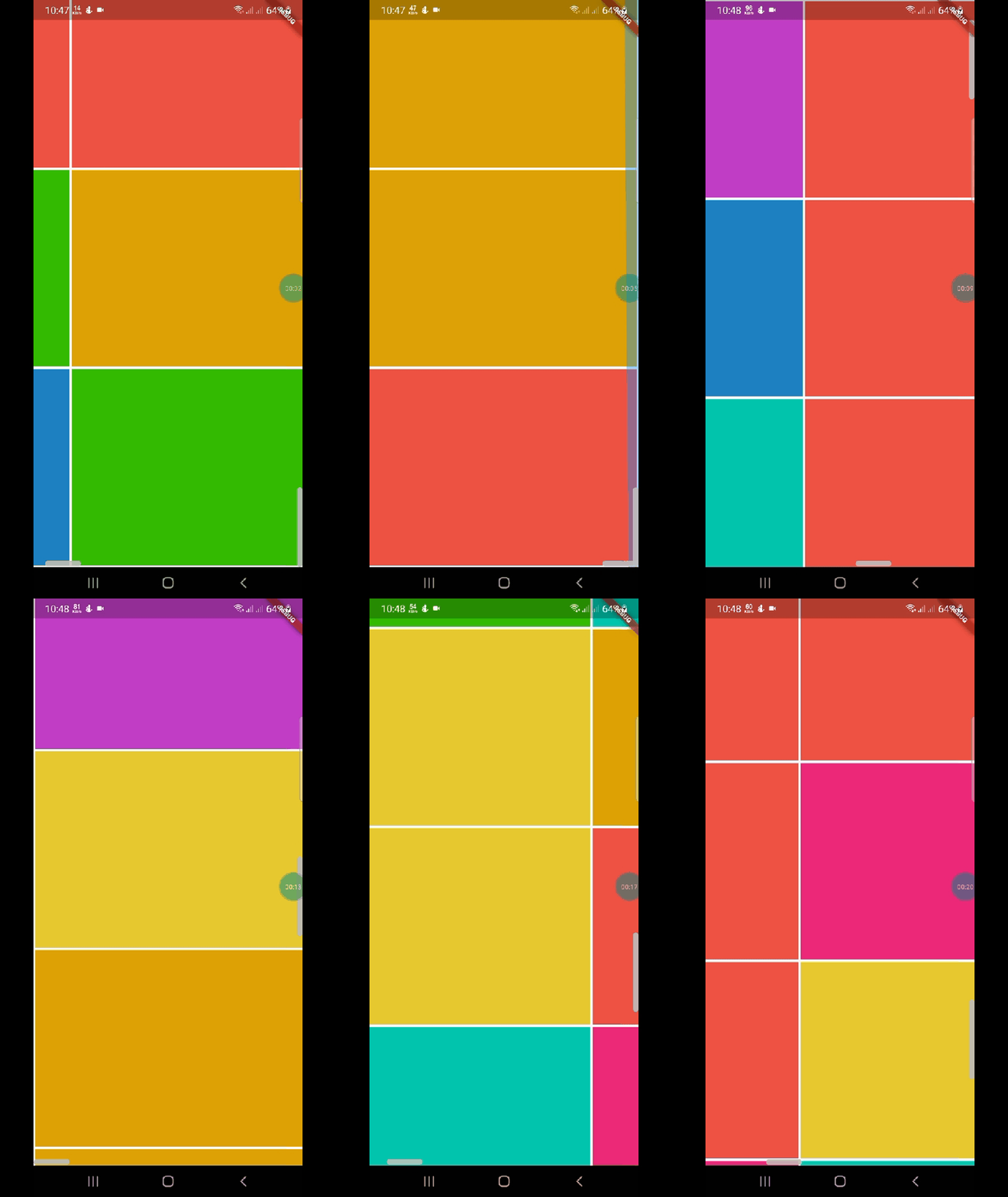
CrossScroll(child:Container(), ///your child
    );
 CrossScrollBar crossScrollBar=CrossScrollBar(thumb: ScrollThumb.alwaysShow,
    track: ScrollTrack.show,
    thickness: 8,
    hoverThickness: 8,
    thumbRadius: Radius.elliptical(8, 8));
 final CrossScrollStyle _crossScrollStyle =  CrossScrollStyle(
    physics: BouncingScrollPhysics(),
    keyboardDismissBehavior: ScrollViewKeyboardDismissBehavior.manual,
    padding:const EdgeInsets.symmetric(vertical: 2),
  );
 CrossScrollBar(
 controller: controller,
child: InfiniteCrossScroll(
maxRows: 10,
maxColumns: 10,
controller: controller,
cellSize: const Size(150, 150),
builder: (context, vicinity) => Container(
height: 150,
width: 150,
color: Color.fromARGB(255, Random().nextInt(255),
Random().nextInt(255), Random().nextInt(255)),
   ),
  ),
 ),
This project is licensed under the MIT License - see the LICENSE file for details.
Coming soon...

依赖清单 2 项
{"sdk":"flutter"}{"sdk":"flutter"}先按使用场景筛选,再比较项目活跃情况,最后到原始仓库核对使用要求。
“A repository is the most basic element of GitHub.”
GitHub Docs — About repositories ↗