

v1.0.0-beta
navigation_drawer_menu
Flutter Material Design 导航抽屉菜单。此包为您提供 NavigationDrawerMenu 小部件,其行为类似于 ListView。示例实现了完整的导航抽屉。
27喜欢 27近 30 天下载60Pub 分数
平台暂无数据
Flutter Material Design 导航抽屉菜单

以下为英文项目原文快照,最新内容请访问 GitHub。
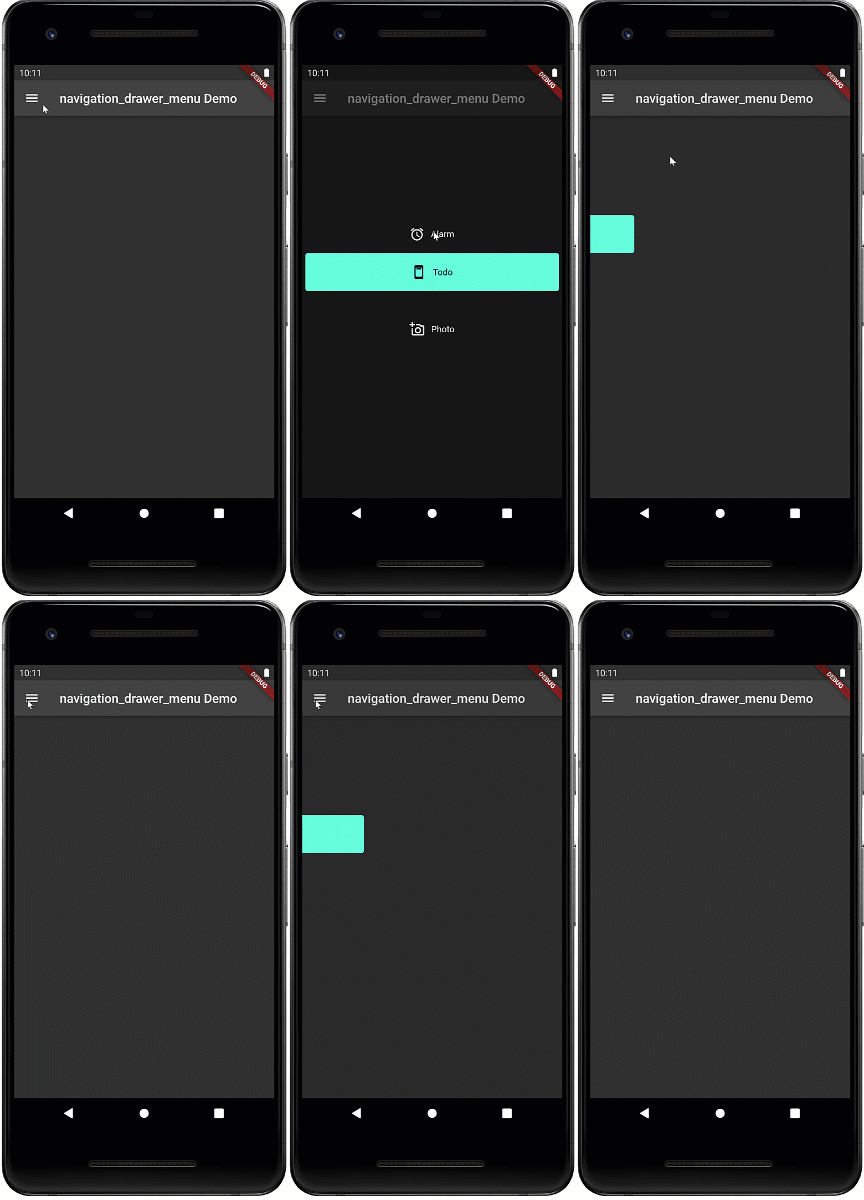
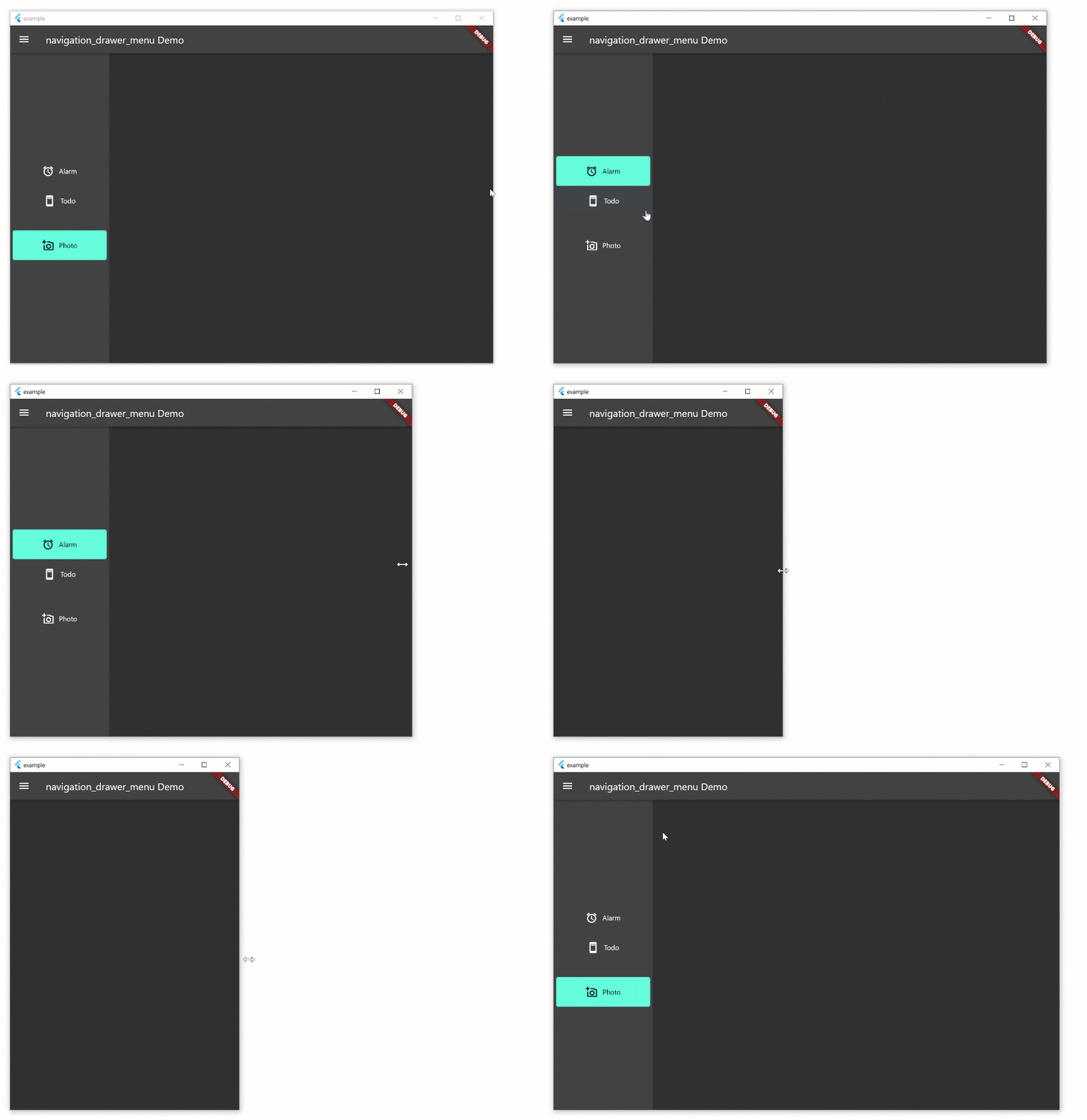
Navigation drawer is a common UI pattern for adaptive menus. The Material Design documentation formalizes the behavior of the menu but this pattern is not peculiar to Material Design. The pattern includes a basic Hamburger menu but isn't limited to small screens. The menu pattern suits all screen sizes. On larger width screens you see the icon and text, smaller screens will display icons only, and on phones, the menu will disappear during normal use and slide in with the hamburger icon.
This widget is in beta and the public interface is likely to change
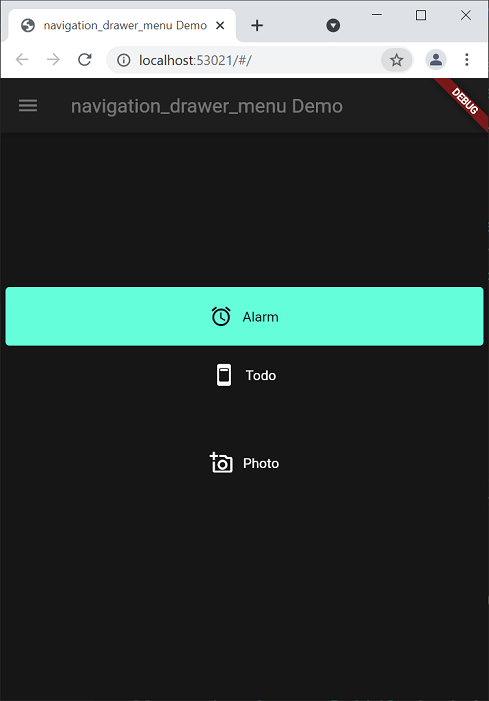
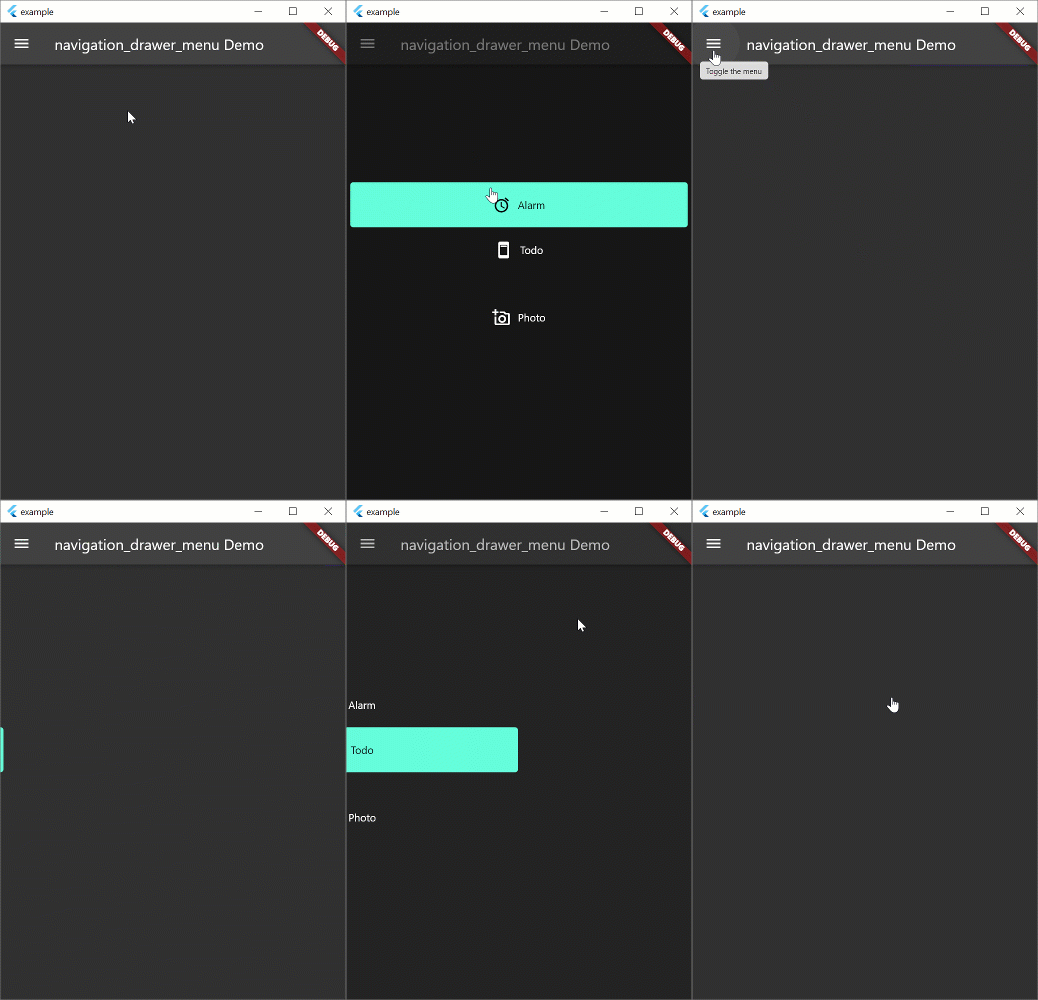
The example aims to implement the Navigation Drawer pattern documented above. This is a work in progress and conformance to the behavior in the Material Design documentation is the long term aim. Pull requests to fix behavior are welcome. The example works on all form factors: desktop and tablet (landscape, portrait), phone, and web. Try resizing the width of the window to see how the behavior changes. Most of the behavior exists in the example. the aim is to create a new widget which will replace Scaffold and allow you to spin up new apps with this functionality very quickly.
Note: if you're just looking for a simple drawer menu that doesn't adapt to the screen, check out this.
flutter create example --platforms=windows,macos,linux

flutter create --platforms=web

flutter create --platforms=android
NavigationDrawerMenuThis is a widget that basically functions like a ListView. However, it exists to remove some of the boilerplate code necessary for constructing the menu, and allows you to put arbitrary sized spacers and headings inside the menu. The example uses this set of definitions. If you don't want to use this widget, you can use ListView instead.
final Map<Key, MenuItemContent> menuItems = {
  alarmValueKey: MenuItemContent(
      menuItem: MenuItemDefinition("Alarm", alarmValueKey,
          iconData: Icons.access_alarm)),
  todoValueKey: MenuItemContent(
      menuItem: MenuItemDefinition("Todo", todoValueKey,
          iconData: Icons.ad_units_rounded)),
  photoValueKey: MenuItemContent(
      menuItem: MenuItemDefinition("Photo", photoValueKey,
          iconData: Icons.add_a_photo_outlined))
};
先按使用场景筛选,再比较项目活跃情况,最后到原始仓库核对使用要求。
“A repository is the most basic element of GitHub.”
GitHub Docs — About repositories ↗