
 v2.0.0
flutter_media_downloader
此插件帮助用户下载媒体文件,例如 PDF 文件、图像文件等。
52喜欢 330近 30 天下载140Pub 分数
AndroidiOS
用于下载媒体文件的 Flutter 插件
以下为英文项目原文快照,最新内容请访问 GitHub。
This plugin helps user to download medias for example pdf files, image files etc. A plugin for creating and managing download tasks. Supports iOS and Android.
This plugin is using native methods for push notifications for both platforms (Android & iOS). This is easy to use plugin.
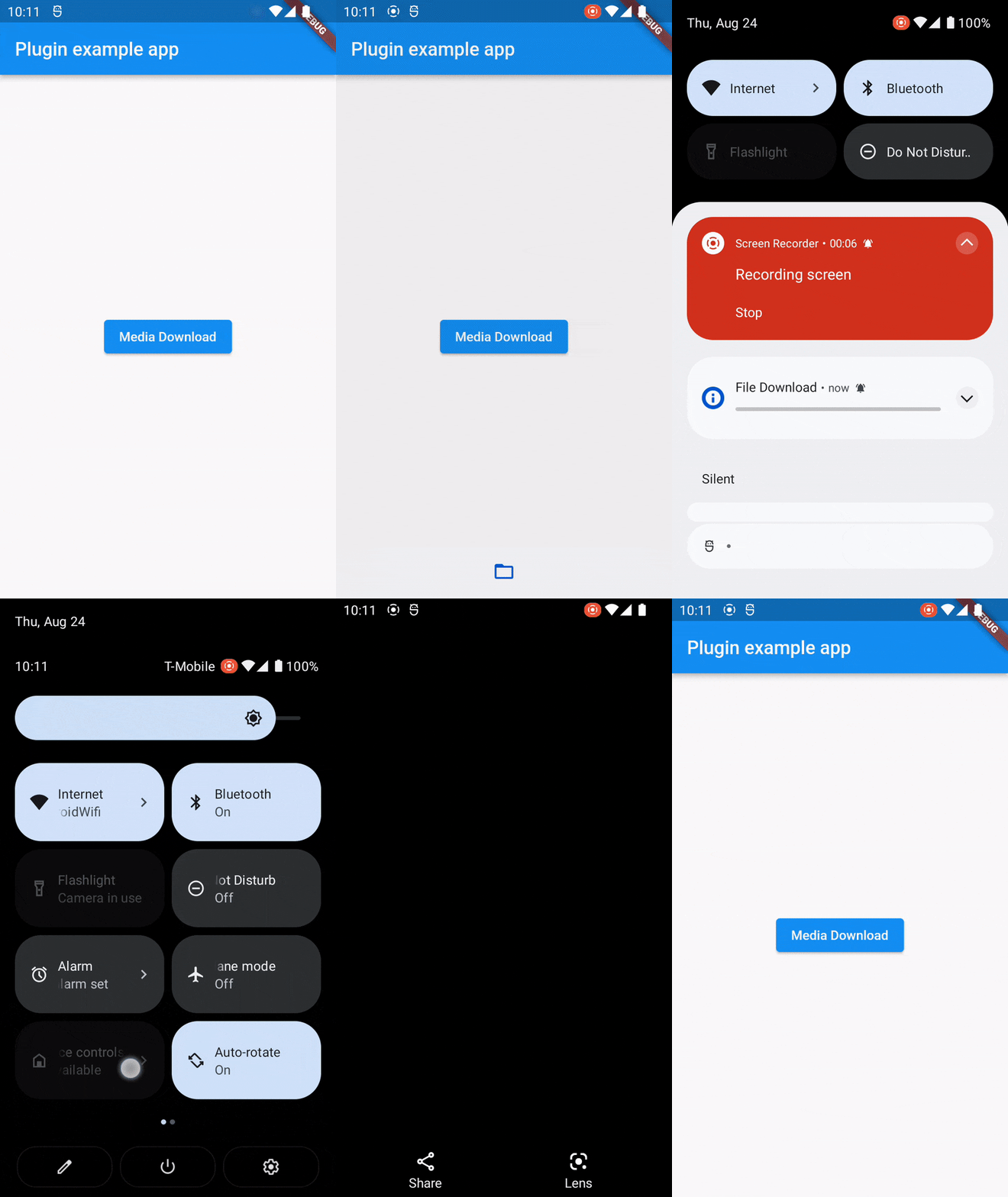
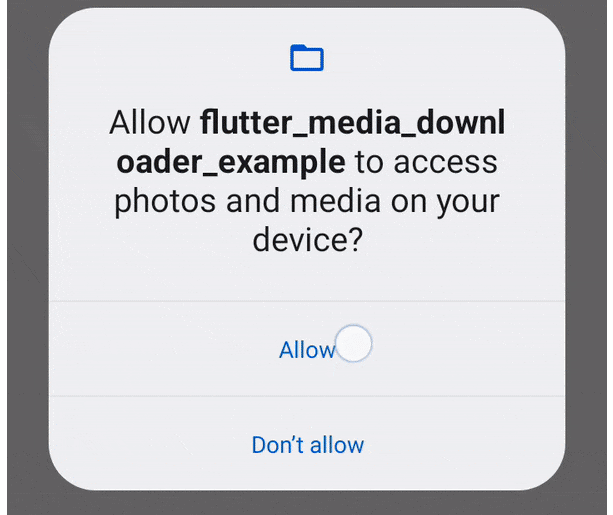
You just need to add permissions in your manifest file for the push notification. And other permission for read external storage.
<uses-permission android:name="android.permission.WRITE_EXTERNAL_STORAGE" />
<uses-permission android:name="android.permission.READ_EXTERNAL_STORAGE" />
<uses-permission android:name="android.permission.POST_NOTIFICATIONS" />
    <!-- For Android 13+ (API 33 and above) -->
<uses-permission android:name="android.permission.READ_MEDIA_IMAGES" />
<uses-permission android:name="android.permission.READ_MEDIA_VIDEO" />
<uses-permission android:name="android.permission.READ_MEDIA_AUDIO" />
To make tapping on notification open the downloaded file on Android, add the
following code to AndroidManifest.xml:
<provider
    android:name="androidx.core.content.FileProvider"
    android:authorities="${applicationId}.provider"
    android:exported="false"
    android:grantUriPermissions="true">
    <meta-data
        android:name="android.support.FILE_PROVIDER_PATHS"
        android:resource="@xml/provider_paths" />
</provider>
Notes
import 'dart:io';

import 'package:flutter/material.dart';
import 'package:flutter_media_downloader/flutter_media_downloader.dart';

void main() {

  runApp(const MyApp());
  WidgetsFlutterBinding.ensureInitialized();
}

class MyApp extends StatefulWidget {
  const MyApp({super.key});

  @override
  State<MyApp> createState() => _MyAppState();
}

class _MyAppState extends State<MyApp> {

  final _flutterMediaDownloaderPlugin = MediaDownload();

  @override
  void initState() {
    super.initState();

  }
  @override
  Widget build(BuildContext context) {

    return MaterialApp(
      home: Scaffold(
        appBar: AppBar(
          title: const Text('Plugin example app'),
        ),
        body: Center(
          child: ElevatedButton(onPressed: () async {
            _flutterMediaDownloaderPlugin.downloadMedia(context,'https://www.w3.org/WAI/ER/tests/xhtml/testfiles/resources/pdf/dummy.pdf');
          }, child: const Text('Media Download')),
        ),
      ),
    );
  }
}
If you find this plugin helpful, consider supporting its development:
Your support is greatly appreciated!
Feel free to open an issue if you encounter any problems or think that the plugin is missing some feature.
 parthsheth100@gmail.com

依赖清单 7 项
{"sdk":"flutter"}{"sdk":"flutter"}^2.1.1^11.0.1^2.1.6{"sdk":"flutter"}^2.0.0先按使用场景筛选,再比较项目活跃情况,最后到原始仓库核对使用要求。
“A repository is the most basic element of GitHub.”
GitHub Docs — About repositories ↗