
flutter_staggered_animations
轻松为您的 ListView、GridView、Column 和 Row 子项添加交错动画。
- 星标
- 1675
- 复刻
- 131
- 最近推送(UTC)
- 2023年3月22日
- 项目状态
- 未归档
原始 README
以下为英文项目原文快照,最新内容请访问 GitHub。

Flutter Staggered Animations
Easily add staggered animations to your ListView, GridView, Column and Row children as shown in Material Design guidelines
Showcase
| ListView | GridView | Column |
|---|---|---|
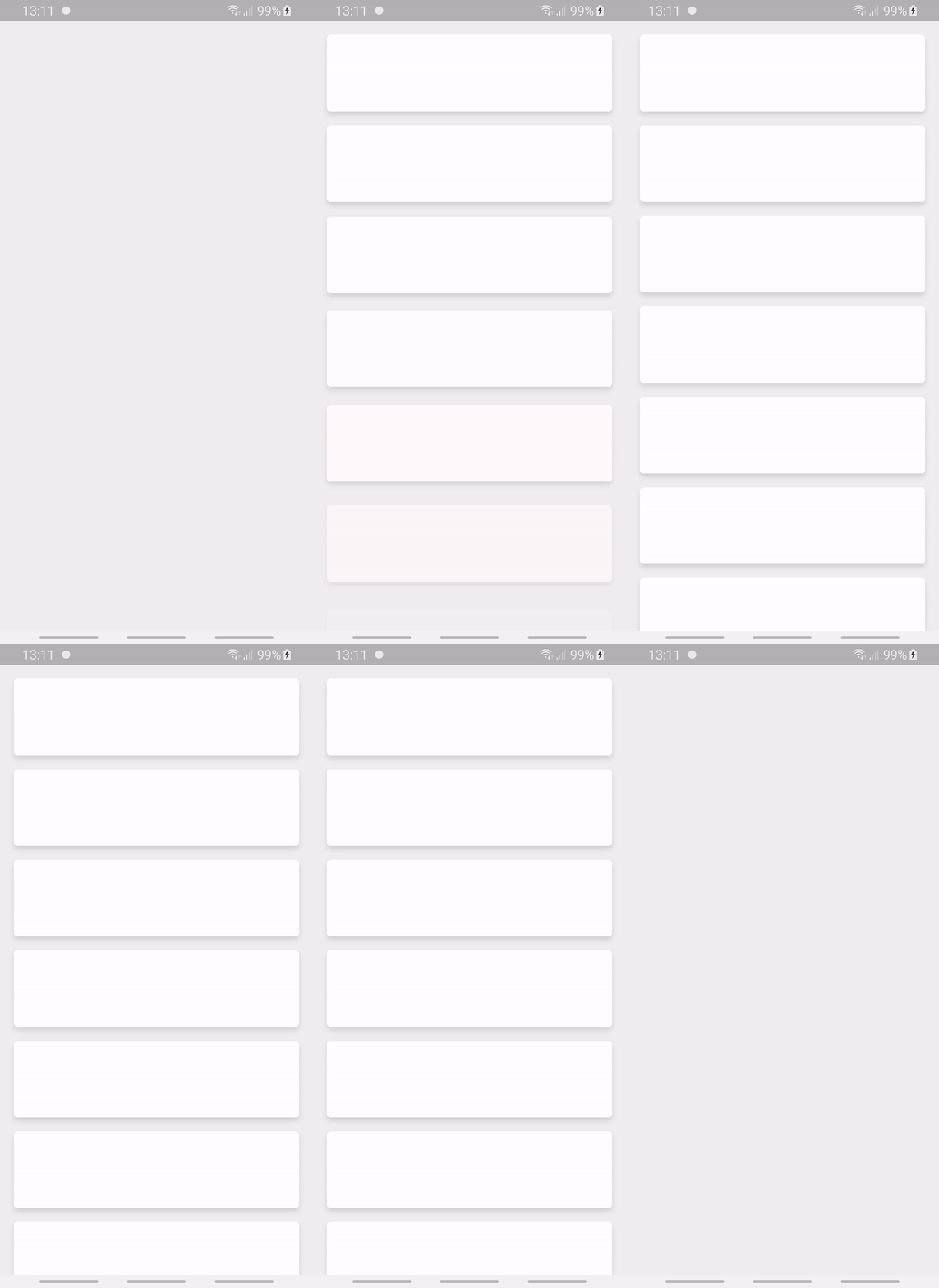 |
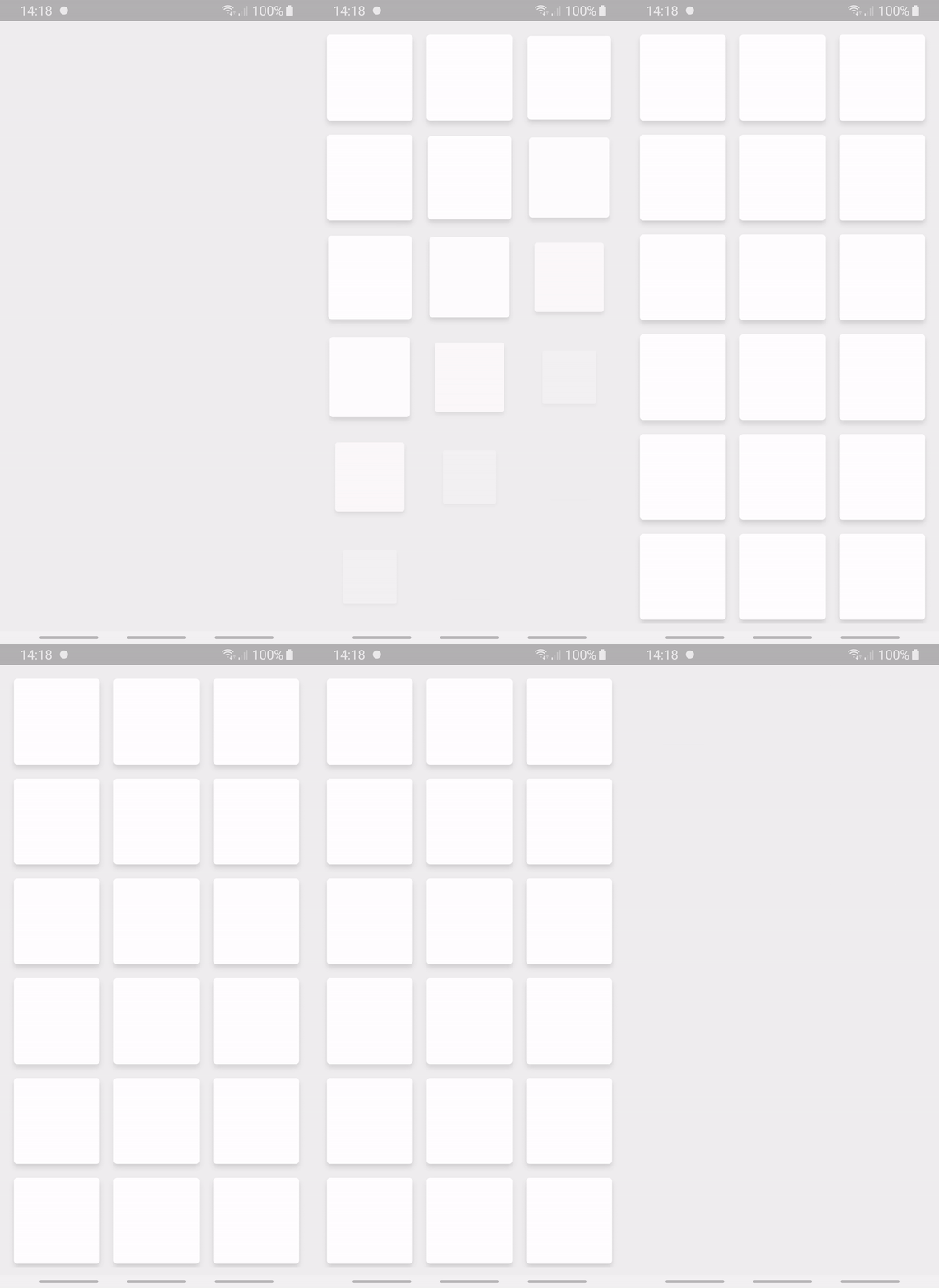 |
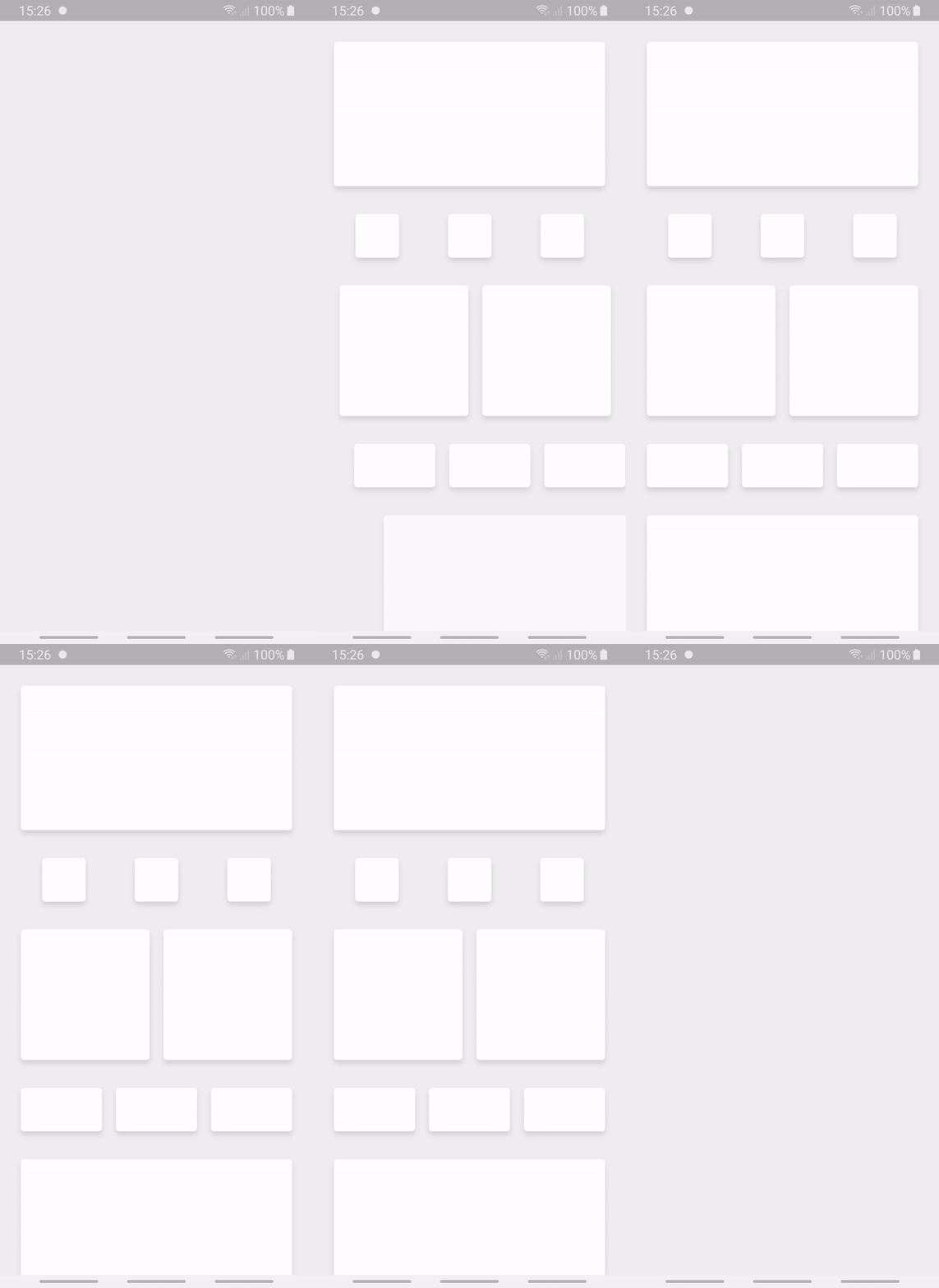 |
Flutter 3.0 and breaking changes
Starting version 1.1.0 flutter_staggered_animations requires Dart SDK 2.17 minimum.
If you want to keep using flutter_staggered_animations but cannot migrate to Dart SDK 2.17 yet, use the version 1.0.0 instead.
Flutter 2.0 and null-safety
From 1.0.0 and onwards, flutter_staggered_animations is null-safe and requires Dart SDK 2.12.0 minimum.
If you want to keep using flutter_staggered_animations but cannot migrate to null-safety yet, use the version 0.1.3 instead.
Installation
Dependency
Add the package as a dependency in your pubspec.yaml file.
dependencies:
  flutter_staggered_animations: ^1.0.0
Import
Import the package in your code file.
import 'package:flutter_staggered_animations/flutter_staggered_animations.dart';
Basic usage
Here is a sample code to apply a staggered animation on ListView items.
@override
Widget build(BuildContext context) {
  return Scaffold(
    body: AnimationLimiter(
      child: ListView.builder(
        itemCount: 100,
        itemBuilder: (BuildContext context, int index) {
          return AnimationConfiguration.staggeredList(
            position: index,
            duration: const Duration(milliseconds: 375),
            child: SlideAnimation(
              verticalOffset: 50.0,
              child: FadeInAnimation(
                child: YourListChild(),
              ),
            ),
          );
        },
      ),
    ),
  );
}
API Overview
This package contains three type of classes:
- Animation
- AnimationConfiguration
- AnimationLimiter
Animations
Animations are split into 4 classes:
FadeInAnimationSlideAnimationScaleAnimationFlipAnimation
Animations can be composed to produce advanced animations effects by wrapping them.
Example of a SlideAnimation combined with a FadeInAnimation:
child: SlideAnimation(
  verticalOffset: 50.0,
    child: FadeInAnimation(
      child: YourListChild(),
    ),
)
Animations must be direct children of AnimationConfiguration.
AnimationConfiguration
AnimationConfiguration is an InheritedWidget that shares its animation settings with its children (mainly duration and delay).
Named constructors
Depending on the scenario in which you will present your animations, you should use one of AnimationConfiguration's named constructors.
AnimationConfiguration.synchronizedif you want to launch all children's animations at the same time.AnimationConfiguration.staggeredListif you want to delay the animation of each child to produce a single-axis staggered animations (from top to bottom or from left to right).AnimationConfiguration.staggeredGridif you want to delay the animation of each child to produce a dual-axis staggered animations (from left to right and top to bottom).
If you're not in the context of a ListView or GridView, an utility static method is available to help you apply staggered animations to the children of a Row or Column:
AnimationConfiguration.toStaggeredList
You can override
durationanddelayin each child Animation if needed.
AnimationLimiter
In the context of a scrollable view, your children's animations are only built when the user scrolls and they appear on the screen.
This create a situation where your animations will be run as you scroll through the content. If this is not a behaviour you want in your app, you can use AnimationLimiter.
AnimationLimiter is an InheritedWidget that prevents the children widgets to be animated if they don't appear in the first frame where AnimationLimiter is built.
To be effective, AnimationLimiter must be a direct parent of your scrollable list of widgets.
You can omit
AnimationLimiterif your view is not scrollable.
Quick samples
ListView
Here is a sample code to apply a staggered animation on the children of a ListView.
@override
Widget build(BuildContext context) {
  return Scaffold(
    body: AnimationLimiter(
      child: ListView.builder(
        itemCount: 100,
        itemBuilder: (BuildContext context, int index) {
          return AnimationConfiguration.staggeredList(
            position: index,
            duration: const Duration(milliseconds: 375),
            child: SlideAnimation(
              verticalOffset: 50.0,
              child: FadeInAnimation(
                child: YourListChild(),
              ),
            ),
          );
        },
      ),
    ),
  );
}
GridView
Here is a sample code to apply a staggered animation on the children of a GridView.
@override
Widget build(BuildContext context) {
  int columnCount = 3;

  return Scaffold(
    body: AnimationLimiter(
      child: GridView.count(
        crossAxisCount: columnCount,
        children: List.generate(
          100,
          (int index) {
            return AnimationConfiguration.staggeredGrid(
              position: index,
              duration: const Duration(milliseconds: 375),
              columnCount: columnCount,
              child: ScaleAnimation(
                child: FadeInAnimation(
                  child: YourListChild(),
                ),
              ),
            );
          },
        ),
      ),
    ),
  );
}
Column
Here is a sample code to apply a staggered animation on the children of a Column.
@override
  Widget build(BuildContext context) {
    return Scaffold(
      body: SingleChildScrollView(
        child: AnimationLimiter(
          child: Column(
            children: AnimationConfiguration.toStaggeredList(
              duration: const Duration(milliseconds: 375),
              childAnimationBuilder: (widget) => SlideAnimation(
                horizontalOffset: 50.0,
                child: FadeInAnimation(
                  child: widget,
                ),
              ),
              children: YourColumnChildren(),
            ),
          ),
        ),
      ),
    );
  }
License
Flutter Staggered Animations is released under the MIT License
About us
As of July 2022, this package is maintained by the front team working on the french mobile application Dailyn

Dailyn ↗
使用的依赖
依赖清单 3 项
- flutter
{"sdk":"flutter"} - flutter_lints
^2.0.1 - flutter_test开发依赖
{"sdk":"flutter"}
所在榜单
如何选择适合项目的代码仓?
先按使用场景筛选,再比较项目活跃情况,最后到原始仓库核对使用要求。
- 通过仓库名、作者或描述搜索,再按技术分类缩小范围。
- 结合星标、复刻与最近推送比较项目;星标反映社区关注,不代表质量保证。
- 使用前在 GitHub 核对 README、许可证与 Issues。
来源与维护
“A repository is the most basic element of GitHub.”
GitHub Docs — About repositories ↗