

v0.0.2
animated_flutter_widgets
这个功能强大的包可让您轻松地为任何小部件添加令人着迷的动画,同时还提供预设计的动画小部件。
56喜欢 71近 30 天下载140Pub 分数
AndroidiOSWebmacOSWindowsLinux
Zingworks-Sachin/animated_flutter_widgets open-source repository details.

以下为英文项目原文快照,最新内容请访问 GitHub。


Elevate your Flutter app's user interface to a whole new level with animated_flutter_widgets. This versatile package lets you effortlessly add mesmerizing animations to any widget while also offering a collection of pre-designed animated widgets for accelerated development.
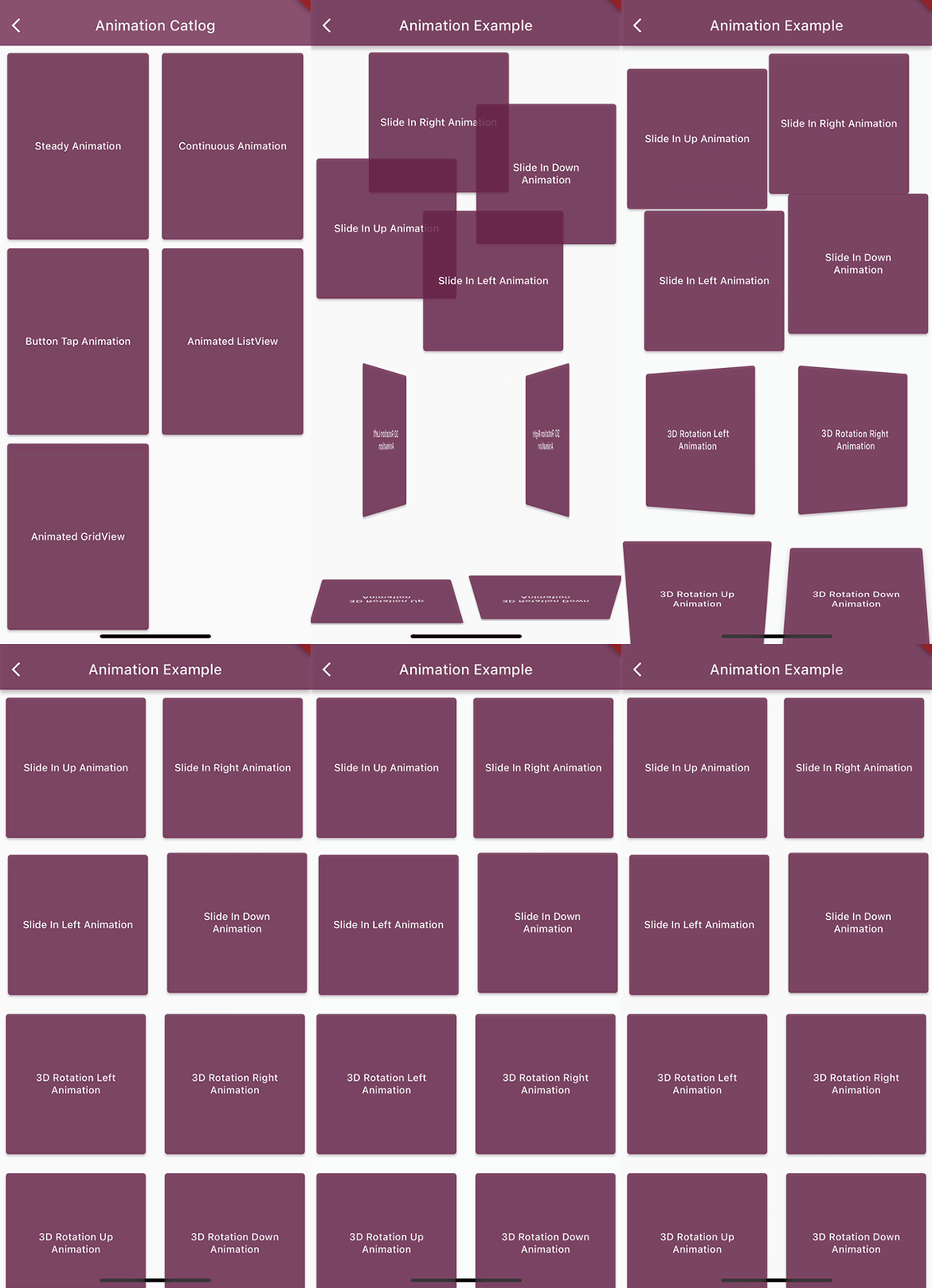
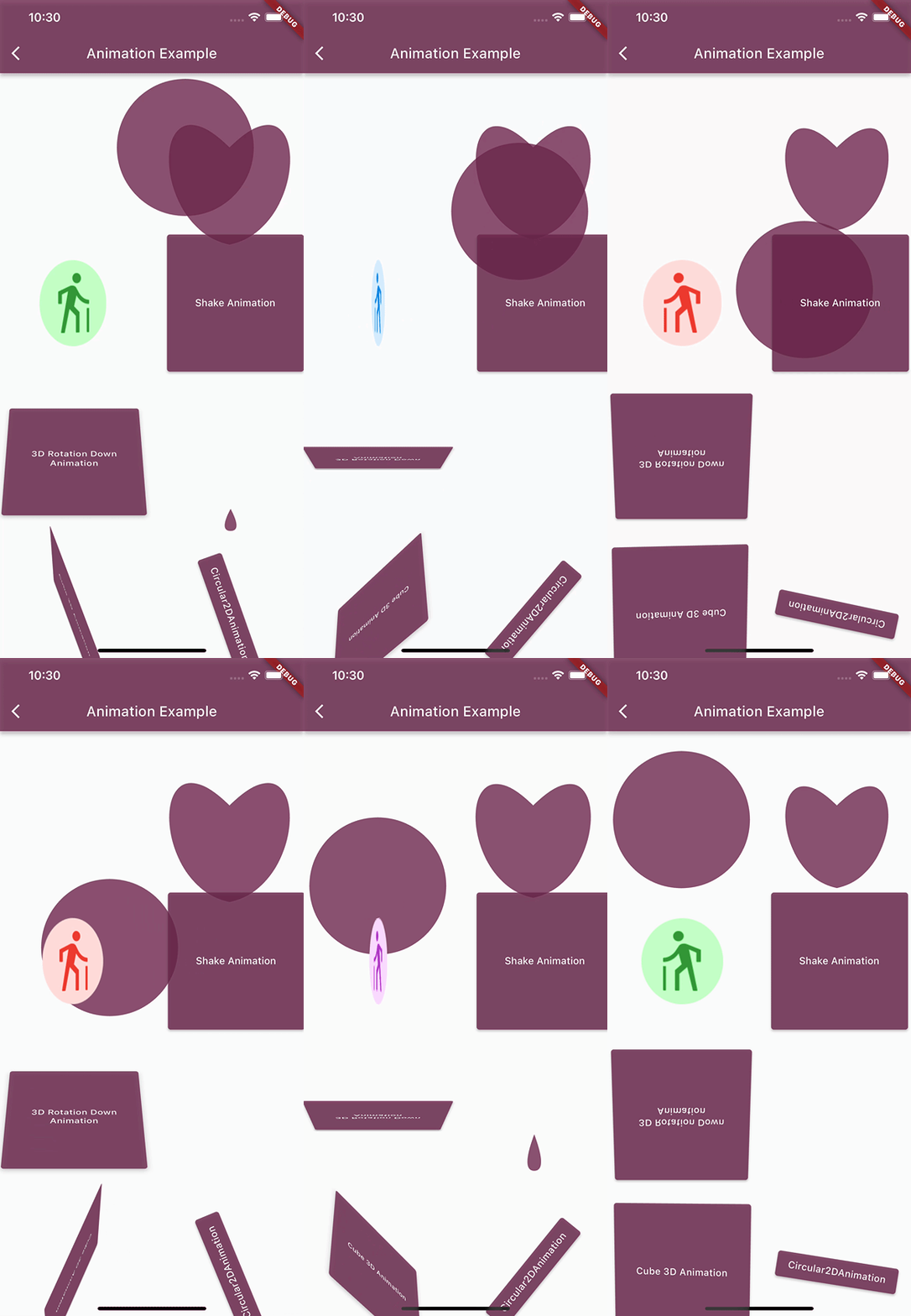
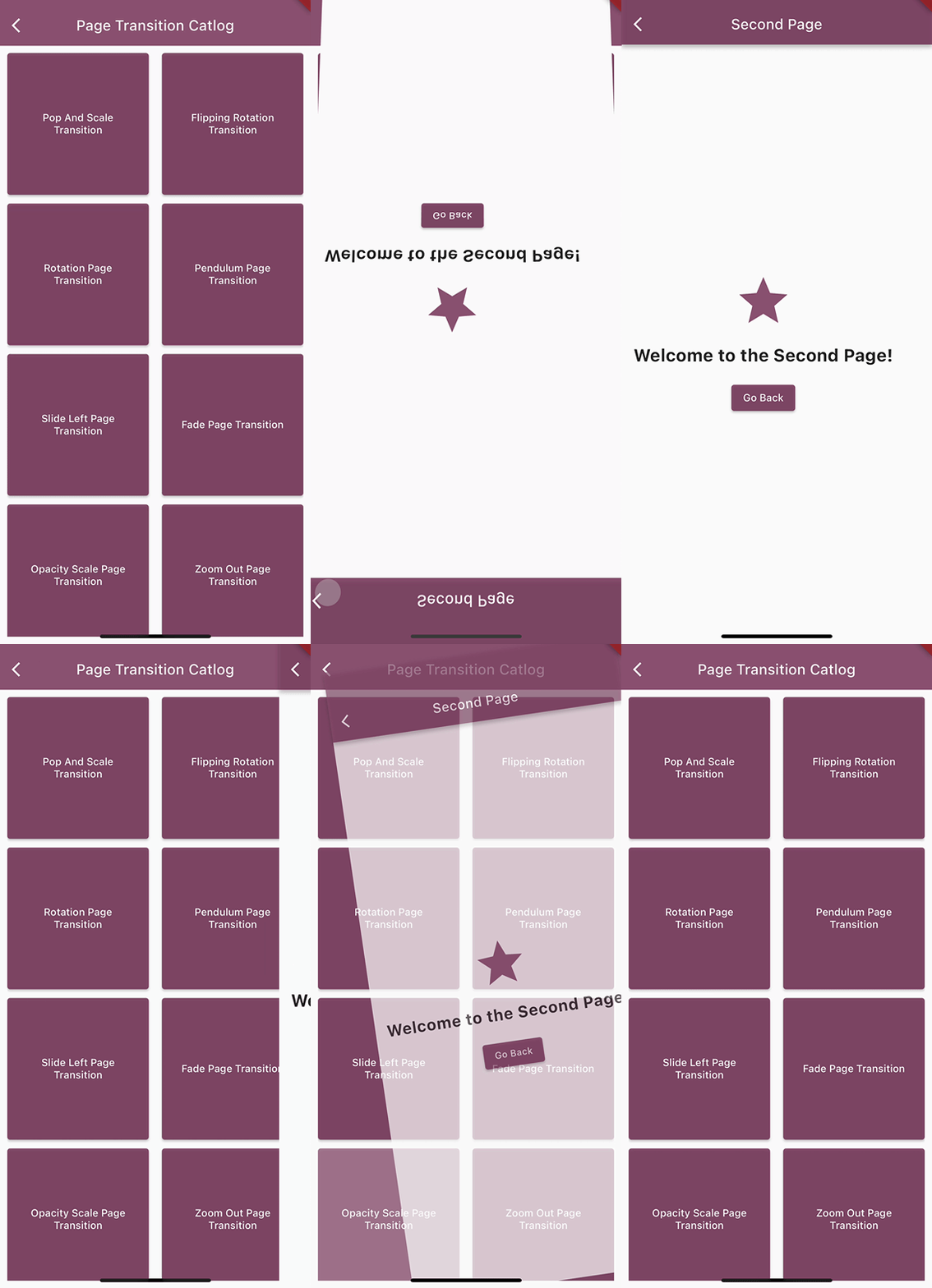
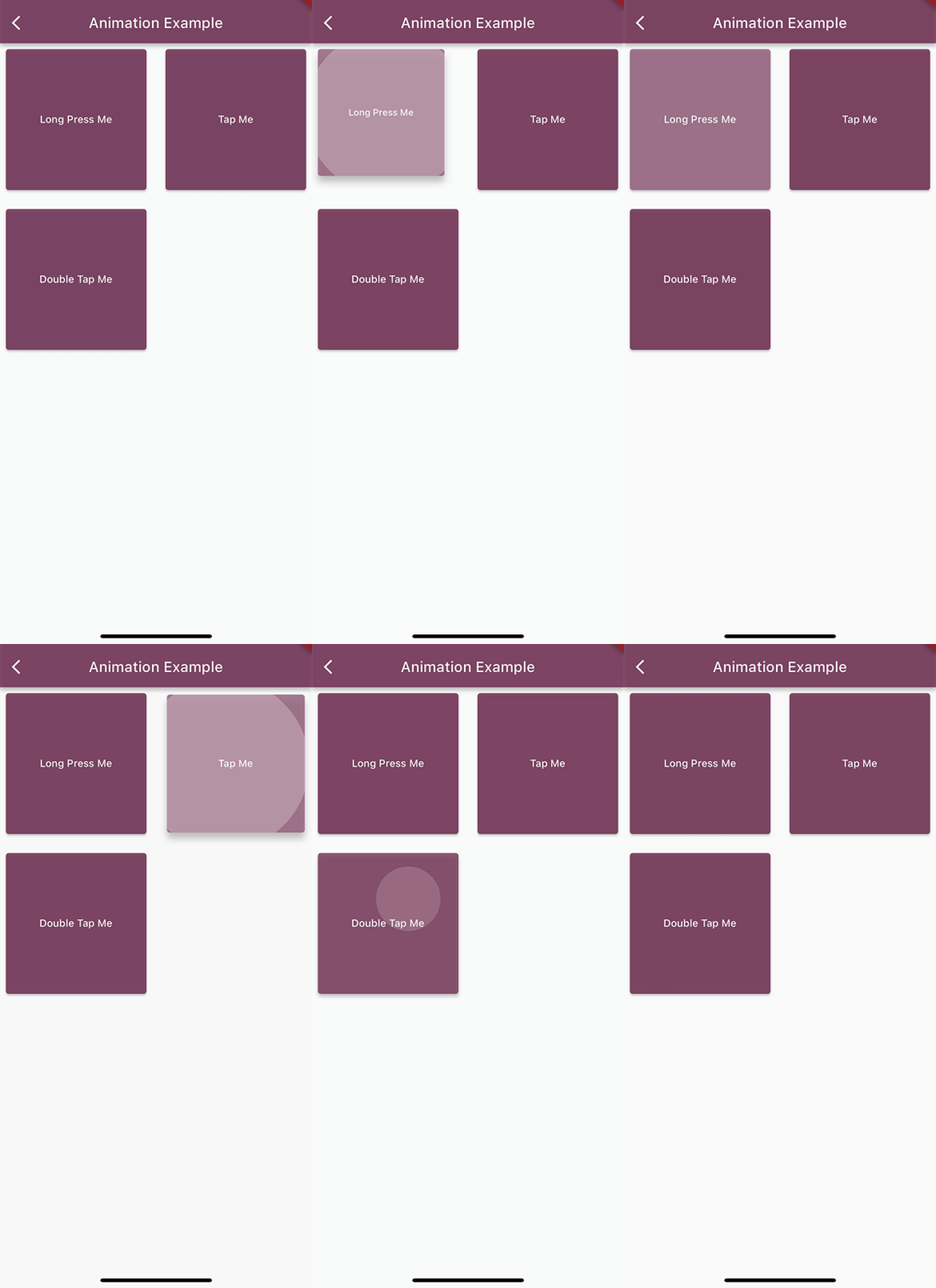
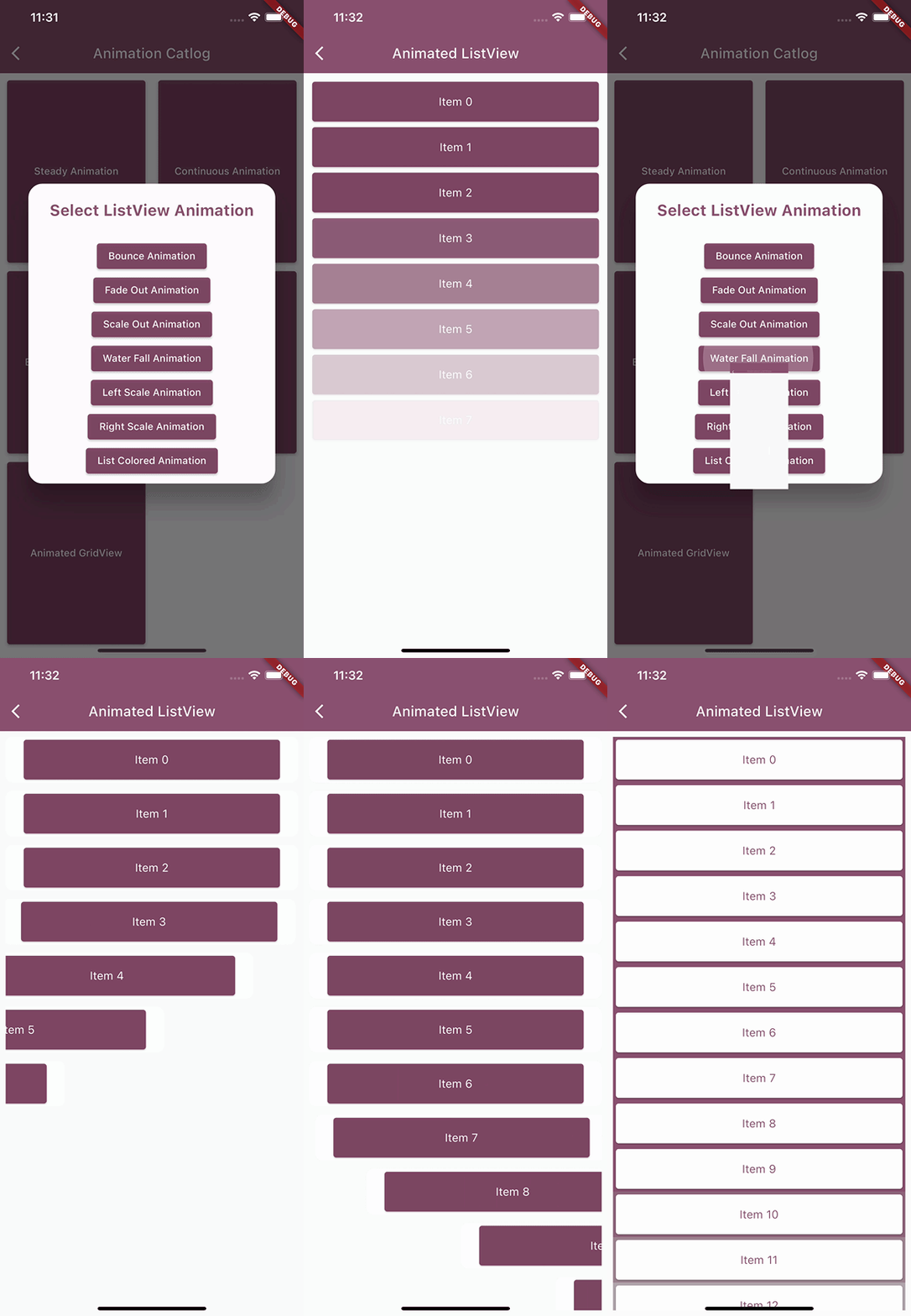
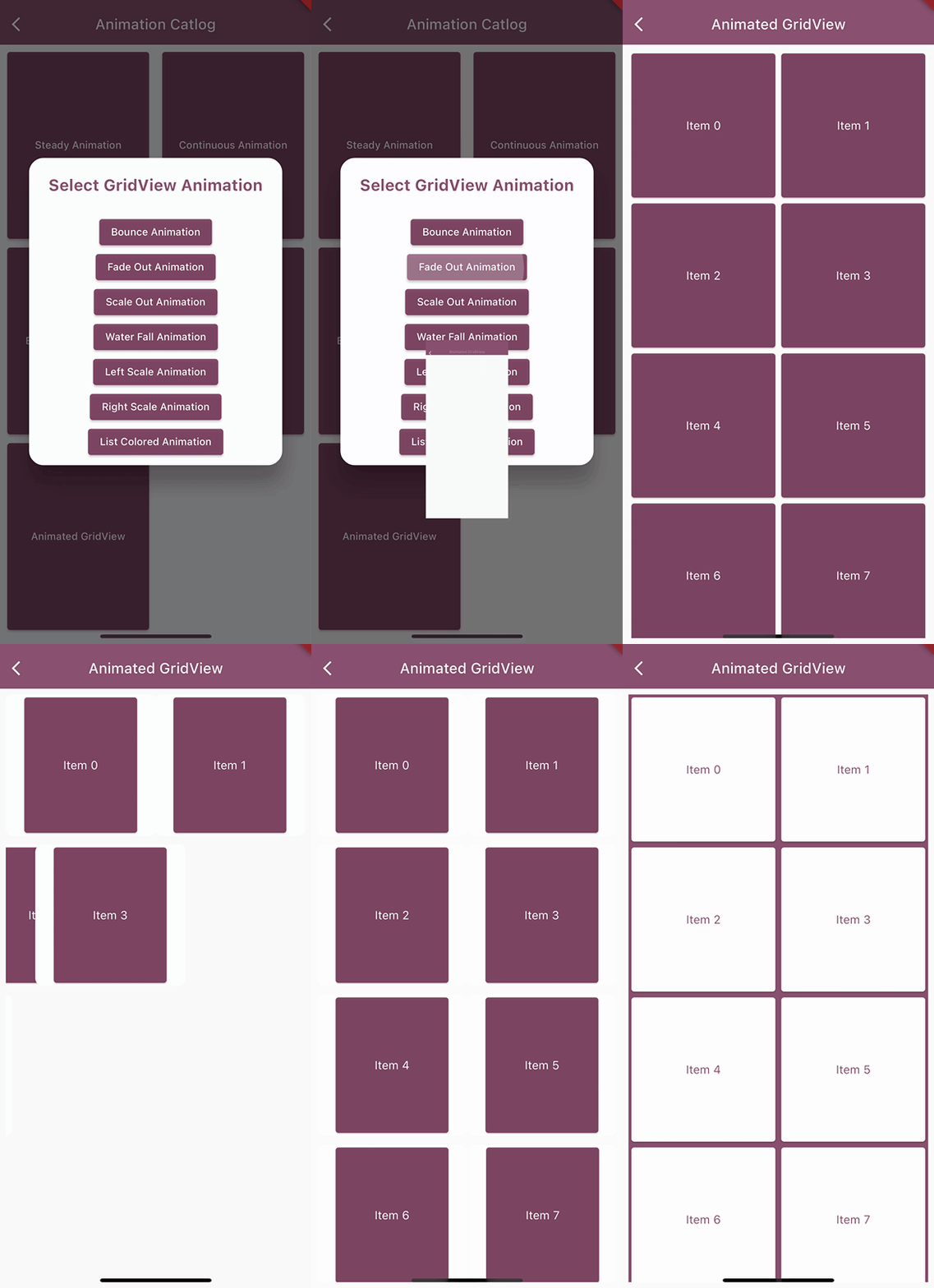
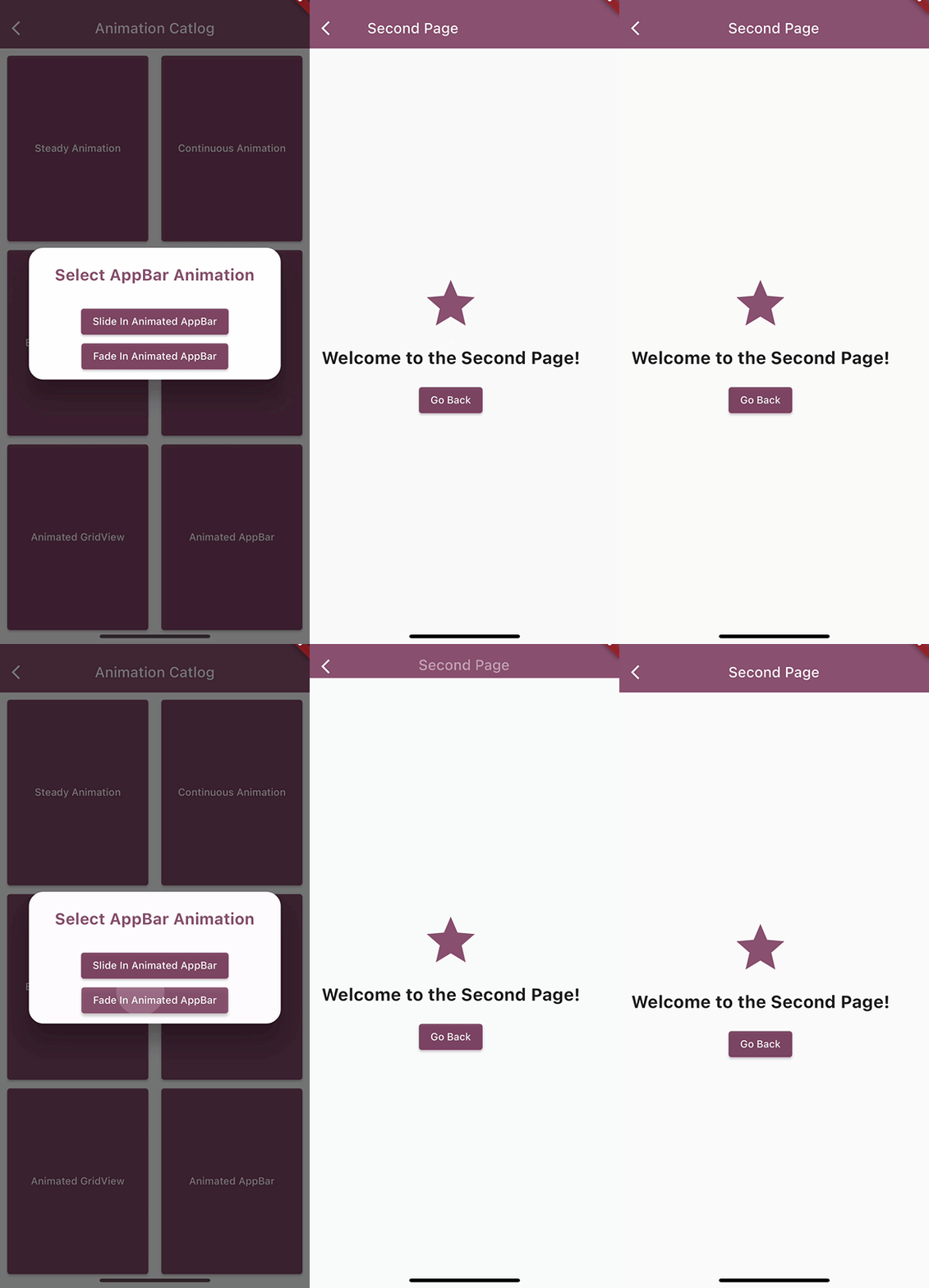
/// Check example project to explore other animations as well
/// To use these animations(Steady, Continuous & Tap Animations) wrap your widget inside the animation widgets
SlideInAnimation(
 direction: Direction.right,
 duration: const Duration(seconds: 1),
 child: YourWidget()
);

Cube3DAnimation(
 sideLength: 100,
 duration: const Duration(seconds: 4),
 isContinuous: true,
 child: YourWidget()
);

LongTapAnimation(
// pressDuration: Duration(seconds: 0),
 child: YourWidget()
);

/// To use Animated ListView & GridView
AnimatedListViewBuilder(
 itemCount: 25, // Change this to your desired item count
 customColor: ColorUtility.magenta, // Use this if you are using CollectionAnimationType.listColored
 animationType: CollectionAnimationType.leftScale, //Change this to your desired animation type
 itemBuilder: (context, index) {
  return YourWidget()
 }
);

AnimatedGridViewBuilder(
 itemCount: 25, // Change this to your desired item count
 animationType: CollectionAnimationType.scaleOut, //Change this to your desired animation type
 itemBuilder: (context, index) {
  return YourWidget()
 }
);

/// To use Animated AppBar
SlideInAnimatedAppBar(
 backgroundColor: ColorUtility.magenta,
 animationDuration: 1000,
 title: const Text('Second Page'),
)

/// To use Page Transition Animations
Navigator.push(context,PopAndScaleTransition(page: YourPage()));
Check out the example
If you have any suggestions for including a feature or if something doesn't work, feel free to open a Github issue or to open a pull request, you are more than welcome to contribute!
依赖清单 3 项
{"sdk":"flutter"}{"sdk":"flutter"}^2.0.0先按使用场景筛选,再比较项目活跃情况,最后到原始仓库核对使用要求。
“A repository is the most basic element of GitHub.”
GitHub Docs — About repositories ↗