v6.1.5+1
provider
一个围绕 InheritedWidget 的包装器,使其更易于使用且更具可重用性。
1.1万喜欢 117万近 30 天下载150Pub 分数
AndroidiOSWebmacOSWindowsLinux
适用于 Windows Subsystem for Android (WSA) 的图形化包管理器和包安装程序

以下为英文项目原文快照,最新内容请访问 GitHub。
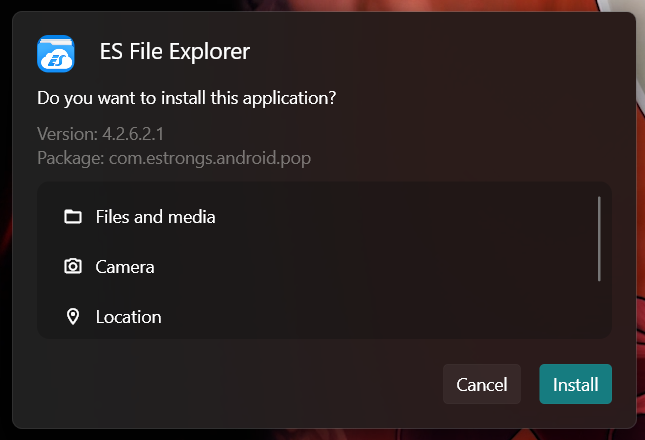
A GUI package manager and package installer for Windows Subsystem for Android (WSA).
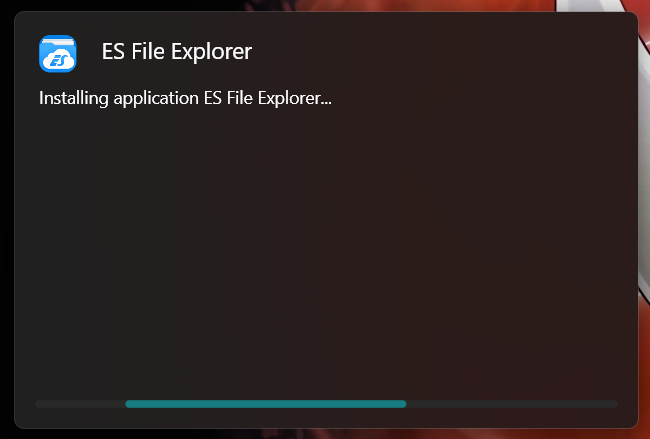
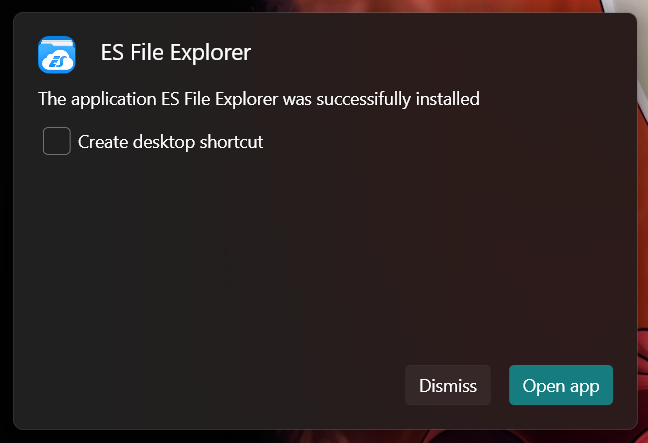
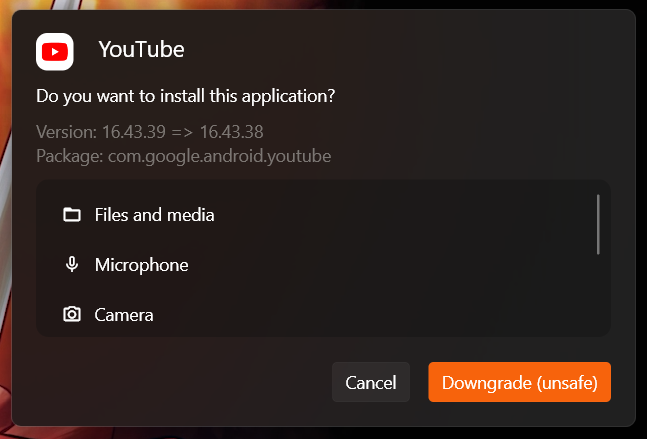
Currently provides a double-click GUI installer for .apk and .xapk files that shows app information (package, icon, version and permissions), allows normal installations as well as upgrades and downgrades.
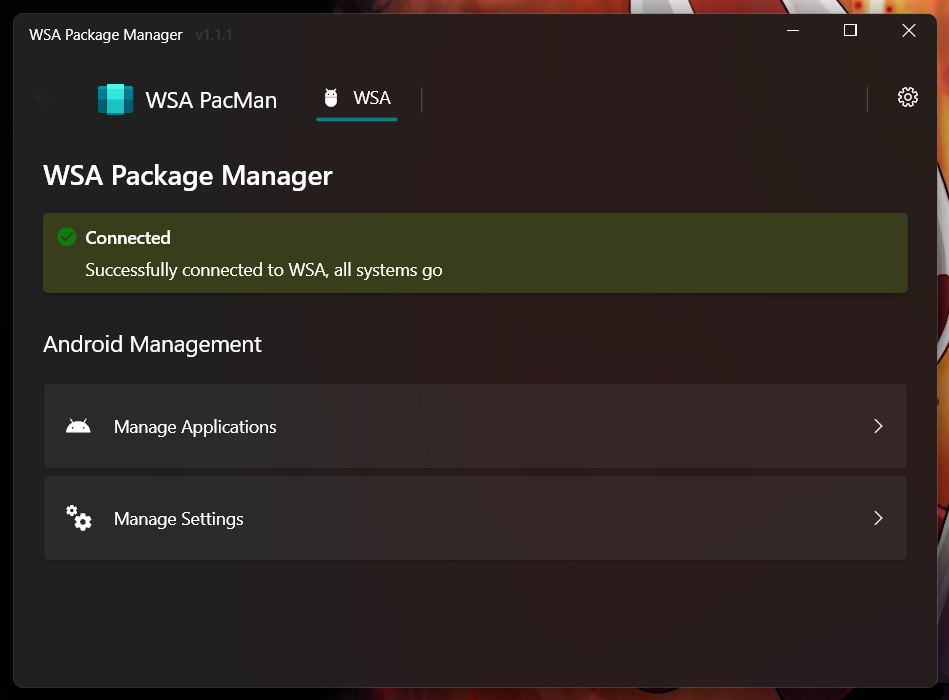
The app additionally provides a button to open Android settings and one to open the "Manage Applications" Android settings page, from which you can uninstall or disable applications and grant or revoke permissions
Q: WSA PacMan is always showing the Offline status, why is that?
A: First things first make sure WSA is installed (duh); Open the 'Windows Subsystem for Android™ Settings' app, in the Developer tab and make sure the 'Developer mode' switch is enabled; inside manage developer settings, make sure the 'USB debugging' option is enabled.
Should all of the above fail, try following this procedure; make sure to check the 'always allow' option.
Q: Can I use WSA PacMan on older versions of Windows (eg. Windows 10)?
A: WSA PacMan depends on Windows Subsystem for Linux, which is only officially supported on Windows 11.
However, you may be able to install WSA on Windows 10 using this project by JimDude7404 and following the step-by-step guide on the GitHub page.
Q: Can i install the Play Store?
A: The play store is not officially supported on WSA, and at the moment it is only possible to install it using an unofficial WSA build. I recommend installing the Aurora Store instead, which is an unofficial Play Store client; but if you really want the Play Store and other Google apps, check out this project.
一个围绕 InheritedWidget 的包装器,使其更易于使用且更具可重用性。
在Flutter中实现微软的Windows用户界面。
一个用于帮助在 Flutter 桌面端创建自定义窗口(自定义边框、标题栏以及最小化/最大化/关闭按钮)和常见桌面窗口操作(显示/隐藏/屏幕位置)的包,适用于 Windows 和 macOS
使用 FFI 直接从 Dart 调用通用 Windows API。
适用于 Flutter 的 Windows、macOS 和 Linux 窗口磨砂玻璃、Mica 及透明效果。
协议缓冲区支持的运行时库。与 package:protoc_plugin 一起使用,以生成您的 '.proto' 文件的 Dart 代码。
提供用于各种归档和压缩格式(如 zip、tar、bzip2、gzip 和 zlib)的编码器和解码器。
用于防止异步代码并发访问的锁机制。
SVG - 强大的可缩放矢量图形图像渲染,支持定义明确的 SVG 配置文件、快速加载的二进制存储格式以及动画。
YAML 的解析器,一种人性化的数据序列化标准
一个用于检索和监听系统强调色的 Flutter 插件。支持 Android、iOS、Web、Windows、macOS 和 Linux。
字符集编码和解码库,包含 iso-(2-15)、windows 系列、gbk、euc-jp、euc-kr、shift-jis。支持字符集检测、canEncode 和 canDecode。
依赖清单 21 项
{"sdk":"flutter"}{"sdk":"flutter"}3.12.0^2.1.2^3.0.0^6.0.02.0.0{"git":{"url":"https://github.com/alesimula/bitsdojo_window.git","path":"bitsdojo_window","ref":"master"}}{"git":"https://github.com/alesimula/dyn_mouse_scroll.git"}^1.0.0+2^0.2.0^3.1.0{"git":"https://github.com/brendan-duncan/archive.git"}{"git":"https://github.com/alesimula/jovial_svg.git"}^2.0.0^5.0.0-nullsafety.0^3.0.0^2.1.1^0.1.1{"sdk":"flutter"}^1.0.4先按使用场景筛选,再比较项目活跃情况,最后到原始仓库核对使用要求。
“A repository is the most basic element of GitHub.”
GitHub Docs — About repositories ↗