

 v1.0.0+1
flutter_advanced_progress
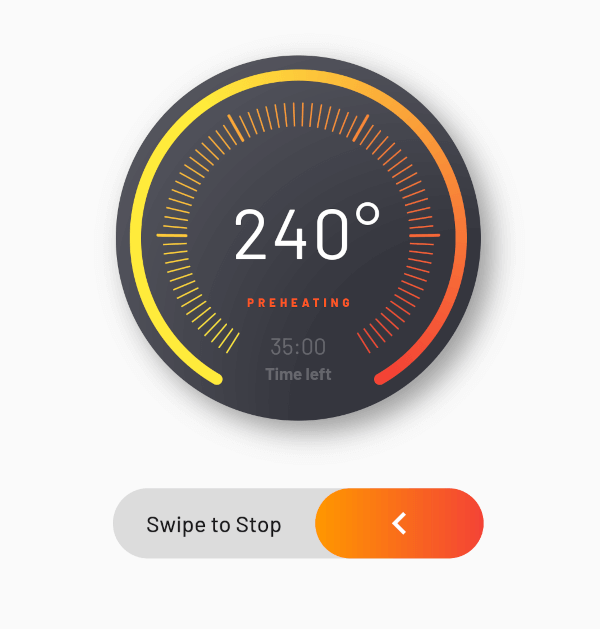
一个高级进度控件,可通过多种属性进行完全自定义,快来试试吧,尽情享受!
38喜欢 17近 30 天下载150Pub 分数
AndroidiOSWebmacOSWindowsLinux
https://pub.dev/packages/flutter_advanced_progress

以下为英文项目原文快照,最新内容请访问 GitHub。
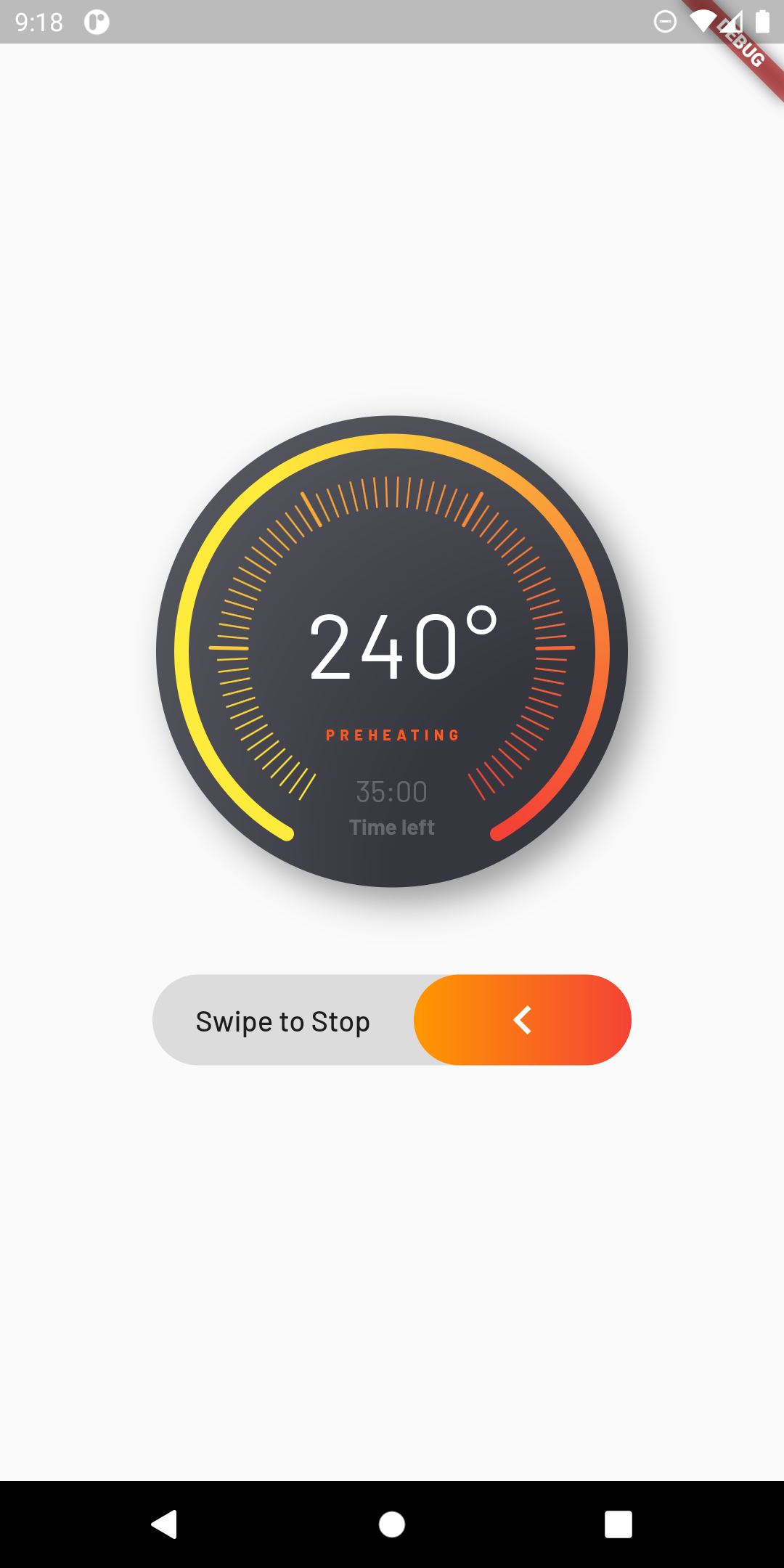
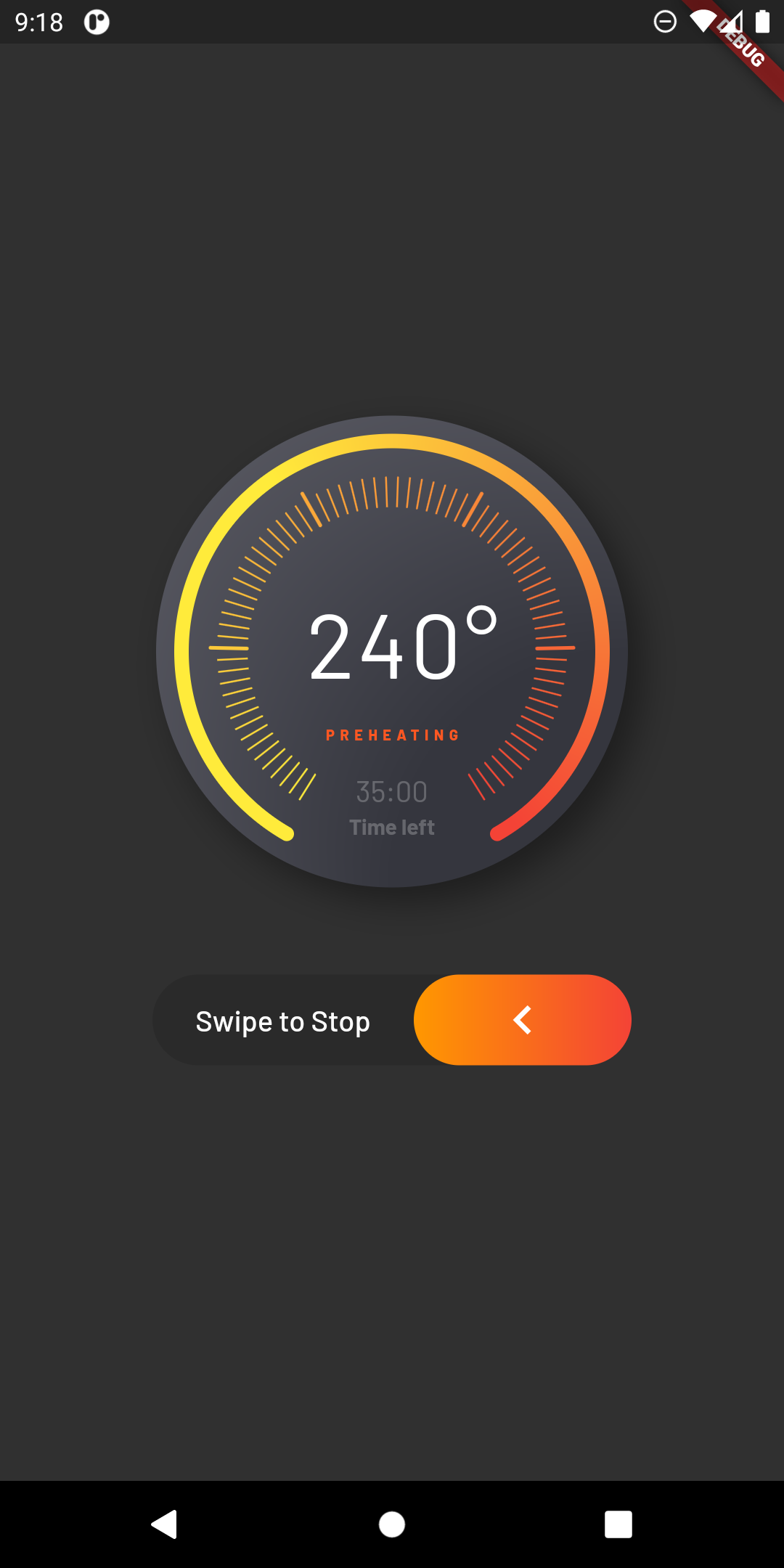
An advanced progress widget, that can be fully customized with bunch of properties, just try it and enjoy!
| State 1 | State 2 |
|---|---|
 |
 |
| Parameter | Description | Type | Default |
|---|---|---|---|
primaryValue |
Value for primary progress. | double | |
secondaryValue |
Value for secondary progress. | double | |
secondaryWidth |
Secondary progress width. | double | 10.0 |
radius |
Total radius for whole widget. | double | |
startAngle |
Progress start angle. | double | 120.0 |
maxDegrees |
Progress degrees from [startAngle]. | double | 300.0 |
progressGap |
Gap between primary and secondary progress. | double | 0.0 |
division |
Primary progress division. | int | 10 |
levelAmount |
Amount of levels on primary progress. | int | |
levelLowWidth |
Width of levels on primary progress. | double | 1.0 |
levelLowHeight |
Height of low levels on primary progress. | double | 8.0 |
levelHighWidth |
Height of high levels managed by [division] on primary progress. | double | 2.0 |
levelHighHeight |
Width of levels on primary progress. | double | 16.0 |
levelHighBeginEnd |
True if need to begin and end with high level. | bool | false |
primaryColor |
Primary color that used as a color for progress of first in gradient. | Color | |
secondaryColor |
Secondary color that used last in gradient. | Color | |
tertiaryColor |
Tertiary color that used for inactive part of progress. | Color | |
child |
Child widget. | Widget |
依赖清单 3 项
{"sdk":"flutter"}^2.1.0{"sdk":"flutter"}先按使用场景筛选,再比较项目活跃情况,最后到原始仓库核对使用要求。
“A repository is the most basic element of GitHub.”
GitHub Docs — About repositories ↗