


v0.5.0
aptabase_flutter
Aptabase 的 Flutter SDK:开源、注重隐私且简单的移动、桌面和 Web 应用程序分析工具
18喜欢 8300近 30 天下载150Pub 分数
AndroidiOSmacOSWindowsLinux
Aptabase 的 Flutter SDK:开源、注重隐私且简单的移动、桌面和 Web 应用程序分析工具

以下为英文项目原文快照,最新内容请访问 GitHub。
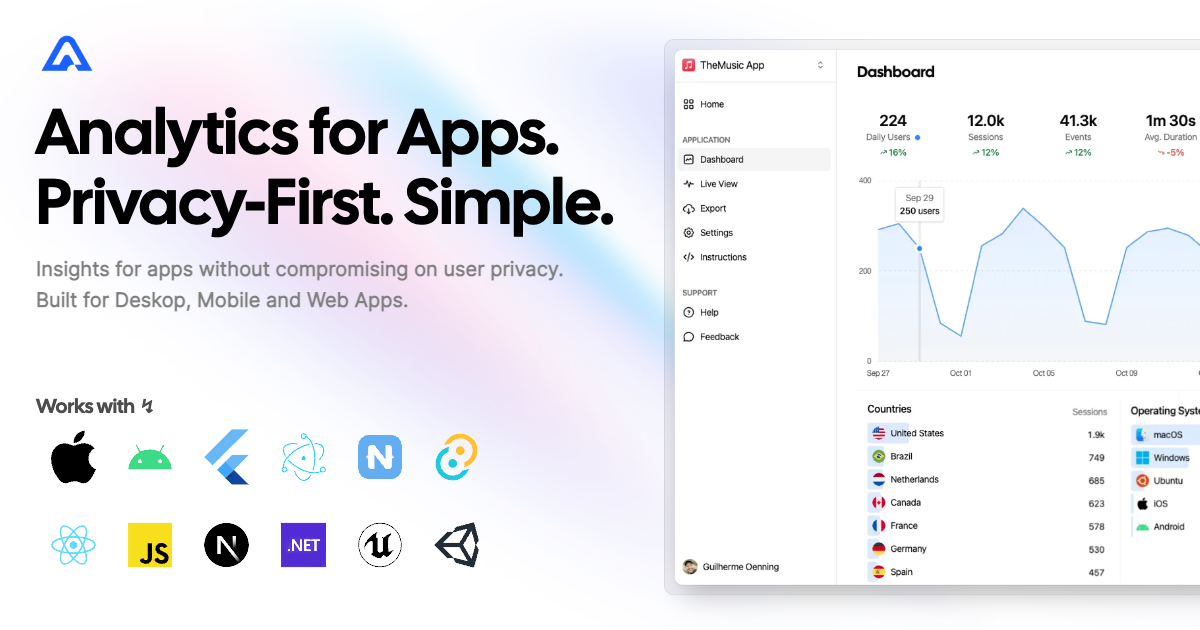

Instrument your app with Aptabase, an Open Source, Privacy-First, and Simple Analytics for Mobile, Desktop, and Web Apps.
| Android | iOS | MacOS | Web | Linux | Windows |
|---|---|---|---|---|---|
| ✔️ | ✔️ | ✔️ | ✔️ | ✔️ | ✔️ |
You can install the SDK by running the following command:
flutter pub add aptabase_flutter
If you're targeting Android, you'll need to add the following permissions to your AndroidManifest.xml:
<uses-permission android:name="android.permission.INTERNET" />
First, you need to get your App Key from Aptabase, you can find it in the Instructions menu on the left side menu.
On your main.dart, import package:aptabase_flutter/aptabase_flutter.dart and initialized the SDK.
void main() async {
+ WidgetsFlutterBinding.ensureInitialized();
+ await Aptabase.init("<YOUR_APP_KEY>"); // 👈 this is where you enter your App Key

  runApp(const MyApp());
}
Note: You need to change your main function to be async and call WidgetsFlutterBinding.ensureInitialized(); before initializing the SDK.
Afterward, you can start tracking events with Aptabase.instance anywhere in your Dart. Here's an example:
import 'package:aptabase_flutter/aptabase_flutter.dart';

class _CounterState extends State<Counter> {
  int _counter = 0;

  // Tracking how many times the user has clicked the button, alongside the current counter value
  void _incrementCounter() {
    Aptabase.instance.trackEvent("increment", { "counter": _counter });

    setState(() {
      _counter++;
    });
  }
}
A few important notes:
trackEvent manually.
trackEvent function, it'll run in the background.When submitting your app to the Apple App Store, you'll need to fill out the App Privacy form. You can find all the answers on our How to fill out the Apple App Privacy when using Aptabase guide.
For AI/LLM integration instructions, see llms.txt
依赖清单 7 项
{"sdk":"flutter"}>=8.3.1 <11.0.0>=11.1.1 <14.0.0^2.2.2^2.3.3{"sdk":"flutter"}>=4.0.0 <7.0.0先按使用场景筛选,再比较项目活跃情况,最后到原始仓库核对使用要求。
“A repository is the most basic element of GitHub.”
GitHub Docs — About repositories ↗