
cometchat-uikit-flutter
适用于 Flutter 的语音和视频通话及文本聊天应用

- 星标
- 544
- 复刻
- 43
- 最近推送(UTC)
- 2026年9月10日
- 项目状态
- 未归档
原始 README
以下为英文项目原文快照,最新内容请访问 GitHub。

CometChat UIKit for Flutter
CometChat UIKit for Flutter provides pre-built UI components to quickly add chat, voice, and video calling features to your Flutter application.
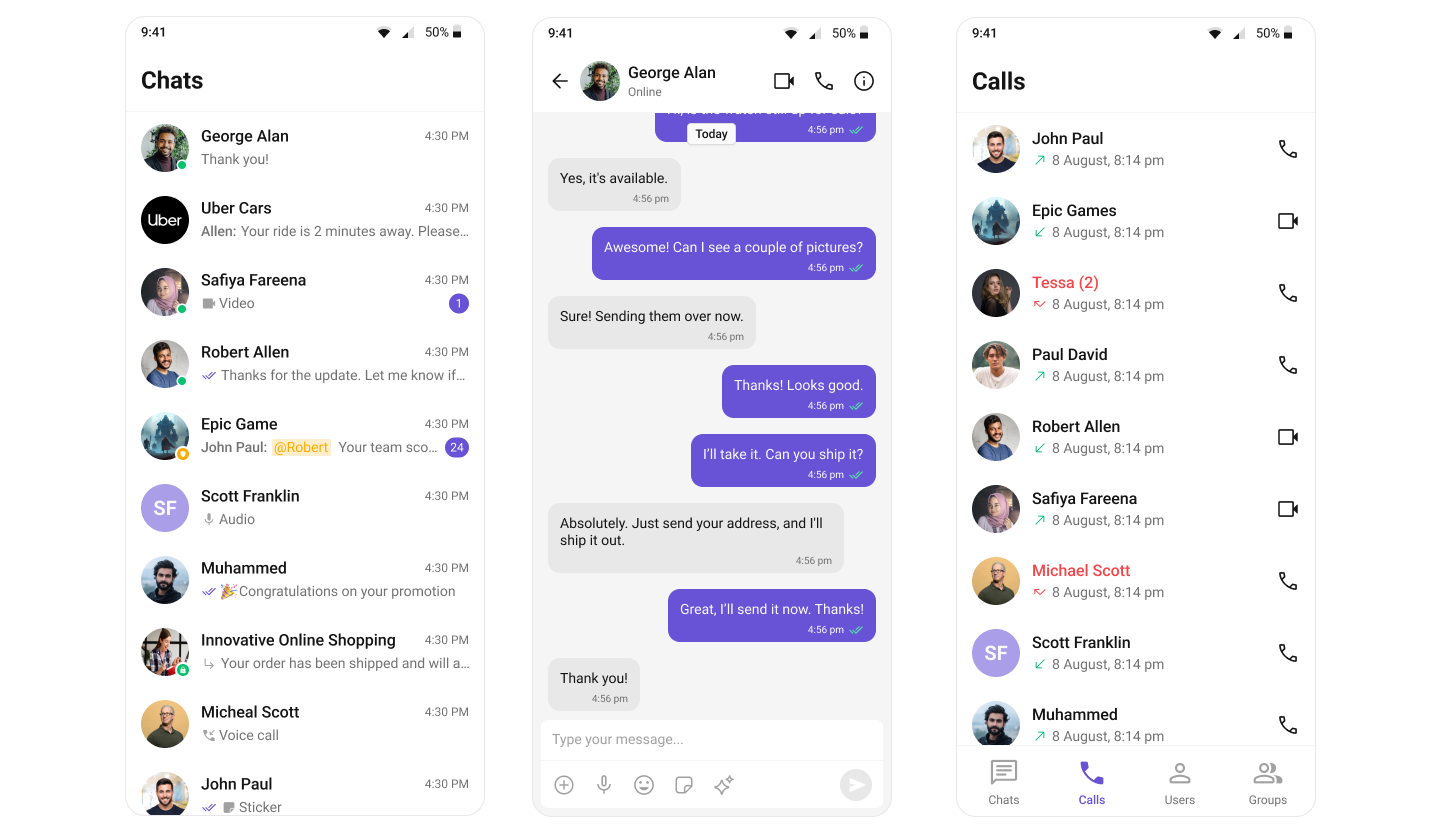
Repository Structure
| Directory | Description |
|---|---|
| packages/cometchat_uikit | The open source UIKit package (local setup, structure, tests) |
| packages/cometchat_uikit/skills | Kiro AI skills for consumers and contributors |
| examples/sample_app | Sample app demonstrating UIKit usage |
| examples/ai_sample_app | AI-powered sample app with CometChat AI agents |
Prerequisites
- Flutter SDK >= 3.27.0
- Dart SDK >= 3.6.0
- iOS 16.0+ / Android 5.0+
- A CometChat account with App ID and Auth Key
Getting Started
- Sign up at the CometChat Dashboard and create a new app.
- Note your App ID, Region, and Auth Key from the dashboard.
- Clone this repository and navigate to the sample app:
git clone https://github.com/cometchat/cometchat-uikit-flutter.git
cd cometchat-uikit-flutter/examples/sample_app
flutter pub get
flutter run
- On first launch, enter your App ID, Region, and Auth Key in the credentials screen.
Installation
Add the UIKit to your project's pubspec.yaml:
dependencies:
  cometchat_chat_uikit: ^6.1.0
Then run:
flutter pub get
Documentation
Refer to our official documentation for detailed setup and usage guides.
Help and Support
For issues running the project or integrating with our UI Kit, consult our documentation or create a support ticket or seek real-time support via the CometChat Dashboard.
License
This project is licensed under the terms of the LICENSE file.

GitHub 作者
CometChat ↗
语言DartKotlinSwiftJavaRuby
分类
所在榜单
如何选择适合项目的代码仓?
先按使用场景筛选,再比较项目活跃情况,最后到原始仓库核对使用要求。
- 通过仓库名、作者或描述搜索,再按技术分类缩小范围。
- 结合星标、复刻与最近推送比较项目;星标反映社区关注,不代表质量保证。
- 使用前在 GitHub 核对 README、许可证与 Issues。
来源与维护
“A repository is the most basic element of GitHub.”
GitHub Docs — About repositories ↗