

 v1.8.1
waveform_recorder
一个用于实时波形可视化录音的 Flutter 包,非常适合聊天应用中的语音消息和音频录制功能。
53喜欢 1.8万近 30 天下载150Pub 分数
AndroidiOSWebmacOSWindowsLinux
一个用于实时波形可视化录音的Flutter包

以下为英文项目原文快照,最新内容请访问 GitHub。
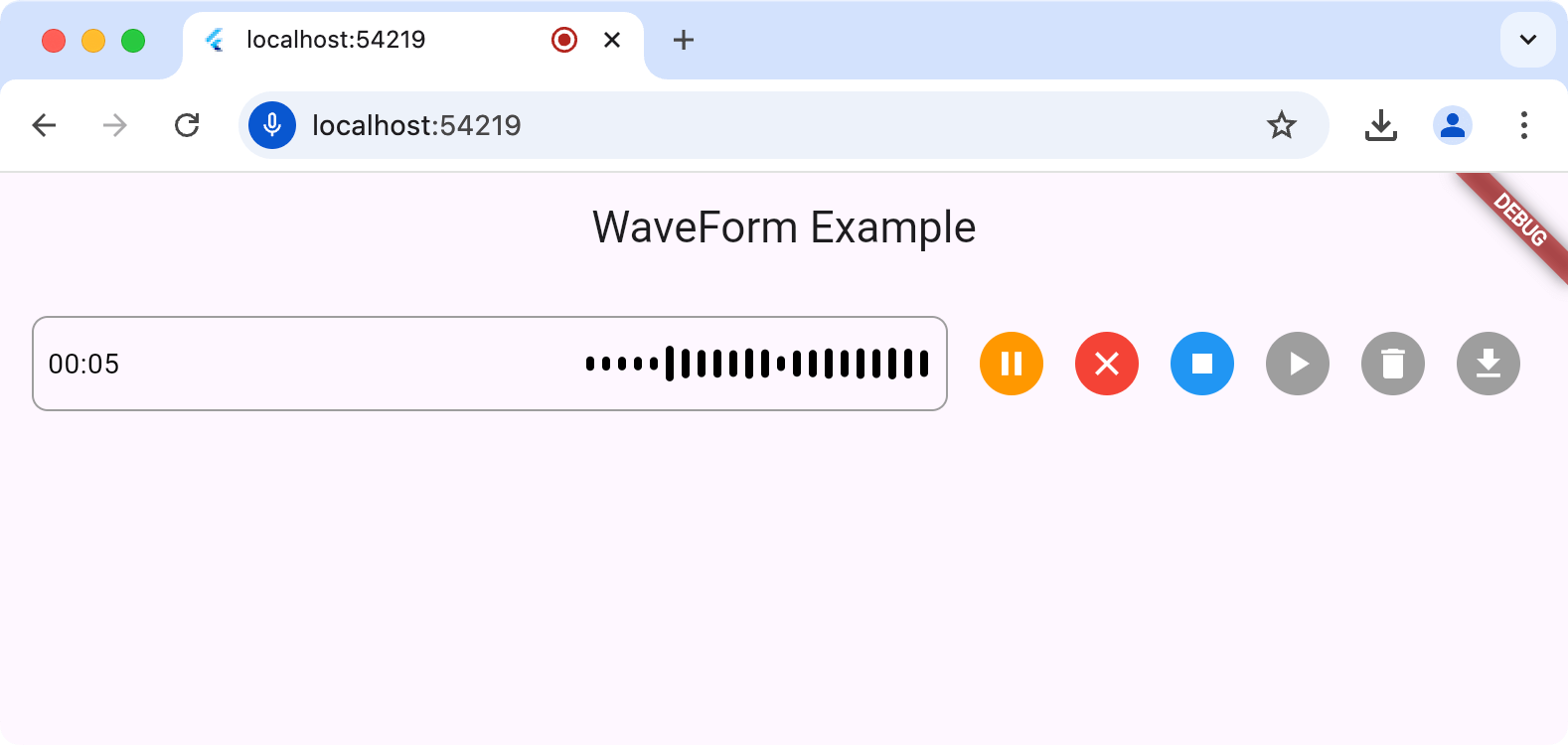
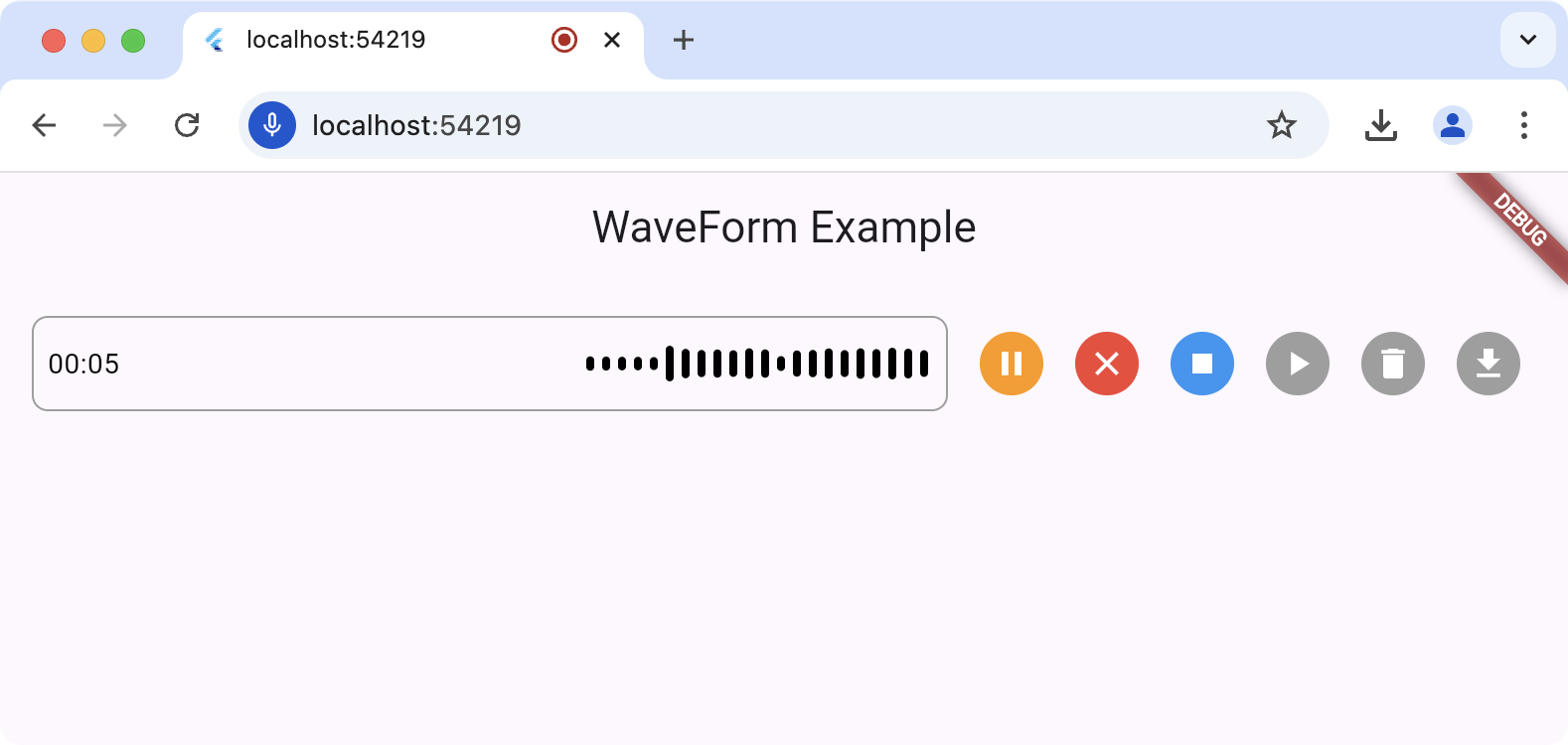
The waveform_recorder package provides a widget to show a waveform as an audio stream is being recorded in the style of recent AI chat packages.
For this package to work, you'll need to set up the underlying record
package according to the setup and permission
instructions.
The main entry point for this package is the WaveformRecorder widget, which
requires an instance of the WaveformRecorderController to start/stop
recording. Here's an example of using the recorder to record audio and then
allowing the user to play it back:
import 'dart:async';

import 'package:audioplayers/audioplayers.dart';
import 'package:flutter/foundation.dart';
import 'package:flutter/material.dart';
import 'package:gap/gap.dart';
import 'package:waveform_recorder/waveform_recorder.dart';

void main() => runApp(const MyApp());

class MyApp extends StatefulWidget {
  const MyApp({super.key});

  @override
  State<MyApp> createState() => _MyAppState();
}

class _MyAppState extends State<MyApp> {
  final _textController = TextEditingController();
  final _waveController = WaveformRecorderController();

  @override
  void dispose() {
    _textController.dispose();
    _waveController.dispose();
    super.dispose();
  }

  @override
  Widget build(BuildContext context) => MaterialApp(
        home: Scaffold(
          appBar: AppBar(title: const Text('WaveForm Example')),
          body: ListenableBuilder(
            listenable: _waveController,
            builder: (context, _) => Column(
              children: [
                Expanded(
                  child: Center(
                    child: OutlinedButton(
                      onPressed: !_waveController.isRecording &&
                              _waveController.file != null
                          ? _playRecording
                          : null,
                      child: const Text('Play'),
                    ),
                  ),
                ),
                Padding(
                  padding: const EdgeInsets.all(16),
                  child: Row(
                    children: [
                      Expanded(
                        child: DecoratedBox(
                          decoration: BoxDecoration(
                            border: Border.all(color: Colors.grey),
                            borderRadius: BorderRadius.circular(8),
                          ),
                          child: _waveController.isRecording
                              ? WaveformRecorder(
                                  height: 48,
                                  controller: _waveController,
                                  onRecordingStopped: _onRecordingStopped,
                                )
                              : TextField(
                                  controller: _textController,
                                  maxLines: 1,
                                  decoration: const InputDecoration(
                                    border: InputBorder.none,
                                    contentPadding: EdgeInsets.symmetric(
                                      horizontal: 8,
                                    ),
                                  ),
                                ),
                        ),
                      ),
                      const Gap(8),
                      IconButton(
                        icon: Icon(
                          _waveController.isRecording ? Icons.stop : Icons.mic,
                        ),
                        onPressed: _toggleRecording,
                      ),
                    ],
                  ),
                ),
              ],
            ),
          ),
        ),
      );

  Future<void> _toggleRecording() => switch (_waveController.isRecording) {
        true => _waveController.stopRecording(),
        false => _waveController.startRecording(),
      };

  Future<void> _onRecordingStopped() async {
    final file = _waveController.file;
    if (file == null) return;

    _textController.text = ''
        '${file.name}: '
        '${_waveController.length.inMilliseconds / 1000} seconds';

    debugPrint('XFile properties:');
    debugPrint('  path: ${file.path}');
    debugPrint('  name: ${file.name}');
    debugPrint('  mimeType: ${file.mimeType}');
  }

  Future<void> _playRecording() async {
    final file = _waveController.file;
    if (file == null) return;
    final source = kIsWeb ? UrlSource(file.path) : DeviceFileSource(file.path);
    await AudioPlayer().play(source);
  }
}
For all platforms except the web, the output of a record operation is a file on
your hard drive; it's your app's responsibility to remove this temp file when
it's done with it. When executing on the web, the file (an instance of the XFile
type from the cross_file package) of the
recorded audio will contain a path to a blob URL but otherwise, it will be a
file in the file system. You can get the path to that file from
WaveformRecorderController.file.path, e.g.
  Future<void> _deleteRecording() async {
    final file = _waveController.file;
    if (file == null) return;
    if (!kIsWeb) await File(file.path).delete();
  }
依赖清单 9 项
^0.3.4+2{"sdk":"flutter"}^1.9.1^2.1.5^7.1.1^1.2.0^1.1.1^0.0.43{"sdk":"flutter"}先按使用场景筛选,再比较项目活跃情况,最后到原始仓库核对使用要求。
“A repository is the most basic element of GitHub.”
GitHub Docs — About repositories ↗