

 v1.0.1
update_notification
检查用户是否拥有您 Flutter 应用的最新版本。
29喜欢 22近 30 天下载120Pub 分数
AndroidiOSmacOS
d2itechnology/update_notification open-source repository details.

以下为英文项目原文快照,最新内容请访问 GitHub。
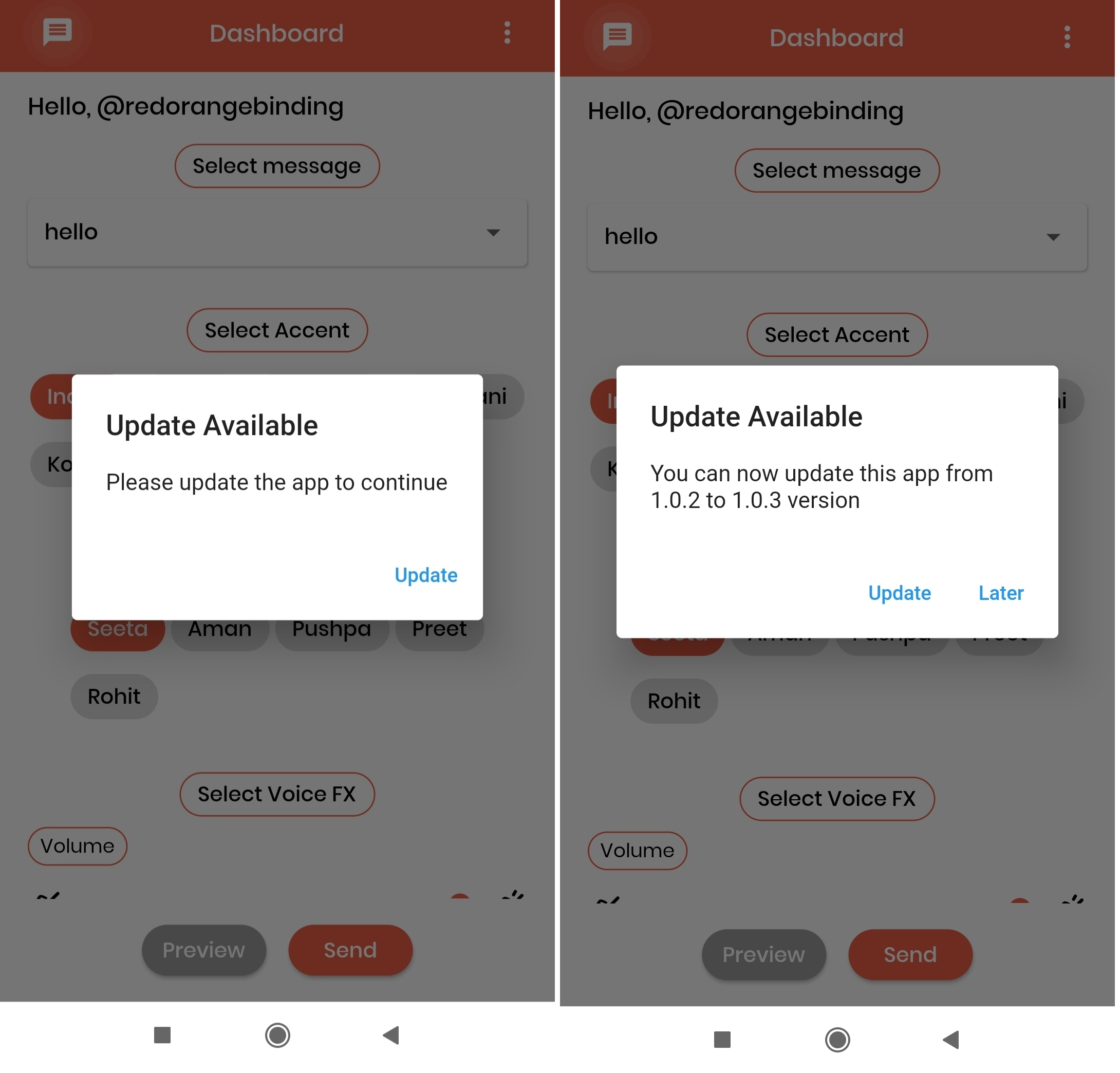
The UI of the alert dialog is simply a card.
Screenshots:
Add update_notification as a dependency in your pubspec.yaml file.
dependencies:
  update_notification: ^1.0.1
In main.dart (or any) file, first create an instance of the UpdateNotification class in your initState() method.
final UpdateNotification updateNotification = UpdateNotification();
Pass the application package name in andoidAppId, iOSAppId.
Pass application minimum version value in minimumVersion parameter. This parameter is used to force people to update application, any user having version less than the specified version will be forced to update application
Call showAlertDialog method-
updateNotification.showAlertDialog(context: context);
If updated app version is available on stores, application will get a popup on launch of application and an option to Update. On click of update button user will be directed to the respective stores(App store or play store).
 import 'package:flutter/cupertino.dart';
 import 'package:flutter/material.dart';
 import '/update_notification.dart';

 class Example extends StatefulWidget {
   const Example({Key? key}) : super(key: key);

   @override
   _ExampleState createState() => _ExampleState();
 }

 class _ExampleState extends State<Example> {
   @override
   void initState() {
     super.initState();

     final UpdateNotification updateNotification =
         UpdateNotification(
             iOSAppId: 'com.google.myride',
             androidAppId: 'com.google.rever',
             minimumVersion: '1.0.0');

     showDialog(updateNotification);
   }

   void showDialog(UpdateNotification updateVersion) {
     updateVersion.showAlertDialog(context: context);
   }

   @override
   Widget build(BuildContext context) {
     return Scaffold(
       body: Container(),
     );
   }
 }
依赖清单 8 项
{"sdk":"flutter"}^2.0.2^0.15.0^6.0.11^1.15.0^0.13.3^1.0.3{"sdk":"flutter"}先按使用场景筛选,再比较项目活跃情况,最后到原始仓库核对使用要求。
“A repository is the most basic element of GitHub.”
GitHub Docs — About repositories ↗