

 v1.0.4
paperfold
该包提供了一个小部件,可将其子项应用纸张折叠效果。
34喜欢 21近 30 天下载150Pub 分数
AndroidiOSWebmacOSWindowsLinux
dasRicardo/flutter_paperfold open-source repository details.

以下为英文项目原文快照,最新内容请访问 GitHub。


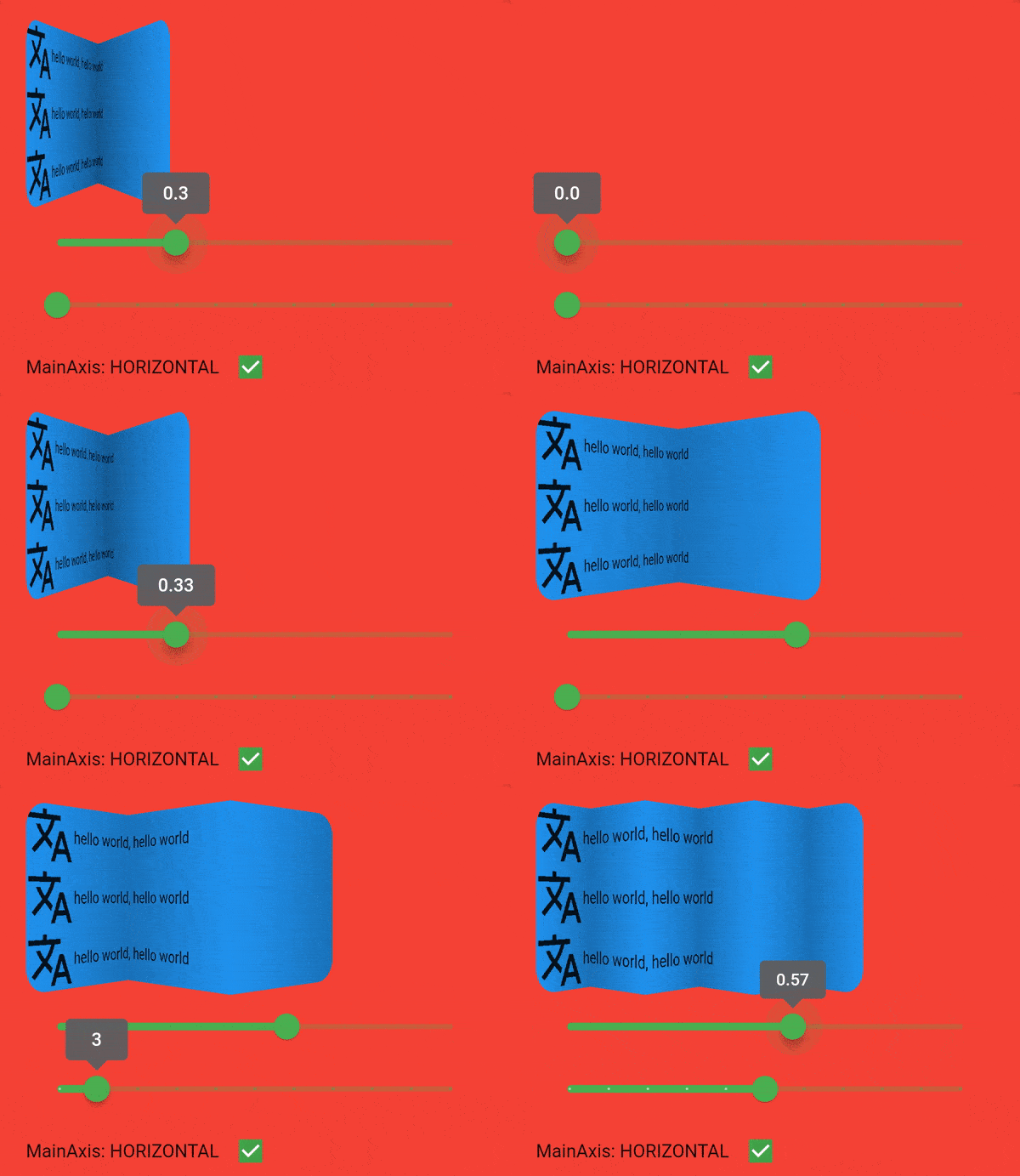
This package provides a widget which applies a paper fold effect on it's child. You can choose between horizontal and vertical fold direction. The number of strips has to be at least two.

Add paperfold as a dependency in your pubspec.yaml file. Or run pub add paperfold in your terminal.
Just add the widget to your tree and you're done :). Take a look at example to see more.
PaperFold(
  mainAxis: PaperFoldMainAxis.vertical,
  strips: 4,
  foldValue: .5,
  pixelRatio: 1,//works best if you query the device pixel ration with MediaQuery.of
  child: ClipRRect(
    borderRadius: BorderRadius.all(Radius.circular(20)),
    child: Container(
      color: Colors.green,
      height: 150,
      child: ListView.builder(
        itemCount: 30,
        itemBuilder: (context, index) {
          return Column(
            children: [
              Row(
                children: const [
                  Icon(
                    Icons.translate,
                    size: 50,
                  ),
                  Text("hello world, hello world")
                ],
              ),
            ],
          );
        },
      ),
    ),
  ),
);
Feel free to file any issues, bugs, or feature requests. All contributions are welcome :)

Special thanks to GwaedGlas for reviewing and sparring this package
依赖清单 4 项
{"sdk":"flutter"}^2.1.1—{"sdk":"flutter"}先按使用场景筛选,再比较项目活跃情况,最后到原始仓库核对使用要求。
“A repository is the most basic element of GitHub.”
GitHub Docs — About repositories ↗