

 v2.0.0
stretchy_header
此包允许我们创建一个弹性标题,以便在滚动小部件时获得良好的效果。
98喜欢 236近 30 天下载140Pub 分数
AndroidiOSWebmacOSWindowsLinux
diegoveloper/flutter_stretchy_header open-source repository details.

以下为英文项目原文快照,最新内容请访问 GitHub。

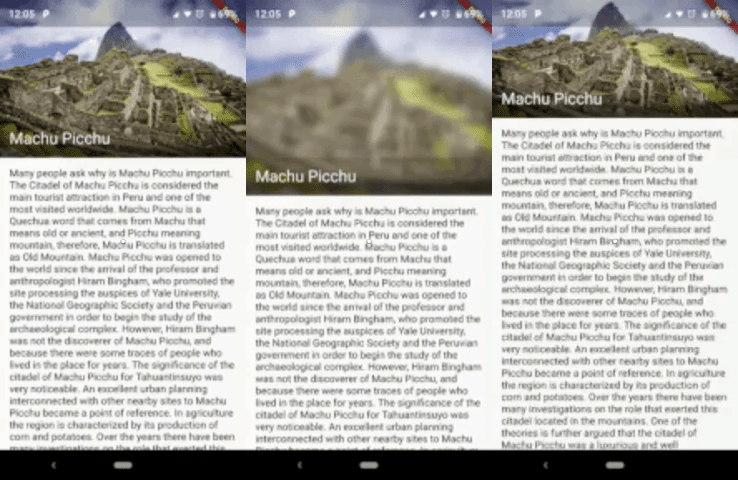
This package allows us to create an elastic header, to give a good effect when you scroll down the widget.
Sample 1
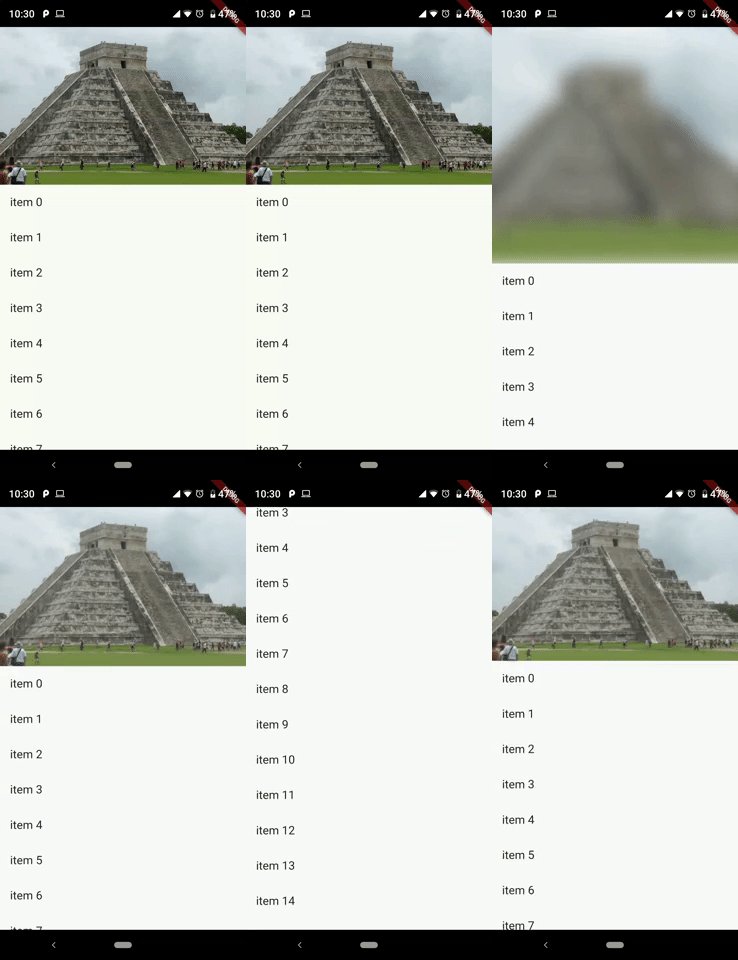
Sample 2
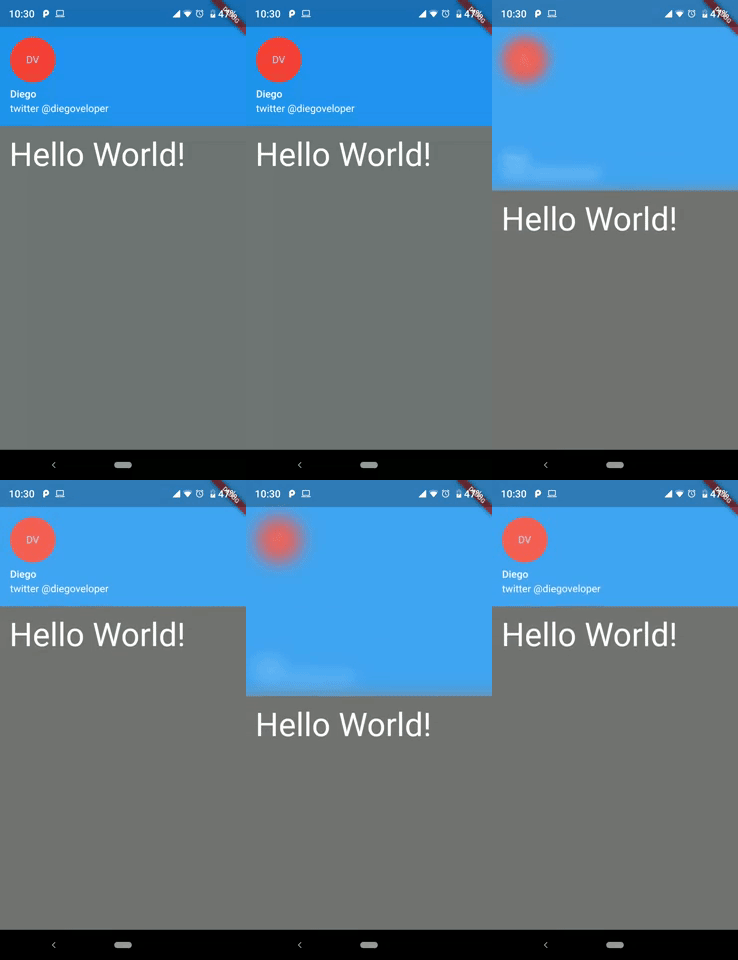
You should ensure that you add the router as a dependency in your flutter project.
dependencies:
  stretchy_header: "^1.0.8"
You should then run flutter packages upgrade or update your packages in IntelliJ.
There is an example project in the example folder. Check it out. Otherwise, keep reading to get up and running.
import 'package:flutter/material.dart';
import 'package:stretchy_header/stretchy_header.dart';

class SampleListView extends StatelessWidget {
  @override
  Widget build(BuildContext context) {
    return Scaffold(
      body: StretchyHeader.listViewBuilder(
        headerData: HeaderData(
          headerHeight: 250,
          header: Image.asset(
            "images/chichen.jpg",
            fit: BoxFit.cover,
          ),
        ),
        itemCount: 15,
        itemBuilder: (context, index) {
          return ListTile(
            title: Text("item $index"),
            onTap: () {
              final snackBar = SnackBar(
                content: Text('item $index tapped'),
              );
              ScaffoldMessenger.of(context).showSnackBar(snackBar);
            },
          );
        },
      ),
    );
  }
}
import 'package:flutter/material.dart';
import 'package:stretchy_header/stretchy_header.dart';

class SampleCustomHeader extends StatelessWidget {
  @override
  Widget build(BuildContext context) {
    return Scaffold(
      body: StretchyHeader.singleChild(
        headerData: HeaderData(
          headerHeight: 200,
          backgroundColor: Colors.black54,
          blurColor: Colors.yellow,
          header: UserAccountsDrawerHeader(
            accountName: Text("Diego"),
            accountEmail: Text("twitter @diegoveloper"),
            currentAccountPicture: CircleAvatar(
              backgroundColor: Colors.red,
              child: Text("DV"),
            ),
            margin: EdgeInsets.zero,
          ),
          overlay: Align(
            alignment: Alignment.bottomRight,
            child: Material(
              color: Colors.transparent,
              child: InkResponse(
                onTap: () {
                  ScaffoldMessenger.of(context).showSnackBar(
                    SnackBar(
                      content: Text('onTap'),
                    ),
                  );
                },
                child: Padding(
                  padding: EdgeInsets.all(12),
                  child: Icon(
                    Icons.fullscreen,
                    color: Colors.white,
                  ),
                ),
              ),
            ),
          ),
        ),
        child: Padding(
          padding: const EdgeInsets.all(15),
          child: Text(
            "Hello World!",
            style: TextStyle(fontSize: 45, color: Colors.white),
          ),
        ),
      ),
    );
  }
}
class SampleBottomLabel extends StatelessWidget {
  @override
  Widget build(BuildContext context) {
    return Scaffold(
      body: StretchyHeader.singleChild(
        headerData: HeaderData(
          headerHeight: 250,
          header: Image.asset(
            "images/machu.jpg",
            fit: BoxFit.cover,
          ),
          highlightHeaderAlignment: HighlightHeaderAlignment.bottom,
          highlightHeader: Container(
            width: MediaQuery.of(context).size.width,
            decoration: BoxDecoration(
                gradient: LinearGradient(
                  colors: [
                    Colors.black54,
                    Colors.black54,
                    Colors.black26,
                    Colors.black12,
                    Colors.black12,
                  ],
                  begin: Alignment.bottomCenter,
                  end: Alignment.topCenter,
                )),
            child: Padding(
              padding: const EdgeInsets.all(15),
              child: Text(
                "Machu Picchu",
                style: TextStyle(color: Colors.white, fontSize: 22),
              ),
            ),
          ),
        ),
        child: Padding(
          padding: const EdgeInsets.all(15),
          child: Text(LONG_DESCRIPTION),
        ),
      ),
    );
  }
}
class SampleCenterWidget extends StatelessWidget {
  @override
  Widget build(BuildContext context) {
    return Scaffold(
      body: StretchyHeader.singleChild(
        headerData: HeaderData(
          headerHeight: 250,
          header: Image.asset(
            "images/machu.jpg",
            fit: BoxFit.cover,
          ),
          highlightHeaderAlignment: HighlightHeaderAlignment.center,
          highlightHeader: SizedBox(
            width: MediaQuery.of(context).size.width,
            child: GestureDetector(
              onTap: () {
                print("tap highlightHeader");
              },
              child: CircleAvatar(
                backgroundColor: Colors.red,
                child: Text("M"),
              ),
            ),
          ),
        ),
        child: Padding(
          padding: const EdgeInsets.all(15),
          child: Text(LONG_DESCRIPTION),
        ),
      ),
    );
  }
}
You can follow me on twitter @diegoveloper
依赖清单 2 项
{"sdk":"flutter"}{"sdk":"flutter"}先按使用场景筛选,再比较项目活跃情况,最后到原始仓库核对使用要求。
“A repository is the most basic element of GitHub.”
GitHub Docs — About repositories ↗