
brain_fusion
一个用于通过AI生成图像的新包

- 星标
- 34
- 复刻
- 4
- 最近推送(UTC)
- 2023年10月11日
- 项目状态
- 已归档
原始 README
以下为英文项目原文快照,最新内容请访问 GitHub。
Archived
- Sorry. the website now have a sessions token technique that expire every minute so we can`t bypass it . now the package is archived .
Fusion Brain
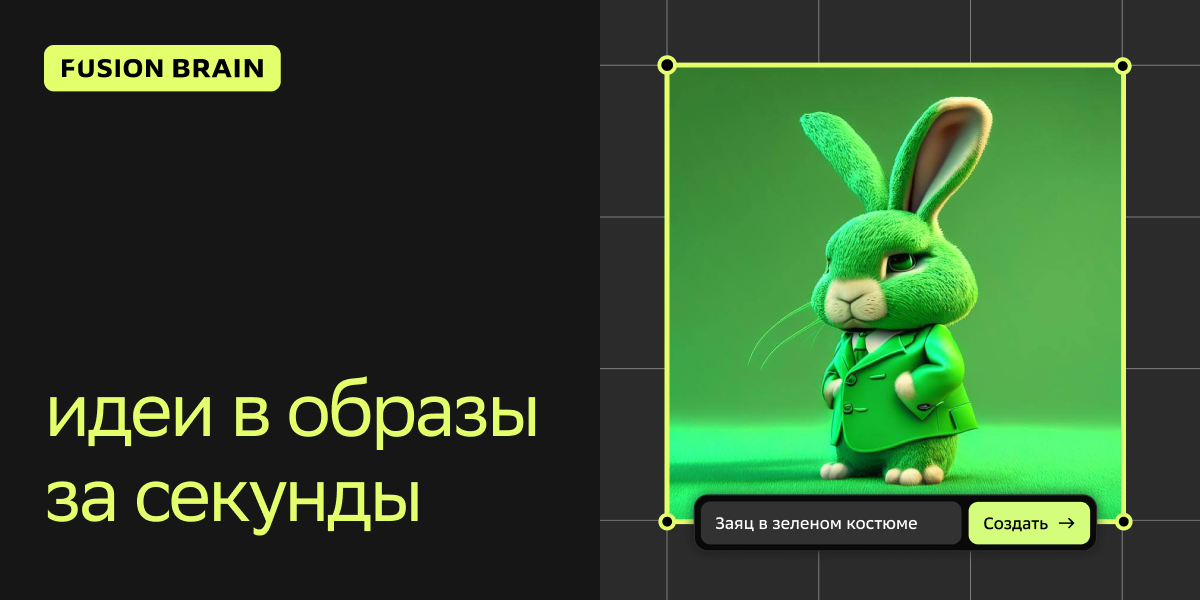
Fusion Brain AI is a new AI art generation tool that can crate amazing images form just text prompt. Fusion Brain AI can also make variations of your existing image.
Features
-
Generate Images from Text
-
High Quality
-
More Then 10 Style
How it work !
-
Make sure you enter more descriptive prompt. As this is kind of new website, it is going to take time to produce HD image with less descriptive prompt. So, make sure you describe the image correctly that you want as output.
-
Try to select styles while creating your image. Check different style and see how output image looks like
-
The original website FusionBrain.ai
Installation
First Import The Package :
import 'package:brain_fusion/brain_fusion.dart';
Then init the AI class:
final AI ai = AI();
Get the Image as Uint8List (PNG Format):
  Future<Uint8List> generate(String query) async {
    Uint8List image = await ai.runAI(query, AIStyle.anime);
    return image;
  }
Display The Image With:
  Widget brainFusion() {
    return FutureBuilder<Uint8List>(
      // Call the generate() function to get the image data
      future: generate('YOUR TEXT'),
      builder: (context, snapshot) {
        if (snapshot.connectionState == ConnectionState.waiting) {
          // While waiting for the image data, display a loading indicator
          return const CircularProgressIndicator();
        } else if (snapshot.hasError) {
          // If an error occurred while getting the image data, display an error
          return Text('Error: ${snapshot.error}');
        } else if (snapshot.hasData) {
          // If the image data is available, display the image using Image.memory()
          return Image.memory(snapshot.data!);
        } else {
          // If no data is available, display a placeholder or an empty container
          return Container();
        }
      },
    );
  }
-
See The Test in example App
License
BSD 3-Clause License

Copyright (c) 2023 Djeddi Yacine
All rights reserved.

Redistribution and use in source and binary forms, with or without
modification, are permitted provided that the following conditions are met:

1. Redistributions of source code must retain the above copyright notice, this
   list of conditions and the following disclaimer.

2. Redistributions in binary form must reproduce the above copyright notice,
   this list of conditions and the following disclaimer in the documentation
   and/or other materials provided with the distribution.

3. Neither the name of the copyright holder nor the names of its
   contributors may be used to endorse or promote products derived from
   this software without specific prior written permission.

THIS SOFTWARE IS PROVIDED BY THE COPYRIGHT HOLDERS AND CONTRIBUTORS "AS IS"
AND ANY EXPRESS OR IMPLIED WARRANTIES, INCLUDING, BUT NOT LIMITED TO, THE
IMPLIED WARRANTIES OF MERCHANTABILITY AND FITNESS FOR A PARTICULAR PURPOSE ARE
DISCLAIMED. IN NO EVENT SHALL THE COPYRIGHT HOLDER OR CONTRIBUTORS BE LIABLE
FOR ANY DIRECT, INDIRECT, INCIDENTAL, SPECIAL, EXEMPLARY, OR CONSEQUENTIAL
DAMAGES (INCLUDING, BUT NOT LIMITED TO, PROCUREMENT OF SUBSTITUTE GOODS OR
SERVICES; LOSS OF USE, DATA, OR PROFITS; OR BUSINESS INTERRUPTION) HOWEVER
CAUSED AND ON ANY THEORY OF LIABILITY, WHETHER IN CONTRACT, STRICT LIABILITY,
OR TORT (INCLUDING NEGLIGENCE OR OTHERWISE) ARISING IN ANY WAY OUT OF THE USE
OF THIS SOFTWARE, EVEN IF ADVISED OF THE POSSIBILITY OF SUCH DAMAGE.

GitHub 作者
Djeddi Yacine ↗
语言DartC++CMakeHTMLCSwiftKotlinObjective-C
分类
使用的依赖
如何选择适合项目的代码仓?
先按使用场景筛选,再比较项目活跃情况,最后到原始仓库核对使用要求。
- 通过仓库名、作者或描述搜索,再按技术分类缩小范围。
- 结合星标、复刻与最近推送比较项目;星标反映社区关注,不代表质量保证。
- 使用前在 GitHub 核对 README、许可证与 Issues。
来源与维护
“A repository is the most basic element of GitHub.”
GitHub Docs — About repositories ↗