
flutter_web_import_js_library
在您的 Flutter Web 项目中导入和使用 JavaScript 库

- 星标
- 42
- 复刻
- 20
- 最近推送(UTC)
- 2020年11月29日
- 项目状态
- 未归档
原始 README
以下为英文项目原文快照,最新内容请访问 GitHub。
Import JS Library
Import & use javascript libraries in your flutter web projects.
flutter:
  assets:
    - assets/howler.js
importJsLibrary(url: "./assets/howler.js", flutterPluginName: "audio_plugin_example");
Why
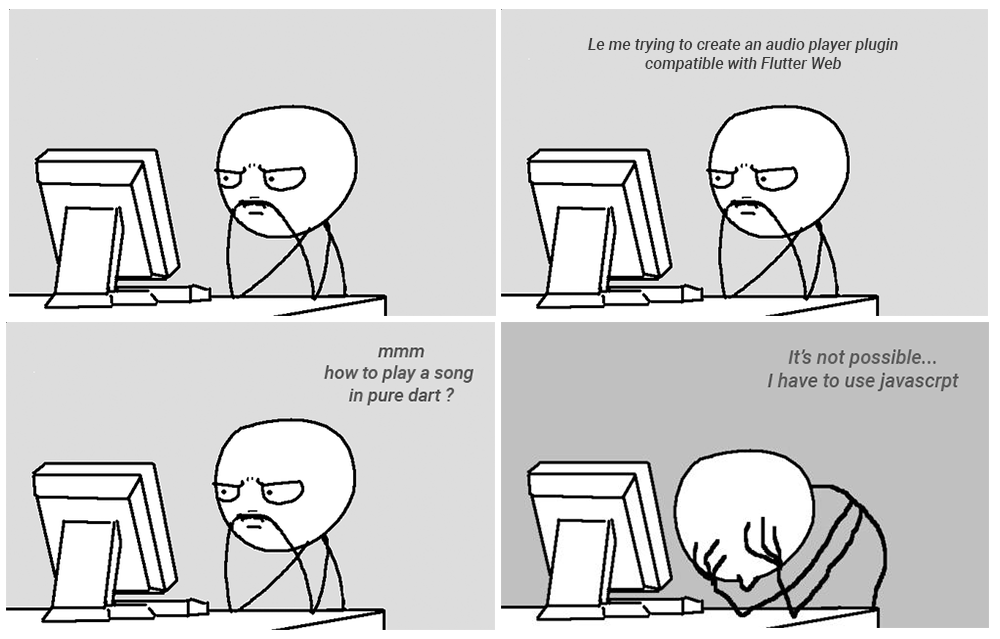
Audio library compatible with Flutter Web : https://pub.dev/packages/assets_audio_player
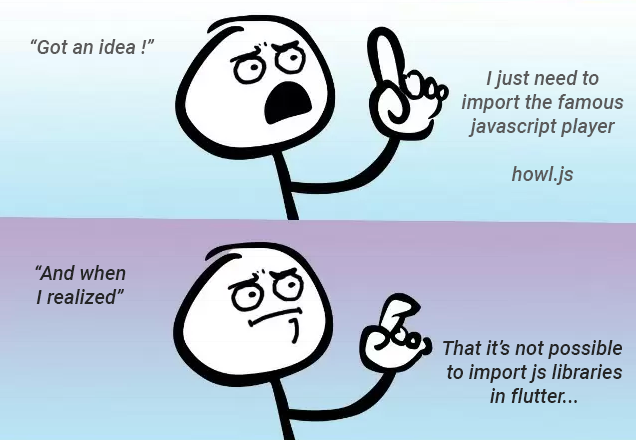
Howler.js Audio library for the modern web : https://howlerjs.com/

And after weeks, month, years, eternity later....

How to use it
1. Create your plugin Package
https://flutter.dev/docs/development/packages-and-plugins/developing-packages
flutter create --template=package audio_plugin_example
2. Add the js library in your assets
Downloaded from https://github.com/goldfire/howler.js/tree/master/dist
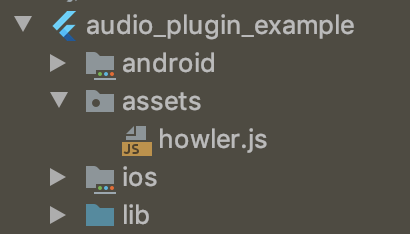
3. Declare it inside your pubspec.yaml
flutter:
  assets:
    - assets/howler.js
4. Import import_js_plugin
dependencies:
  import_js_library: ^1.0.1
5. In your Flutter plugin project, import your .js lib
For example, on the registerWith()
pluginName: the name of your plugin, based on pubspecs.yaml, here audio_plugin_example
Using the method importJsLibrary(url: PATH_OF_JS, flutterPluginName: NAME_OF_FLUTTER_PLUGIN);
class AudioPlugin {

  static void registerWith(Registrar registrar) {
    final MethodChannel channel = MethodChannel(
      'audio_plugin',
      const StandardMethodCodec(),
      registrar.messenger,
    );

    importJsLibrary(url: "./assets/howler.js", flutterPluginName: "audio_plugin_example");

    final AudioPlugin instance = AudioPlugin();
    channel.setMethodCallHandler(instance.handleMethodCall);
  }

  ...
6. Using package:js, wrap your js methods/classes
@JS()
library howl.js;

import 'package:js/js.dart';

@JS("Howl")
class Howl {
  external Howl({List<String> src});

  external play();
}
7. Use your library !
final audio = Howl(src: ["./assets/astronomia.mp3"]);
audio.play();
for example in the plugin
  Howl audio;

  Future<dynamic> handleMethodCall(MethodCall call) async {
    print(call.method);
    switch (call.method) {
      case "play":
        if(audio != null){
          audio.play();
        }
        break;
      case "pause":
        if(audio != null){
          audio.pause();
        }
        break;
      case "open":
        final String path = call.arguments["path"];
        audio = Howl(src: [path]);
        break;
    }
  }
Concrete use-case
`import_js_library" is used to import & wrap Howl.js for the library https://pub.dev/packages/flutter_web_howl
And flutter_web_howl is included inside Assets Audio Player to handle the features on flutter web
https://pub.dev/packages/assets_audio_player
https://github.com/florent37/Flutter-AssetsAudioPlayer/blob/master/lib/assets_audio_player_web.dart

Florent CHAMPIGNY ↗
分类
使用的依赖
依赖清单 5 项
- flutter
{"sdk":"flutter"} - html
^0.14.0+3 - flutter_web_plugins
{"sdk":"flutter"} - js
^0.6.0 - flutter_test开发依赖
{"sdk":"flutter"}
如何选择适合项目的代码仓?
先按使用场景筛选,再比较项目活跃情况,最后到原始仓库核对使用要求。
- 通过仓库名、作者或描述搜索,再按技术分类缩小范围。
- 结合星标、复刻与最近推送比较项目;星标反映社区关注,不代表质量保证。
- 使用前在 GitHub 核对 README、许可证与 Issues。
来源与维护
“A repository is the most basic element of GitHub.”
GitHub Docs — About repositories ↗