
 v0.9.1
flutter_blurhash
图像占位符的紧凑表示。将模糊图像编码为30个字符以下,以实现类似Medium的即时显示
1710喜欢 21.8万近 30 天下载160Pub 分数
AndroidiOSWebmacOSWindowsLinux
图像占位符的紧凑表示。将模糊图像编码为少于30个字符,以实现即时显示,如Medium所用。

{"sdk":"flutter"}—{"sdk":"flutter"}以下为英文项目原文快照,最新内容请访问 GitHub。
Flutter Community: flutter_blurhash
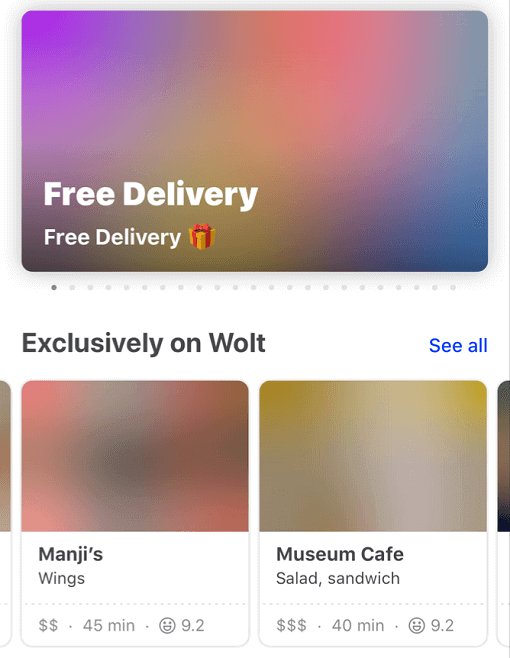
Blurhash is compact representation of a blurred image. It's often used as a placeholder while waiting for a full image to load.
This package implements the blurhash-decoding algorithm in pure Dart.
It also provides the BlurHash widget that displays the blurhash and can transition into the actual image once it is loaded.
Currently, it doesn't support encoding an image into a blurhash.
A fast and easy way to get a blurhash for your image is to upload it to https://blurha.sh.
Blurhash demoConstrain your widget's render area and let BlurHash fill the pixels.
class ExampleApp extends StatelessWidget {
  const ExampleApp({super.key});

  @override
  Widget build(BuildContext context) {
    return MaterialApp(
      home: Scaffold(
        appBar: AppBar(title: const Text("BlurHash")),
        body: const SizedBox.expand(
          child: Center(
            child: AspectRatio(
              aspectRatio: 1.6,
              child: BlurHash(hash: "L5H2EC=PM+yV0g-mq.wG9c010J}I"),
            ),
          ),
        ),
      ),
    );
  }
}
BlurHashOptimizationMode.none): The original algorithm, provided for backward compatibility.BlurHashOptimizationMode.standard): Optimized decoding with better cache locality and performance.BlurHashOptimizationMode.approximation): Fastest mode with an approximated sRGB conversion that produces slightly darker results but significantly improves performance.class BlurHashApp extends StatelessWidget {
const BlurHashApp({Key? key}) : super(key: key);
@override
Widget build(BuildContext context) => MaterialApp(
home: Scaffold(
appBar: AppBar(title: const Text("BlurHash")),
body: const SizedBox.expand(
child: Center(
child: AspectRatio(
aspectRatio: 1.6,
child: BlurHash(
hash: "L5H2EC=PM+yV0g-mq.wG9c010J}I",
optimizationMode: BlurHashOptimizationMode.approximation,
),
),
),
),
),
);
}