

 v1.1.0
numeric_keyboard
Flutter 插件,可在 Android 和 iOS 上显示一个简单的数字键盘。
94喜欢 2280近 30 天下载150Pub 分数
AndroidiOSWebmacOSWindowsLinux
Flutter 插件,用于在 Android 和 iOS 上显示一个简单的数字键盘

以下为英文项目原文快照,最新内容请访问 GitHub。

A simple numeric keyboard widget
Add numeric_keyboard: ^1.1.0 in your pubspec.yaml dependencies. And import it:
import 'package:numeric_keyboard/numeric_keyboard.dart';
Simply create a NumericKeyboard widget and pass the required params:
NumericKeyboard(
  onKeyboardTap: _onKeyboardTap
)

_onKeyboardTap(String value) {
  setState(() {
    text = text + value;
  });
}
NumericKeyboard(
  onKeyboardTap: _onKeyboardTap,
  textColor: Colors.red,
  rightButtonFn: () {
    setState(() {
      text = text.substring(0, text.length - 1);
    });
  },
  rightIcon: Icon(Icons.backspace, color: Colors.red,),
  leftButtonFn: () {
    print('left button clicked');
  },
  leftIcon: Icon(Icons.check, color: Colors.red,),
  mainAxisAlignment: MainAxisAlignment.spaceEvenly
)
For a more detail example please take a look at the example folder.
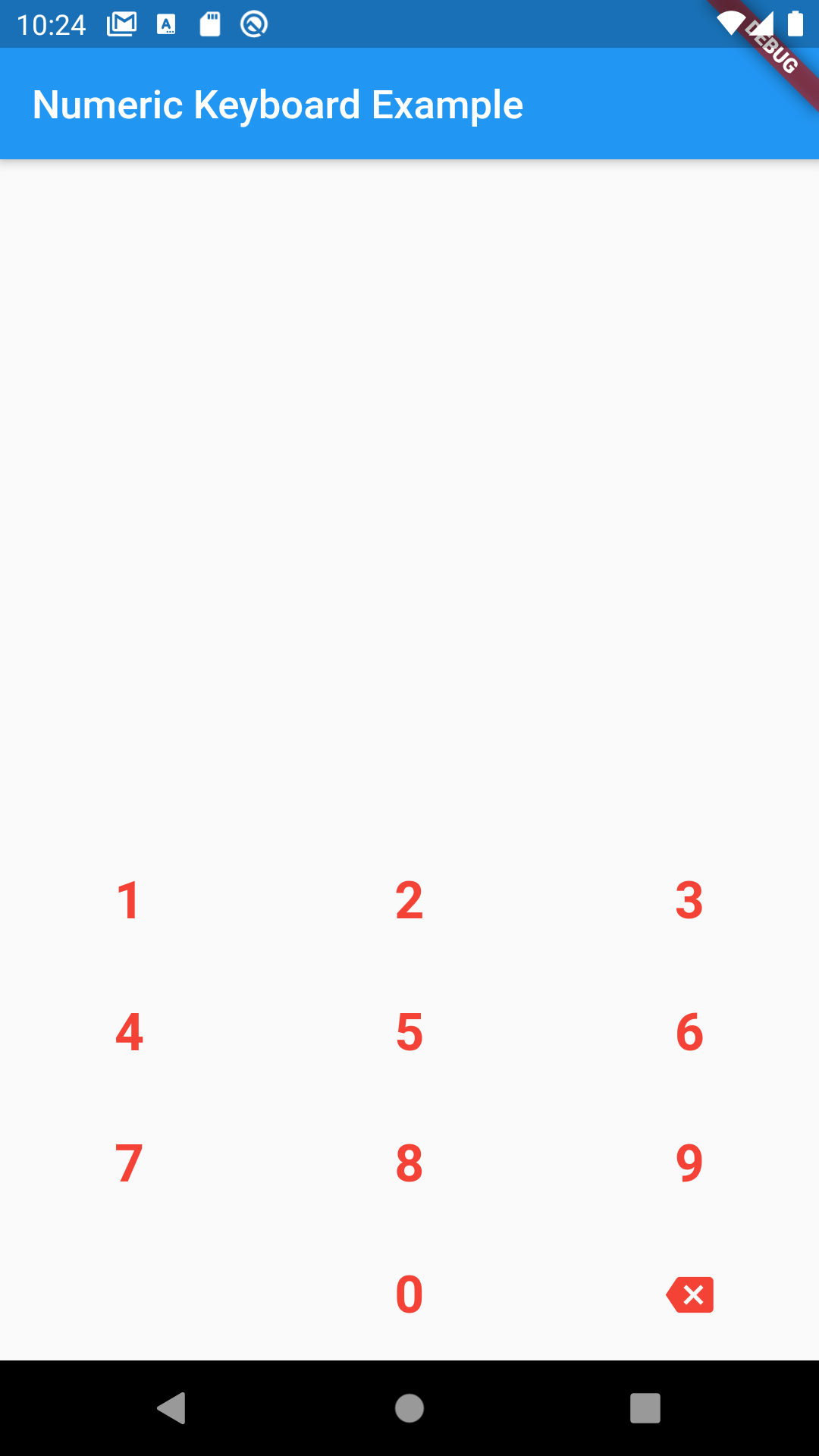
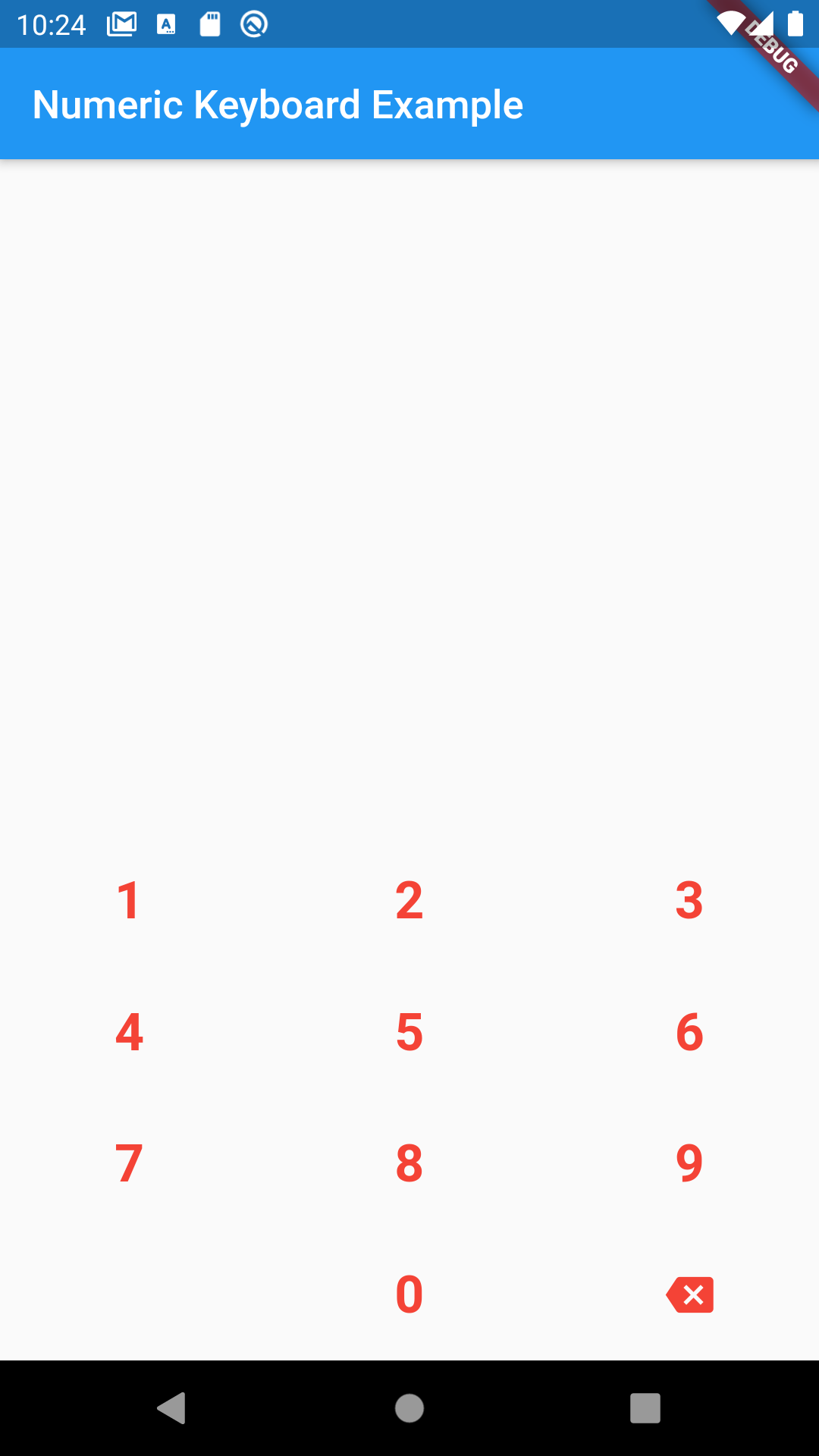
Numeric keyboard:
If something is missing, feel free to open a ticket or contribute!
依赖清单 2 项
{"sdk":"flutter"}{"sdk":"flutter"}先按使用场景筛选,再比较项目活跃情况,最后到原始仓库核对使用要求。
“A repository is the most basic element of GitHub.”
GitHub Docs — About repositories ↗