
 v3.1.0
cuberto_bottom_bar
一个支持在开始或结束位置显示抽屉图标,或与抽屉图标一起使用的动画底部导航栏,并提供两种不同样式。
156喜欢 138近 30 天下载130Pub 分数
AndroidiOSWebmacOSWindowsLinux
Flutter 插件 - CubertoBottomBar
以下为英文项目原文快照,最新内容请访问 GitHub。
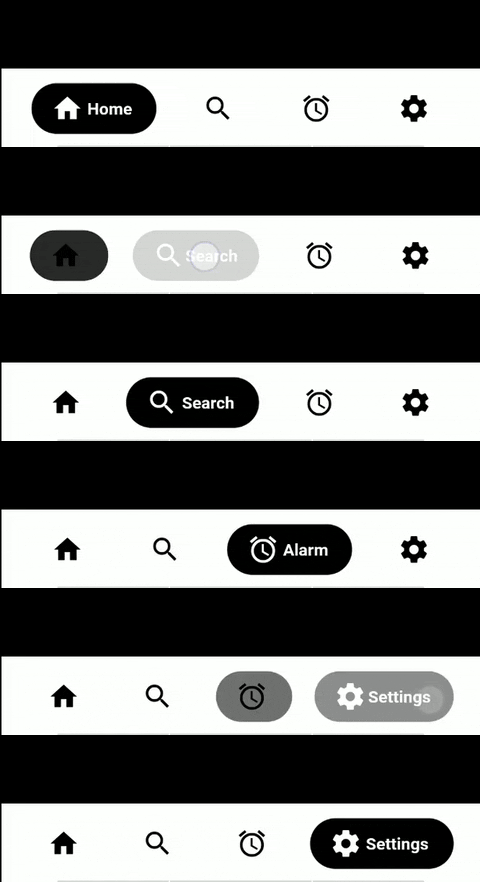
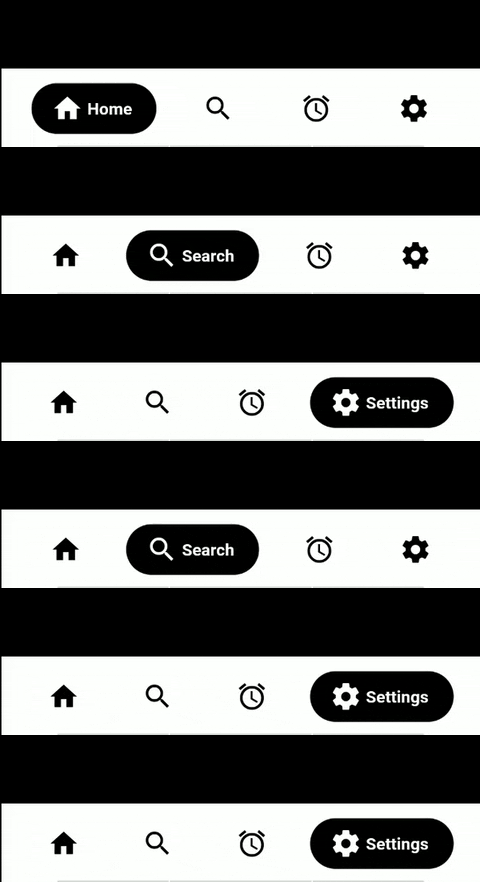
CubertoBottomBar widget in Flutter.
dependencies:
  cuberto_bottom_bar: latest
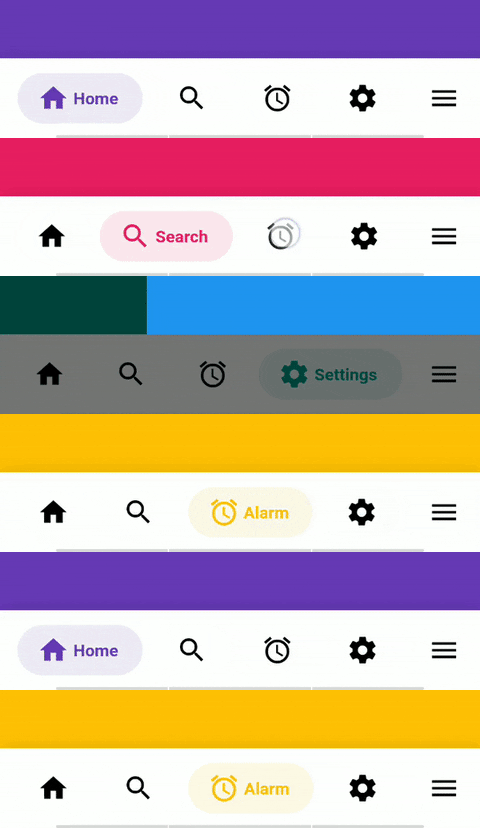
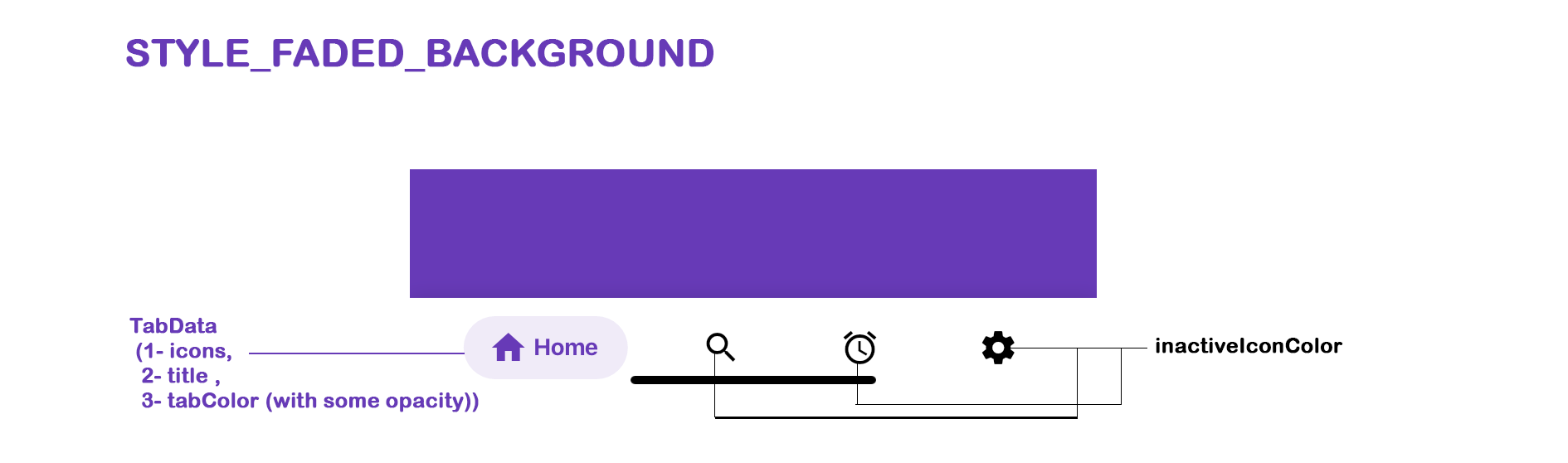
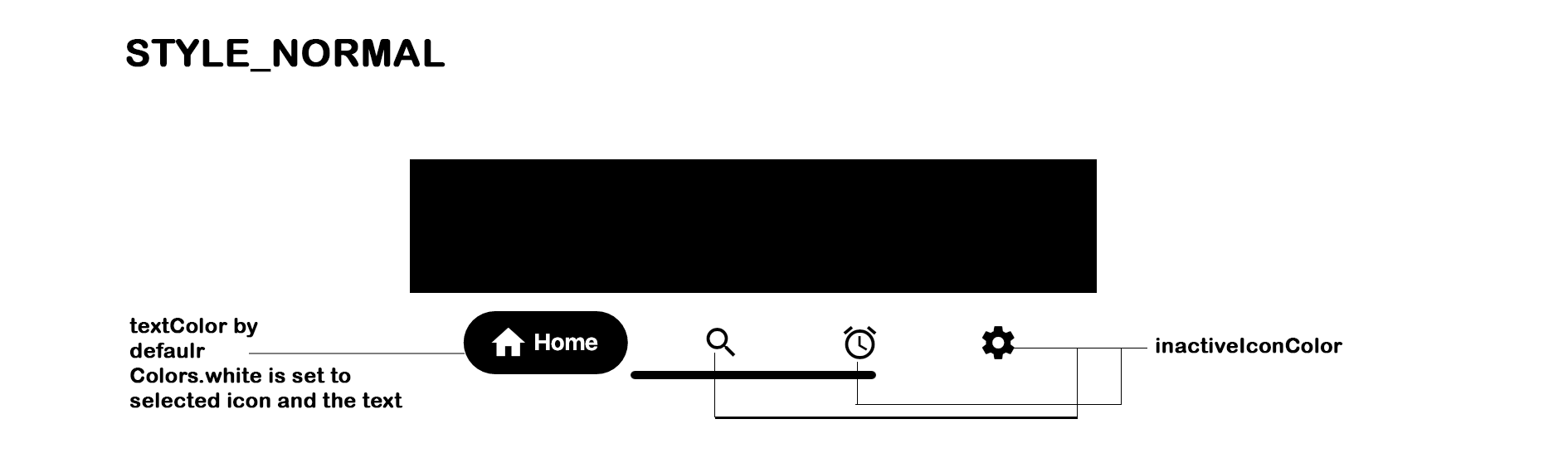
For now this is limited to more than 1 tab, and less than 5. So 2-4 tabs. textColor will only be applied in the case of STYLE_NORMAL. In case of styleFadedBackground the tabColor will be set as textColor,(if tabColor is not set inactiveColor will be set)
manually drawer or endDrawer has to be added and then respective drawer has to be added in CubertoBottomBar ( CubertoDrawer.noDrawer for no drawer, CubertoDrawer.startDrawer for drawer and CubertoDrawer.endDrawer for endDrawer)
By default the drawer overlaps the CubertoBottomBar, for that margin: EdgeInsets.only(bottom: 60.0) has been added. (Please check with the example)
The values in onTabChangedListener: (position, title, color) (position, title and color are null at the beginning), but gets the value once the tab is clicked.
Adding the widget
bottomNavigationBar: CubertoBottomBar(
        key: const Key("BottomBar"),
        inactiveIconColor: _inactiveColor,
        tabStyle: CubertoTabStyle.styleNormal,
        selectedTab: _currentPage,
        tabs: tabs
            .map(
              (value) => TabData(
                key: Key(value.title),
                iconData: value.iconData,
                title: value.title,
                tabColor: value.tabColor,
                tabGradient: value.tabGradient,
              ),
            )
            .toList(),
        onTabChangedListener: (position, title, color) {
          setState(() {
            _currentPage = position;
            _currentTitle = title;
            if (color != null) {
              _currentColor = color;
            }
          });
        },
      )
key -> Pass a Key to set it to TabItem or else by default UniqueKey() will be set
iconData -> Icon to be used for the tab
title -> String to be used for the tab
tabColor: -> Colors to be used for background and label when styleFadedBackground is chosen
tabGradient: -> Set a gradient to the selected tab which works only with styleFadedBackground.
onClick -> Optional function to be used when the circle itself is clicked, on an active tab
TabData objectsint position, String title and Color tabColor (if not set will return inactiveIconColor in both styleNormal and styleFadedBackground)0 (initialSelection has been changed to selectedTab) Current page which is fetched when a tab is clicked, should be set here so as the change the tabs, and the same can be done if willing to programmatically change the tab.null, derives from ThemeColors.whitenull, derives from ThemeScaffold's background color must be different than barBackgroundColor)CubertoTabStyle.styleNormalCubertoDrawerStyle.noDrawer (can be set as CubertoDrawerStyle.startDrawer or CubertoDrawerStyle.endDrawer as per the need for the placement of drawer icon)nullEdgeInsets.symmetric(horizontal: 12.0, vertical: 8.0). Modifies the inner padding of the bar.BoxShadow.The bar will attempt to use your current theme out of the box, however you may want to theme it. Here are the attributes:
If using this package in a live app, let me know and I'll add you app here.
https://dribbble.com/shots/5925052-Google-Bottom-Bar-Navigation-Pattern https://www.instagram.com/p/BtyUbSkBlnF/
Made with contrib.rocks.
Feel free to contribute to this project by creating a pull request with a clear description of your changes.
If this plugin was useful to you, helped you in any way, saved you a lot of time, or you just want to support the project, I would be very grateful if you buy me a cup of coffee. Your support helps maintain and improve this project.


依赖清单 4 项
^2.0.5{"sdk":"flutter"}{"sdk":"flutter"}^2.0.2先按使用场景筛选,再比较项目活跃情况,最后到原始仓库核对使用要求。
“A repository is the most basic element of GitHub.”
GitHub Docs — About repositories ↗