


 v1.1.0
store_locator
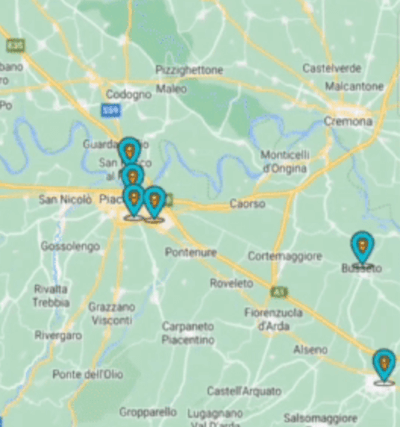
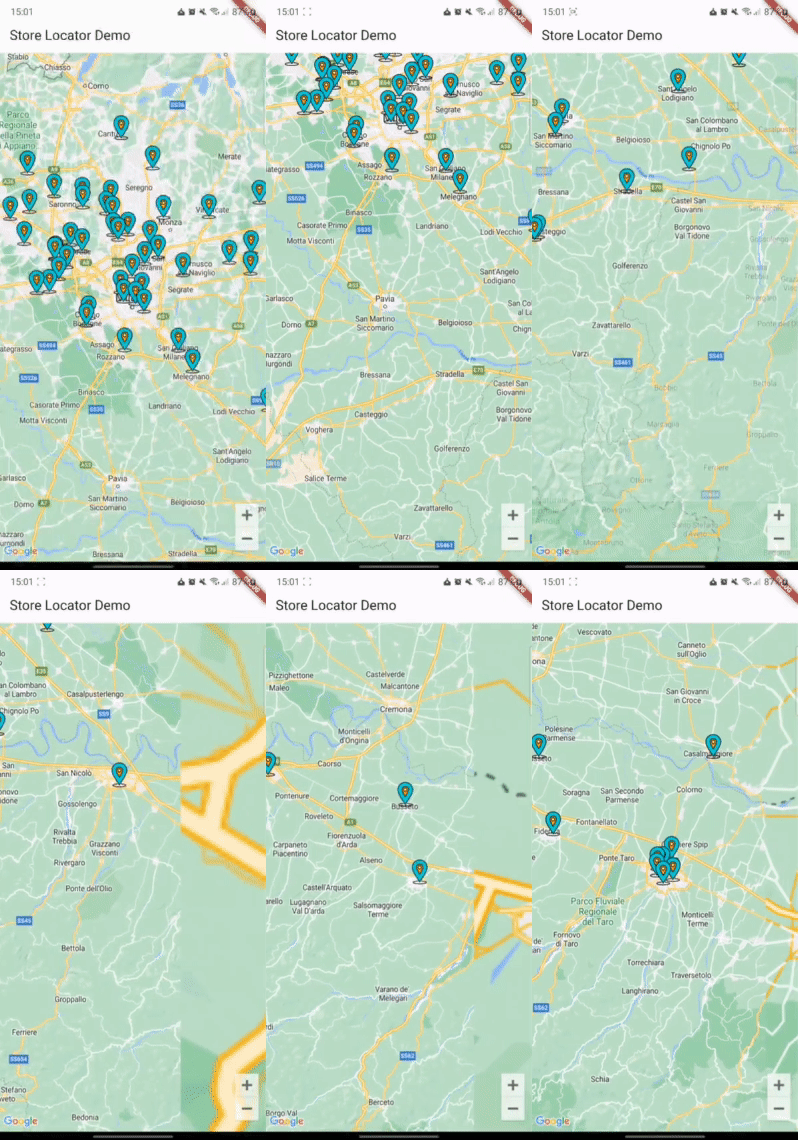
适用于 Flutter 的商店定位器。可根据当前地图位置显示商店(或兴趣点)。
3喜欢 83近 30 天下载160Pub 分数
AndroidiOSWeb
一个适用于 iOS 和 Android 的 Flutter 插件,可根据 API 调用动态显示地图标记,使用 haversine 或类似算法。

以下为英文项目原文快照,最新内容请访问 GitHub。

A Flutter package for showing map markers dynamically based on API calls that use Haversine distance or a similar location query.
| Android | iOS | Web | |
|---|---|---|---|
| Support | SDK 24+ | 14.0+ | Any* |
First, add store_locator as a dependency in your pubspec.yaml file.
You also need to implement google_maps_flutter properly, check their guide
You can import the package with:
import 'package:store_locator/store_locator.dart';
StoreLocator<Store>(
  mapConfiguration: const MapConfiguration(
    initialCameraPosition: CameraPosition(
      target: LatLng(45.464211, 9.191383),
      zoom: 10,
    ),
  ),
  positionCallback: (position) async {
    Response response = await Dio().get('stores', queryParameters: {
      "latitude": position.latitude,
      "longitude": position.longitude,
    });
    if (response.statusCode == 200 || response.statusCode == 201) {
      return storesFromJson(response.data);
    }
    return [];
  },
  markerBuilder: (store) {
    return Marker(
      markerId: MarkerId(store.id.toString()),
      position: LatLng(store.latitude, store.longitude),
      infoWindow: InfoWindow(
        title: store.name,
        snippet: store.city,
      ),
    );
  },
)
See the example directory for a complete sample app.
If this plugin was useful to you, helped you to deliver your app, saved you a lot of time, or you just want to support the project, I would be very grateful if you buy me a cup of coffee.

依赖清单 4 项
{"sdk":"flutter"}^2.18.0{"sdk":"flutter"}^6.0.0先按使用场景筛选,再比较项目活跃情况,最后到原始仓库核对使用要求。
“A repository is the most basic element of GitHub.”
GitHub Docs — About repositories ↗