

v1.0.4
explode_view
一个漂亮的 Flutter 动画库,可将图像分解为小颗粒。当需要从屏幕上移除图像时,可以使用此包。
59喜欢 40近 30 天下载40Pub 分数
平台暂无数据
💥 适用于 Flutter 的精美爆炸动画。

以下为英文项目原文快照,最新内容请访问 GitHub。
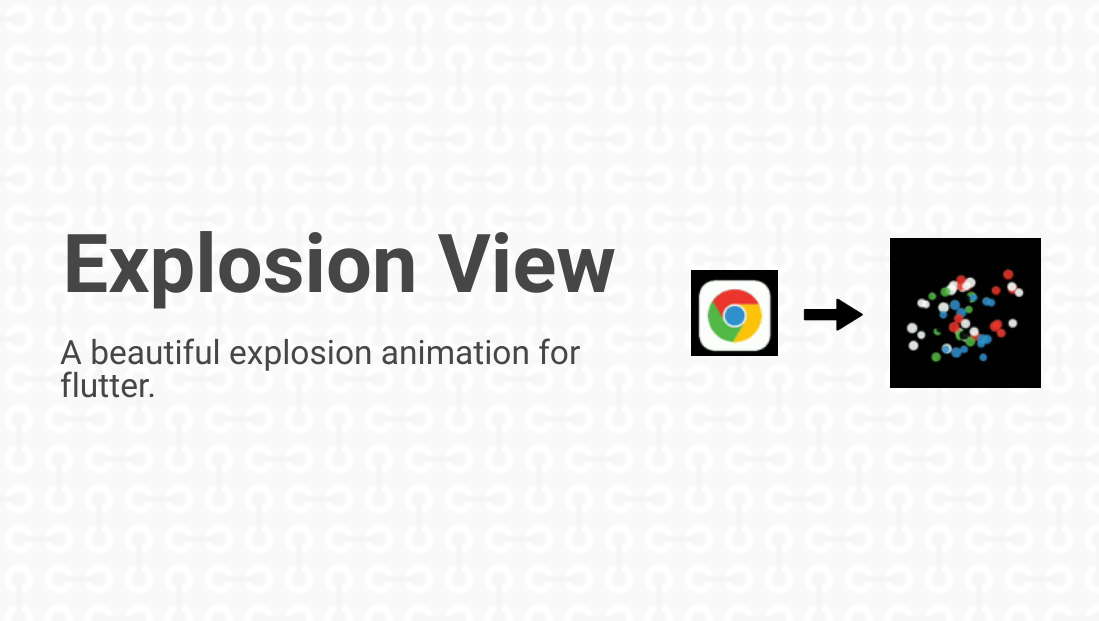



This project contains the features of Flutter Animation that are required to complete an amazing Flutter application.
Explore how ExplodeView is made through this blog.

Add this to your package's pubspec.yaml file:
explode_view: ^1.0.4
You can install packages from the command line:
with pub:
$ pub get
with Flutter:
$ flutter packages get
Alternatively, your editor might support flutter pub get. Check the docs for your editor to learn more.
Now in your Dart code, you can use:
import 'package:explode_view/explode_view.dart';
For the explosion animation in the app, user has to simply add the ExplodeView as a child in any Widget like Stack and many more.
Example Code:
ExplodeView(
 imagePath: 'assets/images/abc.png',  // path where the image is stored
 imagePosFromLeft: 	120.0, // set x-coordinate for image
 imagePosFromRight: 300.0,  // set y-coordinate for image
);
For more info, please refer to the main.dart in example.
The algorithm used to build this project is as follows:
On clicking the image, the image would shake for some time and will disappear with generation of random particles in that image area and they would scatter farther with fading and upcoming transition and disappear finally on the screen. The colors of the particles are decided by the colors of the pixels of the image which provides the effect of breaking the image into pieces.
For more info, please refer to the explode_view.dart.
| Dart attribute | Datatype | Description | Default Value |
|---|---|---|---|
| imagePath | String | The string which gives the path to the image. | @required |
| imagePosFromLeft | double | The distance from the left edge of the screen. | @required |
| imagePosFromTop | double | The distance from the top edge of the screen. | @required |
If you encounter any problems feel free to open an issue. If you feel the library is
missing a feature, please raise a ticket on Github and I'll look into it.
Pull request are also welcome.
ExplodeView is licensed under MIT License. View license.
依赖清单 4 项
{"sdk":"flutter"}^2.0.8^2.1.4{"sdk":"flutter"}先按使用场景筛选,再比较项目活跃情况,最后到原始仓库核对使用要求。
“A repository is the most basic element of GitHub.”
GitHub Docs — About repositories ↗