

 v3.0.0
ios_color_picker
一个为所有 Flutter 平台提供 iOS 风格颜色选择器 UI 的 Flutter 包,同时在 iOS 上提供原生 iOS 颜色选择器。
10喜欢 167近 30 天下载140Pub 分数
AndroidiOSWebmacOSWindowsLinux
一个全新的 Flutter 包,为所有平台(Web、Android、iOS)提供克隆的原生 iOS 颜色选择器界面,同时也仅在 iOS 上提供原生 iOS 选择器

以下为英文项目原文快照,最新内容请访问 GitHub。
A Flutter package that provides an iOS-style color picker UI for every Flutter platform, plus access to the native iOS color picker on iOS.
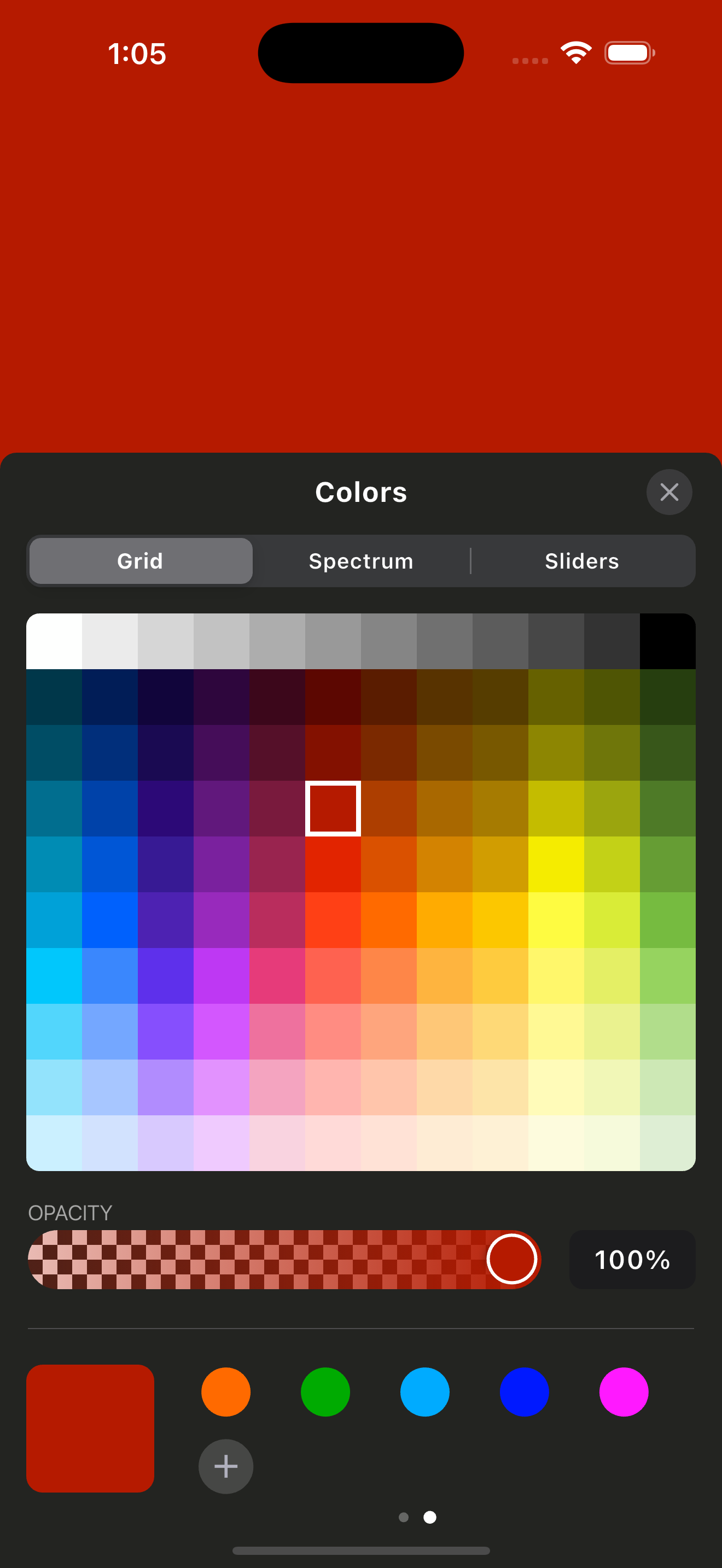
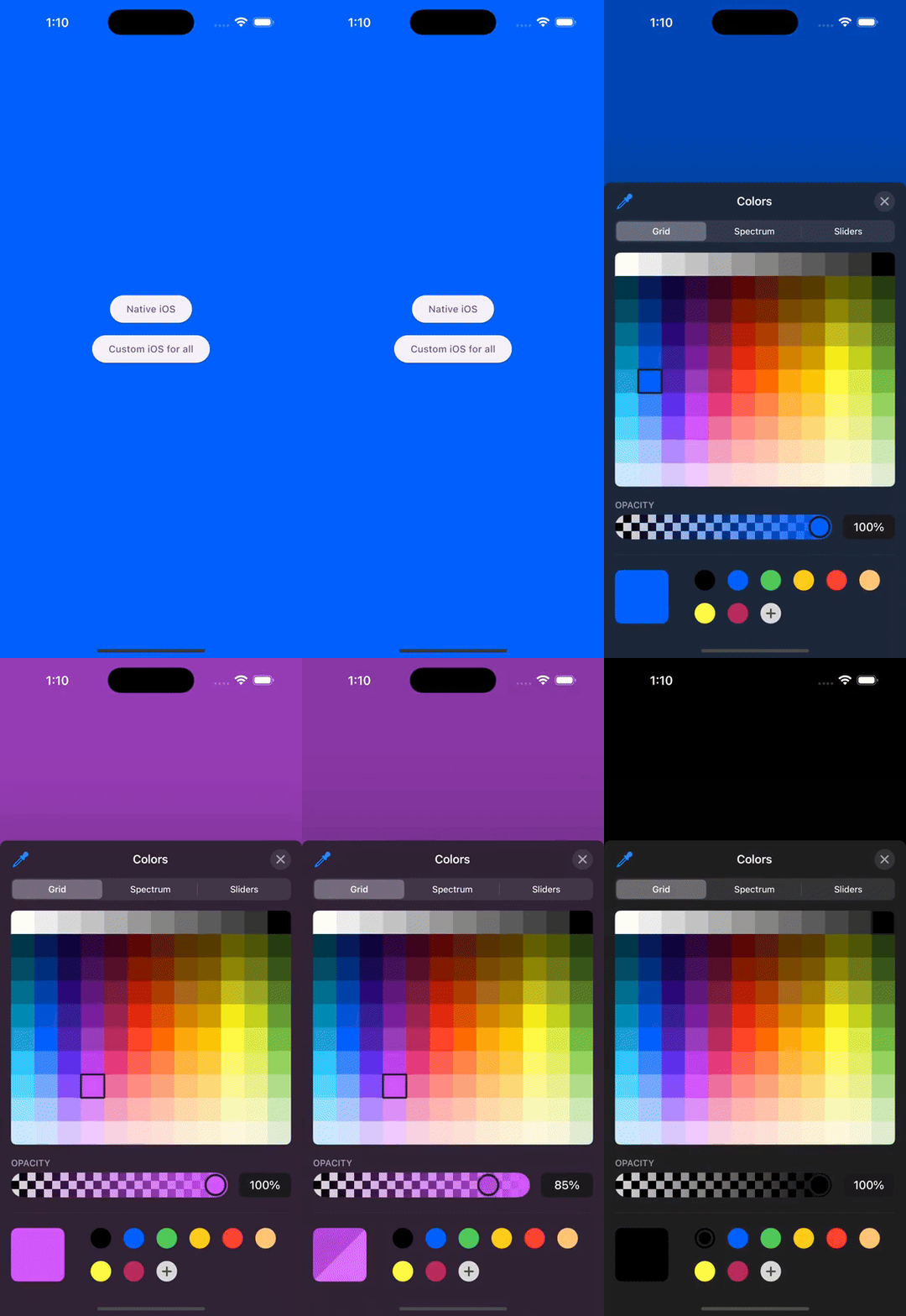
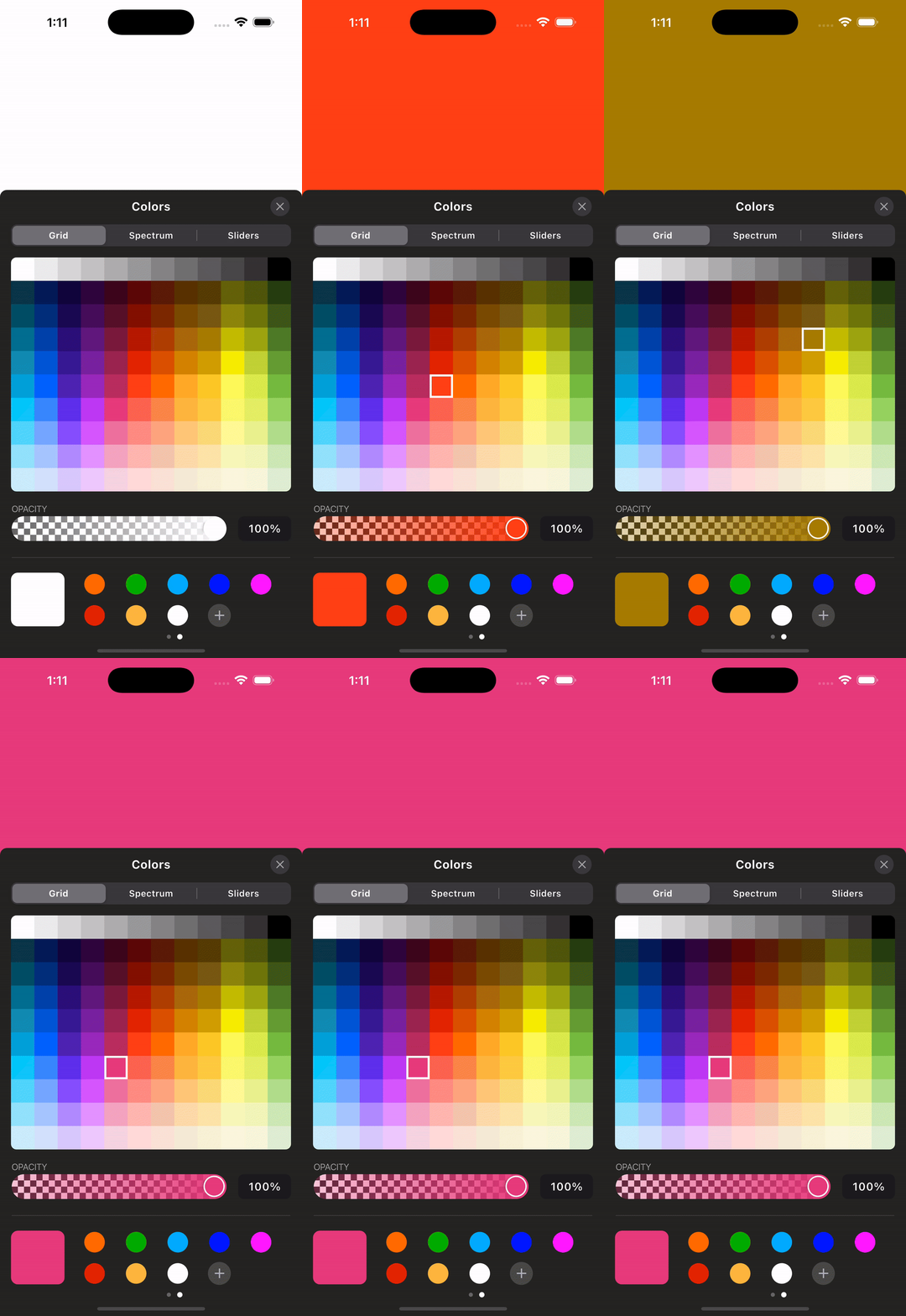
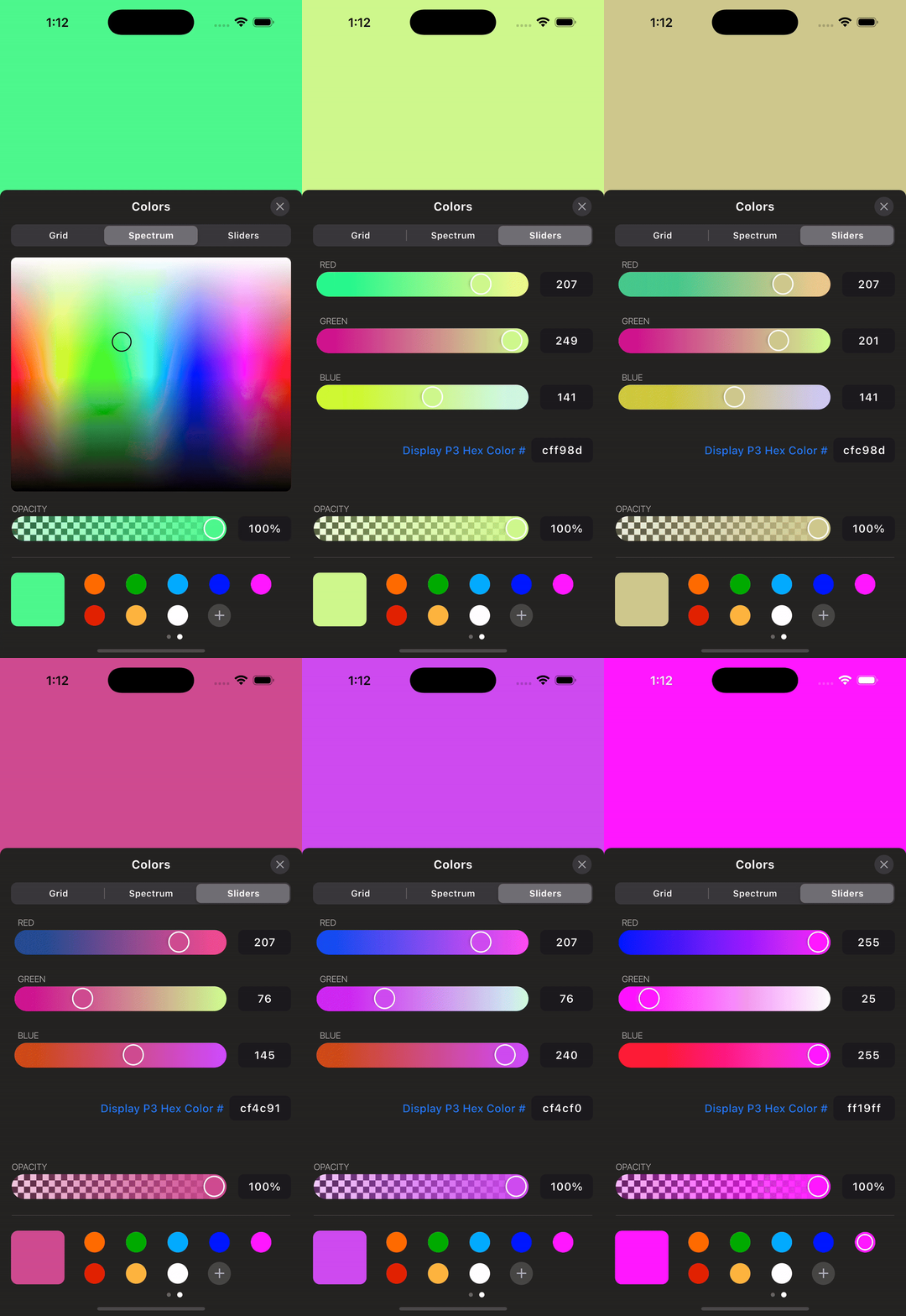
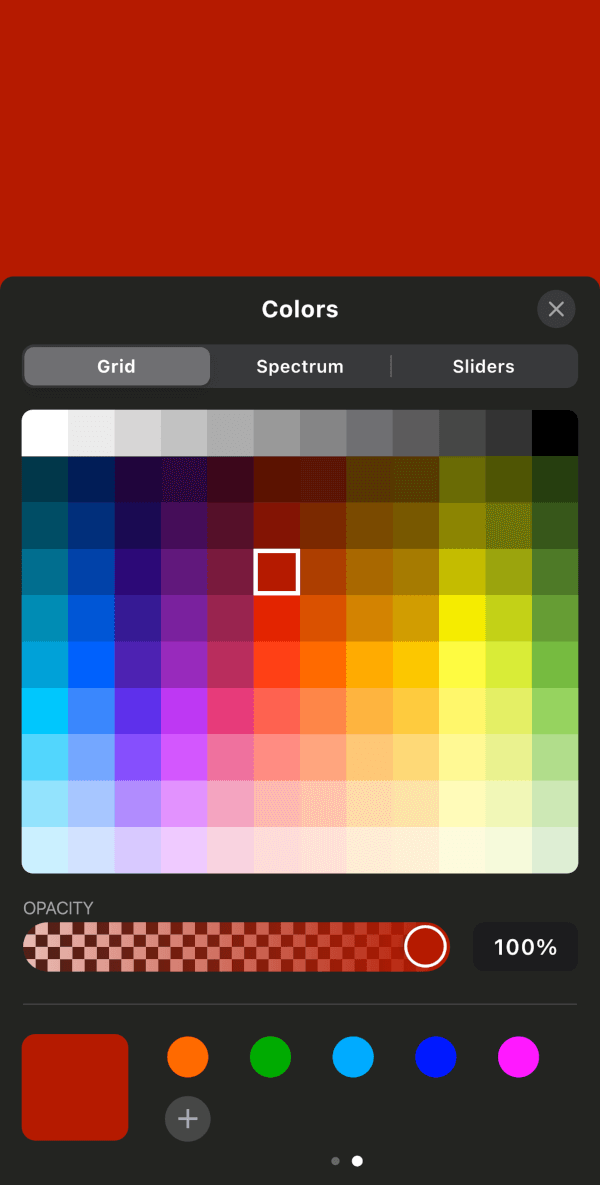
Add the package and create a controller. Dispose the controller from your
widget's dispose method because the native iOS picker streams color changes
through an event channel.
final iosColorPickerController = IOSColorPickerController();

/// Native iOS Color Picker
ElevatedButton(
  onPressed: () {
    iosColorPickerController.showNativeIosColorPicker(
      startingColor: backgroundColor,
      darkMode: true,
      onColorChanged: (color) {
        setState(() {
          backgroundColor = color;
        });
      },
    );
  },
  child: Text("Native iOS"),
),

/// Custom iOS Color Picker (for all platforms)
ElevatedButton(
  onPressed: () {
    iosColorPickerController.showIOSCustomColorPicker(
      startingColor: backgroundColor,
      onColorChanged: (color) {
        setState(() {
          backgroundColor = color;
        });
      },
      context: context,
    );
  },
  child: Text("Custom iOS for all"),
),
Dispose the controller:
final IOSColorPickerController iosColorPickerController =
    IOSColorPickerController();

@override
void dispose() {
  iosColorPickerController.dispose();
  super.dispose();
}
Run the app in the example/ folder to explore the plugin.
For more updates and inquiries, connect with me on LinkedIn:

依赖清单 9 项
{"sdk":"flutter"}^2.5.5^2.0.1^2.1.1{"sdk":"flutter"}^1.1.1^2.1.8{"sdk":"flutter"}^6.0.0先按使用场景筛选,再比较项目活跃情况,最后到原始仓库核对使用要求。
“A repository is the most basic element of GitHub.”
GitHub Docs — About repositories ↗