
 v2.0.0
pull_to_refresh
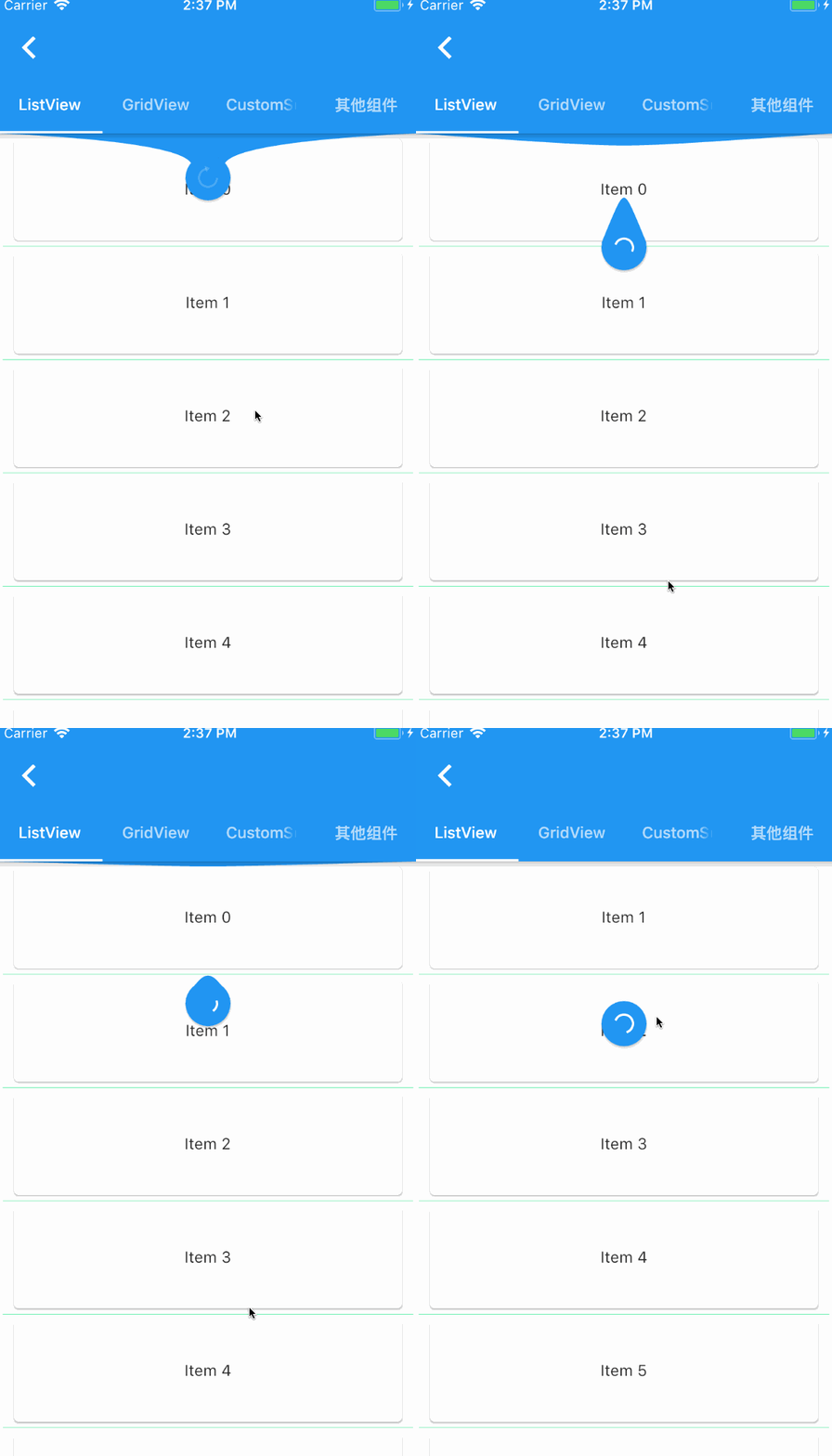
一个提供给 Flutter 滚动组件下拉刷新和上拉加载的控件。
2830喜欢 13.1万近 30 天下载140Pub 分数
AndroidiOSWebmacOSWindowsLinux
使用 Firebase/Firestore 和 Agora 服务编写的 Clubhouse 克隆应用,采用 Flutter 开发。
 v2.0.0
一个提供给 Flutter 滚动组件下拉刷新和上拉加载的控件。
Agora RTC SDK 的 Flutter 插件,只需几行代码即可轻松将 Agora 视频通话或实时视频流集成到您的应用中。
 v3.4.1
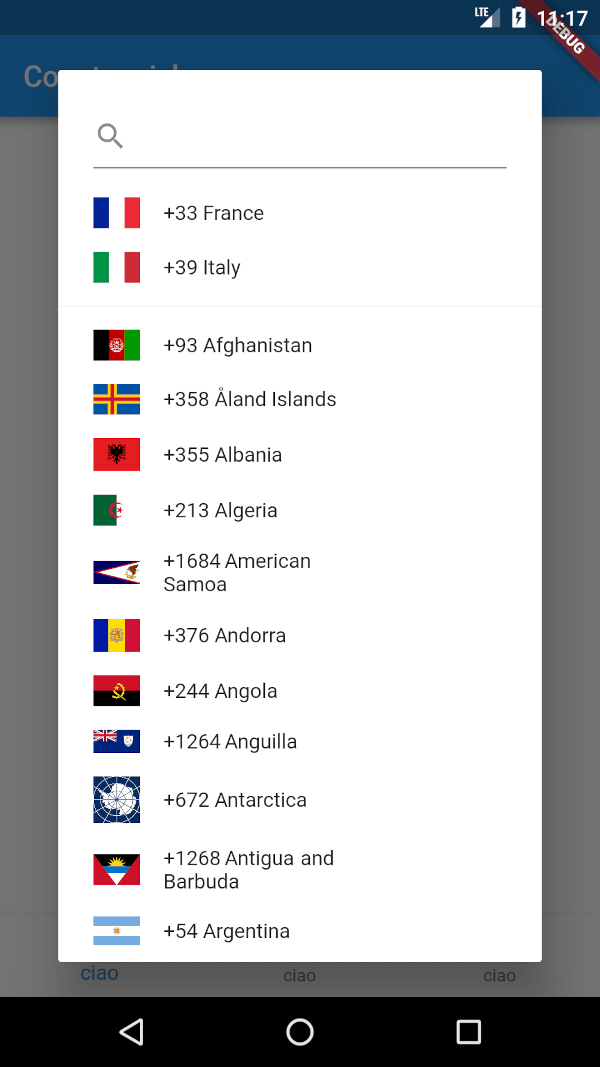
一个用于显示国家代码选择器的 Flutter 包。此外,它还允许选择一组收藏的国家,以及使用简单的搜索框进行搜索。
{"sdk":"flutter"}^1.0.0^3.2.1^5.0.0—^0.4.4^0.12.9^2.0.1^1.6.4{"sdk":"flutter"}以下为英文项目原文快照,最新内容请访问 GitHub。
Clubhouse clone written in Flutter using Firebase/Firestore and Agora services.
Part 1 - Setup Flutter project and create Clubhouse clone app UI
Part 2 - User login and registration with Firebase
Part 3 - Voice calling functionality with Agora
https://raw.githubusercontent.com/perpetio/clubhouse/HEAD/assets/screenshots/1.gif https://raw.githubusercontent.com/perpetio/clubhouse/HEAD/assets/screenshots/2.gif
agora_rtc_engine: https://pub.dev/packages/agora_rtc_engine
permission_handler: https://pub.dev/packages/permission_handler
firebase_auth: https://pub.dev/packages/firebase_auth
cloud_firestore: https://pub.dev/packages/cloud_firestore
country_code_picker : https://pub.dev/packages/country_code_picker
pull_to_refresh : https://pub.dev/packages/pull_to_refresh
$ git clone https://github.com/perpetio/clubhouse.git
flutter pub get.Create your own Firebase project.
Once your Firebase instance is created, you'll need to enable Phone authentication.
const APP_ID = '';
const Token = '';
const channelName = '';
flutter run or using your IDE's tools.