

 v4.0.5
tweet_ui
在 Android 和 iOS 上显示来自 Twitter API JSON 的推文。支持包含 1-4 张照片、视频、GIF、话题标签、提及、符号、链接、引用推文和转发推文的推文。
67喜欢 156近 30 天下载120Pub 分数
AndroidiOS
Flutter 包,用于在 Android 和 iOS 上显示来自 Twitter API JSON(v1 或 v2)的推文。支持包含 1-4 张图片、视频、GIF、话题标签、提及、符号、链接、引用推文和转发推文的推文。

以下为英文项目原文快照,最新内容请访问 GitHub。
Flutter Tweet UI - Flutter package that is inspired by twitter-kit-android. Works on iOS and Android.
To use this package add it to the pubspec.yaml file:
tweet_ui: <latest_version>
import it:
import 'package:tweet_ui/tweet_ui.dart';
If you want to show tweets with videos: check the better_player installation site
Video/GIF Tweets don't work on iOS simulators (video_player ios instructions)
finally, create a TweetView from a JSON:
TweetView.fromTweetV1(
    TweetV1Response.fromRawJson(
        jsonFromTwitterAPI
        // {"created_at": "Mon Nov 12 13:00:38 +0000 2018", "id": 1061967001177018368, ...
    )
);
TweetView.fromTweetV2(
    TweetV2Response.fromRawJson(
        jsonFromTwitterAPI
        // {"data": ["created_at": "2020-09-18T18:36:15.000Z", "id": "1061967001177018368", ...
        // or
        // {"data": {"created_at": "2020-09-18T18:36:15.000Z", "id": "1061967001177018368", ...
    )
);
or a CompactTweetView,
CompactTweetView.fromTweetV1(
    TweetV1Response.fromRawJson(
        jsonFromTwitterAPI
        // {"created_at": "Mon Nov 12 13:00:38 +0000 2018", "id": 1061967001177018368, ...
    )
);
CompactTweetView.fromTweetV2(
    TweetV2Response.fromRawJson(
        jsonFromTwitterAPI
        // {"data": ["created_at": "2020-09-18T18:36:15.000Z", "id": "1061967001177018368", ...
        // or
        // {"data": {"created_at": "2020-09-18T18:36:15.000Z", "id": "1061967001177018368", ...
    )
);
or a EmbeddedTweetView.
EmbeddedTweetView.fromTweetV1(
    TweetV1Response.fromRawJson(
        jsonFromTwitterAPI
        // {"created_at": "Mon Nov 12 13:00:38 +0000 2018", "id": 1061967001177018368, ...
    )
  darkMode: true,
)
EmbeddedTweetView.fromTweetV2(
    TweetV2Response.fromRawJson(
      jsonFromTwitterAPI
      // {"data": ["created_at": "2020-09-18T18:36:15.000Z", "id": "1061967001177018368", ...
      // or
      // {"data": {"created_at": "2020-09-18T18:36:15.000Z", "id": "1061967001177018368", ...
    )
    darkMode: true,
)
There is also a special QuoteTweetView that is embedded in a TweetView or a CompactTweetView or a
EmbeddedTweetView. This depends if a Tweet has a quoted_status value in the JSON.
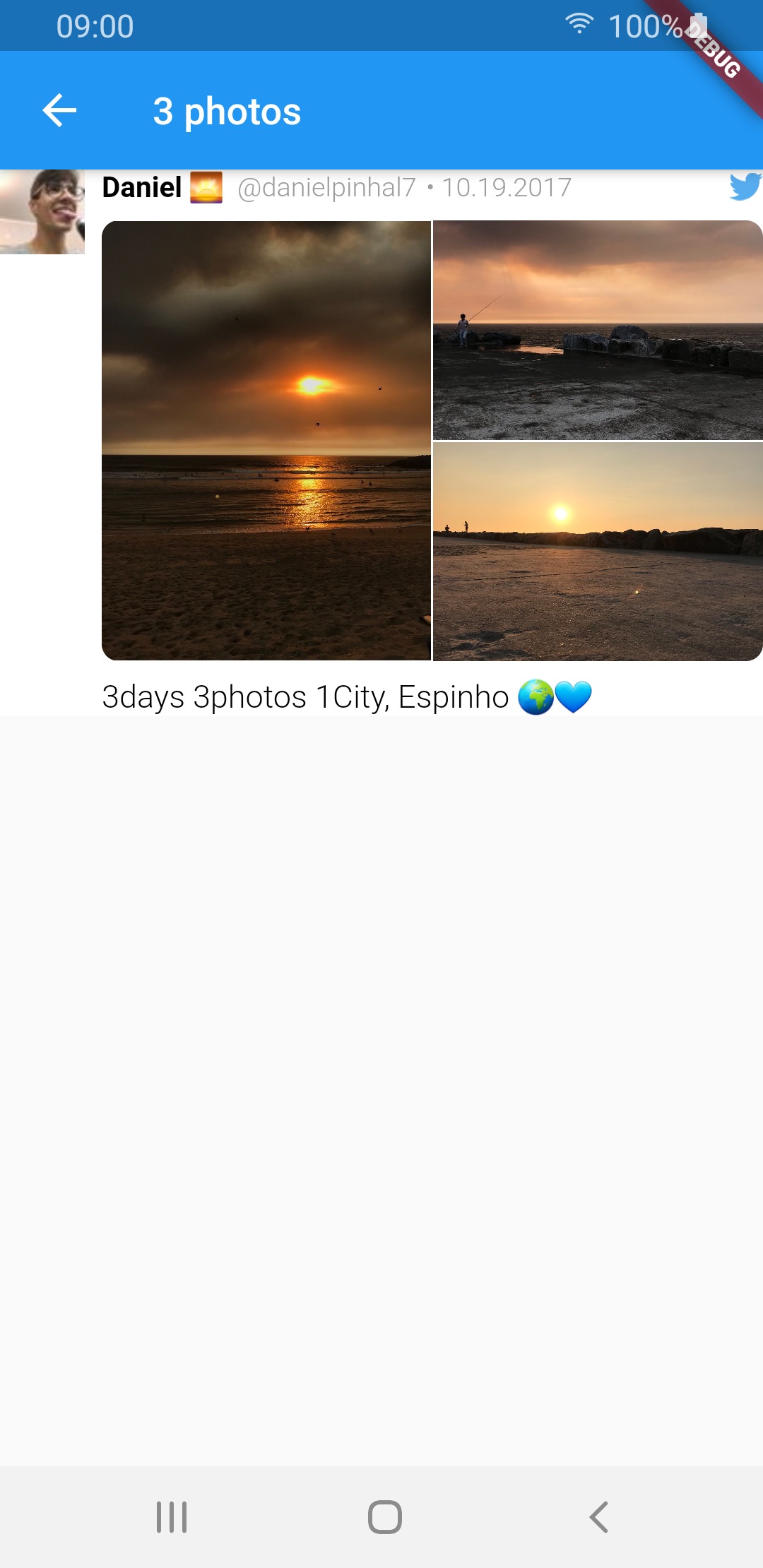
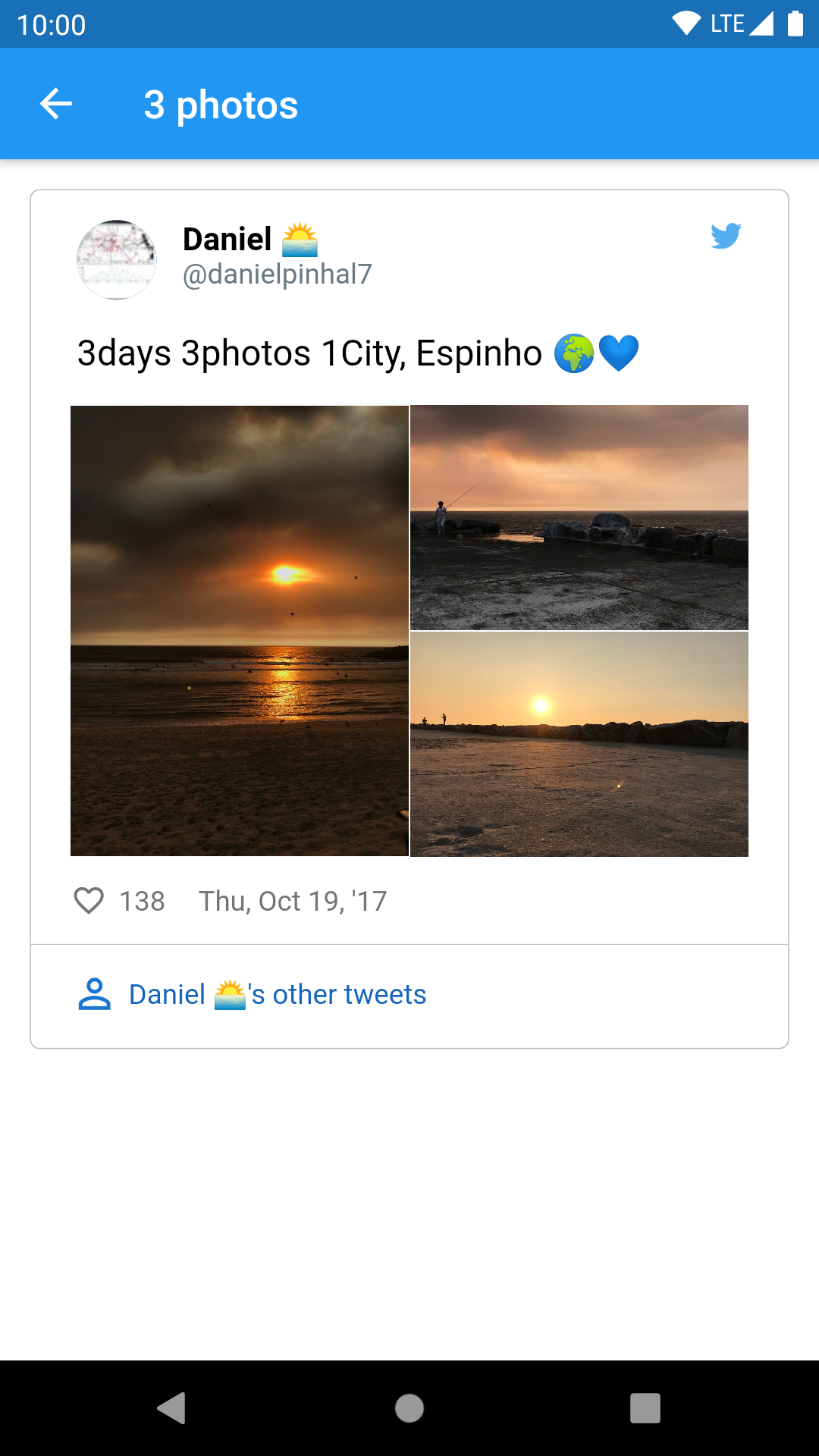
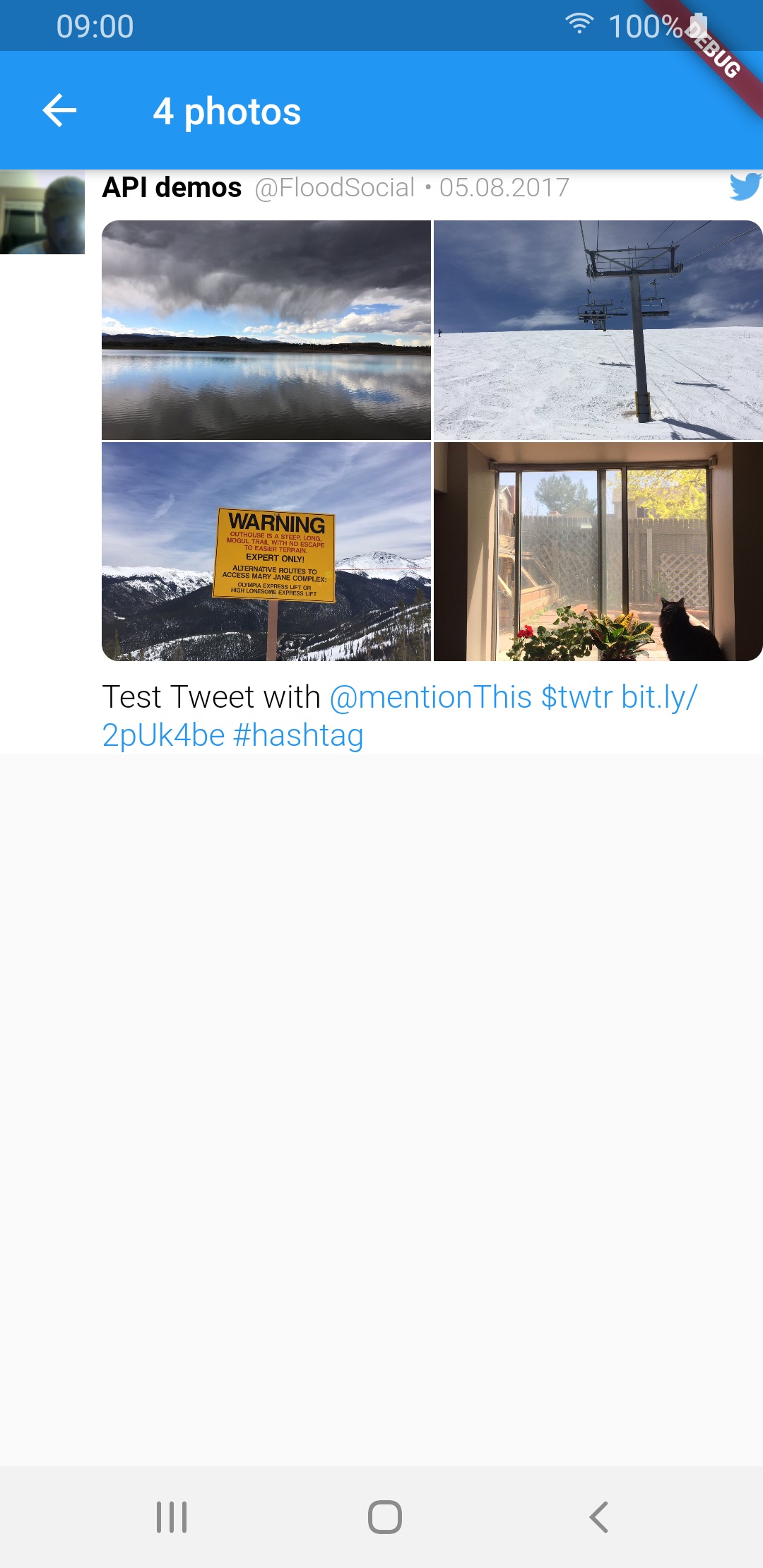
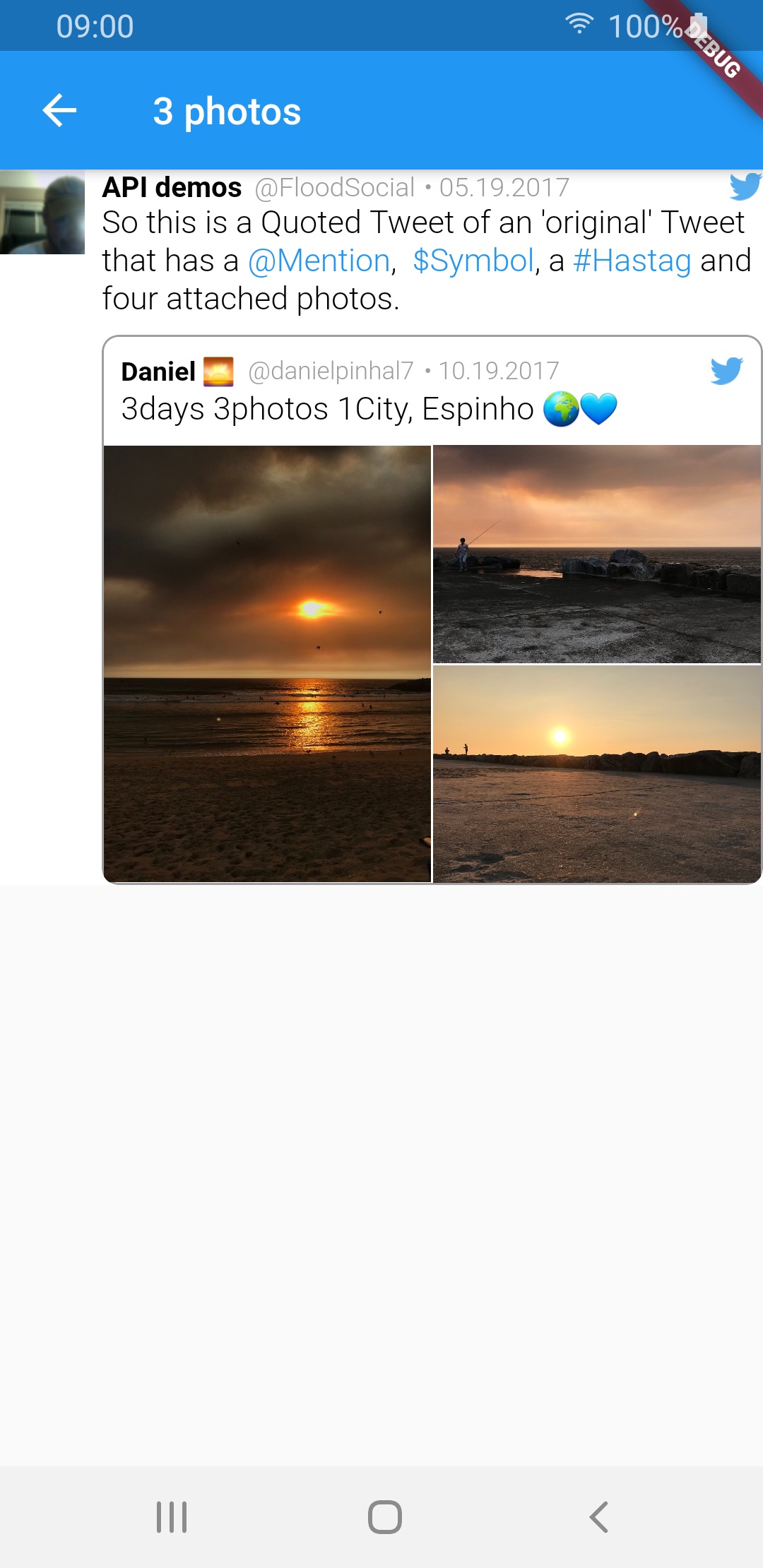
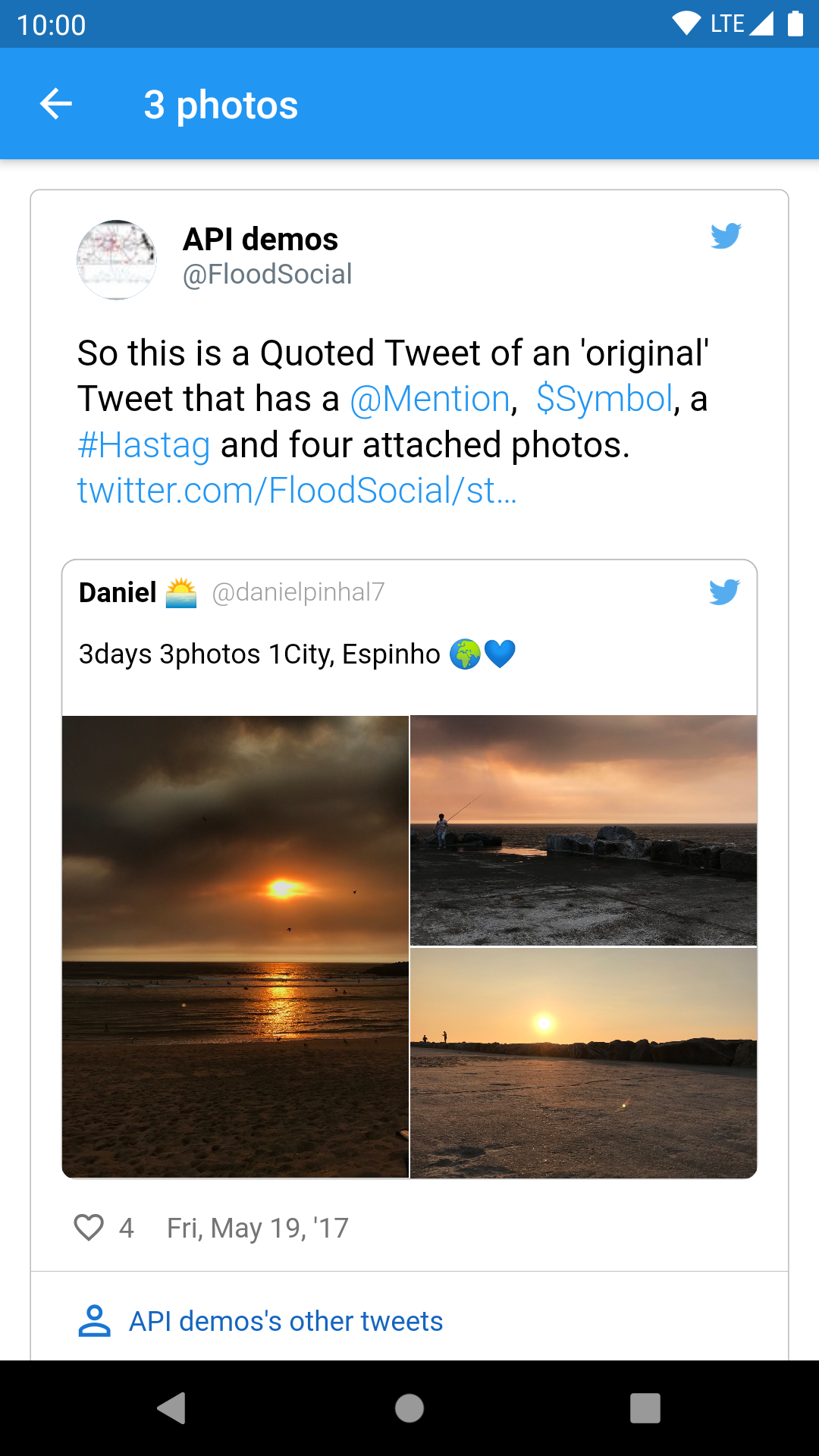
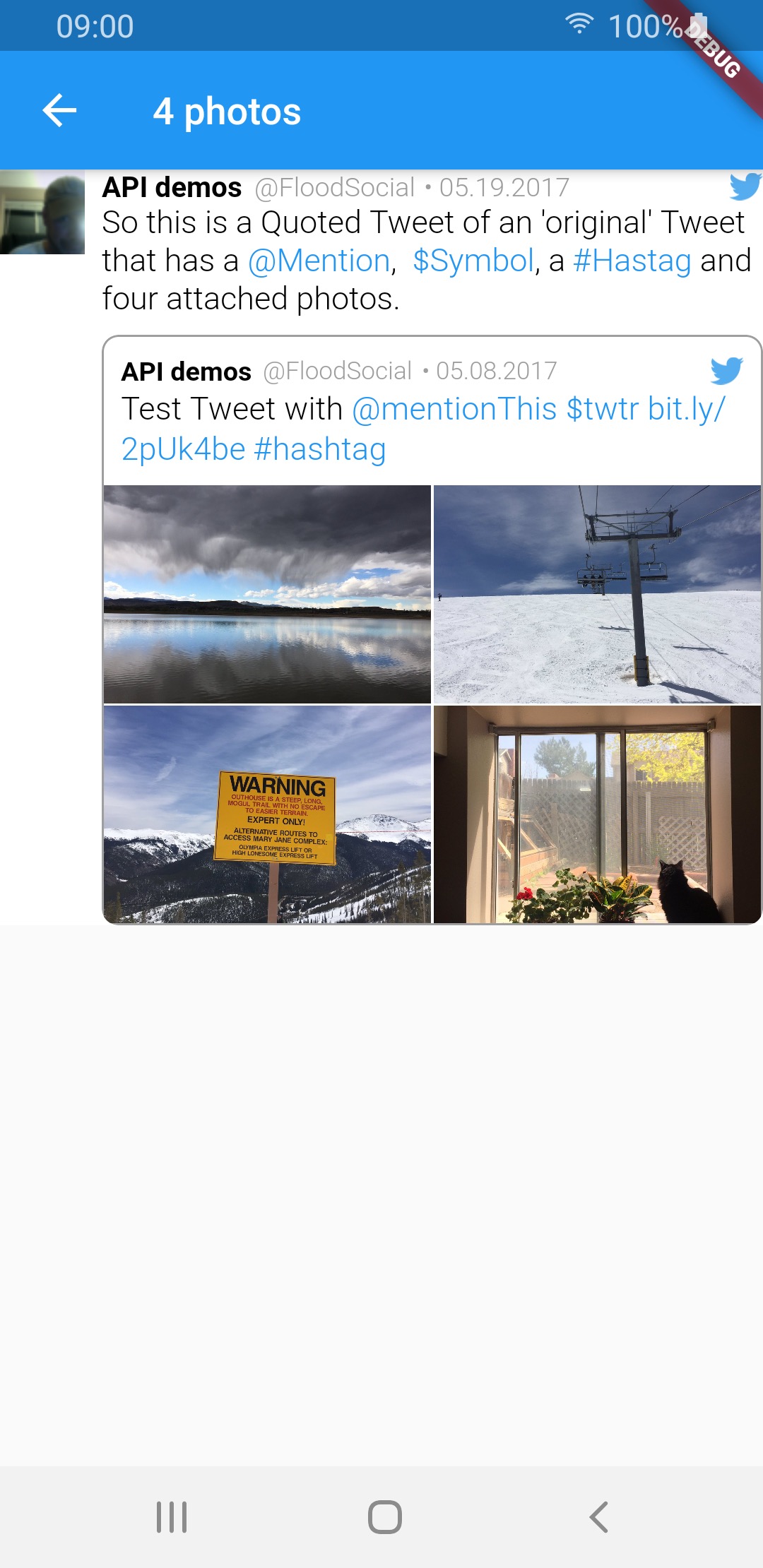
TweetView and CompactTweetView are more customisable, but EmbeddedTweetView looks more modern. Check the screenshots below.
In current version of twitter API (V2 as of 14.02.2022) it is not possible to get video url in tweet response. See the following links for more info:
All other video fields (like size or duration) are available in the response. This means that videos will not work for now.
| Media type | TweetView | CompactTweetView | EmbeddedTweetView |
|---|---|---|---|
| 1 photo | 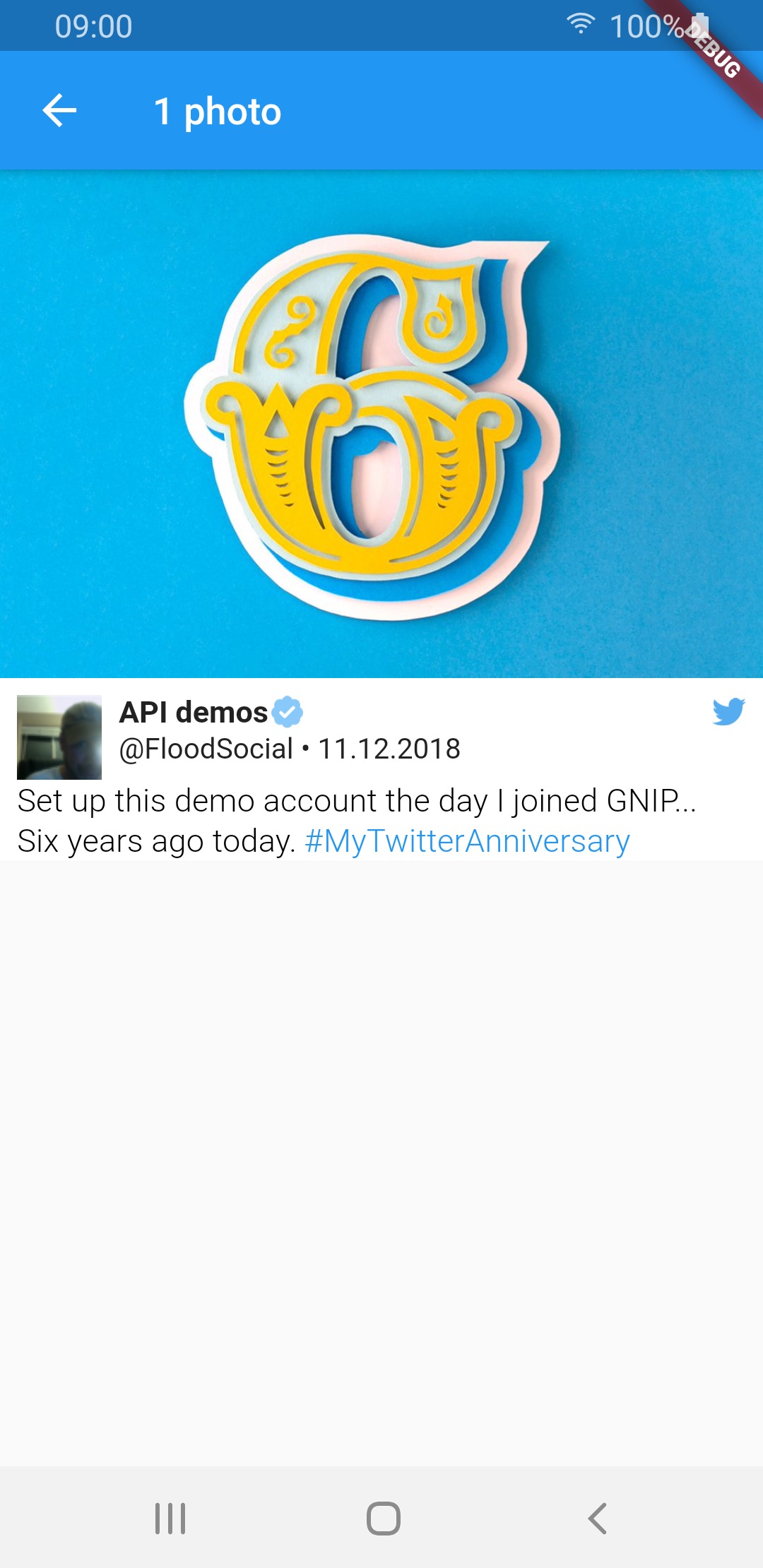 |
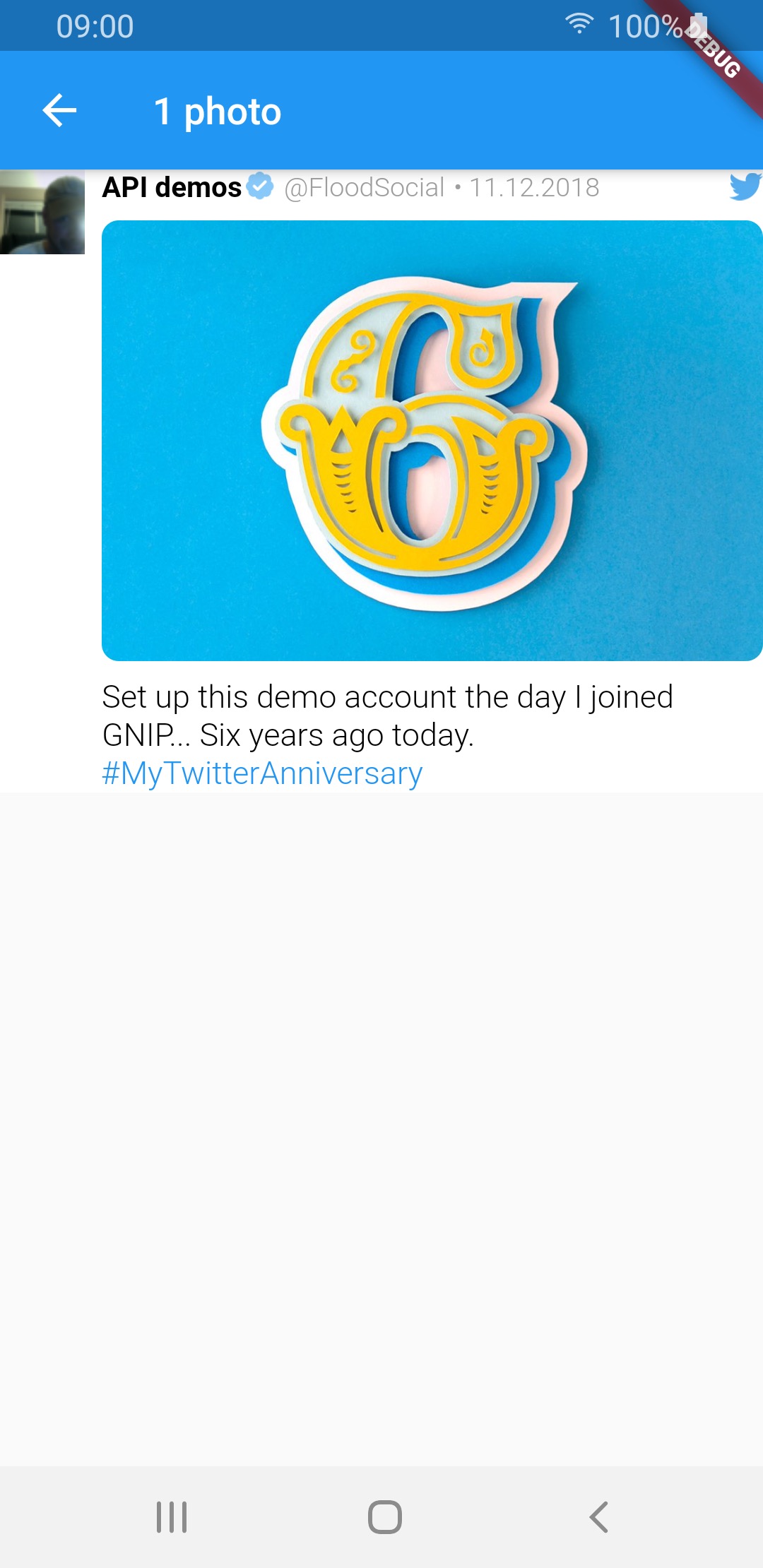 |
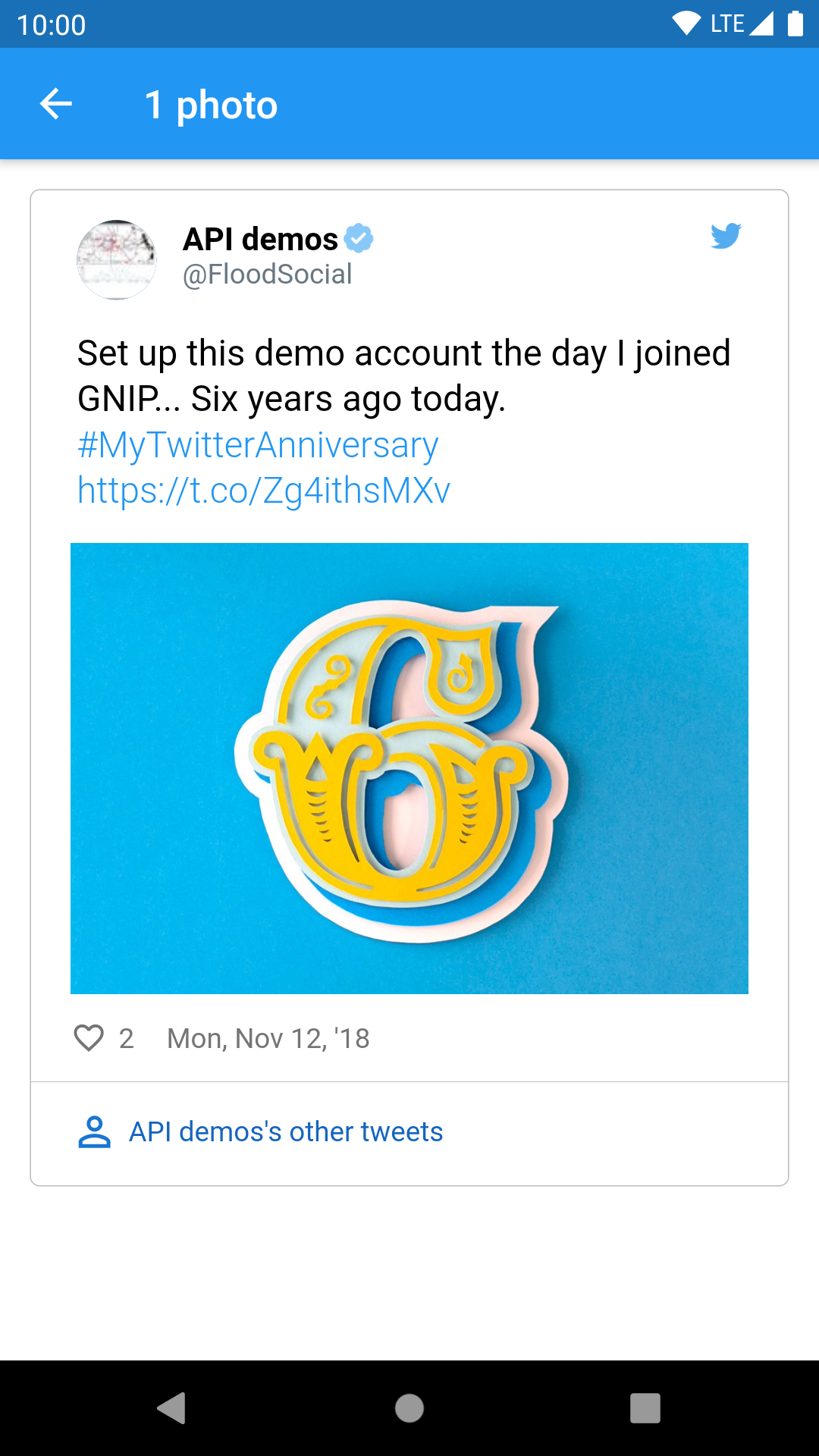 |
| 2 photos |  |
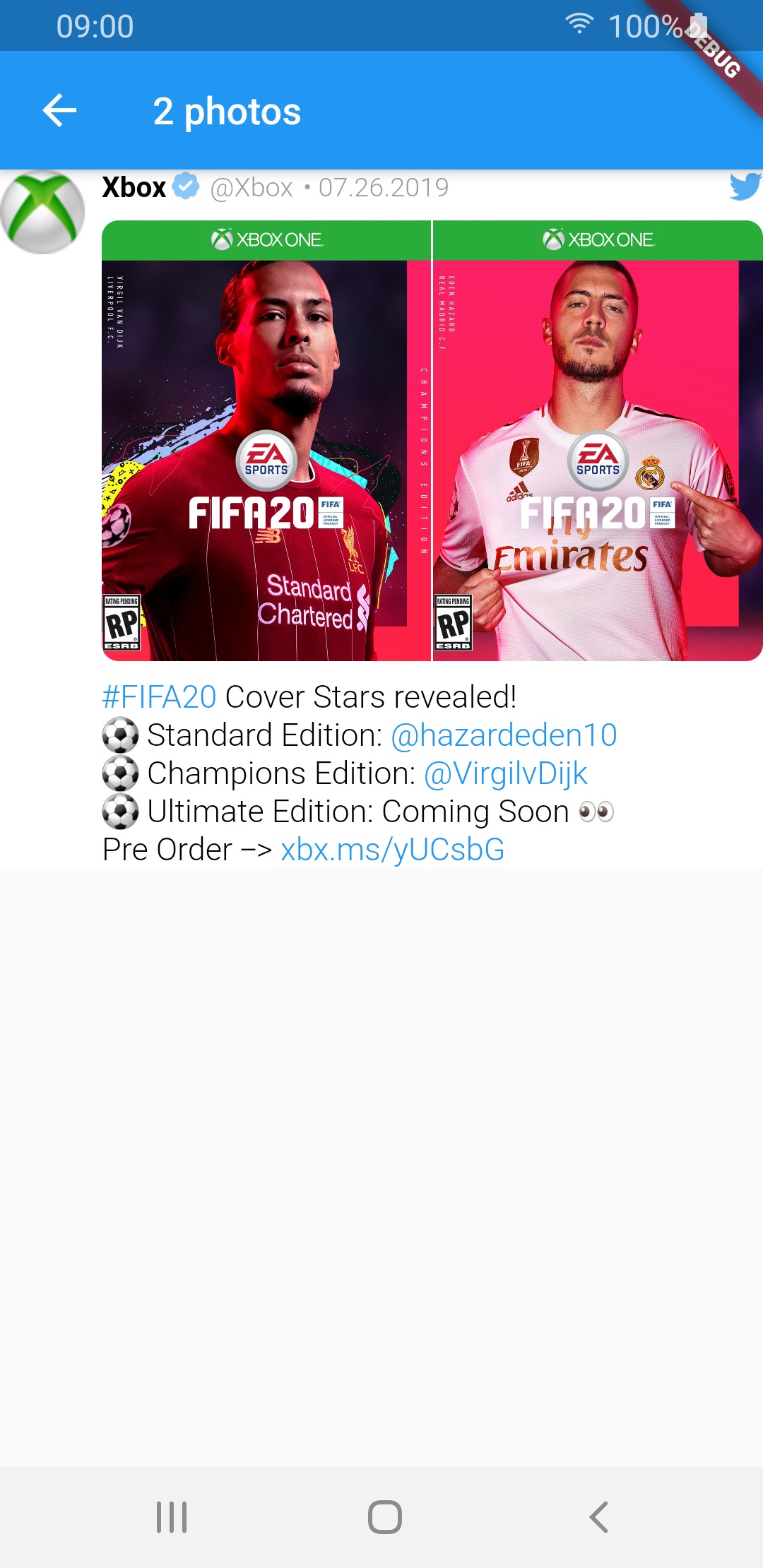 |
 |
| 3 photos | 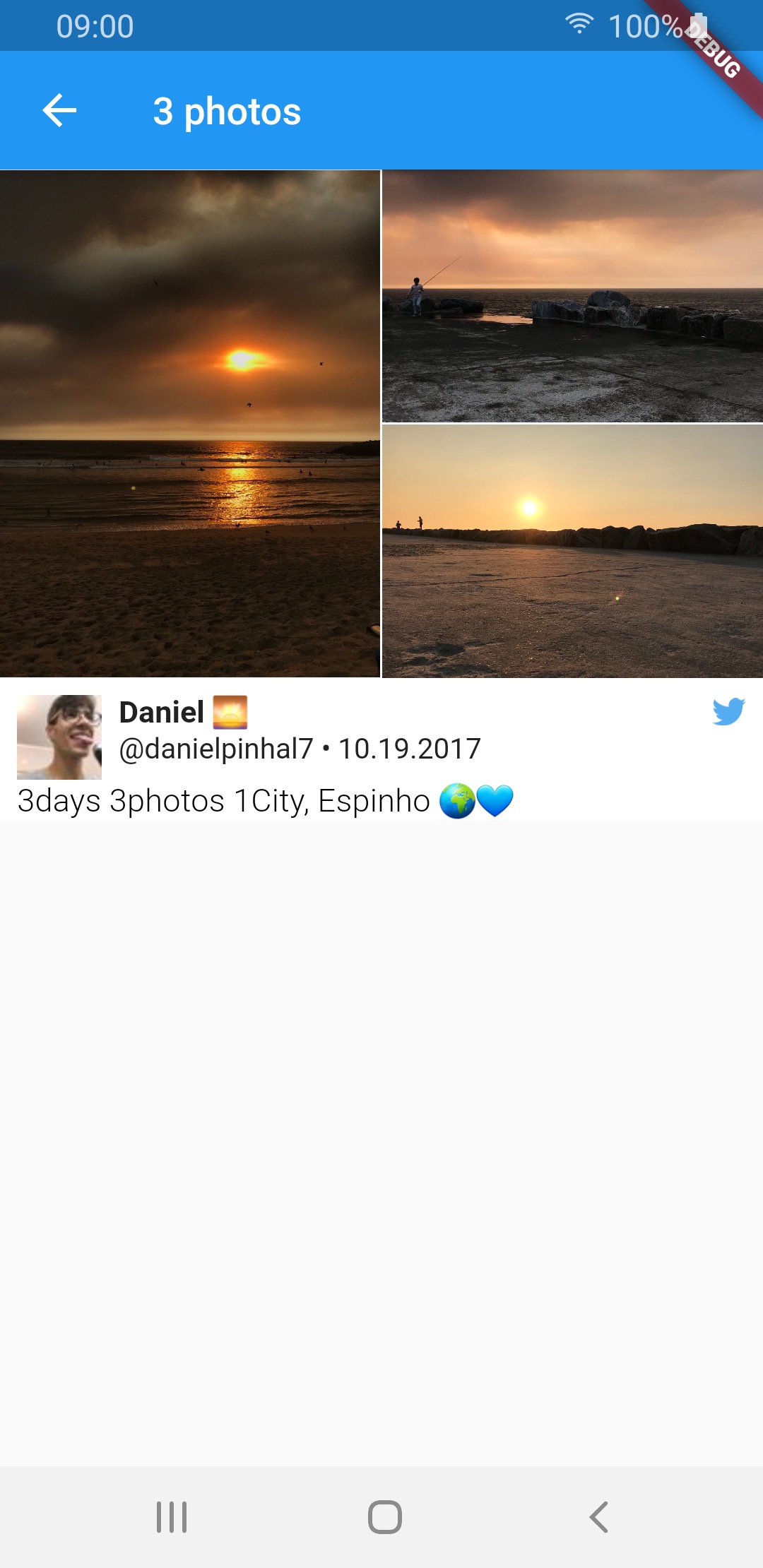 |
 |
 |
| 4 photos |  |
 |
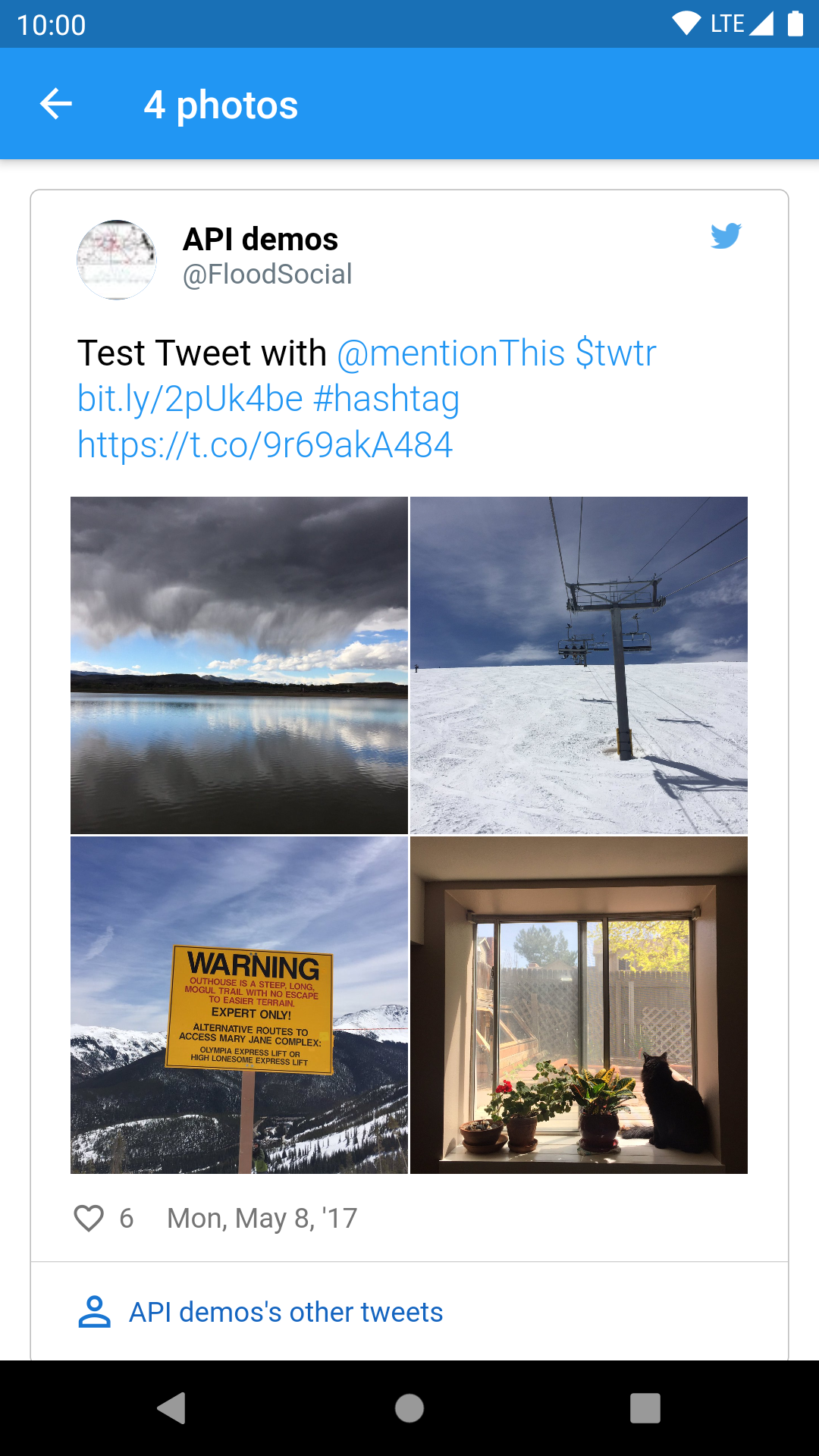 |
| video | 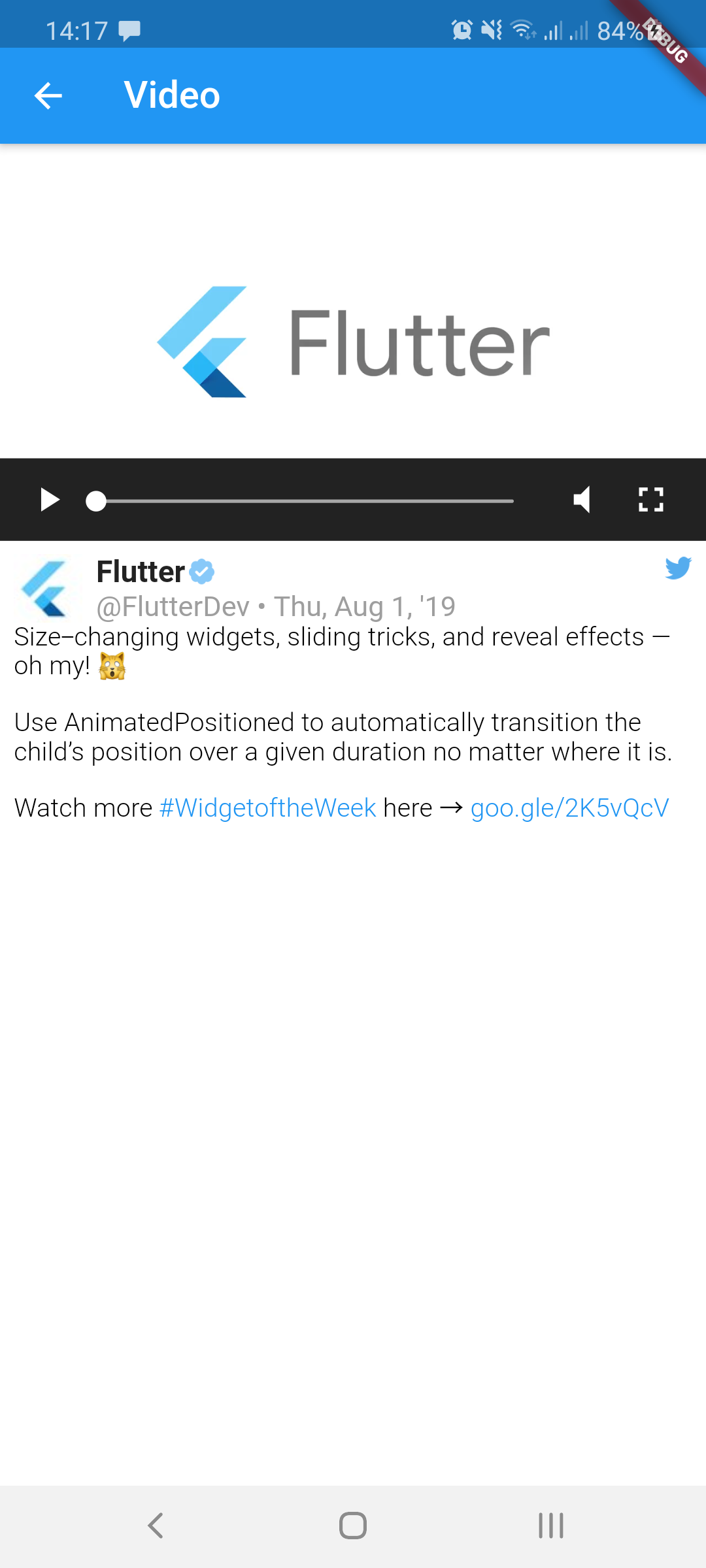 |
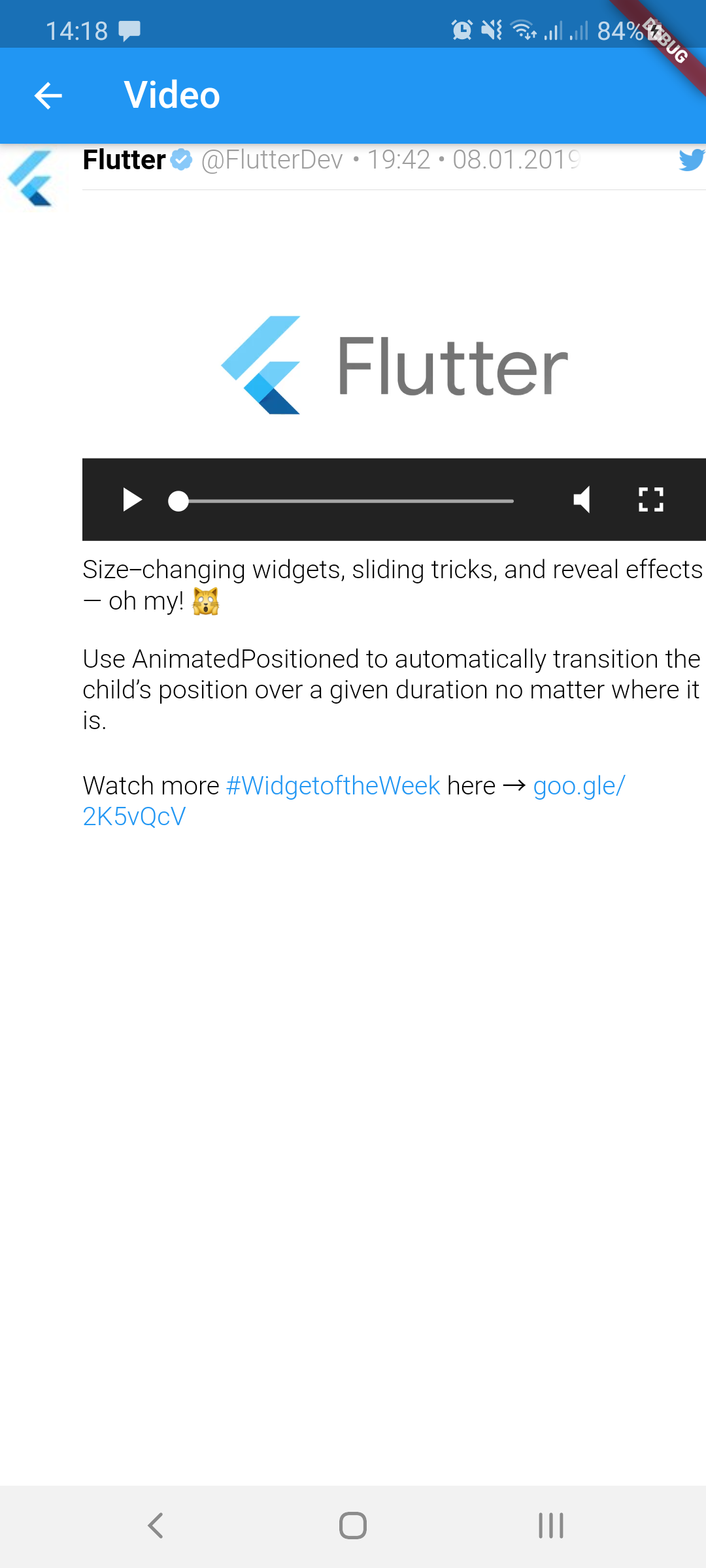 |
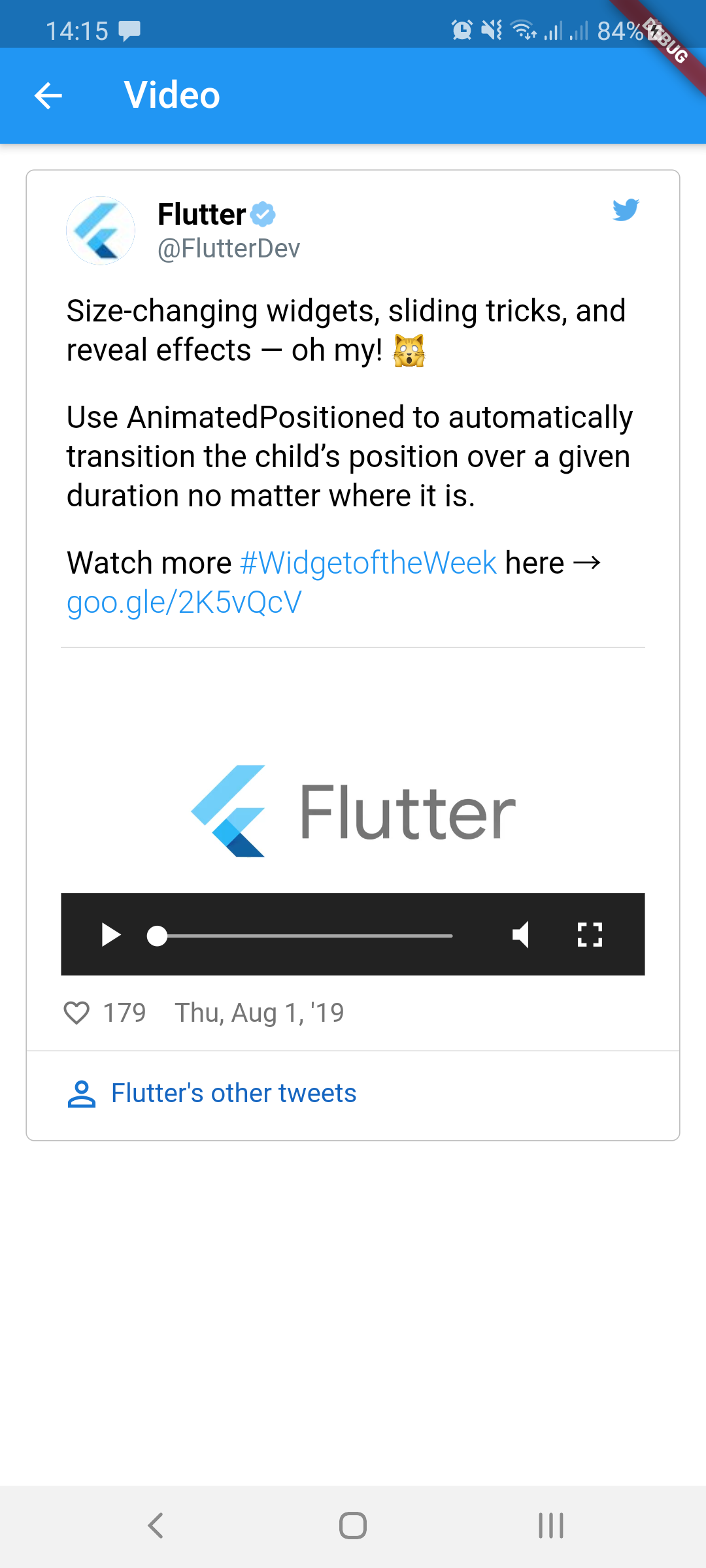 |
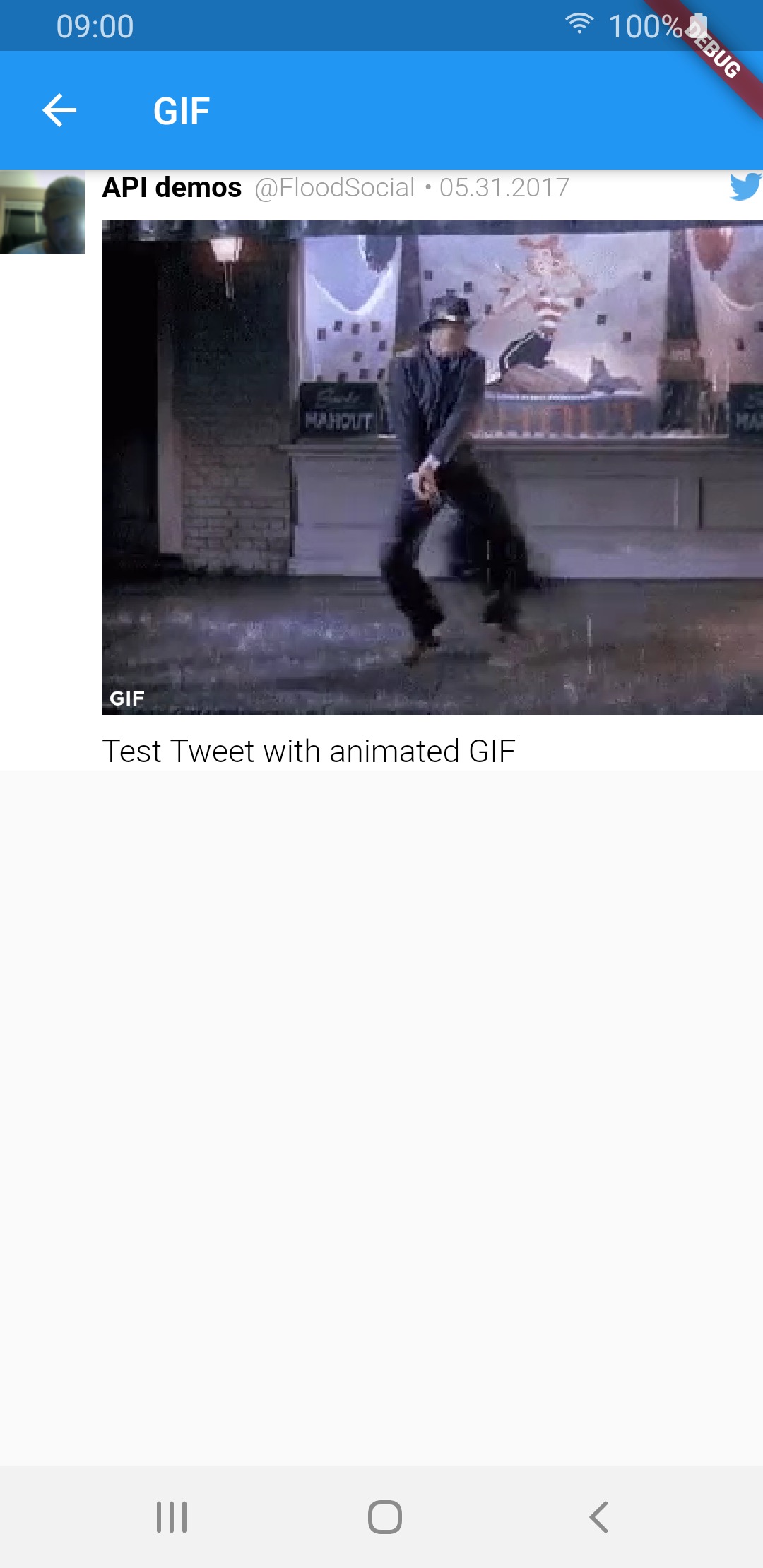
| GIF | 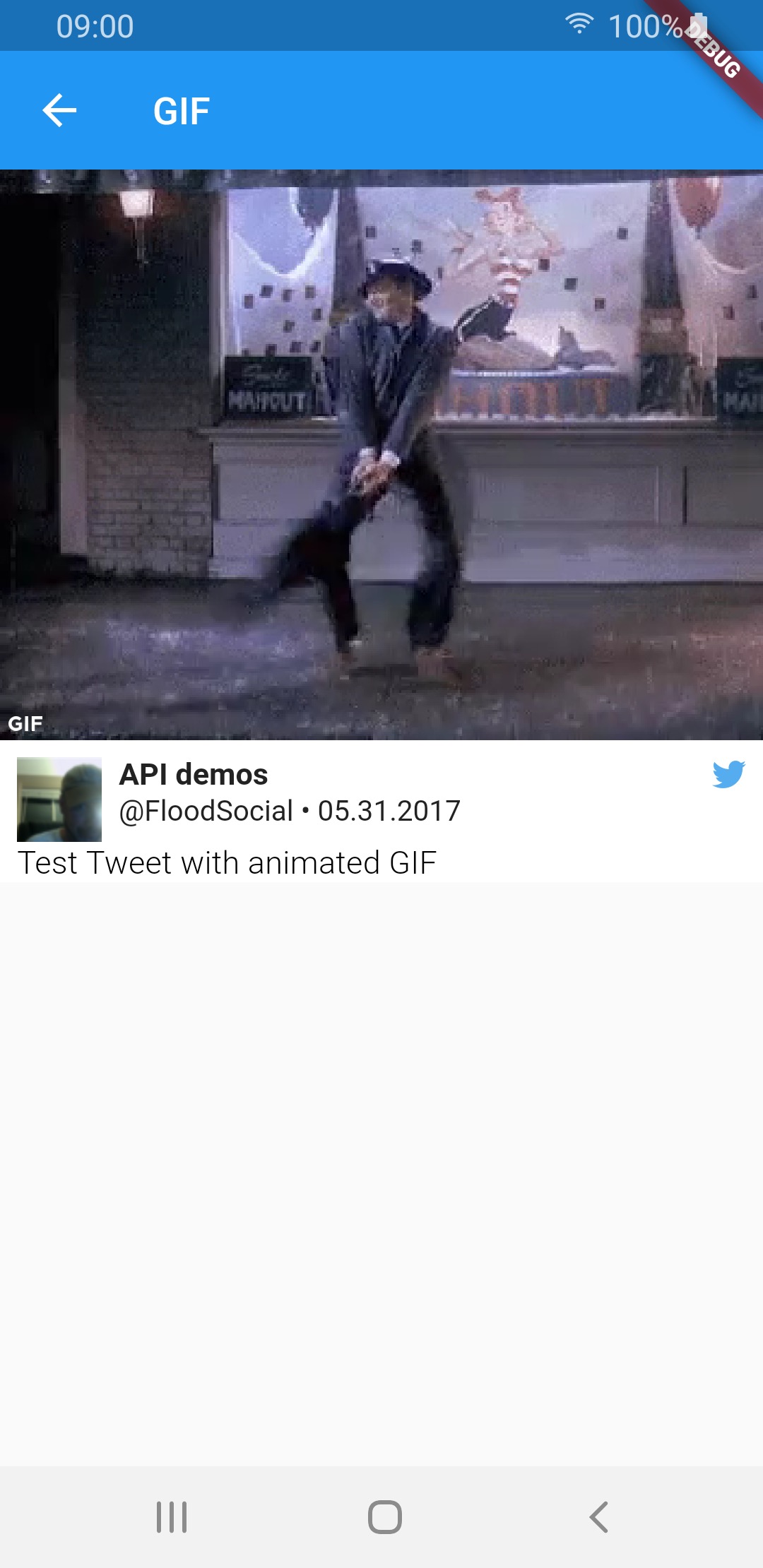 |
 |
 |
| Media type | TweetView | CompactTweetView | EmbeddedTweetView |
|---|---|---|---|
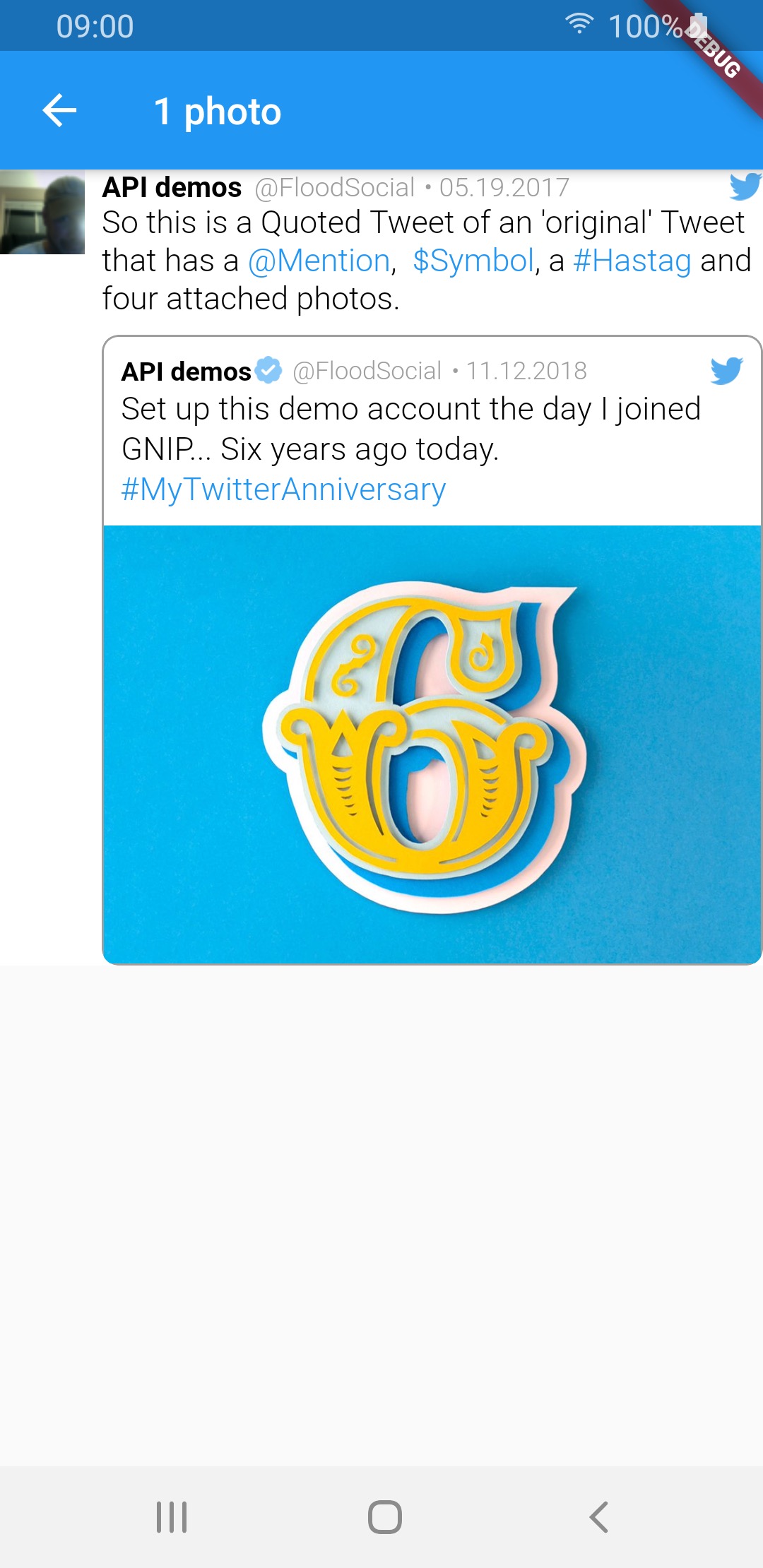
| 1 photo | 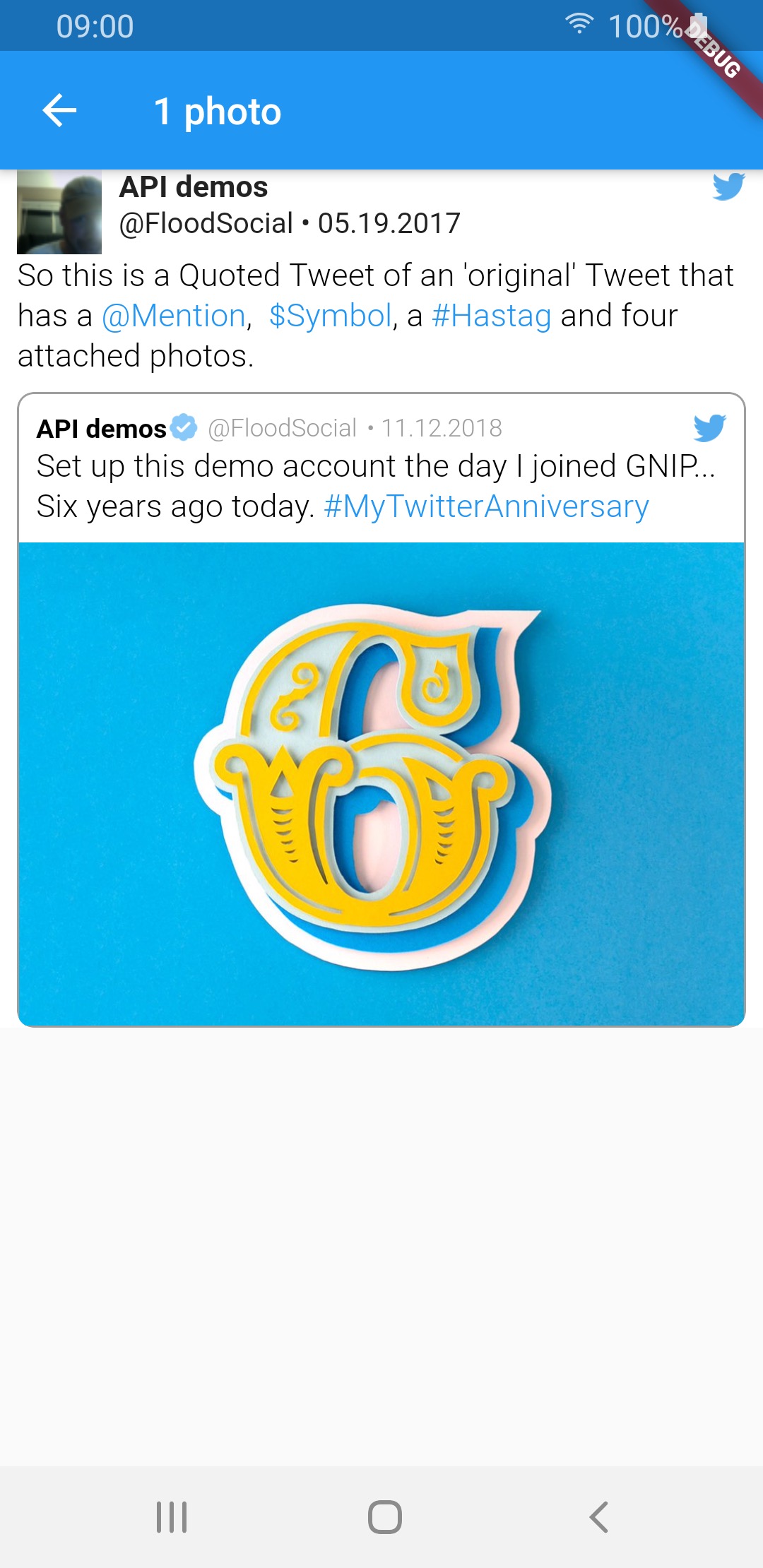 |
 |
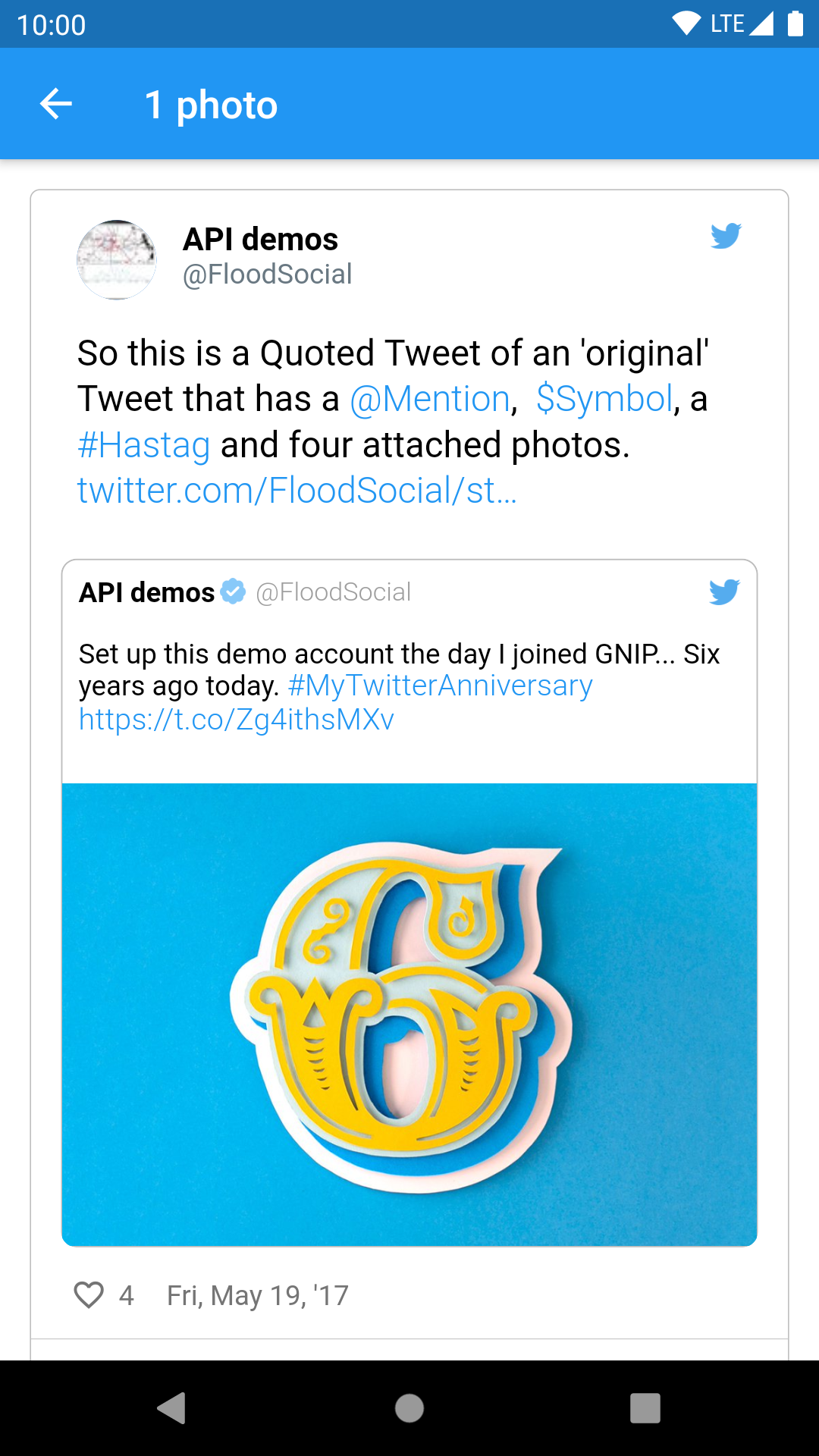 |
| 2 photos | 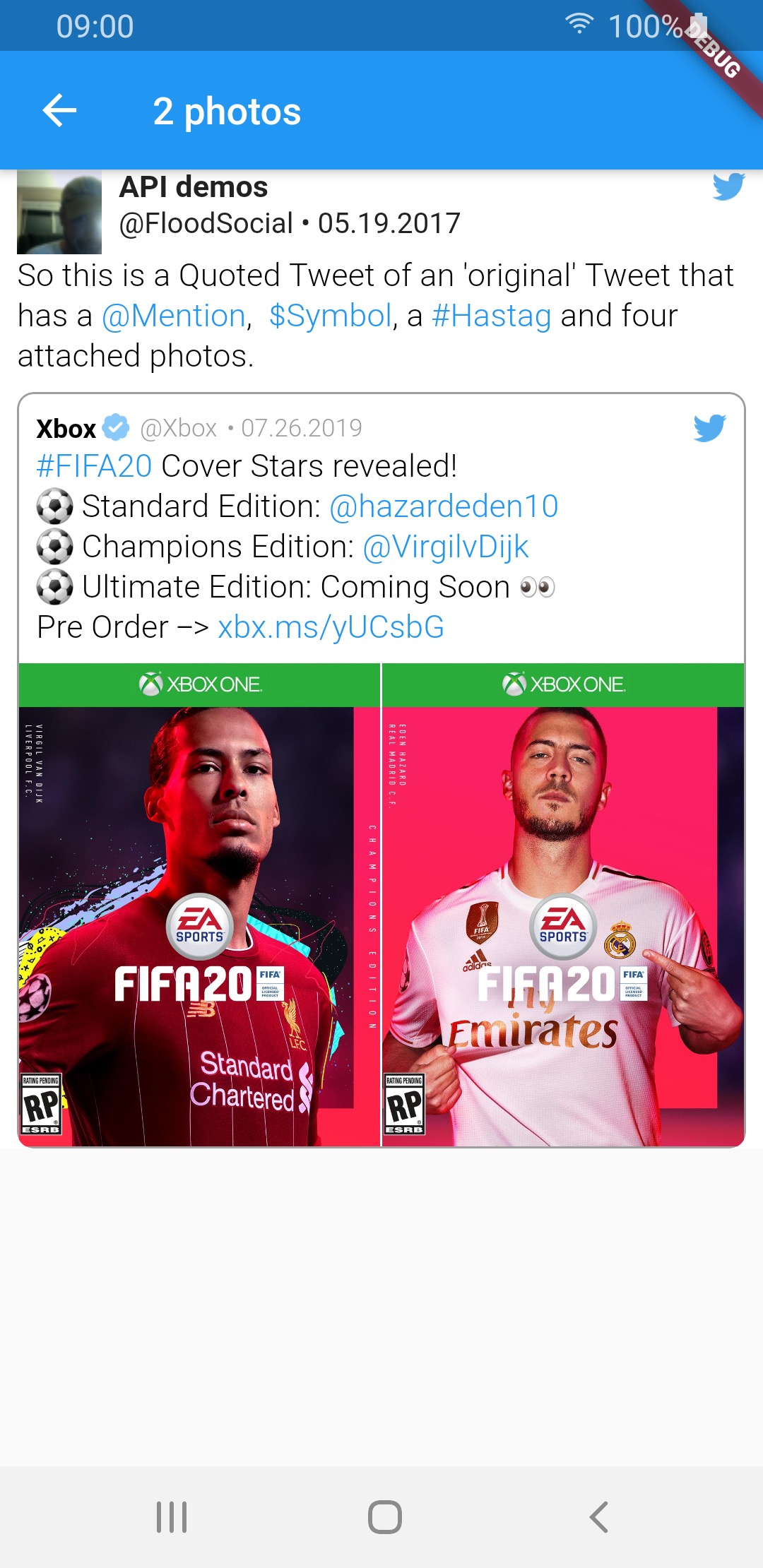 |
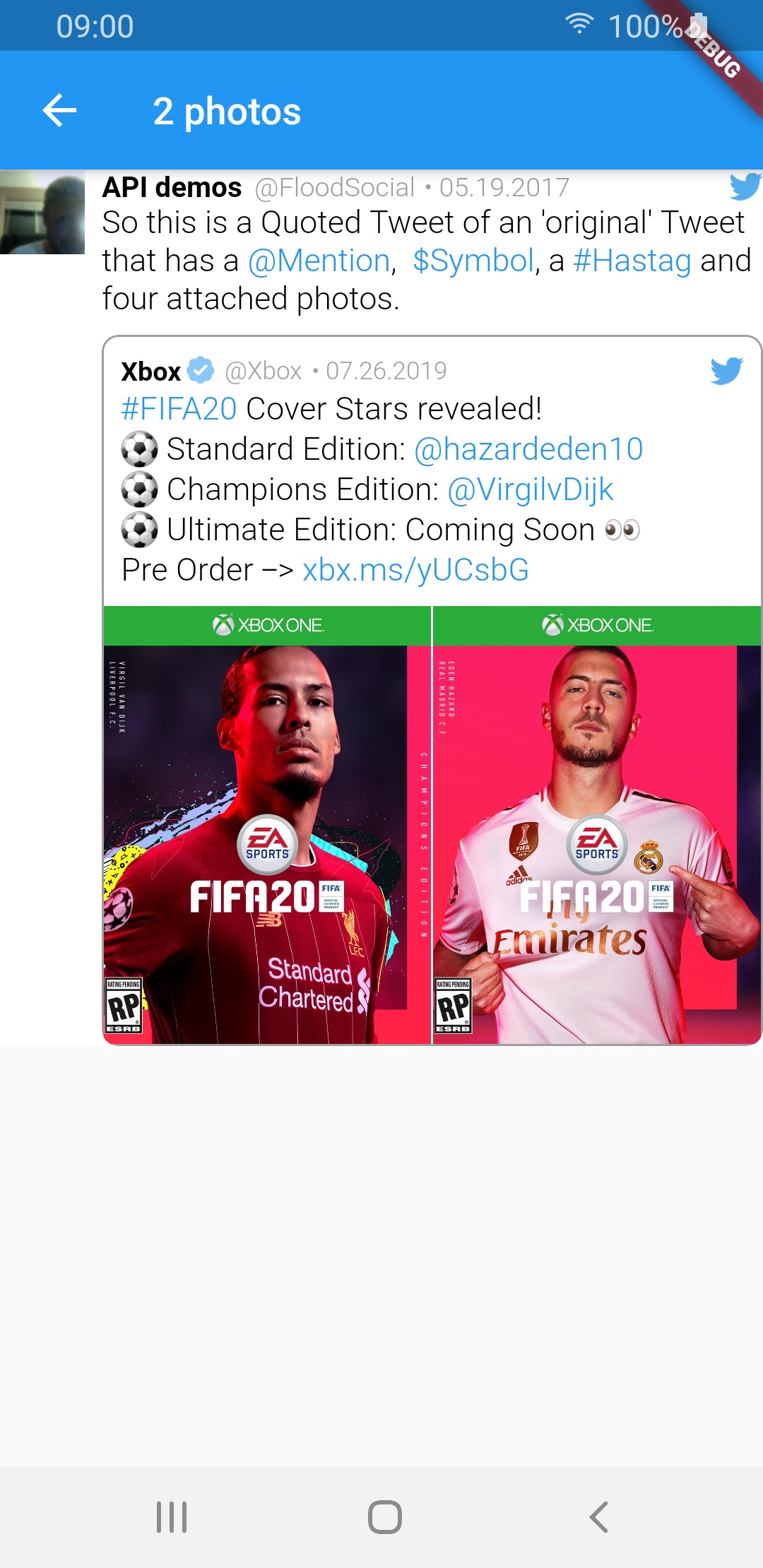 |
 |
| 3 photos | 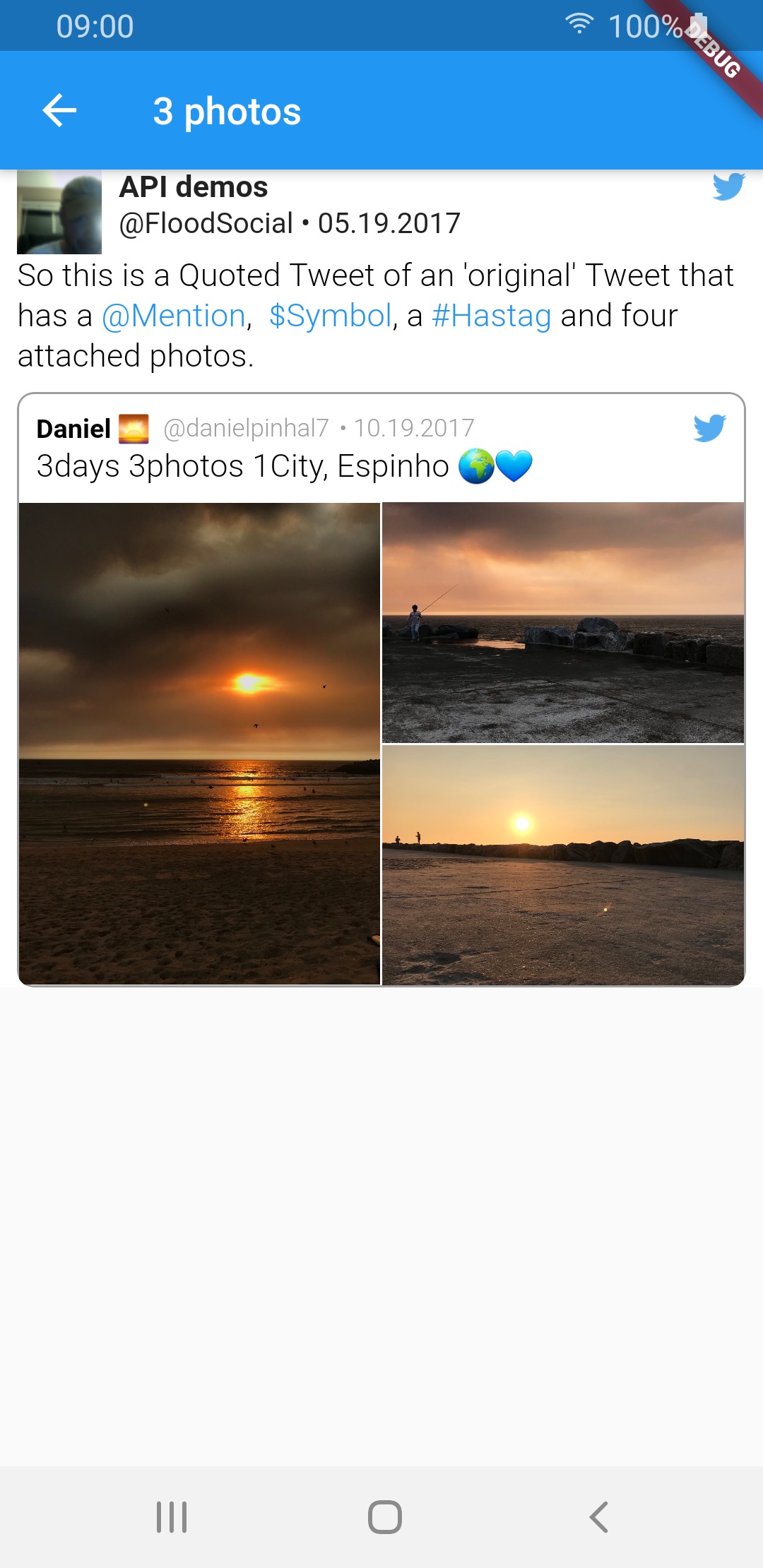 |
 |
 |
| 4 photos | 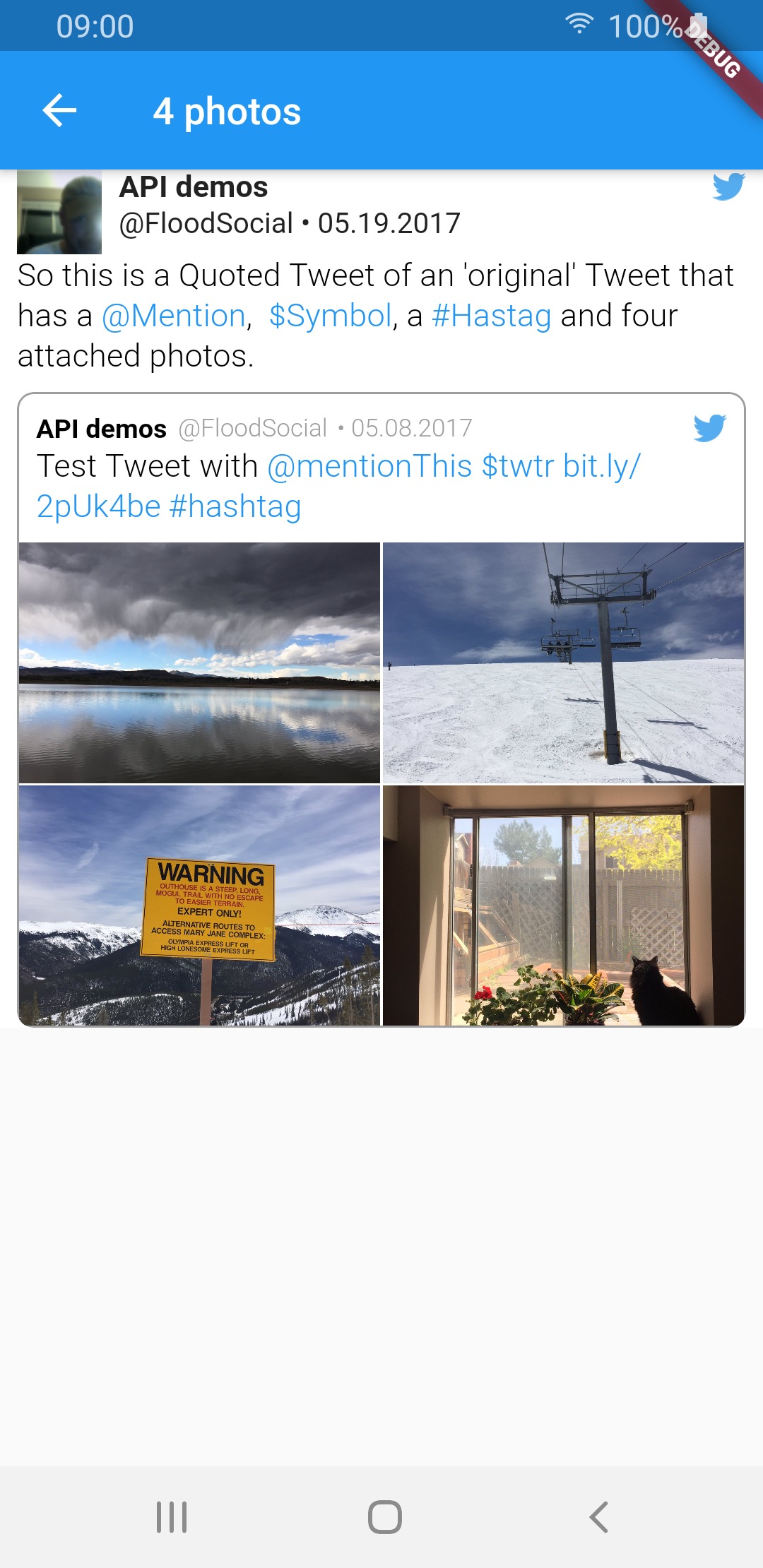 |
 |
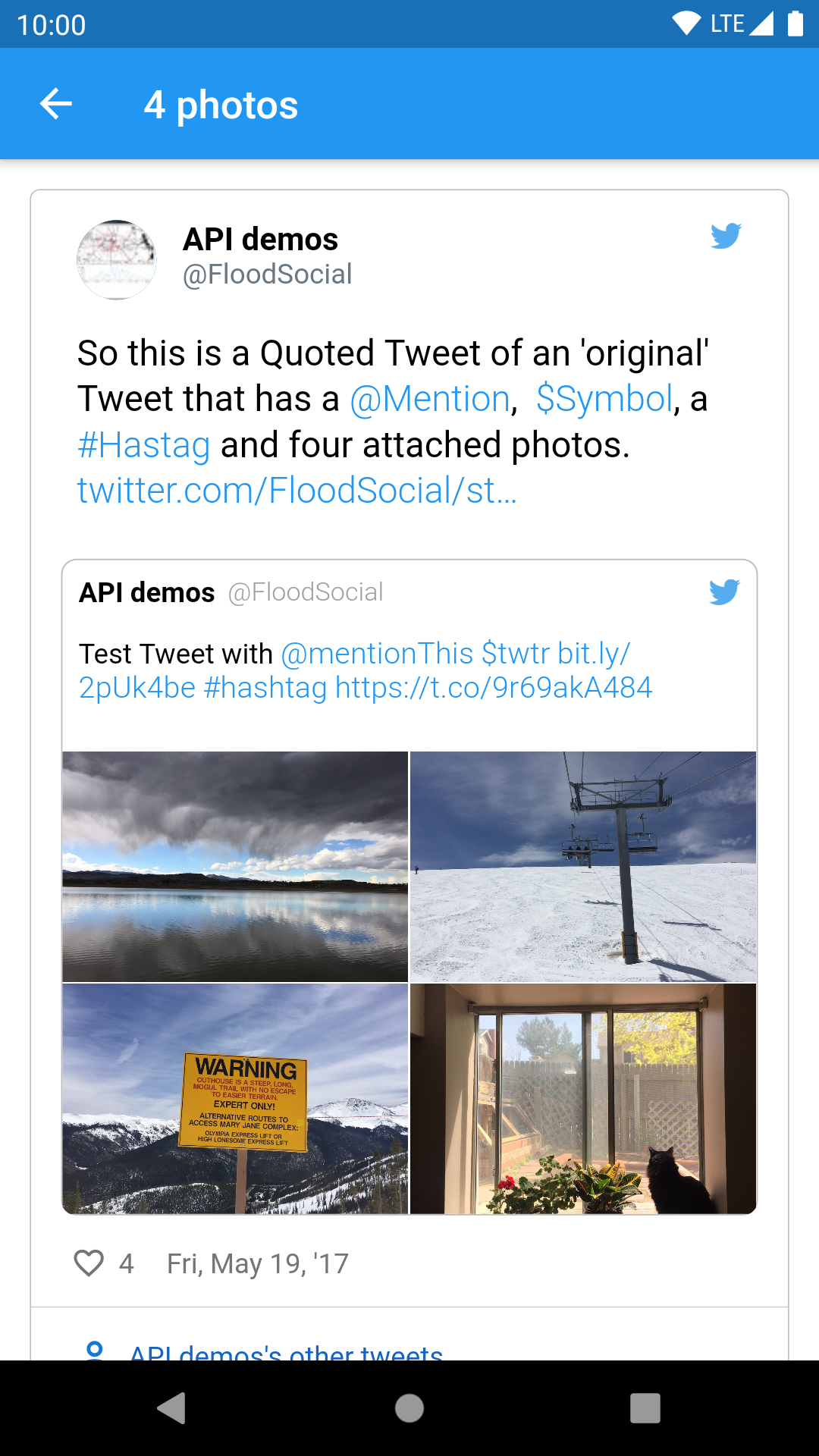 |
| video | 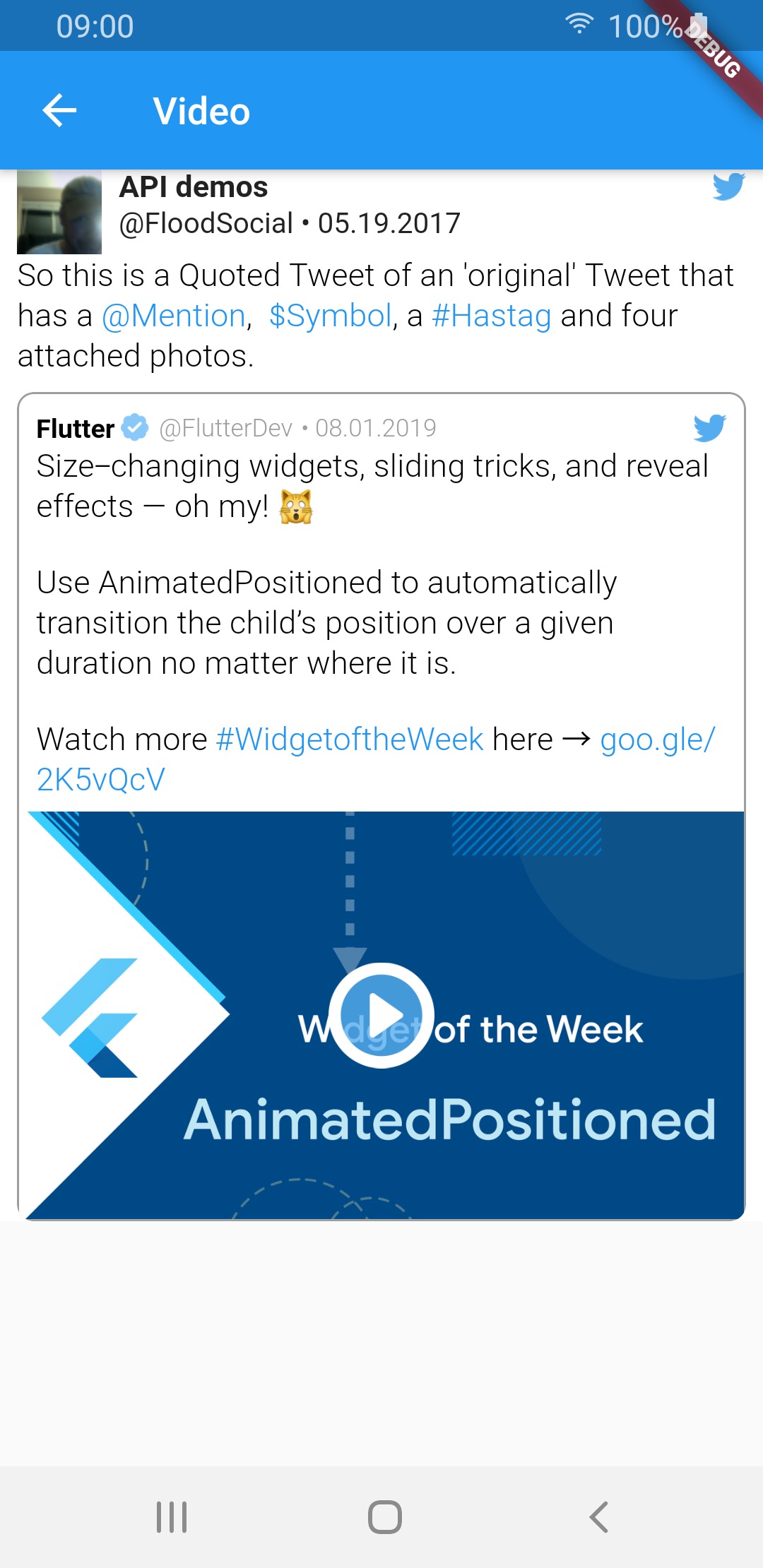 |
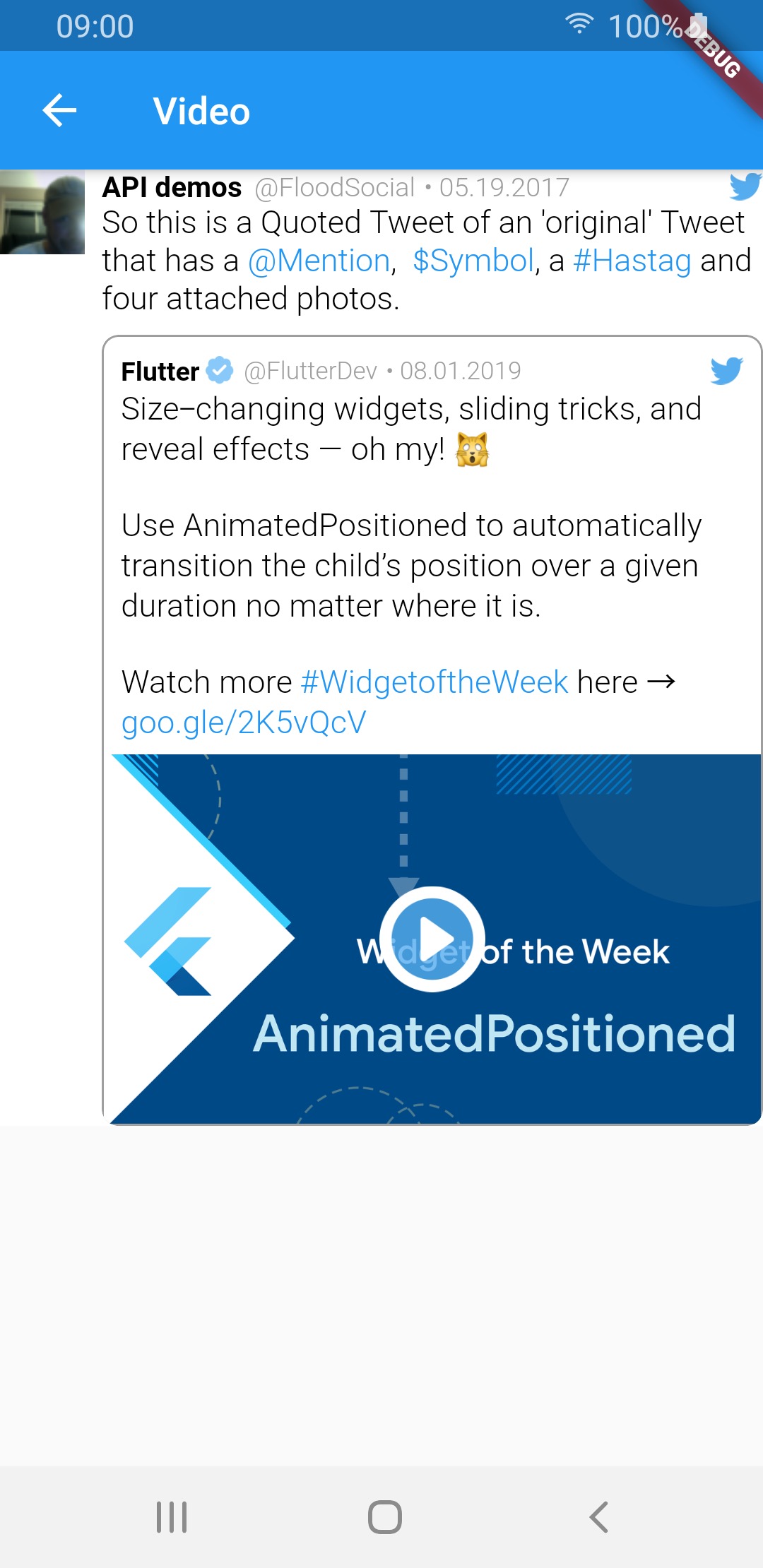 |
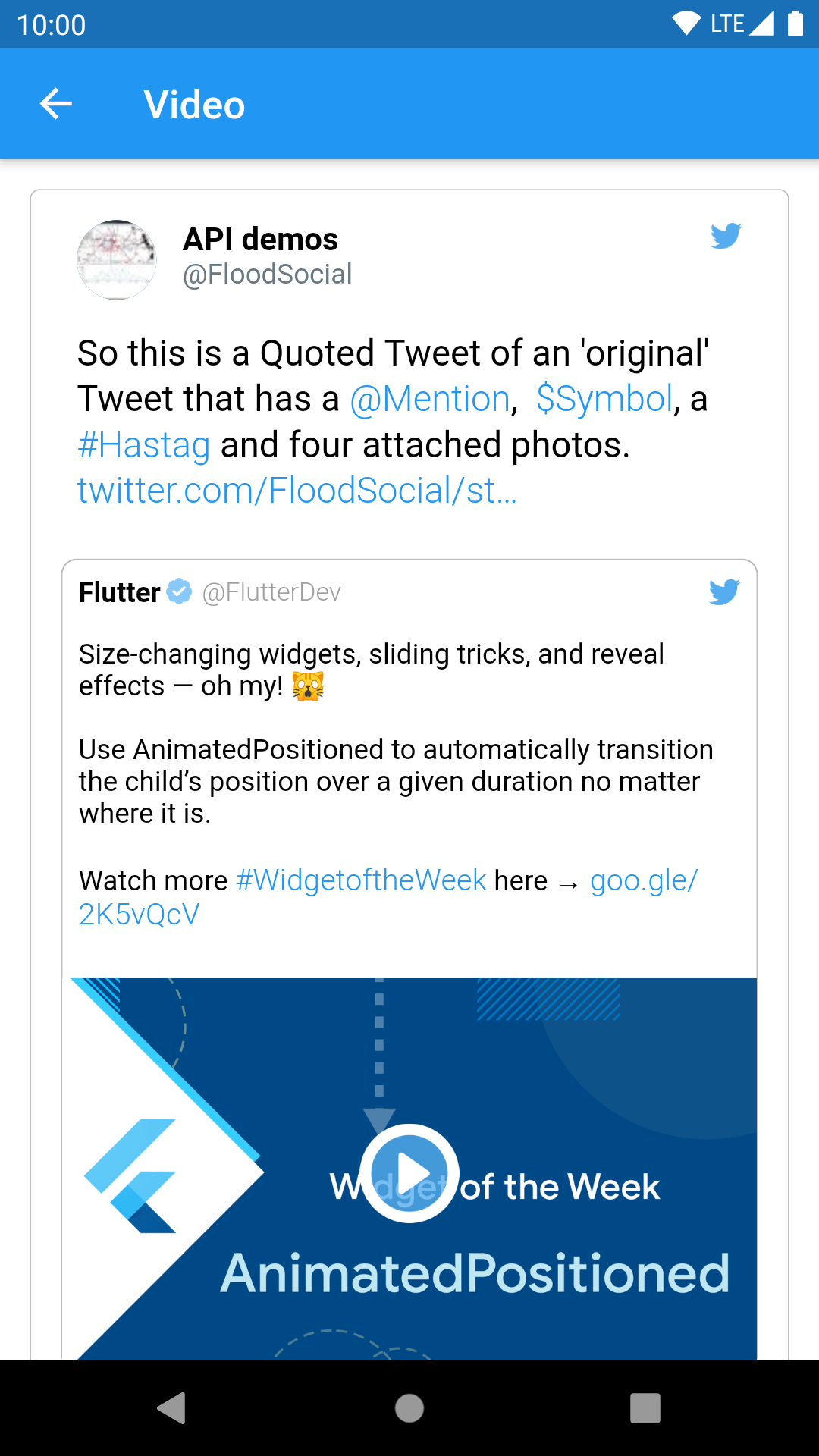 |
| GIF | 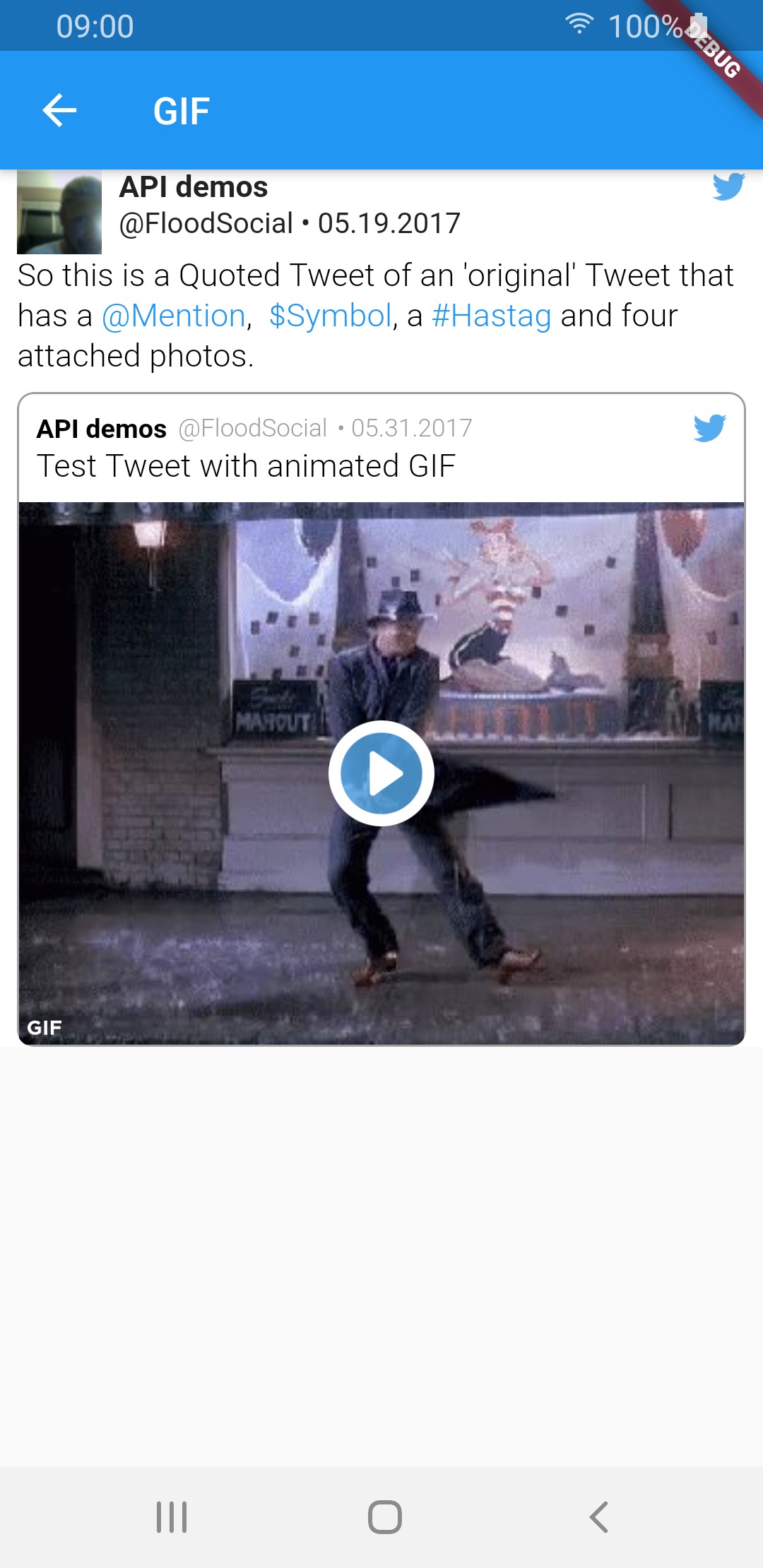 |
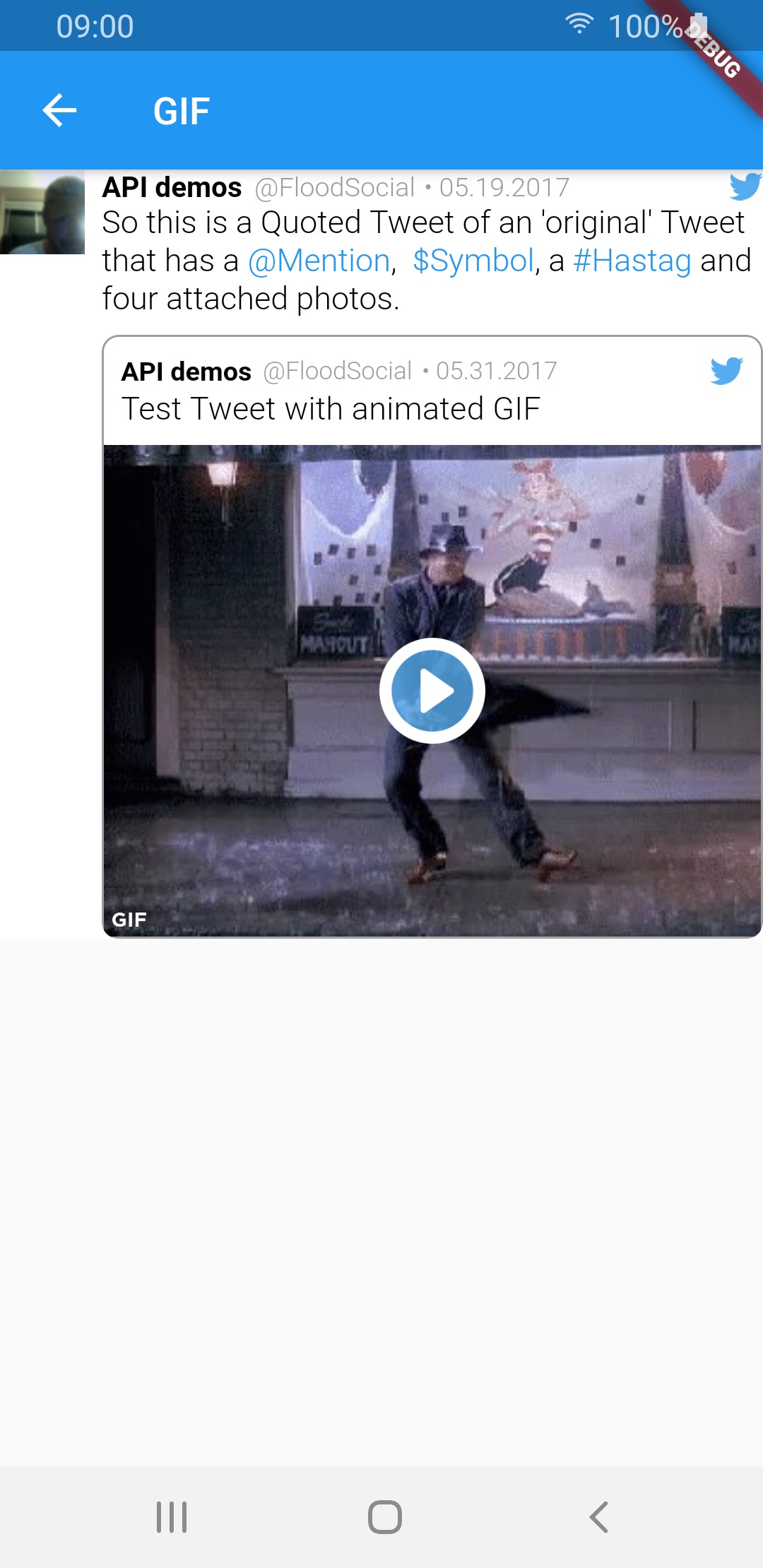 |
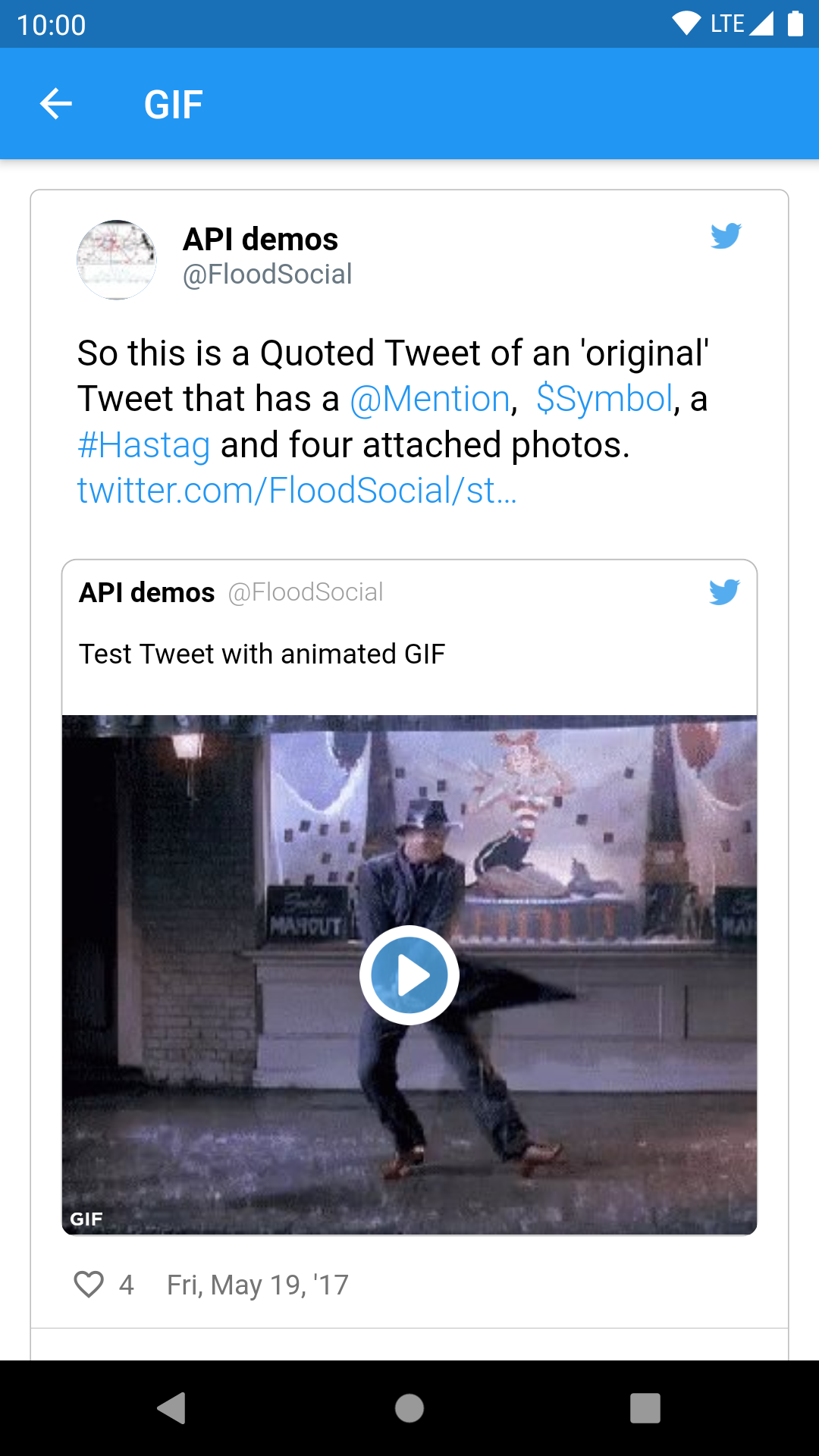 |
Sample tweets use real-life tweet ids but for example purposes, their content was changed.
依赖清单 13 项
{"sdk":"flutter"}^3.2.0^1.15.0^0.17.0^0.0.81^0.14.0^6.0.20^2.0.0^4.4.0^0.13.0^2.1.8^6.1.5{"sdk":"flutter"}先按使用场景筛选,再比较项目活跃情况,最后到原始仓库核对使用要求。
“A repository is the most basic element of GitHub.”
GitHub Docs — About repositories ↗