

 v2.5.0
scratcher
刮奖卡小部件,可暂时隐藏用户内容。
501喜欢 1.5万近 30 天下载140Pub 分数
AndroidiOSWebmacOSWindowsLinux
刮奖卡小部件,可暂时隐藏用户内容。

以下为英文项目原文快照,最新内容请访问 GitHub。
Scratch card widget which temporarily hides content from the user.

pubspec.yaml:dependencies:
scratcher: "^2.5.0"
flutter pub get or through code editor.import 'package:scratcher/scratcher.dart';
Scratcher(
  brushSize: 30,
  threshold: 50,
  color: Colors.red,
  onChange: (value) => print("Scratch progress: $value%"),
  onThreshold: () => print("Threshold reached, you won!"),
  child: Container(
    height: 300,
    width: 300,
    color: Colors.blue,
  ),
)
| Property | Type | Description |
|---|---|---|
| child | Widget | Widget rendered under the scratch area. |
| enabled | bool | Whether new scratches can be applied. |
| threshold | double | Percentage level of scratch area which should be revealed to complete. |
| brushSize | double | Size of the brush. The bigger it is the faster user can scratch the card. |
| accuracy | ScratchAccuracy | Determines how accurate the progress should be reported. Lower accuracy means higher performance. |
| color | Color | Color used to cover the child widget. |
| image | Image | Image widget used to cover the child widget. |
| rebuildOnResize | bool | Determines if the scratcher should rebuild itself when space constraints change (resize). |
| onChange | Function | Callback called when new part of area is revealed (min 0.1% difference). |
| onThreshold | Function | Callback called when threshold is reached (only when defined). |
| onScratchStart | Function | Callback called when scratching starts. |
| onScratchUpdate | Function | Callback called during scratching. |
| onScratchEnd | Function | Callback called when scratching ends. |
You can control the Scratcher programmatically by assigning the GlobalKey to the widget.
final scratchKey = GlobalKey<ScratcherState>();

Scratcher(
  key: scratchKey,
  // remaining properties
)
After assigning the key, you can call any exposed methods e.g.:
RaisedButton(
  child: const Text('Reset'),
  onPressed: () {
    scratchKey.currentState.reset(duration: Duration(milliseconds: 2000));
  },
);
| Method | Description |
|---|---|
| reset | Resets the scratcher state to the initial values. |
| reveal | Reveals the whole scratcher, so than only original child is displayed. |
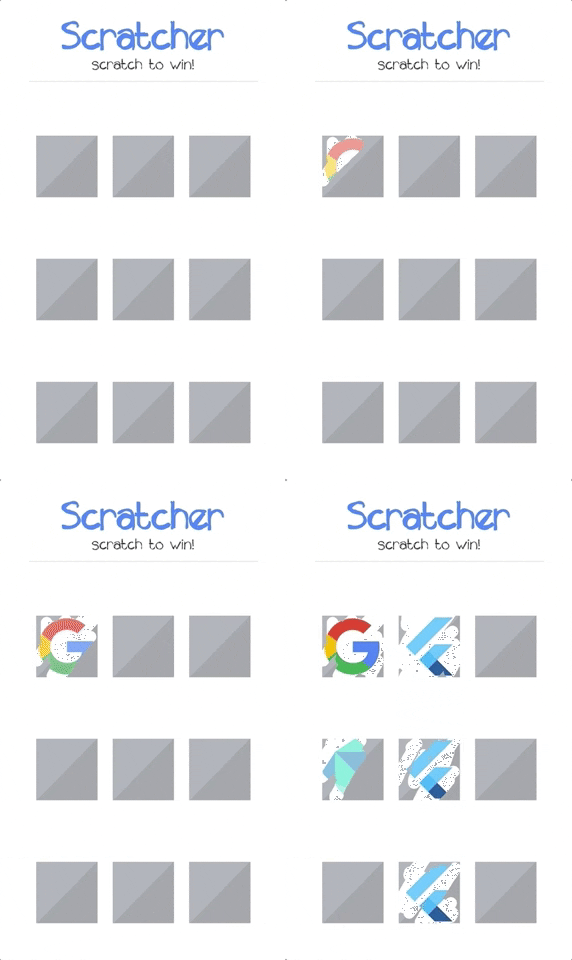
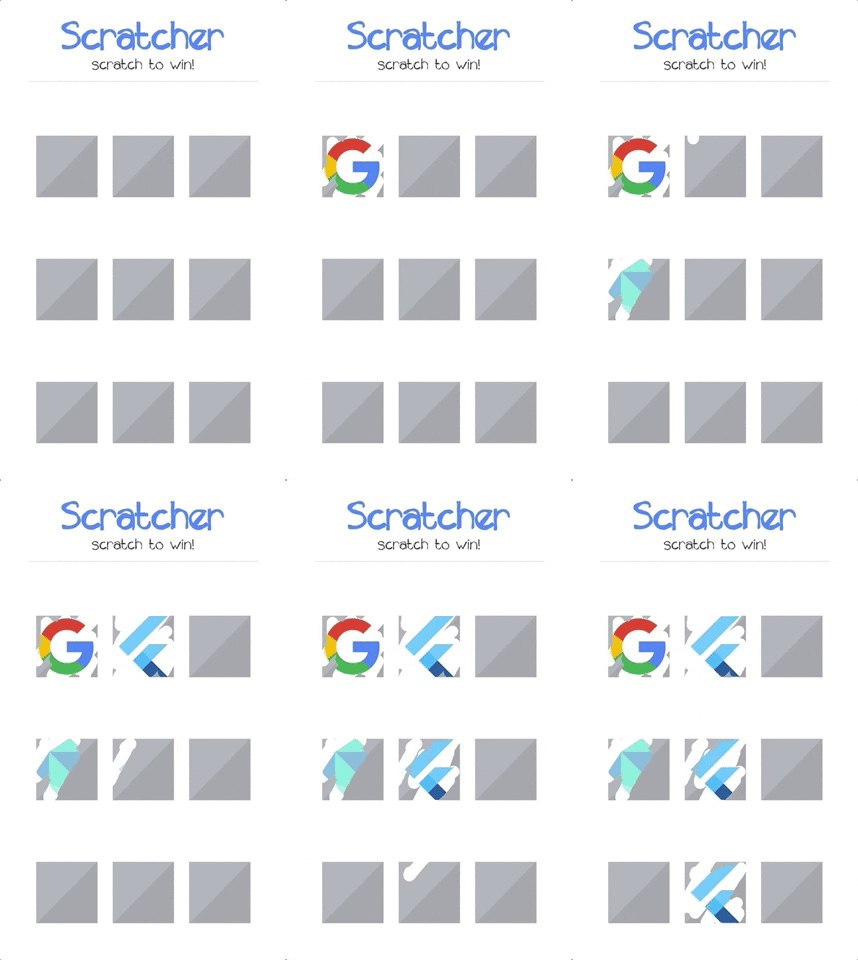
There is a crazy example project in the example folder. Check it out to see most of the available options.
依赖清单 3 项
{"sdk":"flutter"}—{"sdk":"flutter"}先按使用场景筛选,再比较项目活跃情况,最后到原始仓库核对使用要求。
“A repository is the most basic element of GitHub.”
GitHub Docs — About repositories ↗