

 v0.7.2
tap_to_expand
इस पैकेज का उपयोग कम संख्या में पंक्तियों के साथ तेजी से और आसानी से विस्तार्य विजेट बनाने के लिए किया जाता है, और आप इसे किसी भी तरह कस्टमाइज़ कर सकते हैं!
98लाइक 10030-दिन डाउनलोड150Pub अंक
AndroidiOSWebmacOSWindowsLinux
इस पैकेज का उपयोग कम स्ट्रिंग में तेजी से और आसानी से एक्सपेंडेबल विजेट बनाने के लिए किया जा सकता है, और आप इसे किसी भी तरह कस्टमाइज़ कर सकते हैं!

यह अंग्रेज़ी मूल स्नैपशॉट है। नवीनतम सामग्री GitHub पर देखें।


This package provides an easy and fast way to build expandable widgets with minimal code. You can customize these widgets according to your needs.
isScrollable parameterTo use this plugin, add tap_to_expand as a dependency in your pubspec.yaml file.
dependencies:
  tap_to_expand: ^1.0.0
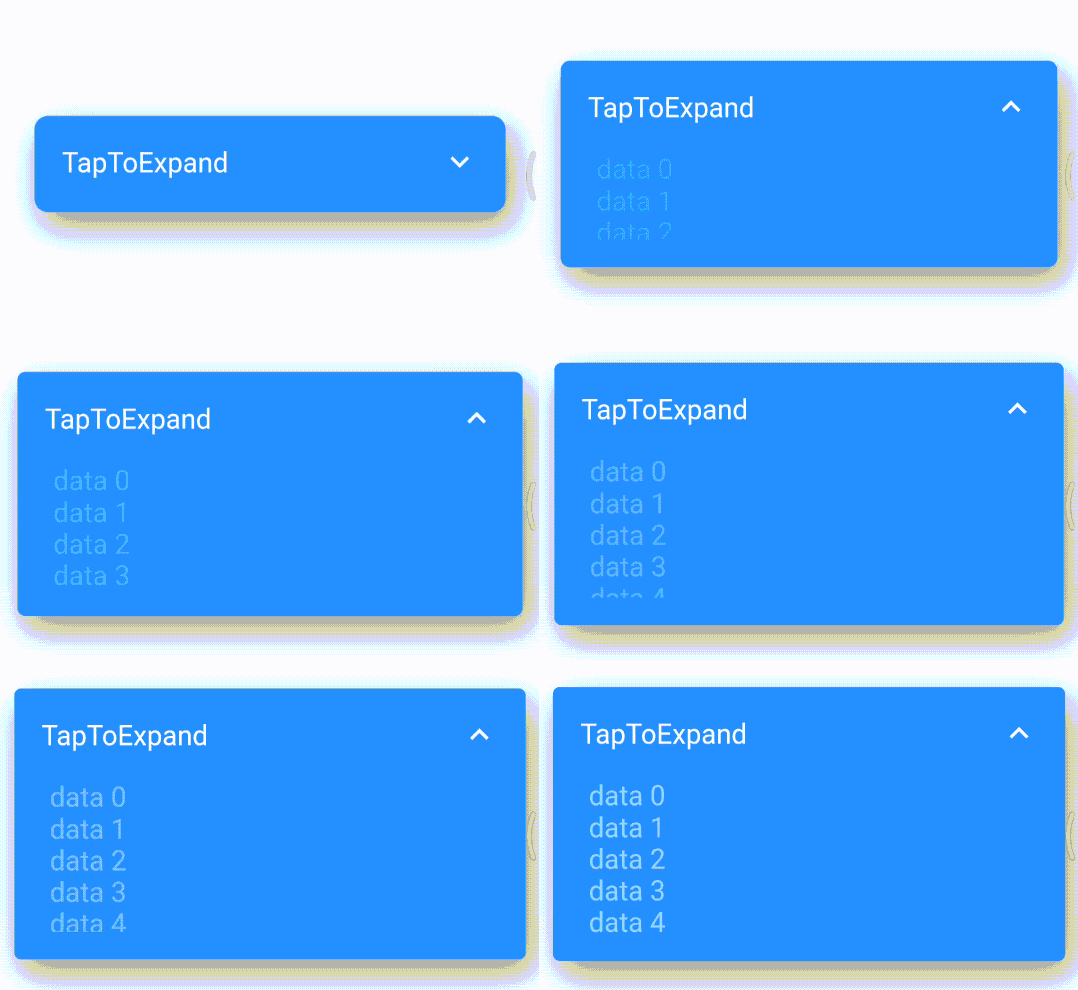
Here is How to use TapToExpand class, You can find Package Api HERE
Center(
        child: TapToExpand(
          content: Column(
            children: <Widget>[
              for (var i = 0; i < 20; i++)
                Text(
                  "data $i",
                  style: const TextStyle(color: Colors.white, fontSize: 20),
                ),
            ],
          ),
          title: const Text(
            'TapToExpand',
            style: TextStyle(
              color: Colors.white,
              fontSize: 20,
            ),
          ),
          onTapPadding: 10,
          closedHeight: 70,
          scrollable: true,
          borderRadius: 10,
          openedHeight: 200,
        ),
      ),
For more information and customization options, visit the TapToExpand GitHub repository.
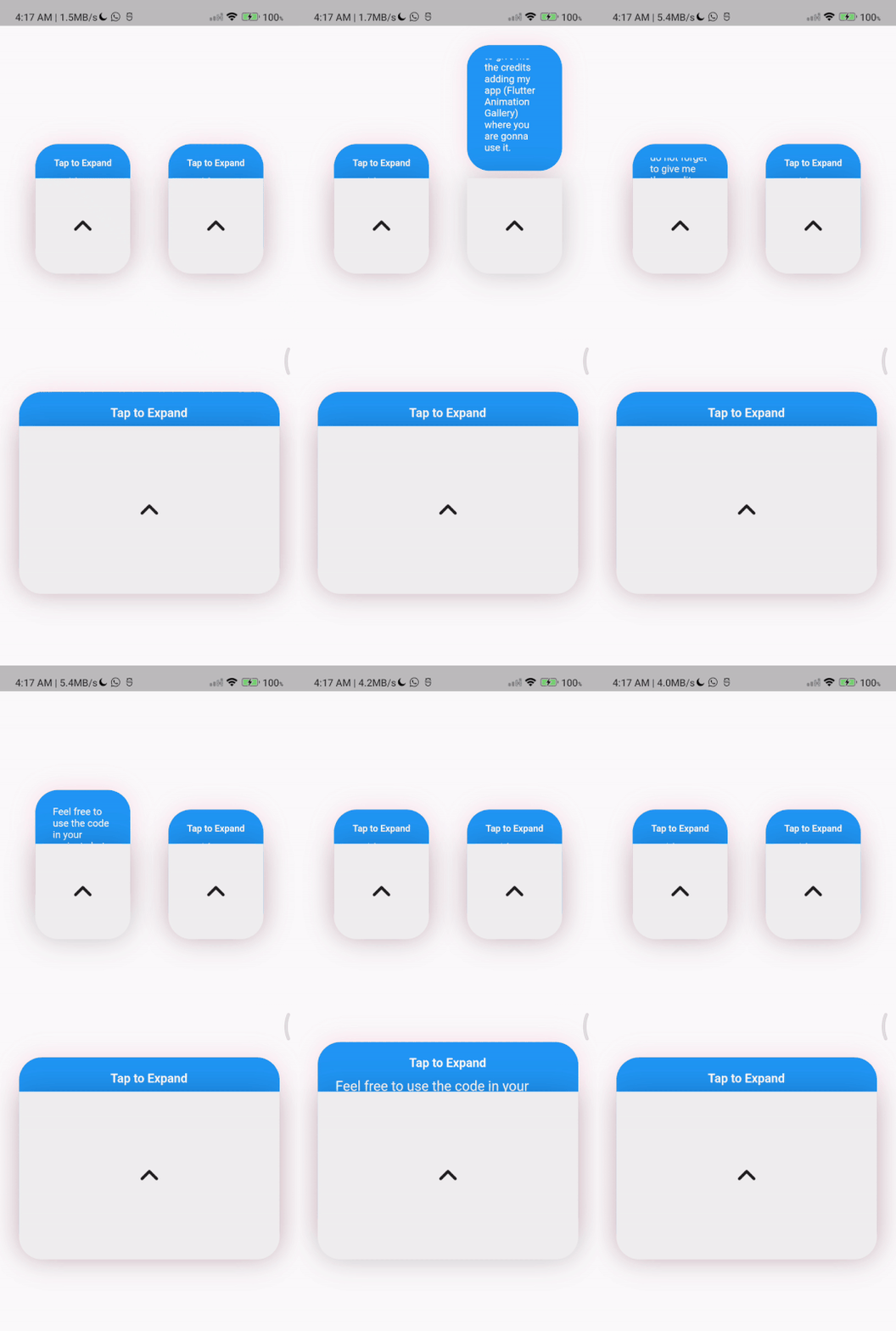
TapToExpandLetter(
                // autoClose: false, default is true
                title: const Text(
                  'Tap to Expand',
                  style: TextStyle(
                      color: Colors.white,
                      fontSize: 16,
                      fontWeight: FontWeight.w600),
                ),
                content: Column(
                  children: const [
                    Text(
                      'Feel free to use the code in your projects but do not forget to give me the credits adding  (Flutter Animation Gallery) where you are gonna use it.',
                      style: TextStyle(
                        color: Colors.white,
                        fontSize: 18,
                        fontWeight: FontWeight.w400,
                      ),
                    ),
                    // Image.asset(
                    //   'assets/image_ex.png',
                    //   width: 150,
                    //   height: 150,
                    // ),
                  ],
                ),
                centerWidget: const Icon(
                  Icons.expand_less_rounded,
                  size: 50,
                ))
          ],
        ),
निर्भरता सूची 4 आइटम
{"sdk":"flutter"}{"sdk":"flutter"}^1.0.0^1.24.9उपयोग के अनुसार छाँटें, गतिविधि की तुलना करें और अपनाने से पहले मूल प्रोजेक्ट की आवश्यकताएँ जाँचें।
“A repository is the most basic element of GitHub.”
GitHub Docs — About repositories ↗