
 v0.1.3
countdown_progress_indicator
पुनर्निर्माण योग्य फ्लटर गणना घटाएं टाइमर, प्रतीक्षा / जारी रखें नियंत्रण के साथ।
43लाइक 22030-दिन डाउनलोड160Pub अंक
AndroidiOSWebmacOSWindowsLinux
Flutter के लिए कस्टमाइज़ करने योग्य काउंटडाउन टाइमर
यह अंग्रेज़ी मूल स्नैपशॉट है। नवीनतम सामग्री GitHub पर देखें।
Customizable countdown timer for Flutter
To use this package, add countdown_progress_indicador as a dependency in your pubspec.yaml file.
dependencies:
	...
	countdown_progress_indicador: ^0.1.3
In your project add the following import:
import 'package:countdown_progress_indicator/countdown_progress_indicator.dart';
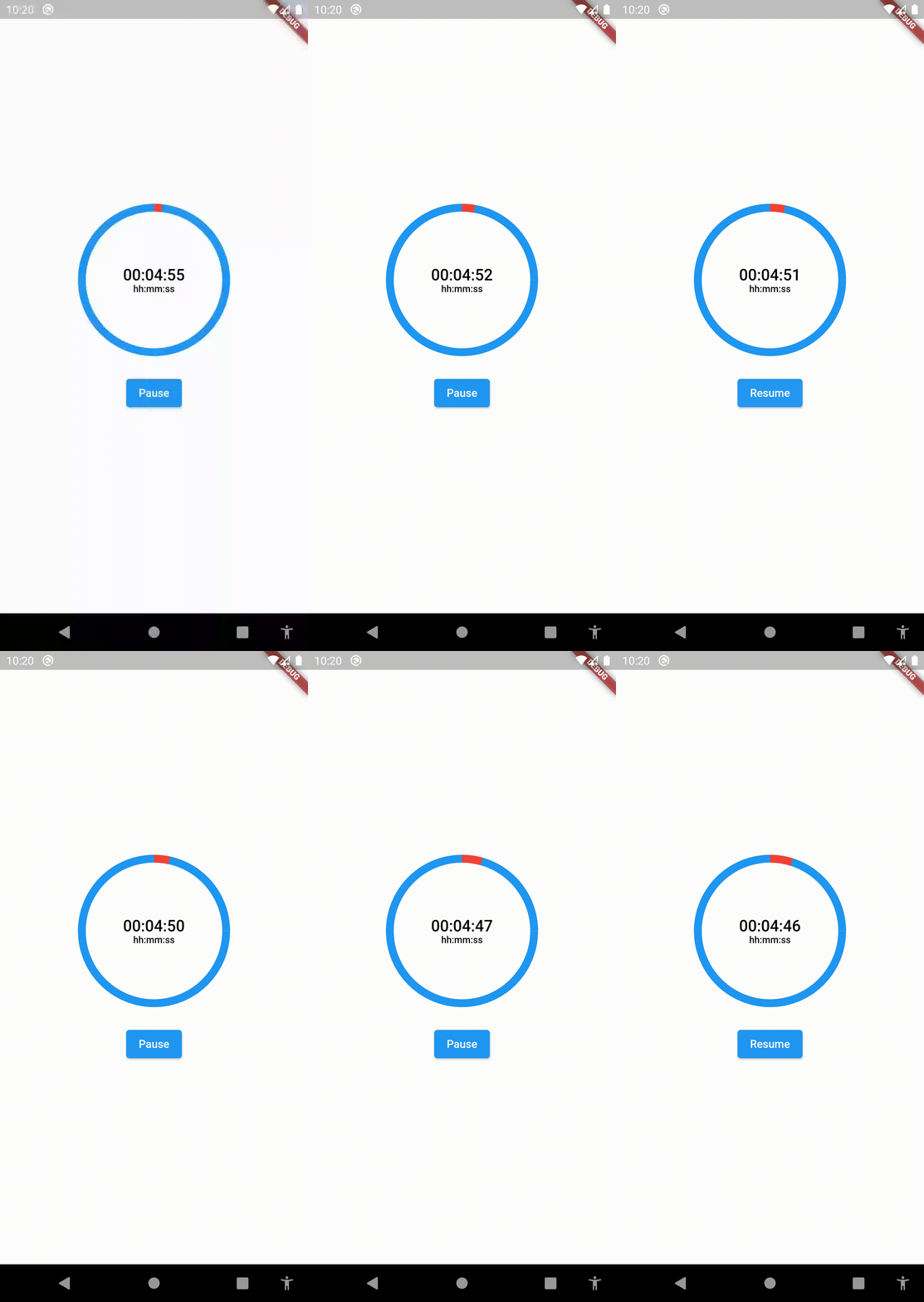
This widget starts the countdown automatically by default and supports pause and resume actions.
If you want to support these actions, implement a CountdownController as the example above:
SizedBox(
	height:  200,
	width:  200,
	child:  CountDownProgressIndicator(
		controller: _controller,
		valueColor:  Colors.red,
		backgroundColor:  Colors.blue,
		initialPosition:  0,
		duration:  20,
		text:  'SEC',
		onComplete: () =>  null,
	),
),
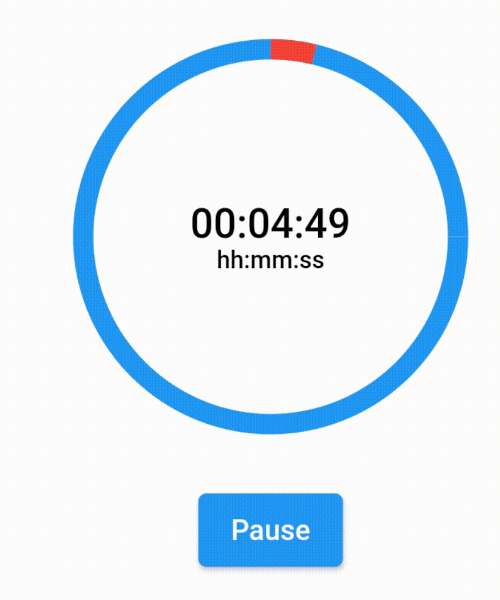
If you want to show a text different than the time in seconds, you can implement a custom time formatter.
CountDownProgressIndicator(
	controller: _controller,
	valueColor: Colors.red,
	backgroundColor: Colors.blue,
	initialPosition: 0,
	duration: 365,
	timeFormatter: (seconds) {
		return Duration(seconds: seconds)
			.toString()
			.split('.')[0]
			.padLeft(8, '0');
	},
	text: 'hh:mm:ss',
	onComplete: () => null,
),

निर्भरता सूची 3 आइटम
{"sdk":"flutter"}{"sdk":"flutter"}^4.0.0उपयोग के अनुसार छाँटें, गतिविधि की तुलना करें और अपनाने से पहले मूल प्रोजेक्ट की आवश्यकताएँ जाँचें।
“A repository is the most basic element of GitHub.”
GitHub Docs — About repositories ↗