v0.12.2
camera
कैमरा को नियंत्रित करने के लिए एक Flutter प्लगइन। कैमरा फीड की पूर्वावलोकन, छवियों और वीडियो को कैप्चर करने और छवि बफर को Dart में स्ट्रीम करने का समर्थन करता है।
2.6 हज़ारलाइक 10.2 लाख30-दिन डाउनलोड160Pub अंक
AndroidiOSWeb
ऑफलाइन पासवर्ड मैनेजर जिसमें क्रॉस-प्लेटफ़ॉर्म सिंक्रोनाइज़ेशन है

यह अंग्रेज़ी मूल स्नैपशॉट है। नवीनतम सामग्री GitHub पर देखें।
Passy is an offline password manager with cross-platfrom synchronization. 🔒




Passy-<version>-Windows-Installer.exe;To update Passy, simply repeat same steps with a newer version.
Passy can be removed by running its uninstaller from Programs and Features in the Control Panel. Your data will remain in C:\Users\<username>\Documents\Passy.
Passy-<version>-Windows-Portable.zip.passy.exe inside the extracted folder to launch the app.
For instructions on how to easily set up Passy using Ubuntu/Debian software app or Snap command-line, see https://github.com/GlitterWare/Passy/blob/dev/SNAP-STORE.md.
It's most comfortable to run AppImages with the AppImageLauncher installed. It automatically integrates AppImages and their .desktop files into your program launcher for best user experience.
You can run a Passy AppImage release as follows:
Passy-<version>-Linux-AppImage.zip..AppImage file to desired installation location..AppImage as a program.You can run a Passy bundle release as follows:
Passy-<version>-Linux-Bundle.zip.passy inside the extracted folder to launch the app.Backup & Restore.C:\Users\<username>\Documents.Passy, you can make a copy of it elsewhere to backup all accounts if you wish./home/<username>/Documents.Passy, you can make a copy of it elsewhere to backup all accounts if you wish.Passy is open-source, feel free to make modifications to it and build it yourself. We're always very glad to see people exploring our projects. 👥
flutter build [subcommand] to build passy for your system. Passy can be built to windows, linux, apk and aab.If you are building for Linux, getting started is easy:
libayatana-appindicator3-dev meson wget libasound2-dev.sudo apt install -y libayatana-appindicator3-dev meson wget libasound2-dev
./run script, which will automatically compile and inject all Passy dependencies into the script environment before running Flutter.build_linux.sh script../run, build_linux.sh or build_all.sh scripts, you do not need to install any extra packages, as they provide full hermetic builds of libmpv, as required by the media_kit plugin.Otherwise, you will need to install the libmpv-dev package.
On Ubuntu/Debian Linux, you can install it using apt:
sudo apt install -y libmpv-dev
At that point, you can run flutter build linux directly to build Passy for Linux.
Keep in mind that it is recommended that you remove the libmpv-dev package later if you decide to use the provided build scripts to compile Passy.
Build options are specified with --dart-define=<option name>=<option value> (without angle brackets) after the build command.
Available options:
UPDATES_POPUP_ENABLED - Default is true, if set to false, the update popup will never show up on the login screen.कैमरा को नियंत्रित करने के लिए एक Flutter प्लगइन। कैमरा फीड की पूर्वावलोकन, छवियों और वीडियो को कैप्चर करने और छवि बफर को Dart में स्ट्रीम करने का समर्थन करता है।
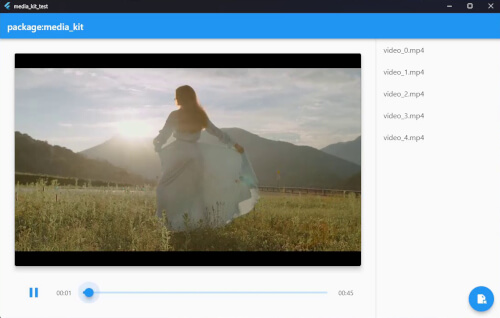
Flutter और Dart के लिए एक क्रॉस-प्लेटफ़ॉर्म वीडियो प्लेयर और ऑडियो प्लेयर। कार्यक्षम, स्थिर, फीचर-प्रूफ और मॉड्यूलर।
पैकेज: मीडिया_किट में वीडियो प्ले बैक के लिए नेटिव इम्प्लीमेंटेशन।
FFI का उपयोग करके Dart से सामान्य Windows API कॉल करें।
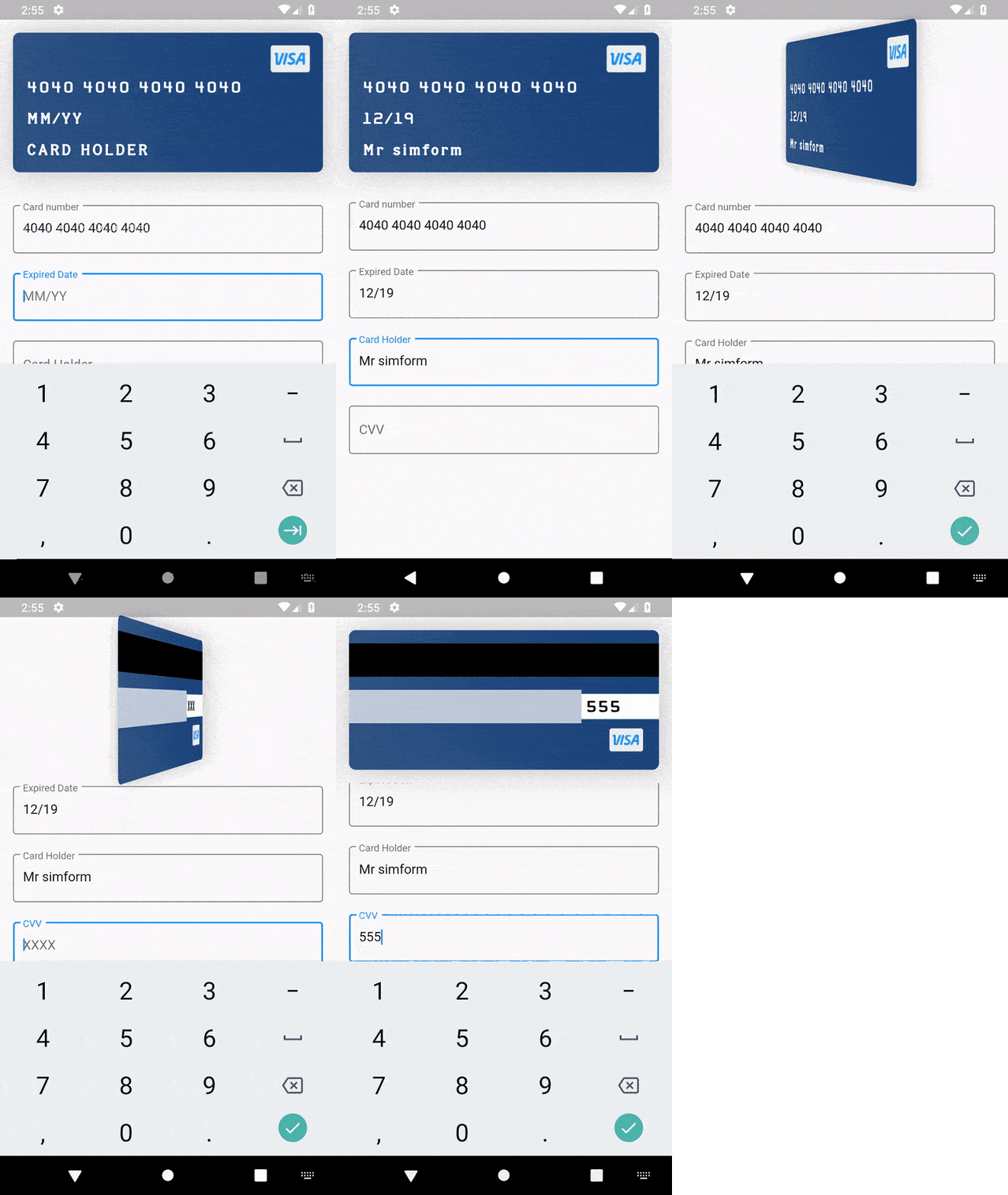
एक क्रेडिट कार्ड विजेट पैकेज जिसमें कार्ड विवरण दर्ज करने का समर्थन है, और कार्ड फ्लिप और फ्लोट जैसी एनीमेशन हैं।
स्ट्रिंग्स, तारीखों, X509, PKCS, क्रिप्टोग्राफी और अधिक के लिए सामान्य उपयोगिता क्लासेस।
दो-तरफा सुरक्षा के लिए PointyCastle पर एक सेट उच्च स्तरीय API।
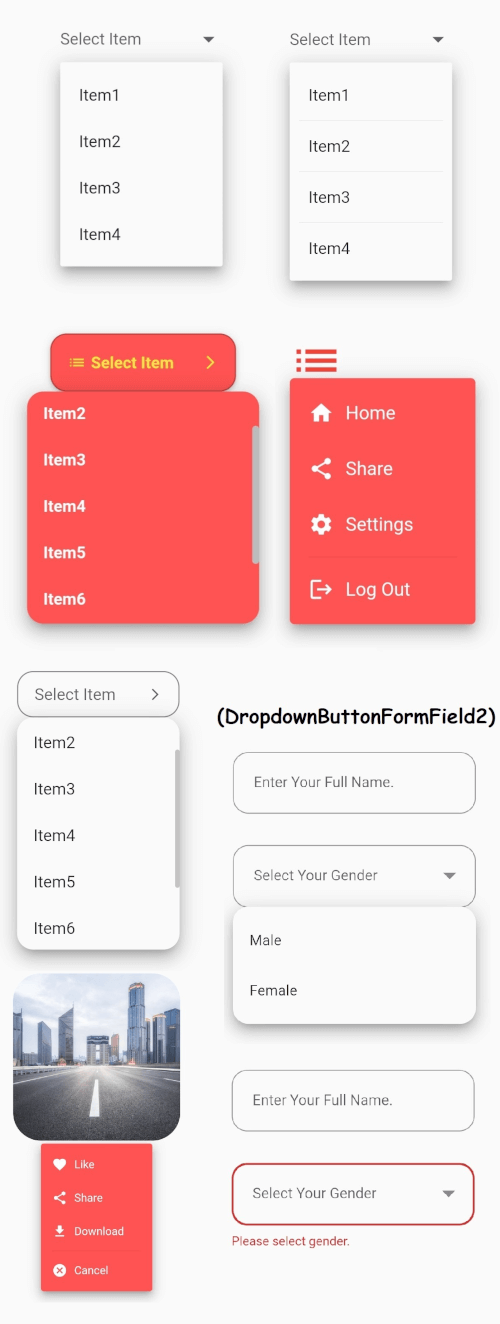
फ्लटर के मुख्य ड्रॉपडाउन बटन विजेट जिसमें स्थिर ड्रॉपडाउन मेनू होता है और आपकी आवश्यकताओं के अनुसार कई अन्य विकल्प भी होते हैं।
pdfrx एक समृद्ध और तेज़ PDF दर्शक और नियंत्रण प्लगइन है जो PDFium के ऊपर बनाया गया है। Android, iOS, Windows, macOS, Linux और Web पर PDF देखने, संपादित करने और जोड़ने का समर्थन करता है।
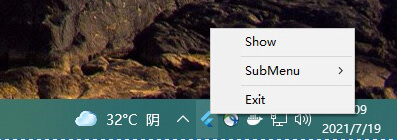
system_tray आपके Flutter डेस्कटॉप ऐप के साथ ट्रे को कस्टमाइज़ करने और काम करने में आसानी प्रदान करता है।
दिन, सप्ताह, रेंज और महीने के डेट पिकर के लिए Flutter पैकेज।
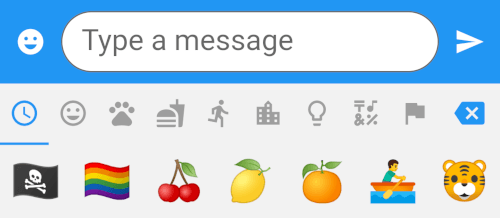
एक ऐसा फ्लटर पैकेज जो 8 श्रेणियों में 1500 से अधिक इमोजी के साथ एक इमोजी पिकर विजेट प्रदान करता है।
निर्भरता सूची 60 आइटम
{"sdk":"flutter"}^1.0.2^3.0.0+5^3.0.1^5.0.1^4.8.0^2.0.9^3.0.2^4.0.0^10.3.10^0.17.3^2.1.2^3.3.1{"git":{"url":"https://github.com/SimformSolutionsPvtLtd/flutter_credit_card","ref":"7a754b0a44cd75d0689a3adfd778205da9c69f95"}}^0.4.3^3.0.0^1.0.3^0.11.3^0.21.0^6.0.20^1.0.2^0.2.3any{"sdk":"flutter"}^2.1.0^2.1.2^1.1.1^5.0.2^3.3.0^3.3.0{"git":{"url":"https://github.com/GlitterWare/dargon2.git","path":"dargon2","ref":"83c67239018b488512d9a553a93cf99d34ab2546"}}^1.1.1^1.0.0+1^1.0.2^0.2.2{"git":{"url":"https://github.com/authpass/kdbx.dart.git","ref":"90830e11bb0a6f177229a0644c559fbf2b088b03"}}^2.3.9^4.4.0^1.0.0^4.0.9^1.1.10+1^1.2.4^1.0.7^5.5.1^5.7.0{"git":{"url":"https://github.com/GlitterWare/chewie_media_kit","ref":"1720bb4c07aee96c1de3ad6753184265b91aaea7"}}^0.5.1^2.0.3^3.6.0^1.0.94^1.0.4^3.1.0{"sdk":"flutter"}2.13.16.13.0—^0.14.41.5.0^6.0.0^4.3.0उपयोग के अनुसार छाँटें, गतिविधि की तुलना करें और अपनाने से पहले मूल प्रोजेक्ट की आवश्यकताएँ जाँचें।
“A repository is the most basic element of GitHub.”
GitHub Docs — About repositories ↗