Number Pad Keyboard
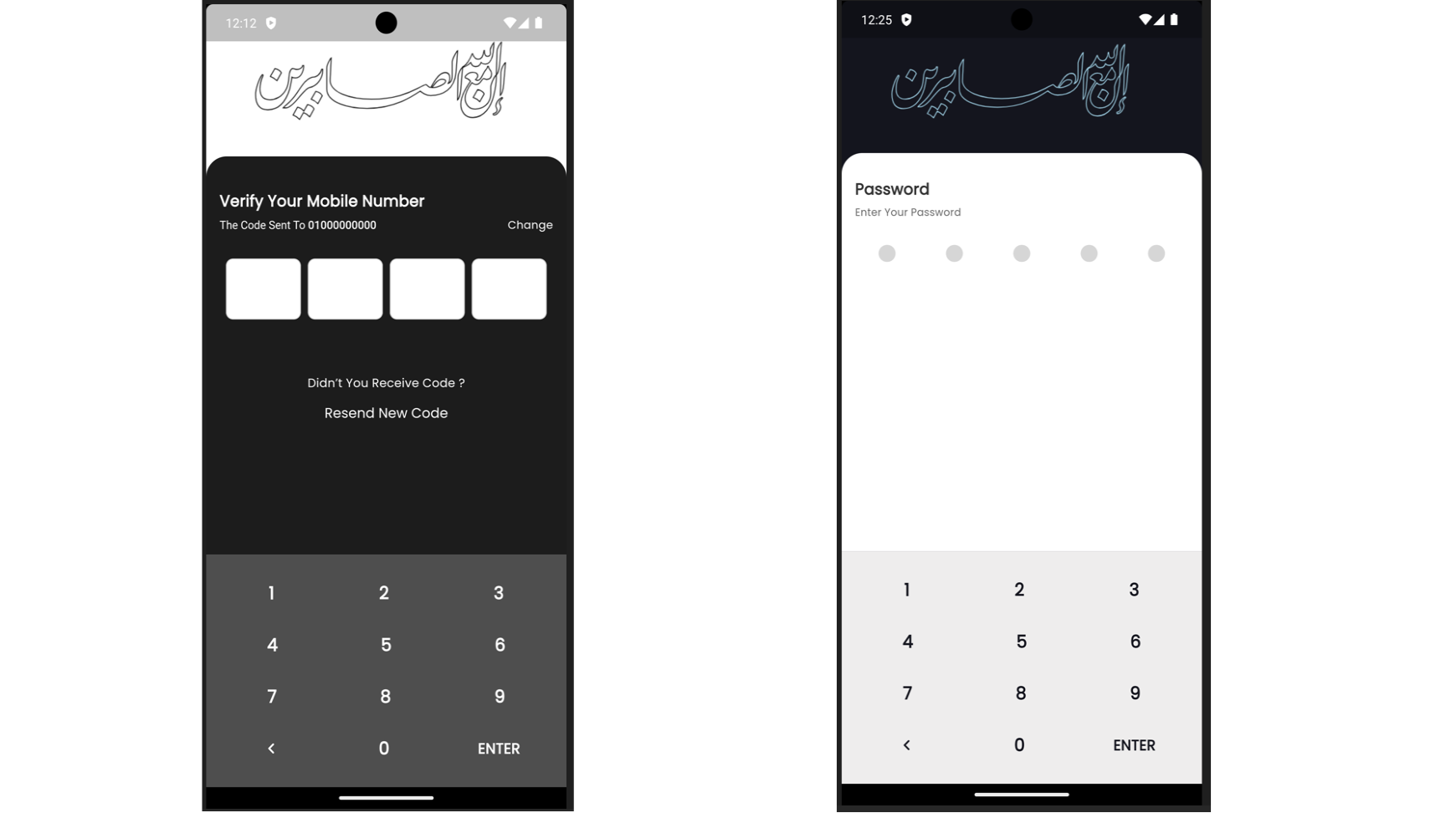
A Flutter package that provides a customizable number pad keyboard widget for entering PIN codes or numeric input.
Features
Customizable Design : Easily customize the look and feel of the number pad keyboard.PIN Code Entry : Suitable for entering PIN codes or any numeric input in Flutter applications.Flexible Usage : Integrate seamlessly into any Flutter project requiring a numeric keyboard interface.
Installation
Add the following dependency to your pubspec.yaml file:
dependencies:
  number_pad_keyboard: ^1.0.0
Importing
To use the Number Pad Keyboard widget in your Flutter project, import it as follows:
import 'package:number_pad_keyboard/number_pad_keyboard.dart' ;
Example
import 'package:flutter/material.dart' ;
import 'package:number_pad_keyboard/number_pad_keyboard.dart' ;
void main () {
runApp (
const MyApp (),
);
}
class MyApp extends StatelessWidget const MyApp ({super .key});
@override
Widget build (BuildContext context) {
return MaterialApp (
title: 'Number Pad Keyboard Example' ,
theme: ThemeData (
primarySwatch: Colors .blue,
),
home: const MyHomePage (),
);
}
}
class MyHomePage extends StatefulWidget const MyHomePage ({super .key});
@override
_MyHomePageState createState () => _MyHomePageState ();
}
class _MyHomePageState extends State <MyHomePage > final TextEditingController _textController = TextEditingController ();
void _addDigit (int digit) {
if (_textController.text.length < 10 ) {
setState (() {
_textController.text = _textController.text + digit.toString ();
});
}
}
void _backspace () {
if (_textController.text.isNotEmpty) {
setState (() {
_textController.text =
_textController.text.substring (0 , _textController.text.length - 1 );
});
}
}
@override
Widget build (BuildContext context) {
return Scaffold (
appBar: AppBar (
title: const Text ('Number Pad Keyboard Example' ),
),
body: SizedBox (
width: double .infinity,
child: Column (
mainAxisAlignment: MainAxisAlignment .end,
children: <Widget >[
Padding (
padding: const EdgeInsets .all (20.0 ),
child: TextFormField (
controller: _textController,
decoration: const InputDecoration (
border: OutlineInputBorder (),
labelText: 'PIN Code' ,
),
readOnly: true ,
textAlign: TextAlign .center,
style: const TextStyle (fontSize: 24.0 ),
),
),
const SizedBox (height: 200.0 ,),
NumberPadKeyboard (
addDigit: _addDigit,
backspace: _backspace,
enterButtonText: 'ENTER' ,
onEnter: () {
debugPrint ('PIN Code: ${_textController.text} ' );
},
),
],
),
),
);
}
}



 v0.0.6