

 v0.0.4
animated_segment
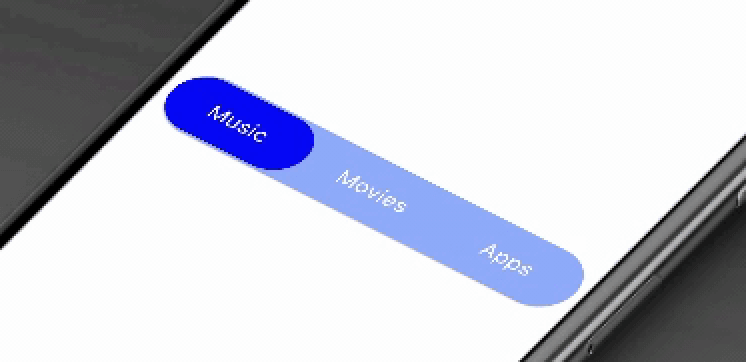
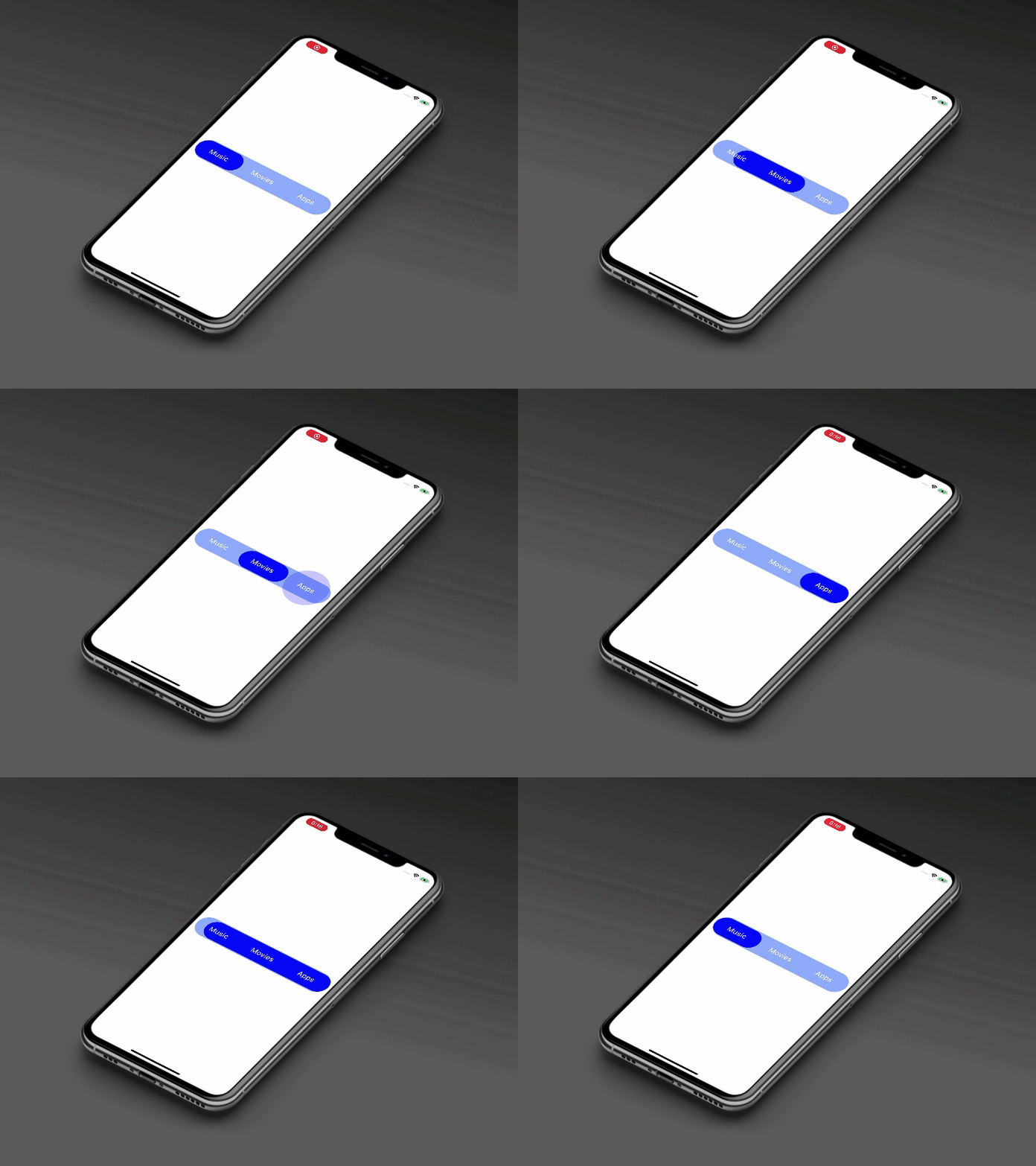
पैकेज आपको एक आधुनिक, एनीमेटेड फैंसी सेगमेंट प्रदान करता है। इलास्टिक तरीके से टैब के चयन को दिखाएं।
72लाइक 7230-दिन डाउनलोड150Pub अंक
AndroidiOSWebmacOSWindowsLinux
इस पैकेज में एक सेगमेंट को एनिमेट किया जाएगा। इस पैकेज आपको आधुनिक, एनिमेटेड फैंसी सेगमेंट प्रदान करता है। एलास्टिक तरीके से टैब के चयन को दिखाएं।

यह अंग्रेज़ी मूल स्नैपशॉट है। नवीनतम सामग्री GitHub पर देखें।







This package will animates a segment. Package provides you a modern animated fancy segment. Show selection of tab using elastic way animation.
AnimatedSegment(
  segmentNames: [Strings.tab_1, Strings.tab_2, Strings.tab_3],
  onSegmentChanged: (index) {
    print('Selected Segment Index is: $index');
  },
  backgroundColor: AppColors.bgColor,
  segmentTextColor: AppColors.white,
  rippleEffectColor: AppColors.primary,
  selectedSegmentColor: AppColors.primary,
);
This property takes List as a parameter and segmentNames is useful to display items in segment.
Call back called when the user select the new segment and return the selected segment index. Index for the initial selected segment is 0.
This property takes int value as a parameter. This is use to set the initial segment from [segmentNames].
This property takes Color value as a parameter. You can change the background color of animated segment. default value is Color(0xff8AADFB)
This property takes Color value as a parameter. You can change the text color of segmented text color. default value is Color(0xff0217FD)
This property takes Color value as a parameter. You can change the ripple color of segment. default value is Colors.white
This property takes Color value as a parameter. You can change the selected segment color of animated segment. default value is Colors.white
Contribution towards our repository is always welcome, we request contributors to create a pull request to the develop branch only.
It would be great for us if the reporter can share the below things to understand the root cause of the issue.
Animated Segment is MIT-licensed.
We’d be really happy if you send us links to your projects where you use our component. Just send an email to sales@mindinventory.com And do let us know if you have any questions or suggestion regarding our work.
निर्भरता सूची 3 आइटम
{"sdk":"flutter"}{"sdk":"flutter"}^1.0.0उपयोग के अनुसार छाँटें, गतिविधि की तुलना करें और अपनाने से पहले मूल प्रोजेक्ट की आवश्यकताएँ जाँचें।
“A repository is the most basic element of GitHub.”
GitHub Docs — About repositories ↗