

 v1.0.0
stroke_text
एक सरल Flutter प्लगइन जो टेक्स्ट विजेट के लिए स्ट्रोक (बॉर्डर) शैली लागू करता है
41लाइक 2.3 हज़ार30-दिन डाउनलोड130Pub अंक
AndroidiOSWebmacOSWindowsLinux
एक सरल फ्लटर पैकेज जो टेक्स्ट विजेट में स्ट्रोक (बॉर्डर) शैली जोड़ता है

यह अंग्रेज़ी मूल स्नैपशॉट है। नवीनतम सामग्री GitHub पर देखें।
A simple flutter package to add stroke (border) style to a text widget
pubspec.yaml file:dependencies:
stroke_text: any
$ pub get
color.dart file in your appimport 'package:stroke_text/stroke_text.dart';
default text widget
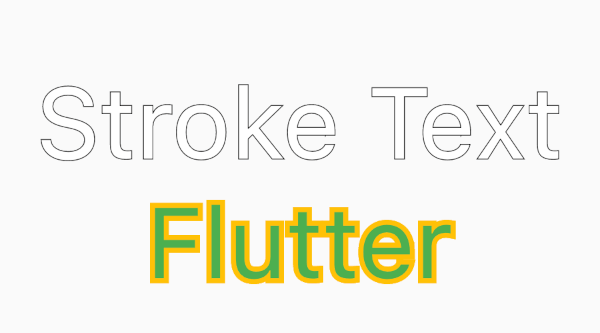
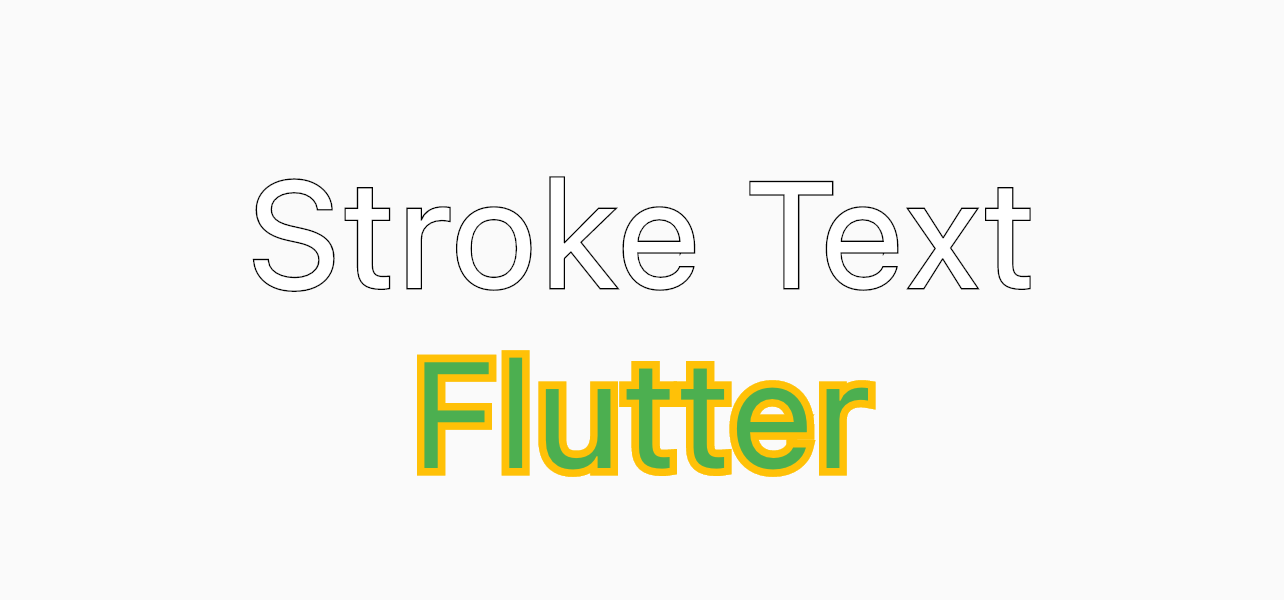
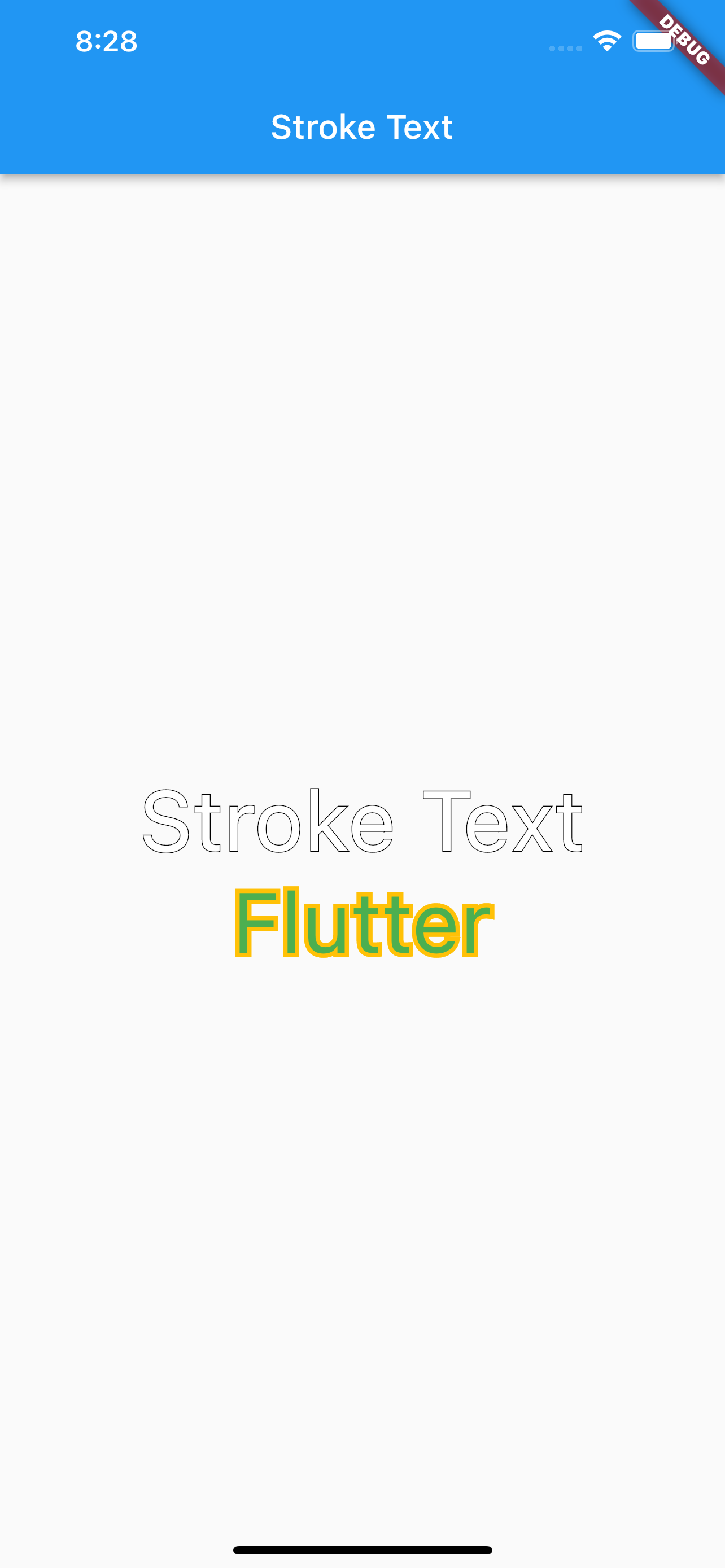
StrokeText(text: "Stroke Text",)
custom text style
StrokeText(
  text: "Stroke Text",
  textStyle: TextStyle(
    fontSize: 50
  ),
),

StrokeText(
  text: "Flutter",
  textStyle: TextStyle(
    fontSize: 50,
    color: Colors.green
  ),
  strokeColor: Colors.amber,
  strokeWidth: 5,
),
निर्भरता सूची 3 आइटम
{"sdk":"flutter"}{"sdk":"flutter"}^1.0.0उपयोग के अनुसार छाँटें, गतिविधि की तुलना करें और अपनाने से पहले मूल प्रोजेक्ट की आवश्यकताएँ जाँचें।
“A repository is the most basic element of GitHub.”
GitHub Docs — About repositories ↗