

v1.0.1
achievement_view
अपने एप्लिकेशन में सरल तरीके से प्राप्त किए गए उपलब्धियों को दिखाने के लिए सुंदर टोस्ट
108लाइक 24930-दिन डाउनलोड150Pub अंक
AndroidiOSWebmacOSWindowsLinux
RafaelBarbosatec/achievement_view_flutter open-source repository details.

यह अंग्रेज़ी मूल स्नैपशॉट है। नवीनतम सामग्री GitHub पर देखें।


Beautiful toast to show Achievements in your application
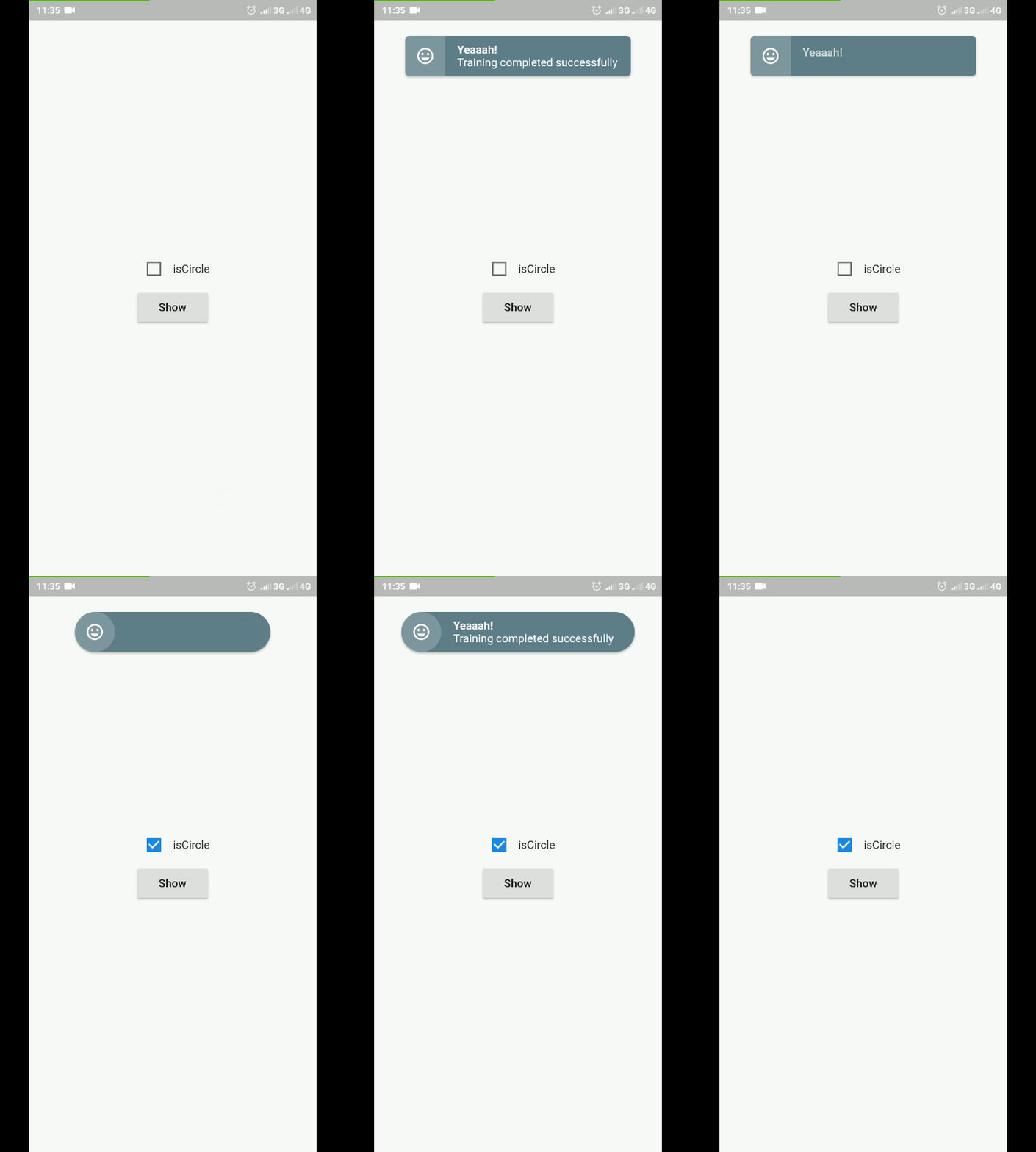
To use this plugin, add achieviment_view as a dependency in your pubspec.yaml file.
import 'package:flutter/material.dart';
import 'package:achievement_view/achievement_view.dart';

void showAchievementView(BuildContext context){
    AchievementView(
        title: "Yeaaah!",
        subTitle: "Training completed successfully",
        //content: Widget()
        //onTab: _onTabAchievement,
        //icon: Icon(Icons.insert_emoticon, color: Colors.white,),
        //typeAnimationContent: AnimationTypeAchievement.fadeSlideToUp,
        //borderRadius: 5.0,
        //color: Colors.blueGrey,
        //textStyleTitle: TextStyle(),
        //textStyleSubTitle: TextStyle(),
        //alignment: Alignment.topCenter,
        //duration: Duration(seconds: 3),
        //isCircle: false,
        listener: (status){
          print(status);
          //AchievementState.opening
          //AchievementState.open
          //AchievementState.closing
          //AchievementState.closed
        }
    ).show(context);
  }
निर्भरता सूची 3 आइटम
{"sdk":"flutter"}^2.0.0{"sdk":"flutter"}उपयोग के अनुसार छाँटें, गतिविधि की तुलना करें और अपनाने से पहले मूल प्रोजेक्ट की आवश्यकताएँ जाँचें।
“A repository is the most basic element of GitHub.”
GitHub Docs — About repositories ↗