

 v2.0.0
fluid_dialog
एक डायलॉग जो कई सामग्रियों के बीच स्विच कर सकता है और आकार और स्थिति को गतिशील रूप से एनीमेट करता है।
204लाइक 30630-दिन डाउनलोड160Pub अंक
AndroidiOSWebmacOSWindowsLinux
परिवर्तनीय डायलॉग के लिए एक फ्लटर पैकेज।

यह अंग्रेज़ी मूल स्नैपशॉट है। नवीनतम सामग्री GitHub पर देखें।
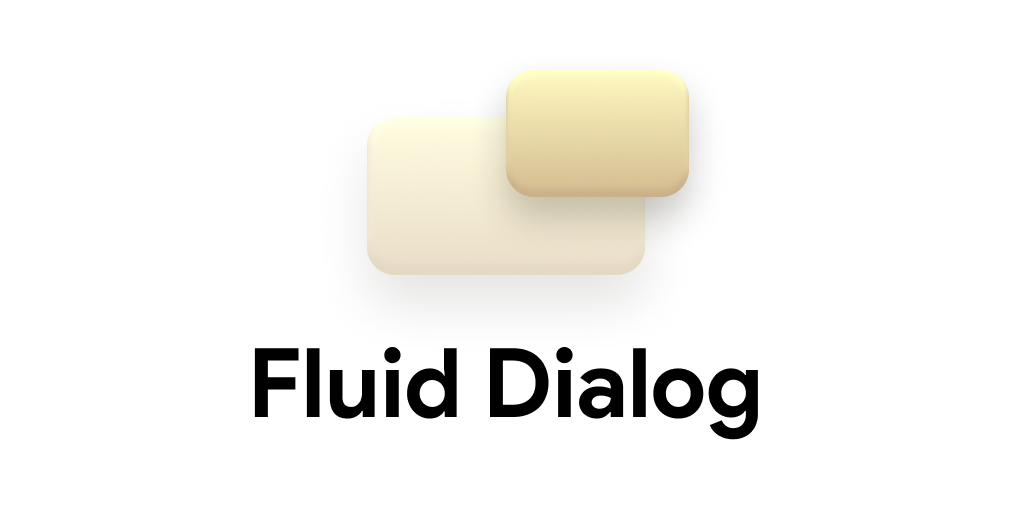


A dialog that can switch between multiple contents and animates size and alignment dynamically.
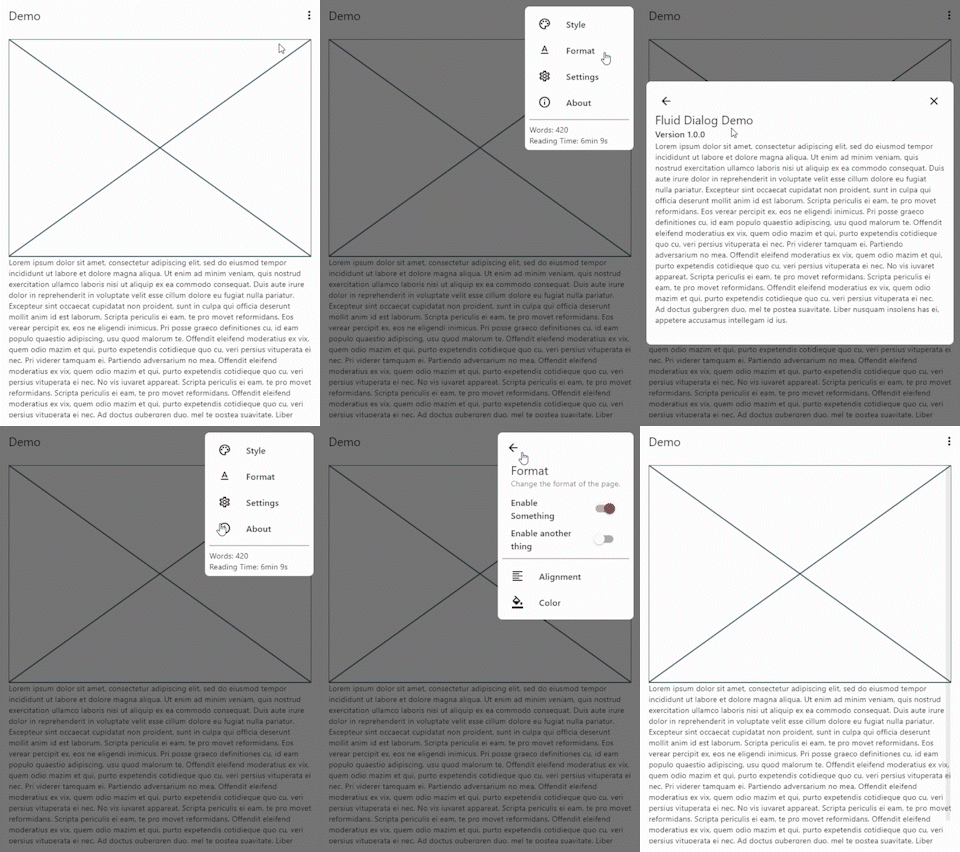
To show a FluidDialog you typically use Flutter's showDialog function. You can also use your implementation to show the dialog.
Here's an example:
showDialog(
 context: context,
 builder: (context) => FluidDialog(
  // Set the first page of the dialog.
  rootPage: FluidDialogPage(
    alignment: Alignment.bottomLeft, //Aligns the dialog to the bottom left.
    builder: (context) => const TestDialog(), // This can be any widget.
  ),
 ),
);
To navigate in the dialog, use the DialogNavigator. It works similarly to the flutter navigator.
This only works for widgets in the FluidDialog
TextButton(
  onPressed: () => DialogNavigator.of(context).push(
    FluidDialogPage(
      builder: (context) => const SecondDialogPage(),
    ),
  ),
  child: const Text('Go to next page'),
),
निर्भरता सूची 3 आइटम
{"sdk":"flutter"}{"sdk":"flutter"}^5.0.0+1उपयोग के अनुसार छाँटें, गतिविधि की तुलना करें और अपनाने से पहले मूल प्रोजेक्ट की आवश्यकताएँ जाँचें।
“A repository is the most basic element of GitHub.”
GitHub Docs — About repositories ↗