
 v4.1.1
expandable_sliver_list
एक स्लिवर सूची जिसे आप फिर से विस्तारित या संक्षिप्त कर सकते हैं, ताकि सूची के सामग्री को दिखाया या छिपाया जा सके।
29लाइक 79730-दिन डाउनलोड160Pub अंक
AndroidiOSWebmacOSWindowsLinux
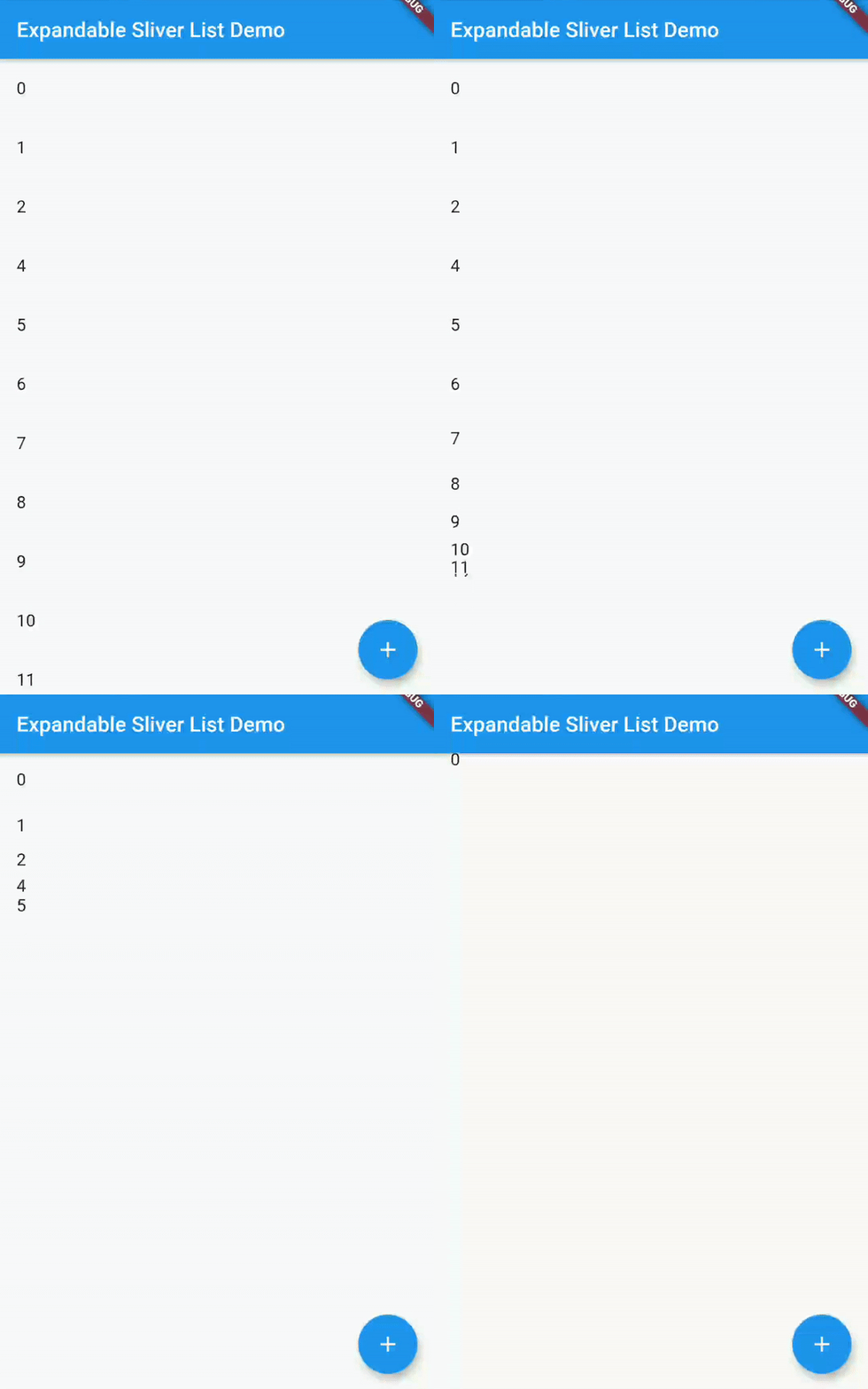
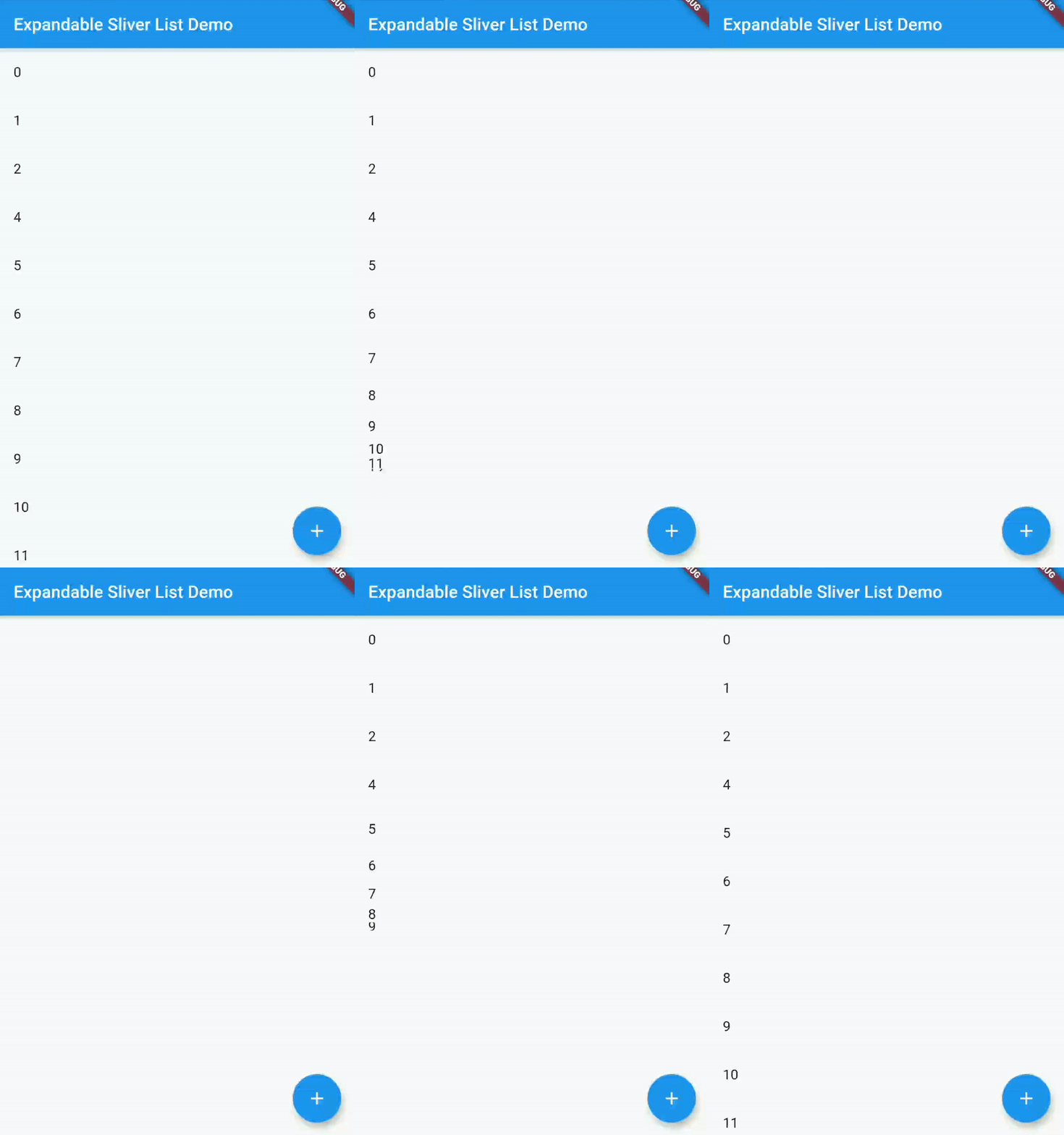
फ्लटर विजेट उपयोगकर्ता को एक एक्सपैंडेबल स्लिवर सूची बनाने की अनुमति देता है। एक कस्टम स्क्रॉल व्यू में आइटम की सूची को फैलाएं और संक्षिप्त करें!
यह अंग्रेज़ी मूल स्नैपशॉट है। नवीनतम सामग्री GitHub पर देखें।




A Flutter widget which creates a Sliver List that you can then either expand or collapse, in order to show or hide the contents of the list.
In your Flutter project, add the package to your dependencies
flutter pub add expandable_sliver_list
or
dependencies:
  ...
  expandable_sliver_list: ^4.1.0
  ...
A complete example on how to use this widget can be found in the example directory. But the basics are:
Import the package
import 'package:expandable_sliver_list/expandable_sliver_list.dart';
Create a controller and a list of items to display
ExpandableSliverListController controller = ExpandableSliverListController();

List<int> items = [1, 2, 3, 4, 5];
Create the widget
ExpandableSliverList<int>(
  initialItems: items,
  controller: controller,
  builder: (context, item, index) {
    return ListTile(
      title: Text(item.toString()),
    );
  },
)
Now you can use the controller to expand or collapse the list
controller.collapse();
controller.expand();
Or to add items to the list
controller.insertItem(54, 2);
controller.removeItem(4);

निर्भरता सूची 3 आइटम
{"sdk":"flutter"}^2.0.1{"sdk":"flutter"}उपयोग के अनुसार छाँटें, गतिविधि की तुलना करें और अपनाने से पहले मूल प्रोजेक्ट की आवश्यकताएँ जाँचें।
“A repository is the most basic element of GitHub.”
GitHub Docs — About repositories ↗