
 v0.1.2
flutter_split_view
उपलब्ध स्थान के आधार पर स्क्रीन को दो दृश्यों में स्वचालित रूप से विभाजित करने वाला Flutter विजेट। यह Navigator 2.0 पर आधारित है।
30लाइक 7730-दिन डाउनलोड150Pub अंक
AndroidiOSWebmacOSWindowsLinux
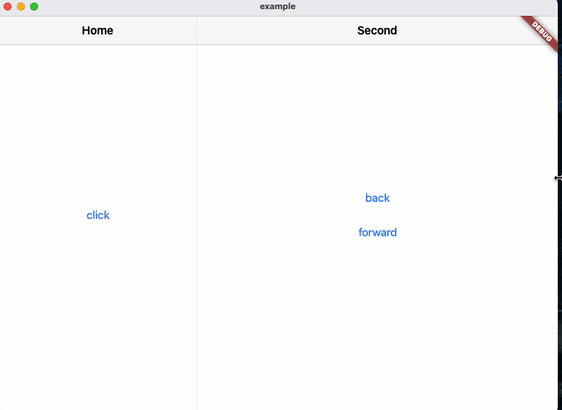
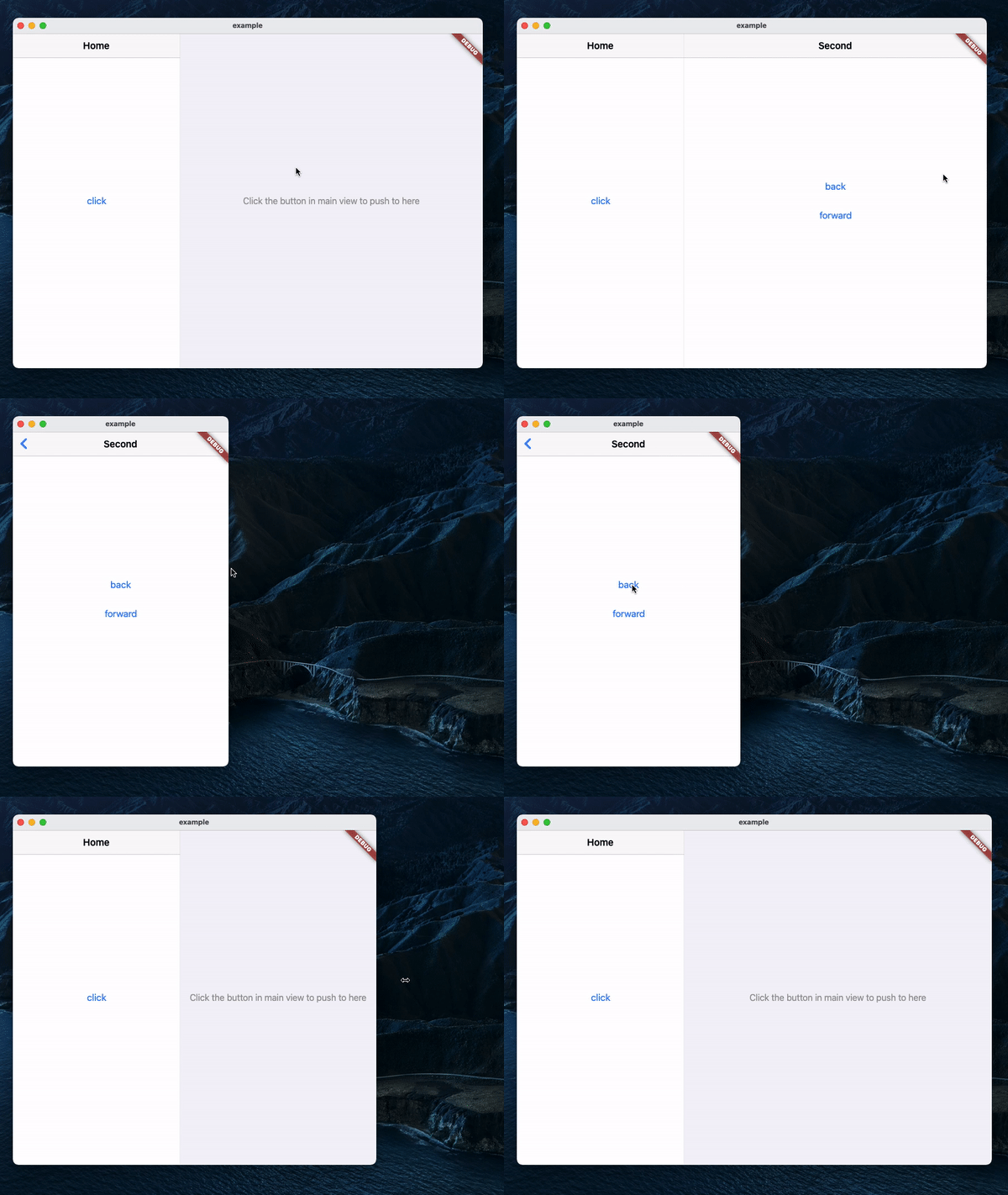
नेविगेटर 2.0 आधारित फ्लटर विजेट जो उपलब्ध स्थान के आधार पर स्क्रीन को दो दृश्यों में स्वचालित रूप से विभाजित करता है।
यह अंग्रेज़ी मूल स्नैपशॉट है। नवीनतम सामग्री GitHub पर देखें।
A Navigator 2.0 based Flutter widget that automatically splits the screen into two views based on available space.
MaterialApp(
    title: 'SplitView Demo',
    home: SplitView.material(
        child: MainPage(),
    ),
);
Cupertino:
CupertinoApp(
    title: 'SplitView Demo',
    home: SplitView.cupertino(
        child: MainPage(),
    ),
);
SplitView.of(context).push(SecondPage());
Push with an optional title, which will be used as the back button's title in Cupertino:
SplitView.of(context).push(
    SecondPage(),
    title: 'Second',
);
SplitView.of(context).pop();
Pop until the n-th page:
SplitView.of(context).popUntil(1);
SplitView.of(context).setSecondary(SecondPage());
This will clear the stack and push the new page, making it the second page in the stack.
SplitView.of(context).isSecondaryVisible;

निर्भरता सूची 3 आइटम
{"sdk":"flutter"}{"sdk":"flutter"}^1.0.0उपयोग के अनुसार छाँटें, गतिविधि की तुलना करें और अपनाने से पहले मूल प्रोजेक्ट की आवश्यकताएँ जाँचें।
“A repository is the most basic element of GitHub.”
GitHub Docs — About repositories ↗